


The Git node's Version Control Operations expose the full set of Git commands needed to manage branches, record changes, and synchronize with a remote repository — all from within an automation run.
Clone
Clone a remote repository into the session workspace. Provide the repository URL and, optionally, a branch or tag to check out. Two clone modes are available:
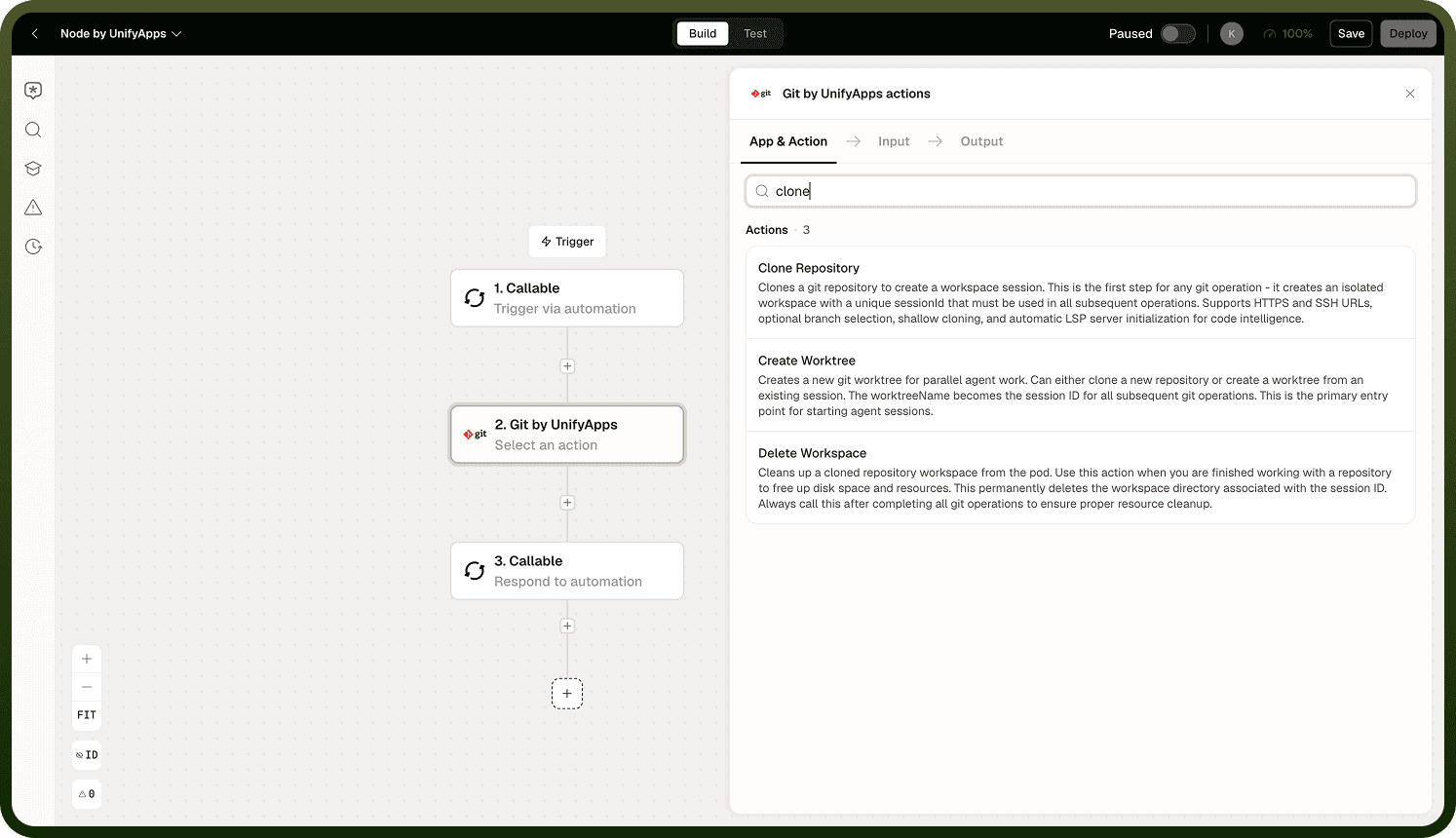
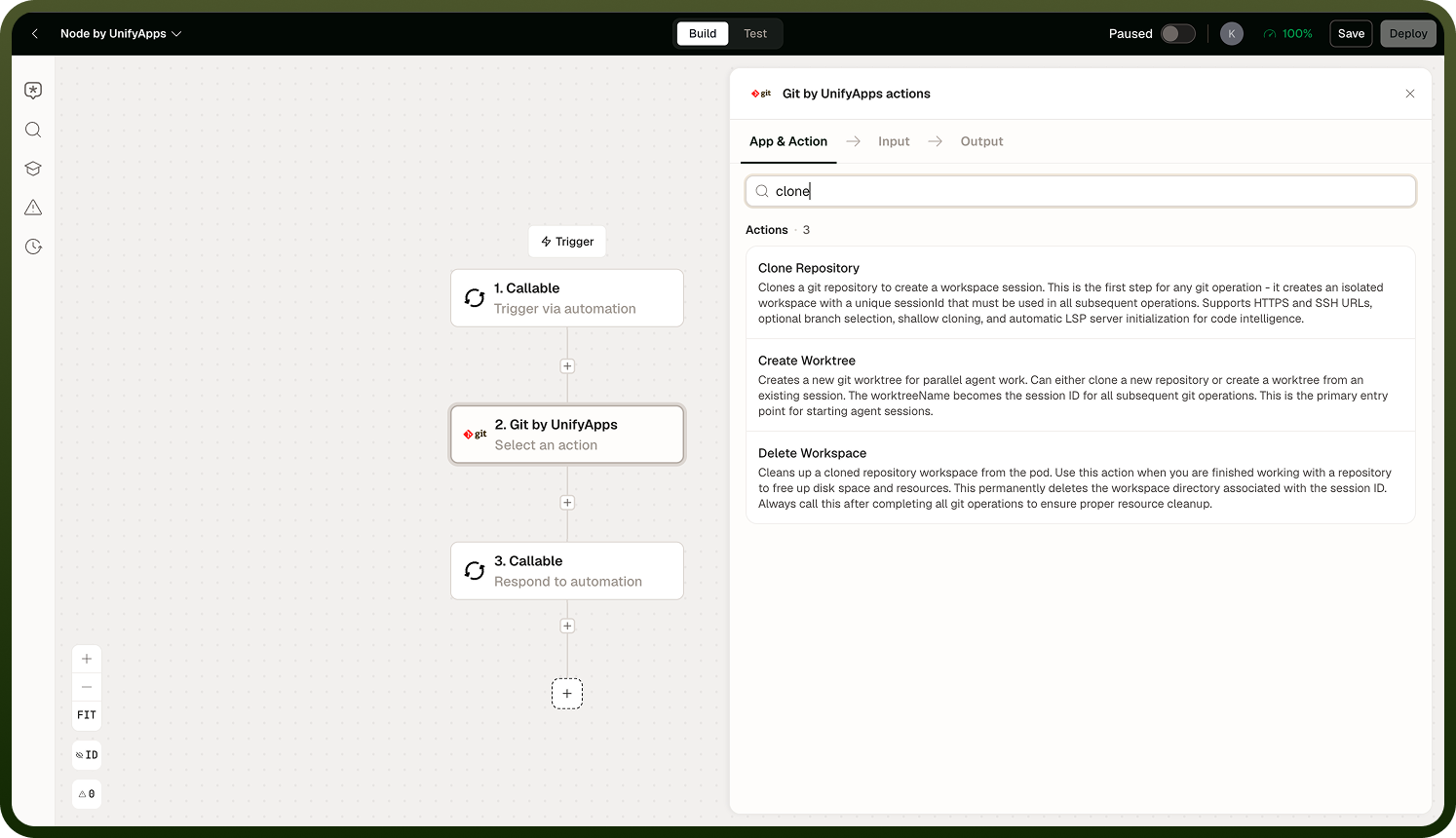
Full clone — downloads the complete history. Supports all subsequent Git operations including log, diff across a range, and rebase.
Shallow clone — downloads only the most recent commits, making the clone faster and smaller. Breaks history-dependent operations such as log ranges, blame, and rebase. Use only when history is not needed.
Branch Management
Create, switch, list, and delete branches in the workspace. Standard branch operations: create a new branch from the current HEAD, switch to an existing branch, list all local branches, and delete a branch that has been merged.
Staging and Committing
Stage files with the Stage operation (equivalent to git add) before recording them with Commit. All commits made by the Git node are attributed to UnifyApps Agent as the author — the automation run identity, not a user account.
Note: Commits are permanent once pushed. Review what you are staging before committing, especially in automations that process user-supplied content.
Push, Pull, and Fetch
Push — upload local commits to the remote. Requires write access to the repository via the configured connection.
Pull — fetch and merge changes from the remote into the current branch.
Fetch — download remote changes without merging. Useful for inspecting what has changed on the remote before deciding how to integrate.
Merge, Stash, and Reset
Merge — merge one branch into the current branch. Conflicts must be resolved before the merge can be committed.
Stash — temporarily save uncommitted changes so you can switch context, then restore them later with a stash pop.
Reset — move the HEAD to a previous commit, optionally discarding working tree changes. Use with care — a hard reset discards uncommitted work.
Log and Diff
Log returns the commit history for the current branch (or a specified range). Diff shows the changes between two commits, branches, or the working tree and the index. Both are read-only operations useful for inspection and reporting steps.
Pull Requests
Create a pull request from the current branch to a target branch using the Pull Request operation. Pull request creation is supported on GitHub only. For other Git hosts (GitLab, Bitbucket, Azure DevOps), push the branch and create the PR through a Custom HTTP step calling the host's API.
Raw Git Command
An escape hatch for any Git operation not exposed as a named action. Provide the full Git command string (without the leading git keyword). Use this for advanced operations — cherry-pick, rebase, tag, submodule — that the named actions do not cover.
Notes
Keep the following in mind when using Git version control operations in an automation:
The session workspace is ephemeral — push changes before the run ends or they will be lost.
Shallow clones are faster but break history-dependent operations; use full clones when log, diff ranges, or rebase are needed.
All commits are authored by "UnifyApps Agent" — confirm this is acceptable for the repository's contributor records.
PR creation works on GitHub only; use Custom HTTP for other hosts.
For reading, writing, and executing files in the workspace, see Files and Code Operations.