


The Invoke Agent node calls a saved, deployed agent from within an automation. Use it to reuse an agent you have already built and deployed — so that its logic is maintained in one place and called by multiple automations — rather than re-configuring the same agent inline each time.
Overview
Invoke Agent is a reference node: you point it at an existing deployed agent by selecting it from your workspace, pass inputs to it, and receive its output when it finishes. The agent runs exactly as configured when it was deployed — you cannot override its tools, model, or instructions from the invoking automation.
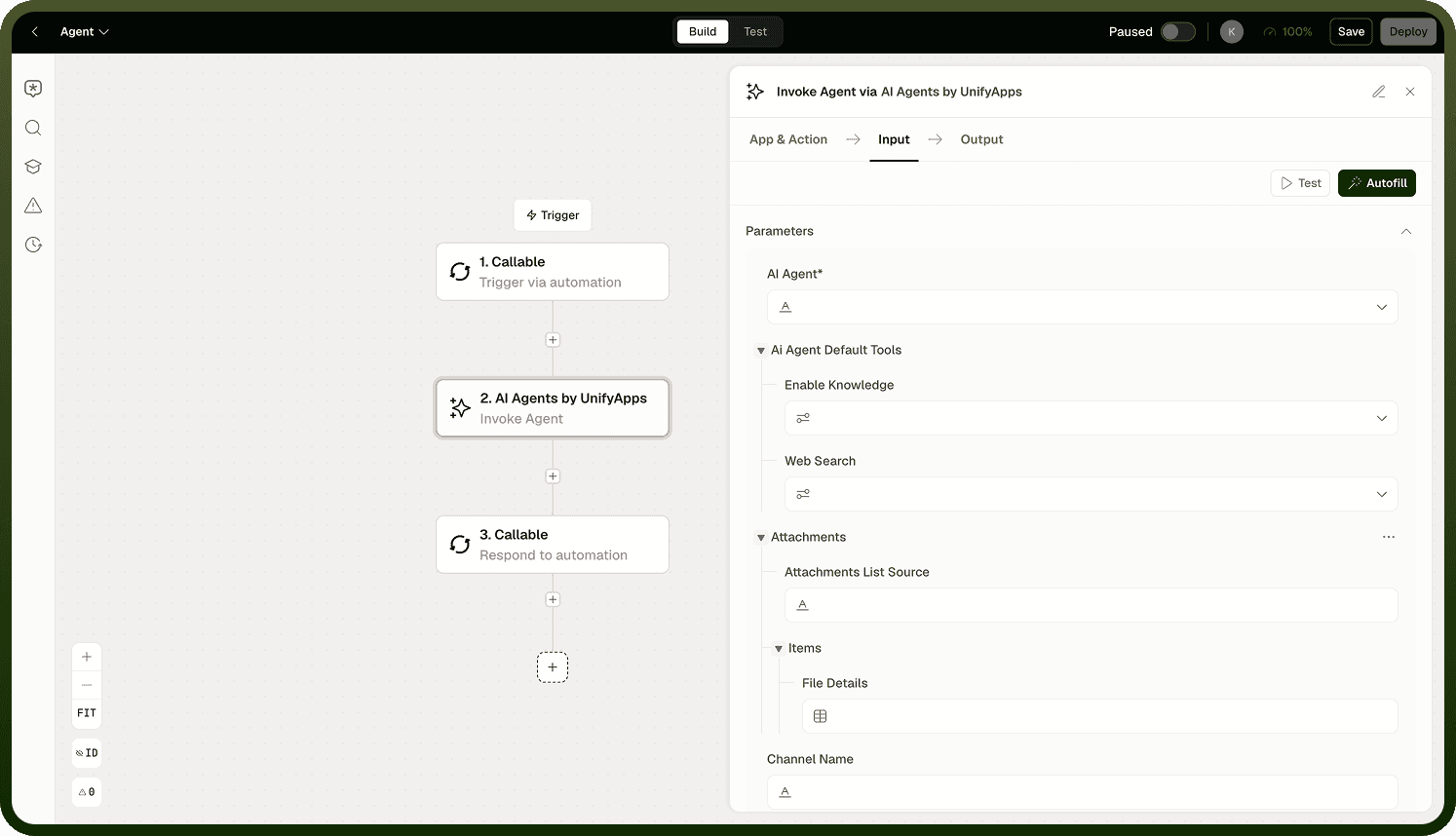
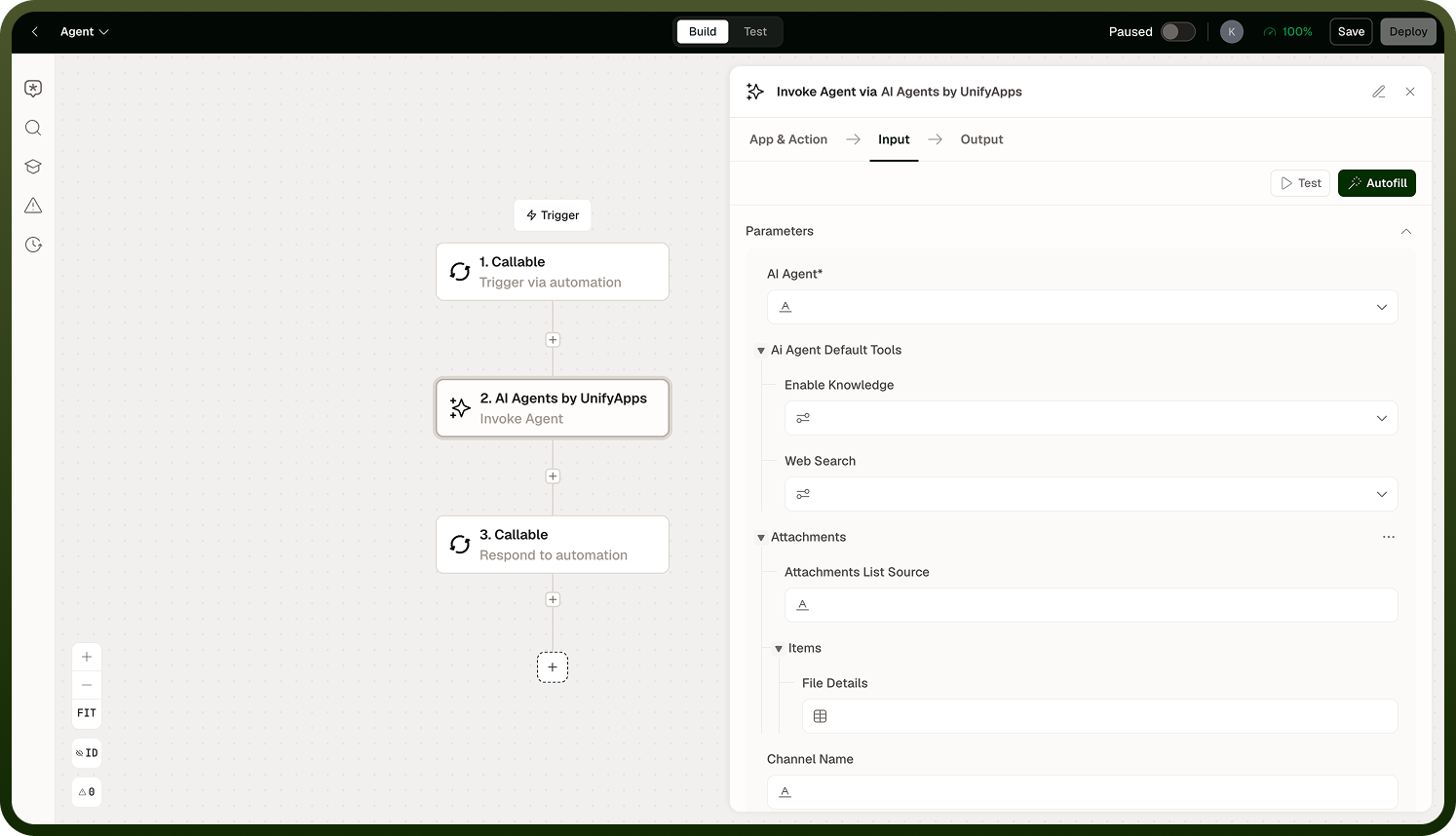
Referencing an Agent
Select the agent to invoke by its saved, deployed name. The node runs the deployed version of that agent — not a draft. If the agent has not been deployed, it will not appear in the selection list. Deploy it first from the AgentKit builder before referencing it here.
Note: If the referenced agent is updated and redeployed, Invoke Agent automatically runs the new deployed version on the next execution. There is no pinning to a specific version — always deploy intentionally when agents are shared across automations.
Fallback
Configure a fallback for the case where the invoked agent fails or is unavailable. A fallback prevents the automation from hard-failing when the remote agent cannot complete its task. The fallback can be a static value, a default response, or a branch to an error-handling path.
Invoke Agent Node details
Note: A fallback is required when the invoked agent is a critical dependency. Without one, a failed agent invocation fails the automation run.
Output
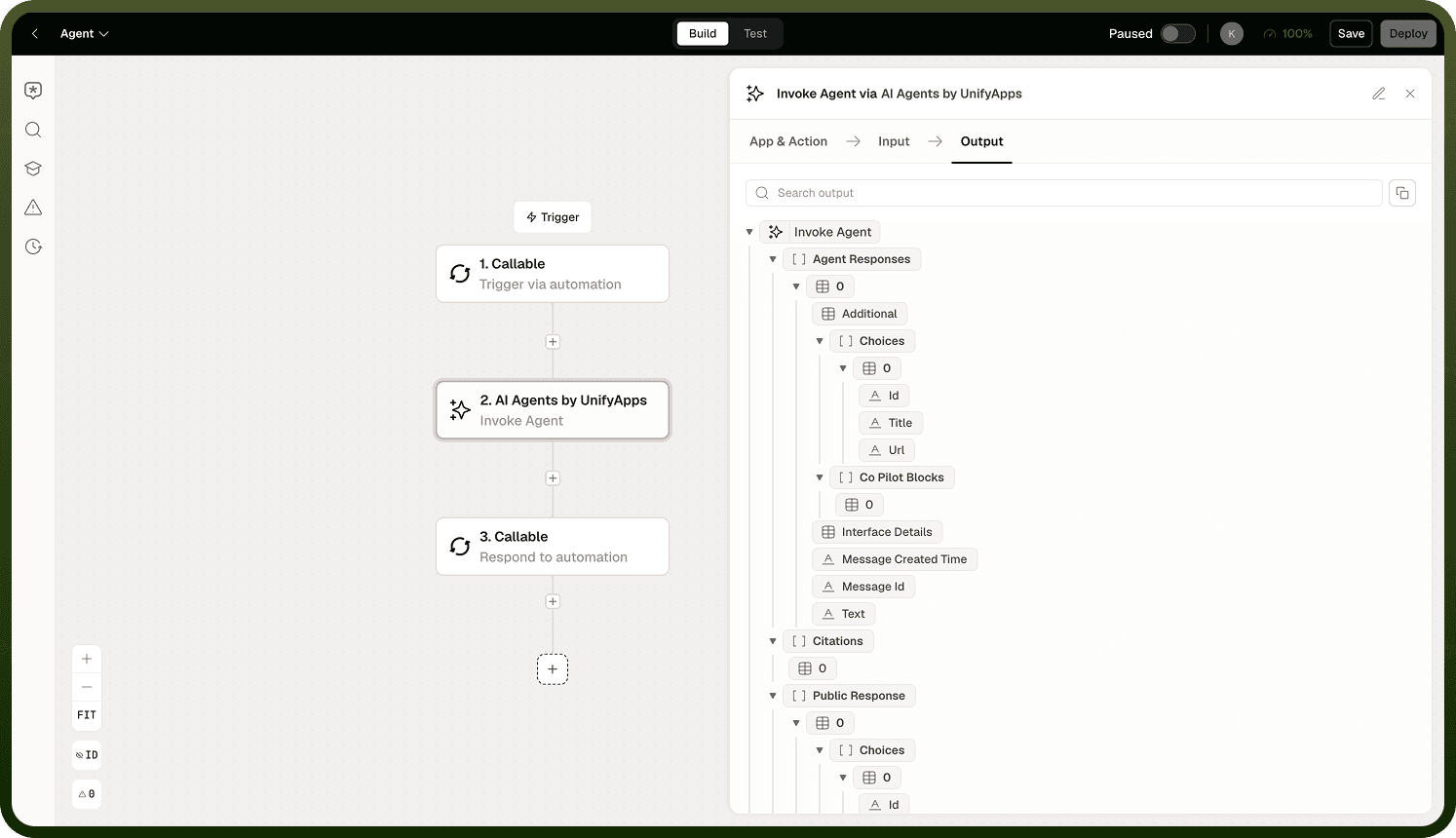
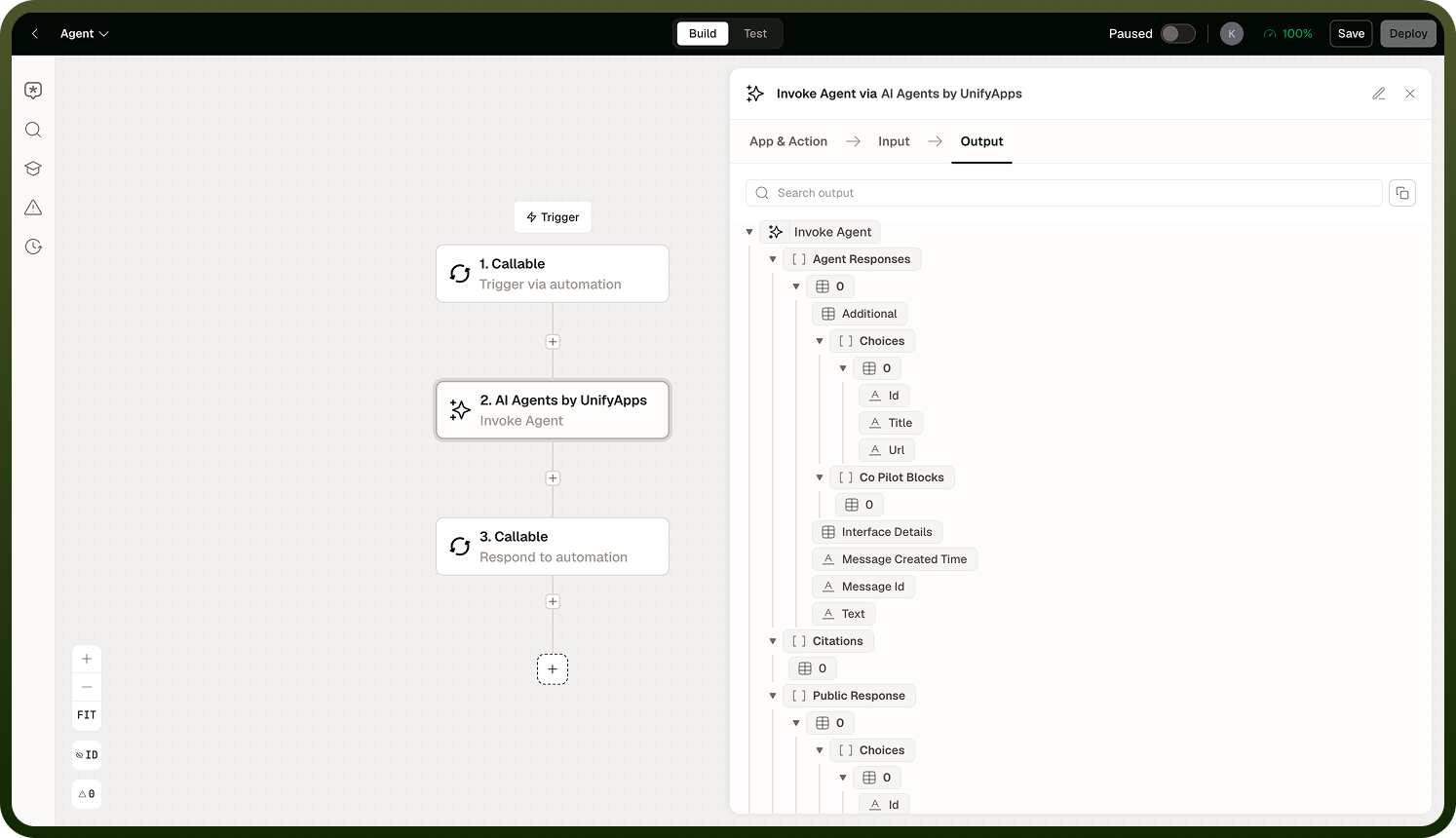
The node returns whatever the invoked agent returns as its final output. The shape of the output depends on how the agent was configured. Review the agent's documentation or test it in the AgentKit builder to understand its output structure before mapping its results in downstream steps.
Notes
Keep these guidelines in mind when using the Invoke Agent node:
Only deployed agents can be invoked. Draft agents are not visible in the node's agent selector.
Always configure a fallback — agent invocations are remote calls and can fail independently of the automation.
Use Invoke Agent to share agent logic across automations. Centralizing the agent avoids duplicating configuration and makes updates easier to manage.
Test the invoked agent in isolation before building automations that depend on it.
Following these practices ensures reliable, predictable agent invocations across your automations.