


The Download & Network operations in the Utility node fetch files and data over the network — downloading a file's content as a string, using a headless browser to retrieve bot-protected or JavaScript-gated resources, downloading multiple files in bulk from a list of URLs, and publishing messages to an MQTT broker topic.
Overview
Four operations cover network-based retrieval and messaging: a fast HTTP file-to-string download for plain accessible files, a browser-rendered download for pages that require JavaScript or bypass bot detection, bulk file fetching from a list of URLs, and fire-and-forget publishing to an MQTT broker. Pick the download method that matches the target — plain HTTP for simple files, Playwright for anything that needs a real browser.
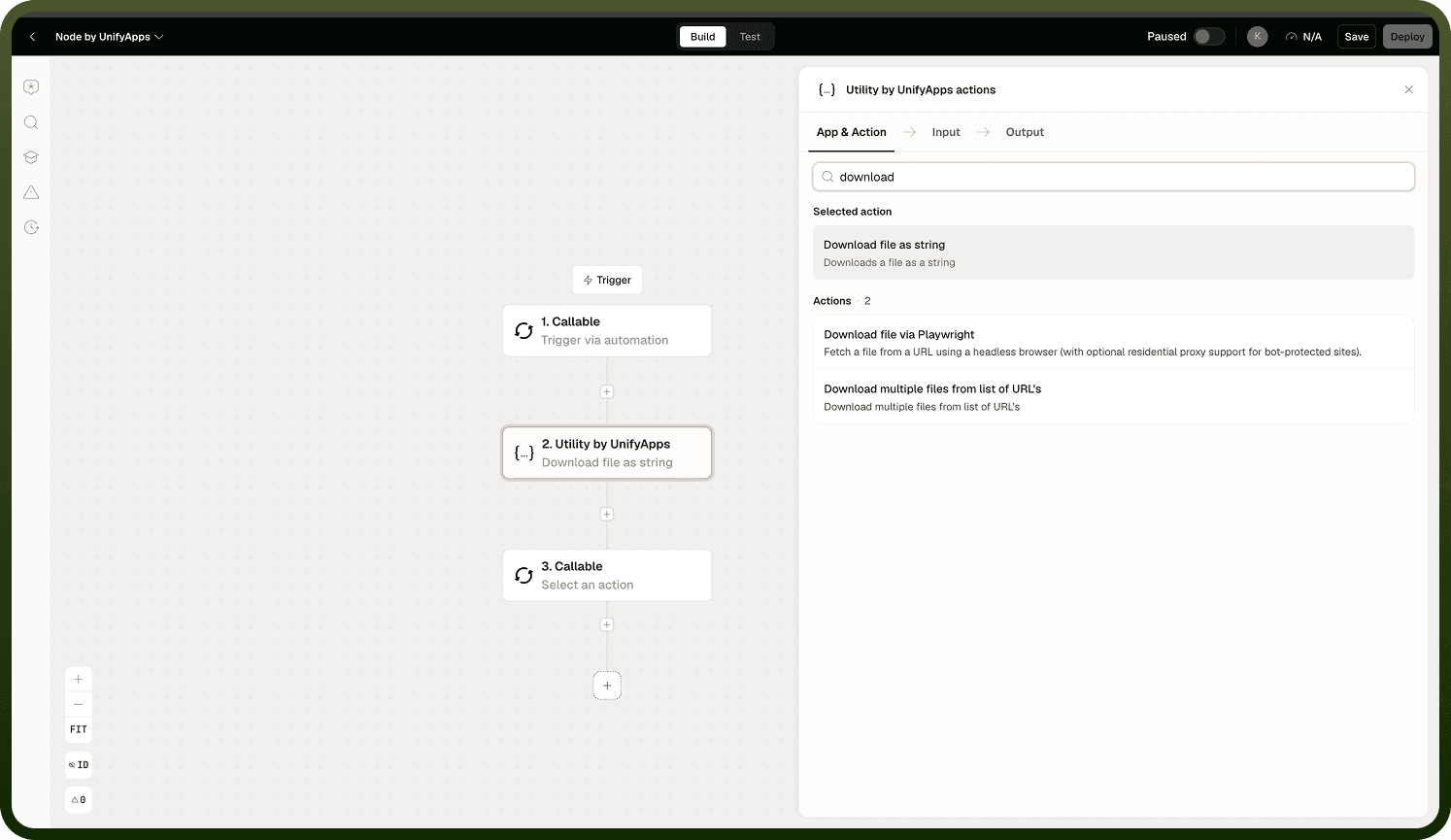
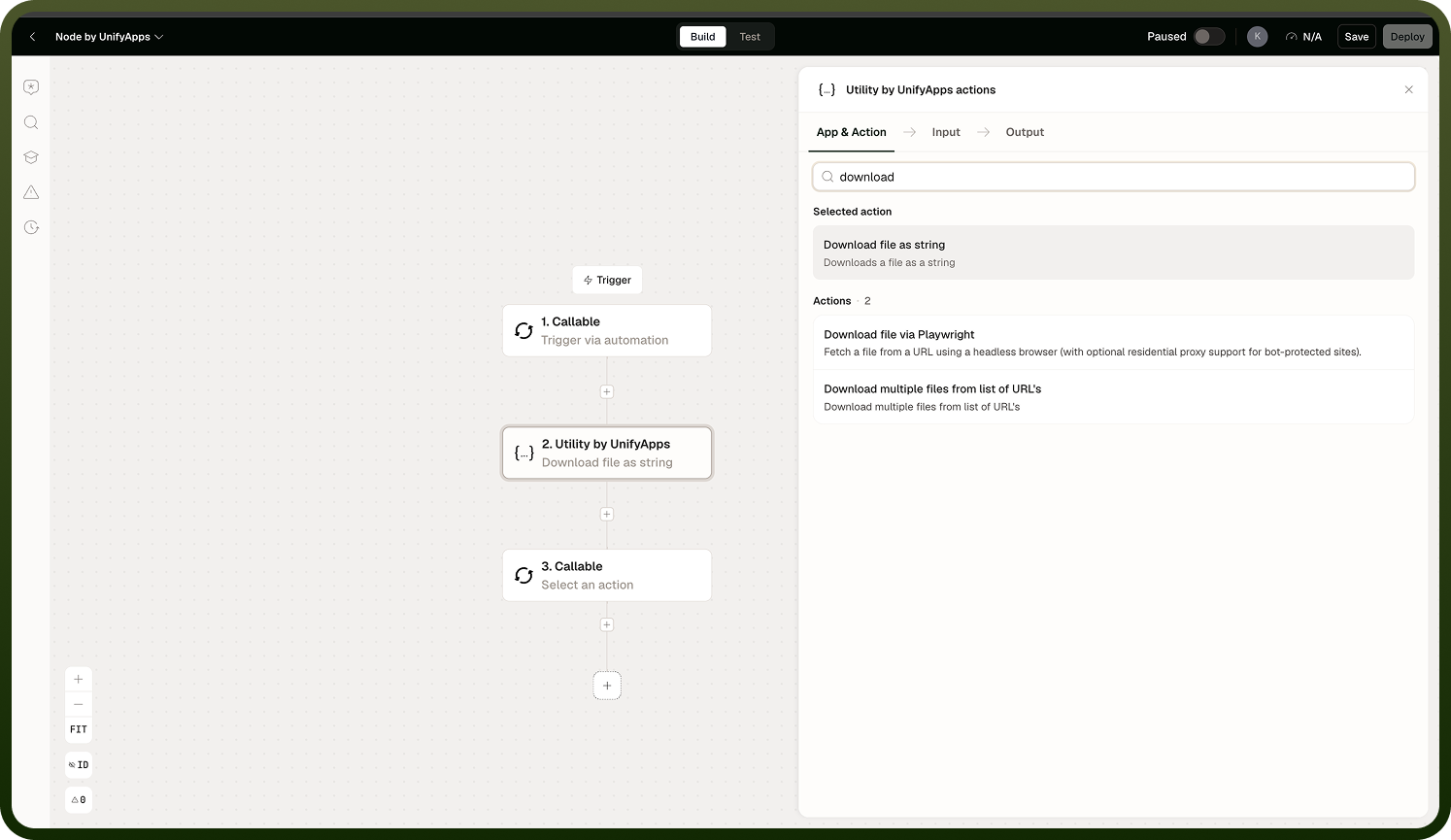
Operations
Operation | What it does |
|---|---|
Download file as string | Downloads the content of a file at a URL and returns it as a text or base64 string. Capped at approximately 10 MB — files larger than this limit will cause the step to fail. |
Download file via Playwright | Fetches a URL using a headless browser (Playwright). Executes JavaScript, can route through a proxy, and handles bot-protected or JS-gated downloads that a plain HTTP fetch cannot reach. Slower than a direct download. |
Download multiple files from list of URLs | Downloads files from a list of URLs in bulk and returns them as a collection of file objects. |
Send Mqtt Request | Publishes a message to a topic on an MQTT broker. Does not wait for or return a response from the broker. |
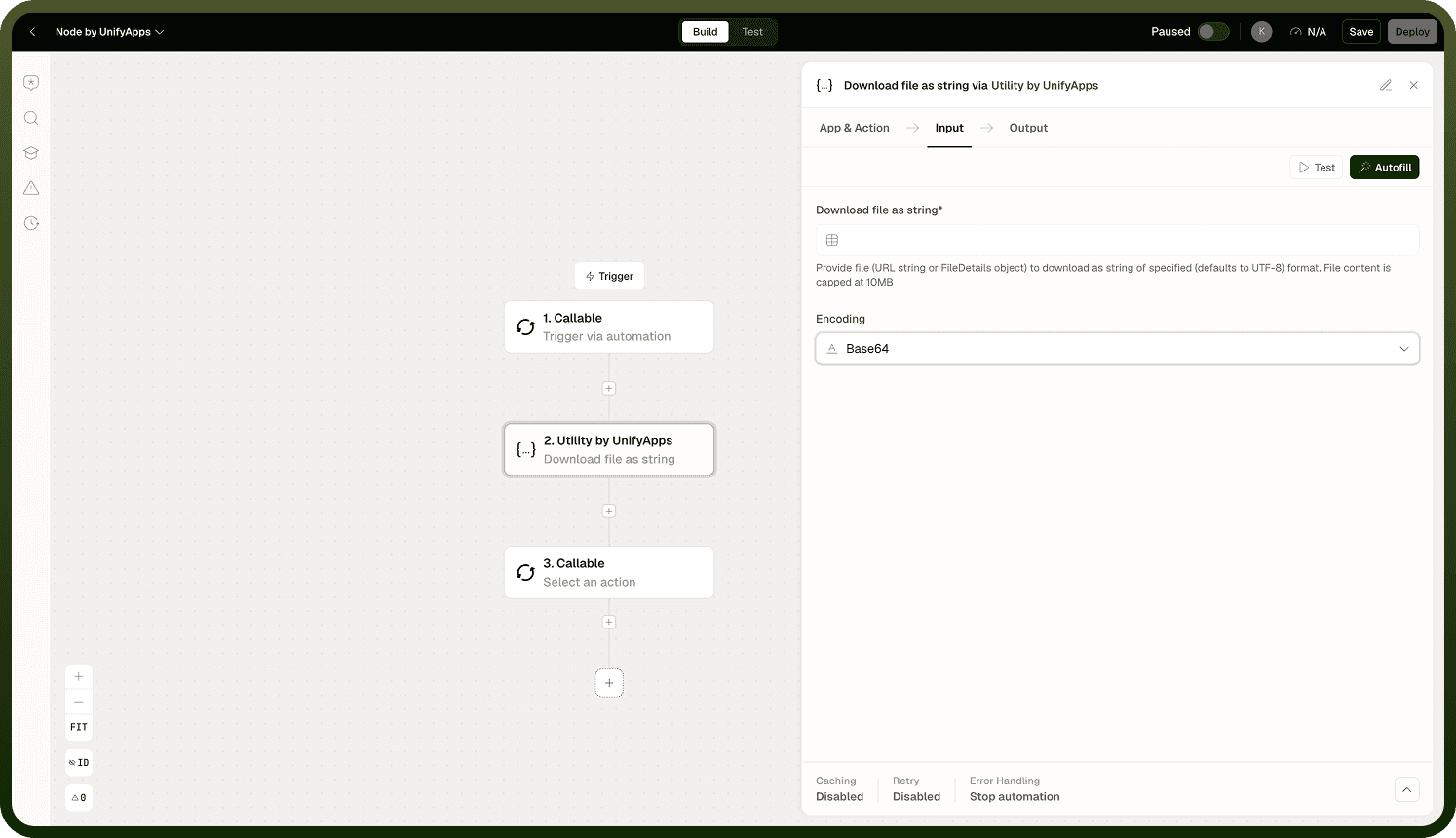
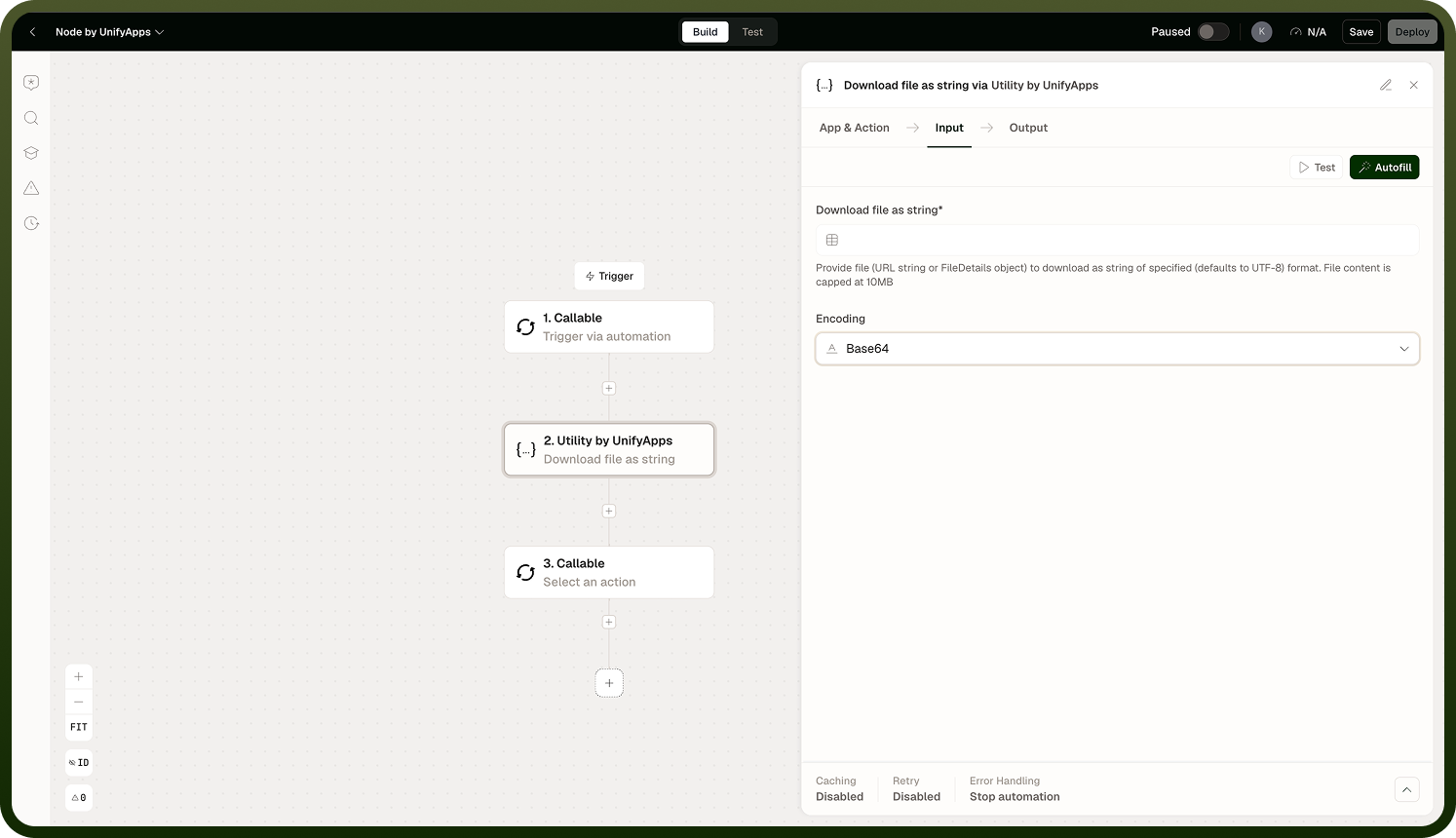
Download file as string is capped at approximately 10 MB. Files larger than this limit will cause the step to fail. Use a connector that handles large file transfers natively for bigger payloads.
Notes
Keep the following in mind when using these operations.
Download file as string is capped at approximately 10 MB. Files exceeding this limit error out. Do not use it to pull large files into an automation variable — use a dedicated file-transfer connector for those cases.
Download file via Playwright uses a real headless browser. It is slower than a plain HTTP fetch, but it executes JavaScript, can route through a proxy, and can bypass basic bot-detection. Use it only when a direct fetch fails — reserve the faster Download file as string for plain, publicly accessible files.
Send Mqtt Request is fire-and-forget — it publishes the message and completes. It does not wait for a reply or acknowledgment. Ensure the MQTT broker connection is configured in the platform before using this operation.
Download multiple files from list of URLs fetches each URL in the list; if any individual URL fails, check error-handling configuration to decide whether the step should abort or continue.