


Execute REST Multipart Request sends a multipart/form-data HTTP request to any REST endpoint. Use it when the API expects file uploads or a combination of file attachments and text fields in a single request.
Overview
Multipart requests encode each part of the payload separately, which is the standard way most APIs handle file uploads. The Execute REST Multipart Request action constructs a multipart/form-data body from the form fields and file attachments you configure, then sends the assembled request to the target URL. Text fields and binary attachments travel together in a single request without any manual boundary handling on your part.
Content-Type is set automatically: The multipart/form-data Content-Type header requires a unique boundary string to separate parts. Do not set Content-Type manually in the Headers field — the node generates the boundary and sets the header correctly.
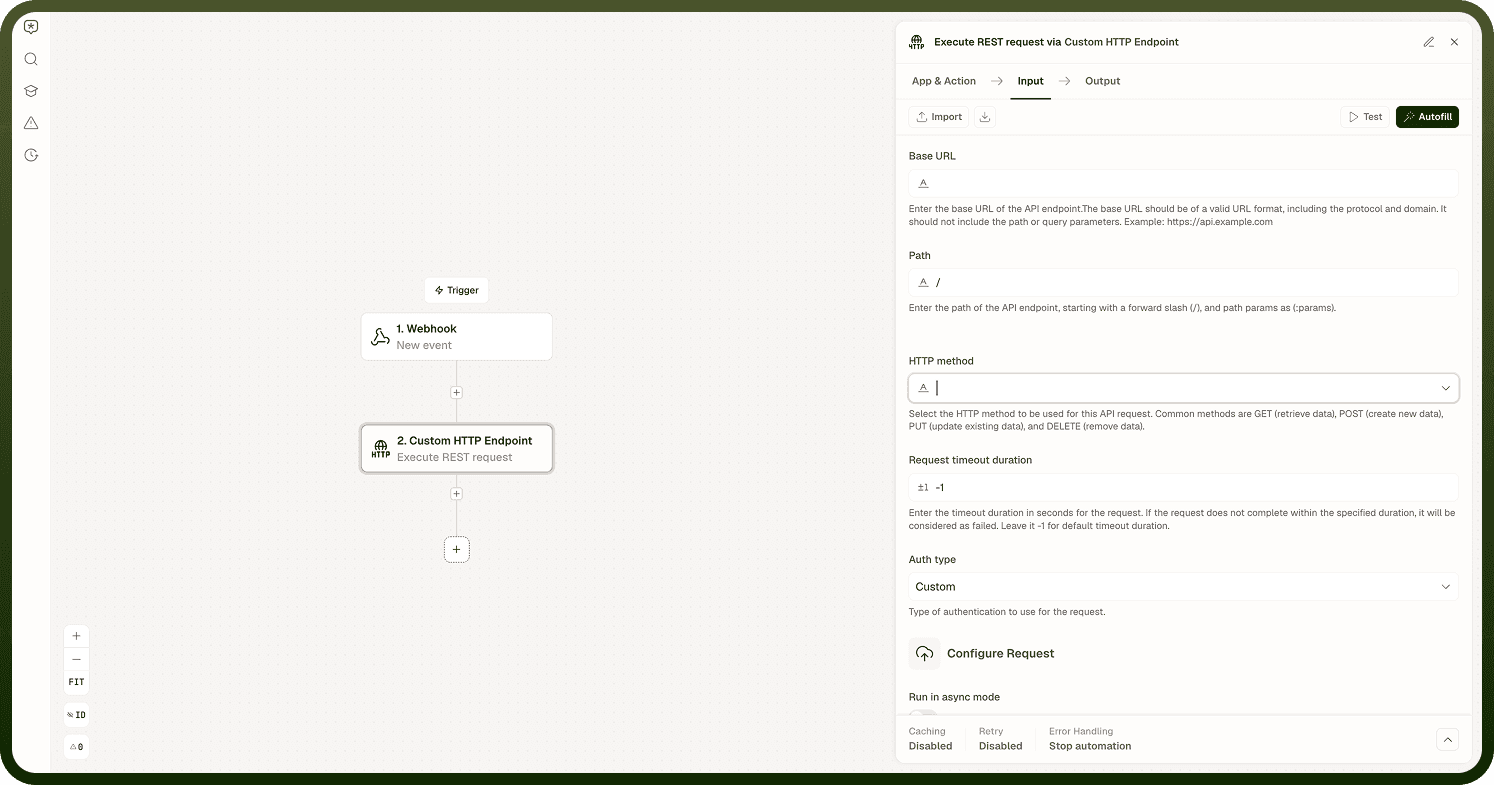
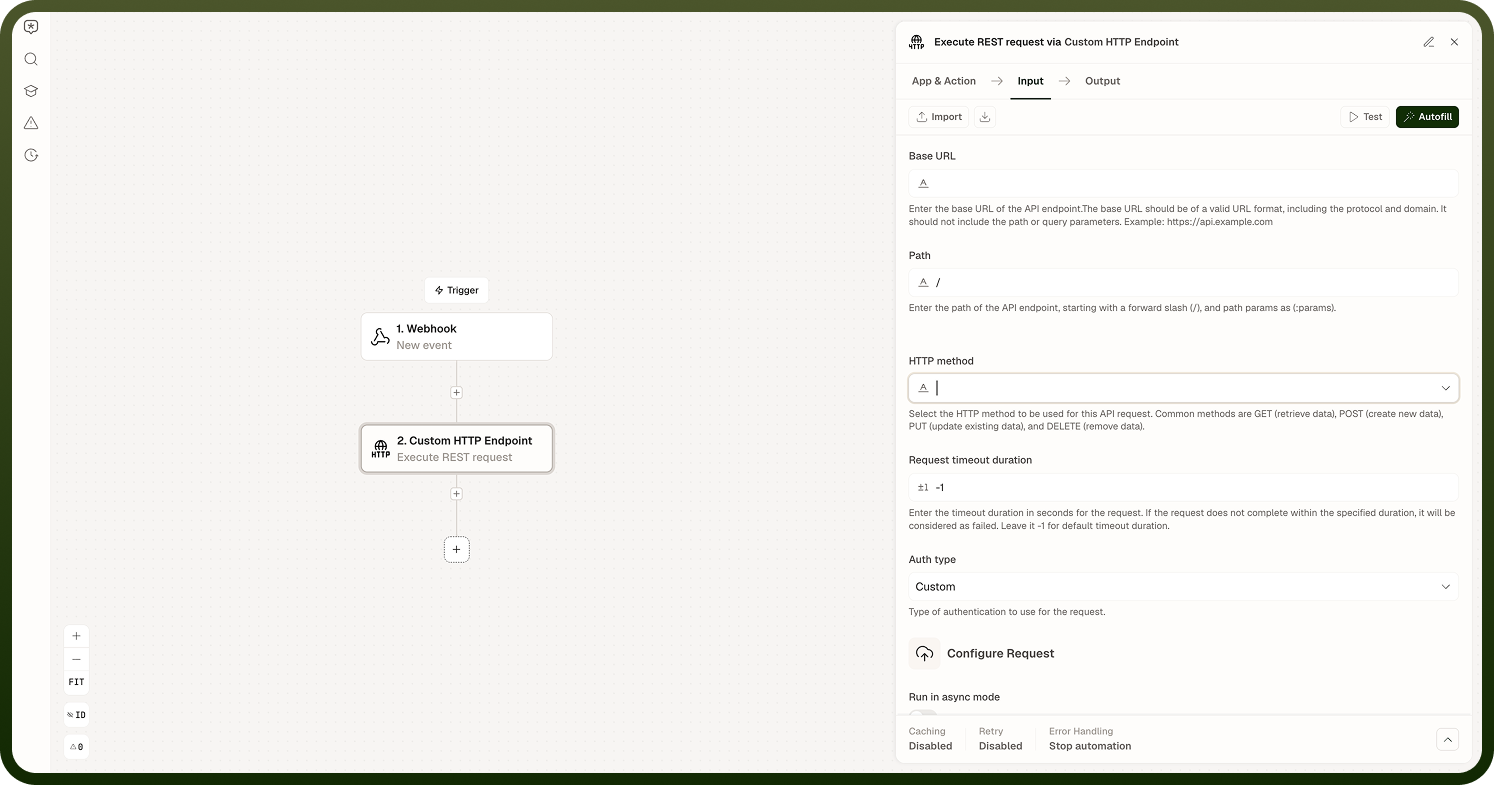
Input
Field | Description | Required* |
|---|---|---|
Method | HTTP method: POST, PUT, or PATCH. Typically POST for file upload endpoints. | Yes |
URL | The endpoint URL for the multipart request. | Yes |
Headers | Additional request headers such as Authorization. Do not set Content-Type — it is managed automatically. | No |
Query Parameters | Key-value pairs appended to the URL as a query string. Values are URL-encoded automatically. | No |
Form Fields | Text key-value pairs included as form parts in the multipart body (e.g., a description or metadata string alongside the file). | No |
File Attachments | One or more files to include in the request. Each attachment requires a field name, filename, file content, and MIME type. | No |
Authentication Type | Authentication scheme: None, Basic, or Custom. | No |
Username | Username for Basic authentication. Active only when Authentication Type is Basic. | No |
Password | Password for Basic authentication. Active only when Authentication Type is Basic. | No |
Custom Auth Configuration | Configuration object for a custom authentication scheme. Active only when Authentication Type is Custom. | No |
SSL Verification | Verify the server's TLS certificate. Enabled by default; disable only in trusted, non-production environments. | No |
Proxy URL | Route the request through an HTTP or HTTPS proxy. | No |
Run Asynchronously | Execute the request in the background; the automation continues immediately. Recommended for large file uploads. | No |
* Required fields must be populated for the node to run.
Output
Field | Description |
|---|---|
Status Code | The HTTP status code returned by the remote server (e.g., 200, 201, 413). |
Response Body | The raw response body as a string. Parse it in a subsequent step to access individual fields. |
Response Headers | A map of the response header names and values returned by the server. |
Notes
Do not set Content-Type in Headers for multipart requests. The node sets Content-Type: multipart/form-data; boundary=<generated> automatically. Overriding it manually will break the request.
At least one Form Field or File Attachment should be present; a completely empty multipart body is technically valid but rarely accepted by APIs.
Large file uploads may keep the automation run open for an extended time. Enable Run Asynchronously to avoid a timeout.
HTTP 4xx and 5xx responses are returned in Output and do not halt the node. Check Status Code before treating the response as a success.
A connection-level failure (unreachable host, TLS error) is a true node error and halts the automation.