


Aggregate Query runs a roll-up calculation over records in a UnifyApps Storage object — computing totals, averages, minimums, maximums, or counts — optionally grouped by a field and scoped by filters.
Overview
The Aggregate Query action performs grouped or ungrouped aggregations on a Storage object's records. You specify an aggregation function and the target field it operates on, optionally group results by another field, and apply filters to scope which records are included. Without a Group by field the action returns a single aggregated value over all matching records. With grouping, it returns one result per distinct group value. Use Aggregate Query for roll-up calculations that would otherwise require fetching all records and computing across them in later steps — for example, summing order totals by status, or finding the average across a filtered record set.
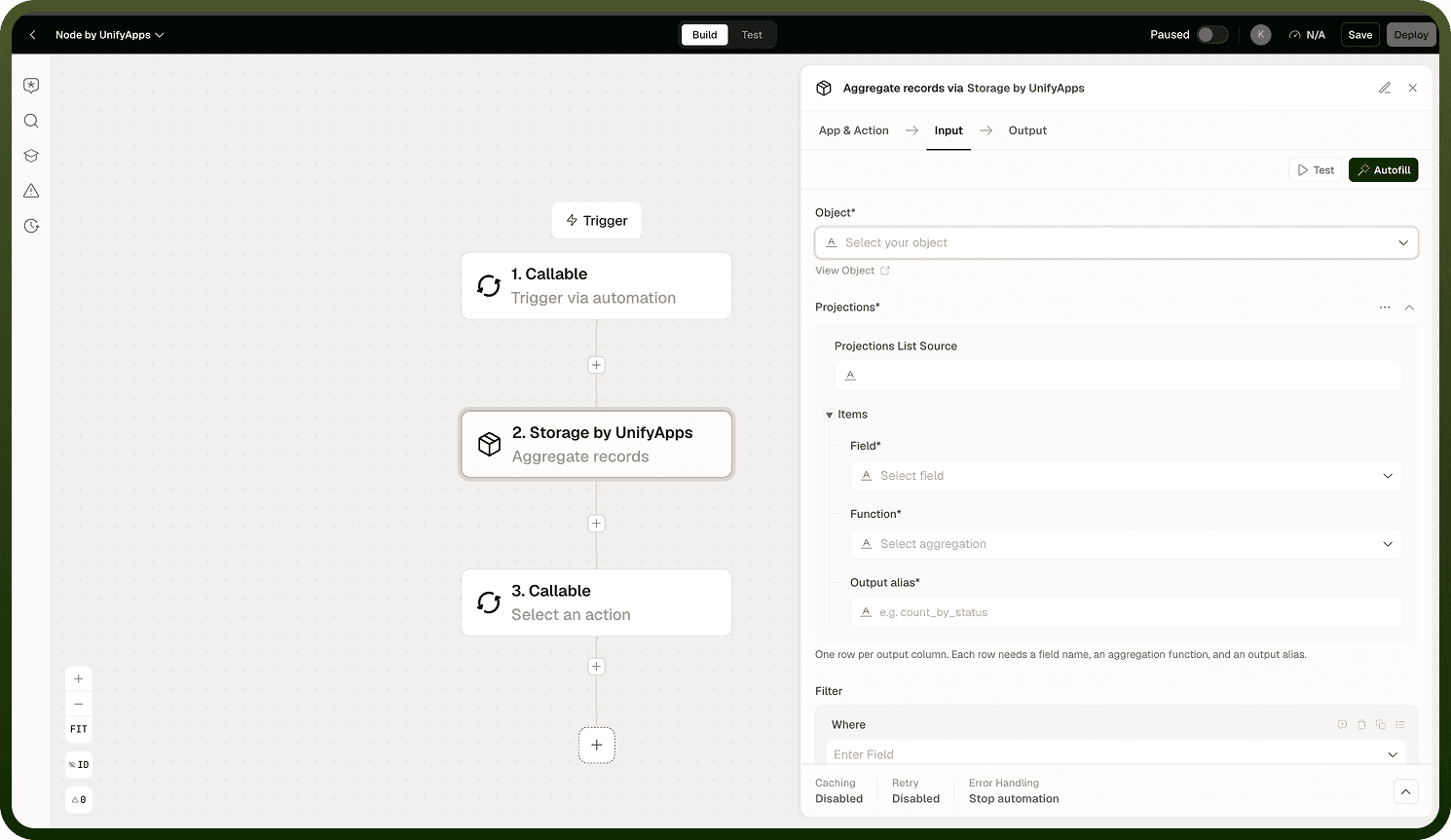
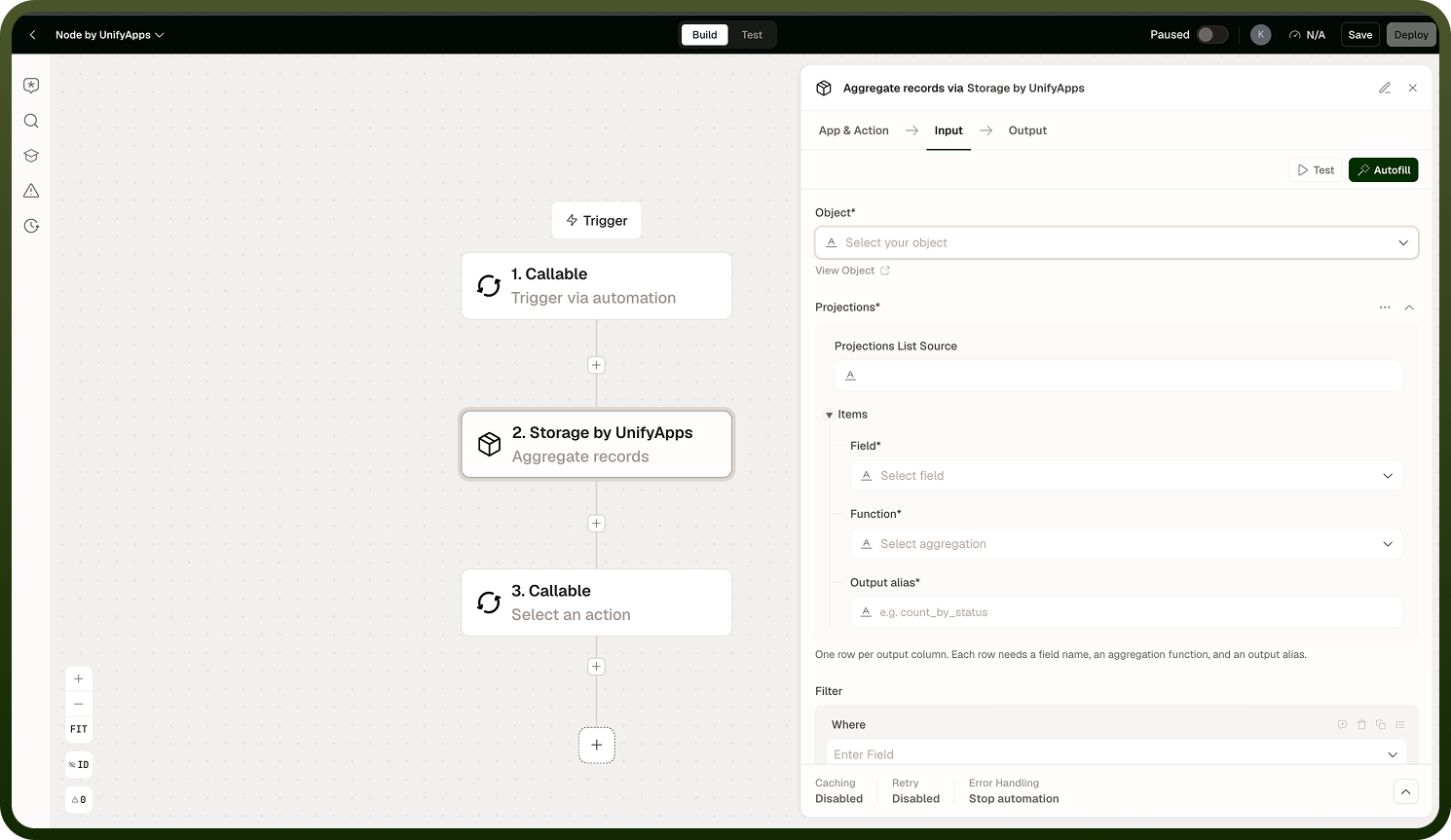
Input
Field | Description | Required |
|---|---|---|
Object | The Storage object (table) to aggregate over. | * |
Aggregation | The aggregation function and the field it targets — for example, sum, average, minimum, maximum, or count applied to a chosen column. | * |
Group by | A field to group records by before aggregating. Returns one result per distinct group value. Leave empty to return a single aggregate over all matching records. | |
Filters | Conditions to apply before aggregating, narrowing which records are included in the calculation. |
Output
Aggregated results for the query. With a Group by field configured, the output contains one entry per distinct group value along with the computed aggregate for that group. Without grouping, a single aggregated value is returned covering all records that match the filters.
Notes
Keep the following in mind when using Aggregate Query.
Without a Group by field, Aggregate Query returns a single value computed over all records matching the filters — for example, the sum of all order amounts.
Combine Filters and Group by to scope and segment aggregations precisely — for example, total order value grouped by status, filtered to a specific date range.
The output structure varies by aggregation type and whether grouping is applied; map it deliberately to downstream steps rather than assuming a fixed shape.
Use Count Records instead when you only need a raw count and do not require grouping or a different aggregation function.
Aggregate Query avoids the need to fetch all records and compute across them in later steps, keeping automations efficient on large objects.
To compute multiple different aggregations — for example, both sum and average for the same set of records — add separate Aggregate Query steps for each function rather than trying to combine them in one step.