


Unify Automations › Building Automations › Application › Project & Pipeline Events
Project & Pipeline Events
3 mins read
Project and Pipeline Events triggers start an automation when a project is created, modified, or removed, or when a pipeline run transitions through its lifecycle. Use project events to maintain project-level governance and housekeeping; use pipeline events to kick off downstream syncs, alert on failures, or act on individual record outcomes as a pipeline runs.
Overview
All Project and Pipeline Events are real-time, webhook-style subscriptions — the automation starts the instant the event is emitted, with no polling delay. Each trigger can be filtered so your automation only reacts to the projects or pipelines it was designed for.
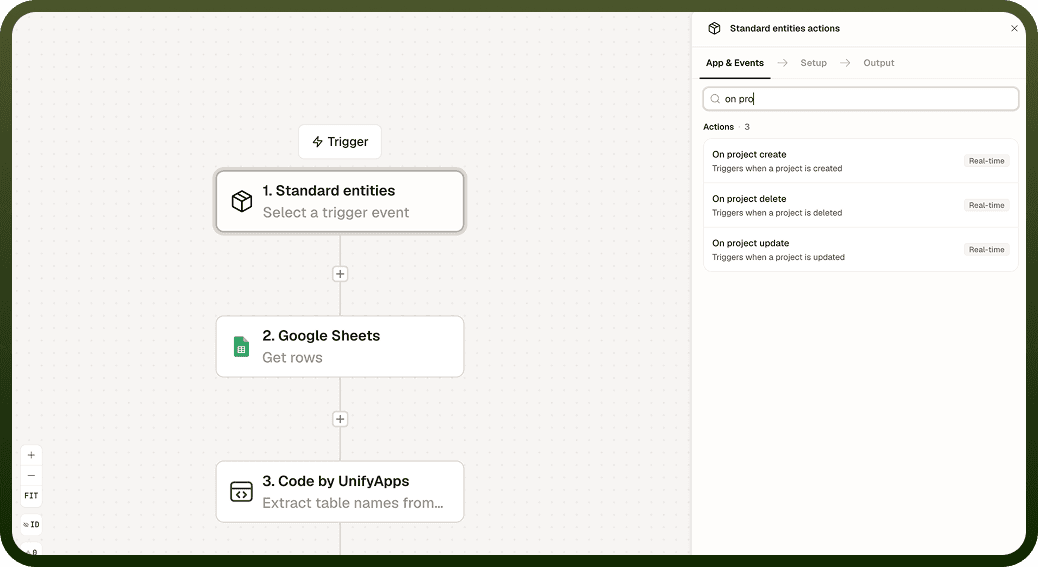
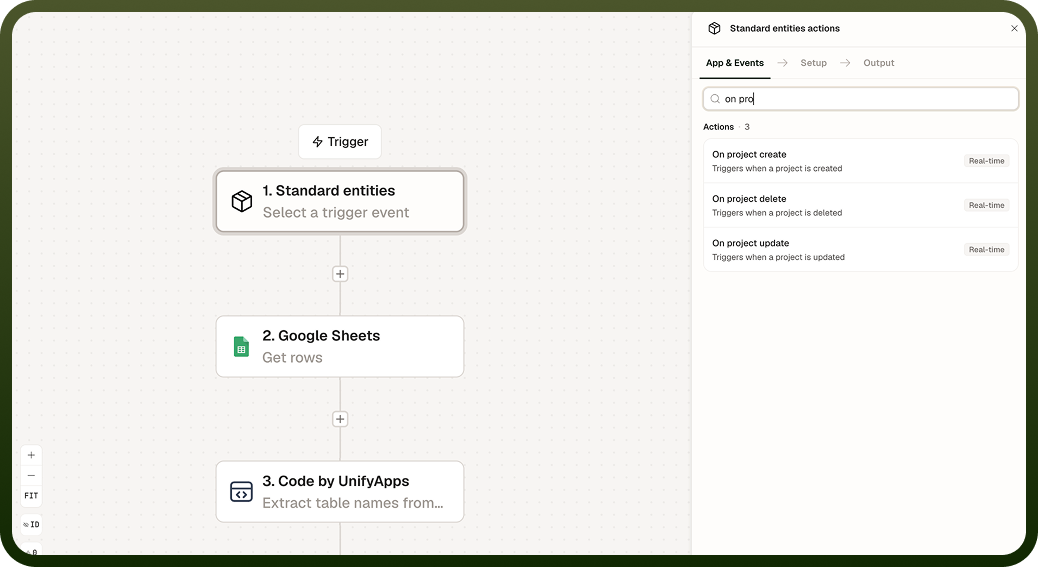
Project Events
Three project lifecycle events are available as triggers:
Project created — fires when a new project is added. Use it to initialize standard project resources, assign default members, or notify stakeholders of the new project.
Project updated — fires when a project's configuration or metadata changes. Use it to propagate changes to external project management tools or log updates for audit trails.
Project deleted — fires when a project is removed. Use it to archive associated assets, revoke permissions in connected systems, or notify affected team members.
Pipeline Events
Five pipeline-related events are available as triggers:
Pipeline created — fires when a new pipeline is defined. Use it to register the pipeline in an external catalog or notify the owning team.
Pipeline updated — fires when a pipeline's configuration changes. Use it to re-validate downstream dependencies or log the change.
Pipeline completed — fires when a pipeline run finishes, whether it succeeded or failed. Inspect the status field in the payload to distinguish between the two outcomes before taking action.
Pipeline record success — fires for each record that is processed successfully within a pipeline run. Use it to trigger per-record follow-up steps, such as updating a status field or notifying a downstream system.
Pipeline record failure — fires for each record that fails to process within a pipeline run. Use it to route failed records to an error queue, send a targeted alert, or attempt a retry.
Pipeline completed fires on both success and failure: Do not assume a completed event means the pipeline succeeded. Always inspect the status field in the payload and branch your automation accordingly.
Delivery and Filtering
All Project and Pipeline Events fire in real time. Most triggers accept a filter condition so you can scope the automation to a specific project or pipeline — for example, only react to completions of a particular pipeline, or only to project updates in a specific workspace.
Pipeline record events (success and failure) fire once per record, not once per run. High-volume pipelines can generate a large number of events; apply filters and ensure your automation can handle the throughput.
Notes
Keep the following in mind when working with Project and Pipeline Events triggers.
The pipeline completed event fires on both successful and failed runs. Always read the status field in the payload — do not treat completed as synonymous with succeeded.
The pipeline record success and pipeline record failure events fire once per record, not once per run. In high-volume pipelines, these events can arrive in large bursts — design the triggered automation to handle that load.
Apply filter conditions to scope triggers to specific pipelines or projects. Without a filter, the trigger fires for every matching event across the platform.
Use pipeline completed for run-level reactions (overall success notification, post-run sync); use pipeline record failure for per-record remediation (retry logic, error queues).
Each automation gets its own event subscription. Multiple automations can react to the same pipeline event independently.
For record-level events in high-volume pipelines, consider whether each triggered run is necessary or whether the automation should batch records — for example by collecting failures and processing them together after the run completes.