


The Template by UnifyApps node is a workflow component that compiles templates for various notification purposes.
Overview
The Template by UnifyApps node is a workflow component that compiles templates for various notification purposes. It enables selection from existing templates or creation of new ones to integrate into automation pipelines.
The node supports four template types — Email, Prompt, WhatsApp, and SMS — and provides dynamic variable substitution so that each compiled output contains the actual values for the current run.
Key Features
Compile templates for different communication types (Email, Prompt, WhatsApp, SMS)
Select from existing templates or create custom templates
Configure template variables and parameters
Integrate as part of a larger automation workflow
Compile Template
This action processes a template with dynamic variables, generating the final content for the selected communication type based on the selected template.
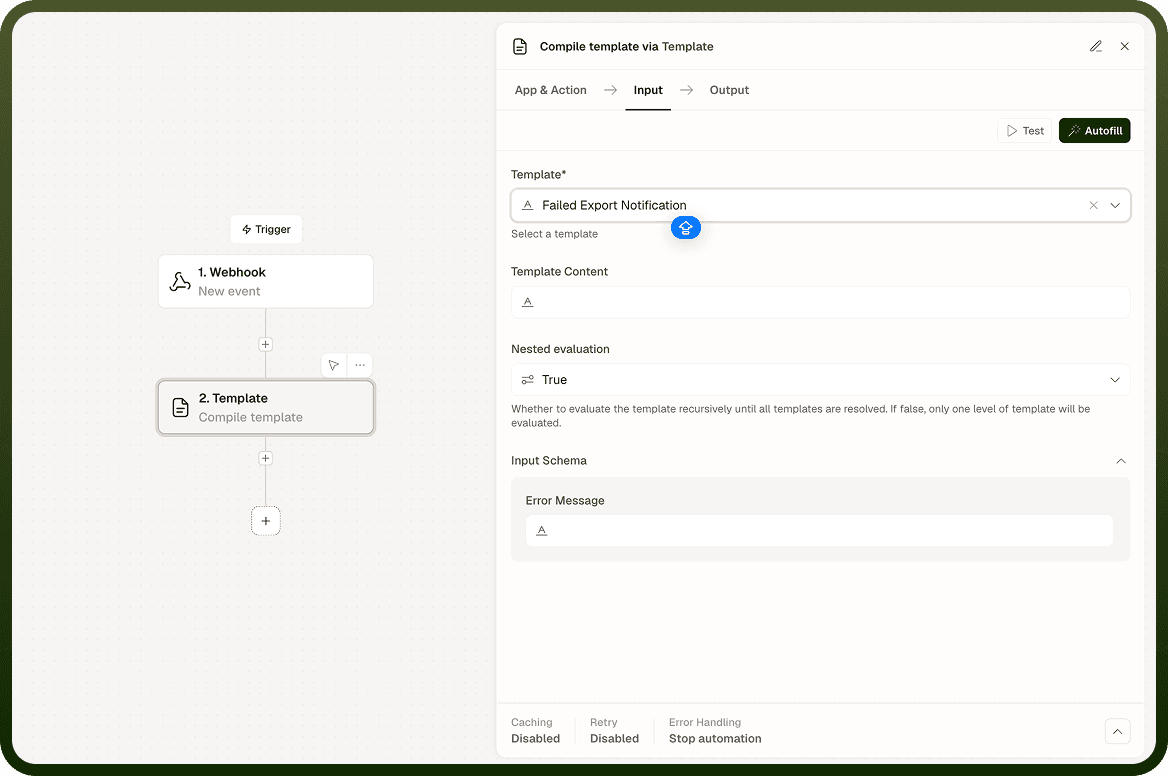
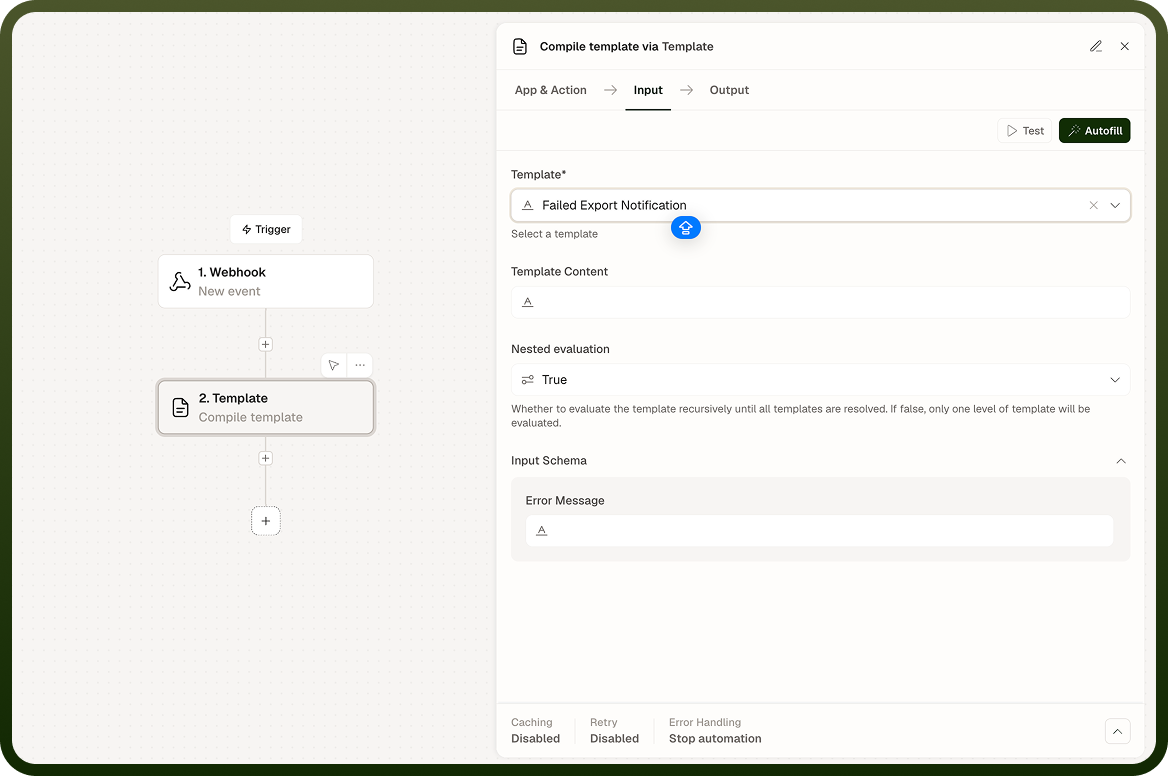
Inputs:
Template (required) — Select the specific template to compile from available standard and custom templates
Template Content — Contains template content; if used, overrides the template input schema and existing content
Variables — Define values for any variables included in the selected template
Schema Properties — Configure additional parameters needed inside the template (mandatory fields marked with an asterisk)
Outputs:
Compiled Content — The fully processed template with all variables replaced with actual values
Status — Success or failure status of the compilation process
Error Messages — Any validation or processing errors encountered during compilation
Important Notes
Keep the following in mind when using Template by UnifyApps:
Templates must be properly configured before compilation.
All required variables must have values assigned before the node runs.
Output format depends on the template type selected.
For related configuration and options, see the linked pages in the sidebar.