


Store API responses temporarily so repeated requests are served from cache, reducing backend load and improving response times.
Overview
A Cache Policy stores API responses temporarily so that repeated requests can be served from cache rather than invoking the backend — improving response times, reducing backend load, and lowering infrastructure costs. Each cached response is stored for a fixed Time-to-Live (TTL); after the TTL expires, the next request fetches a fresh response and repopulates the cache.
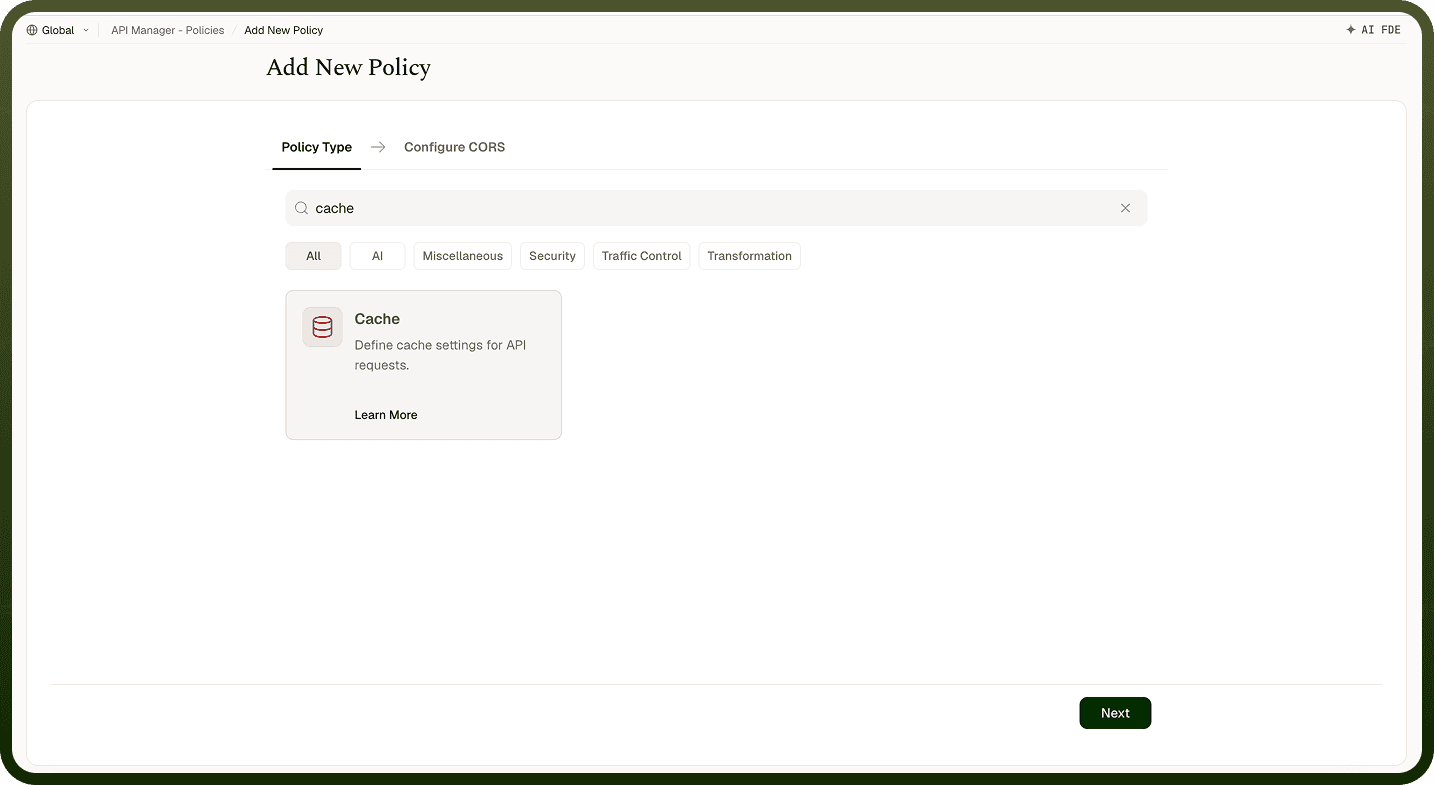
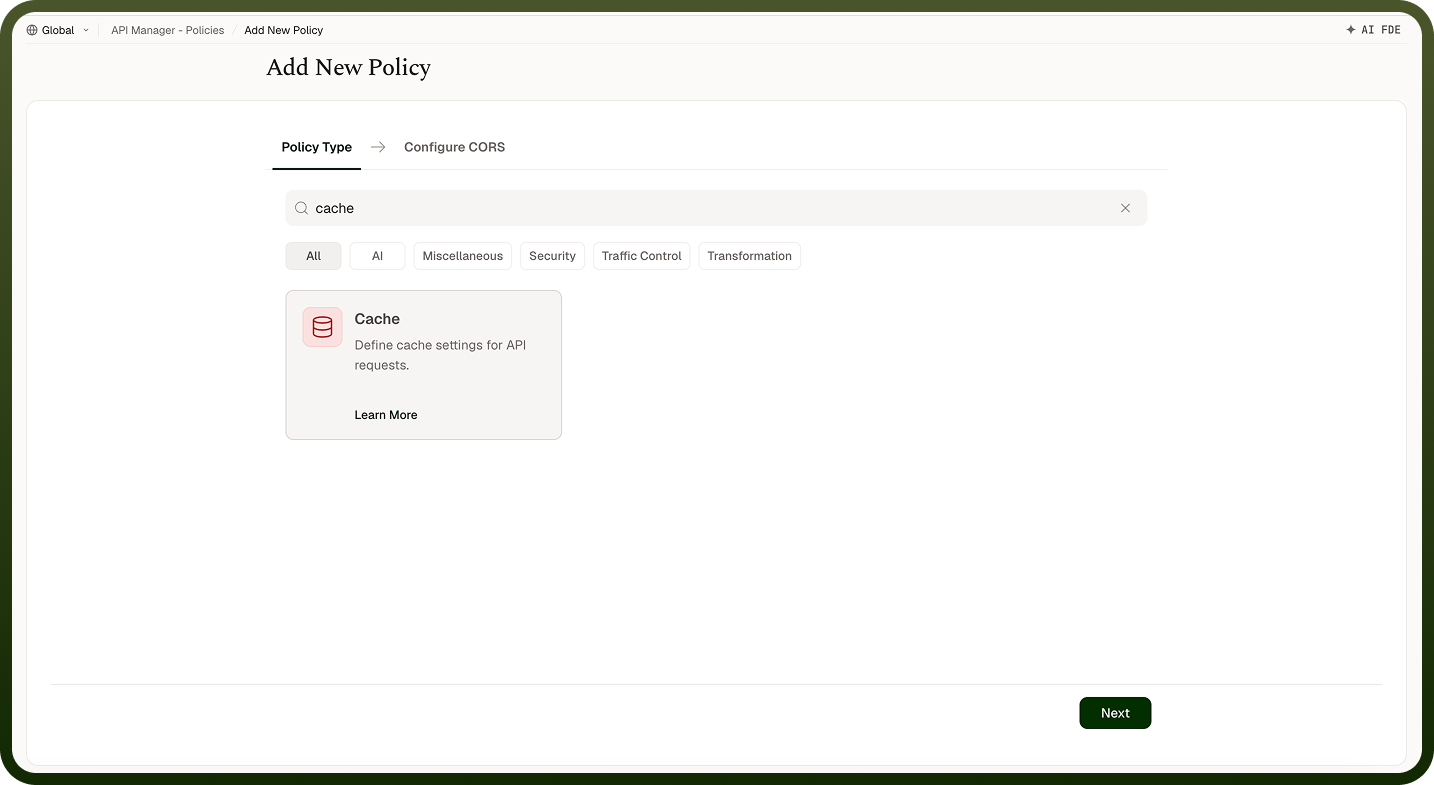
Field Reference
Field | Description |
|---|---|
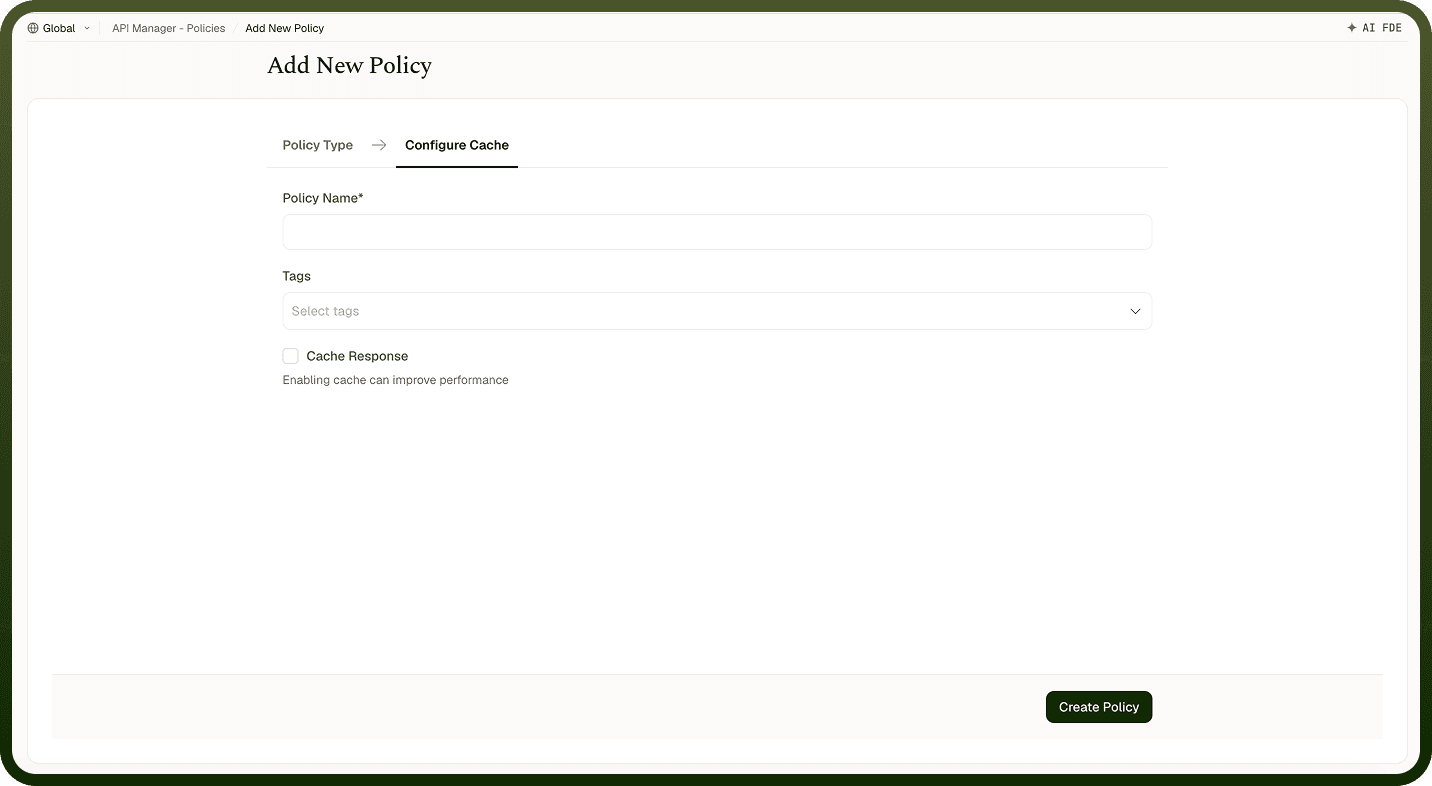
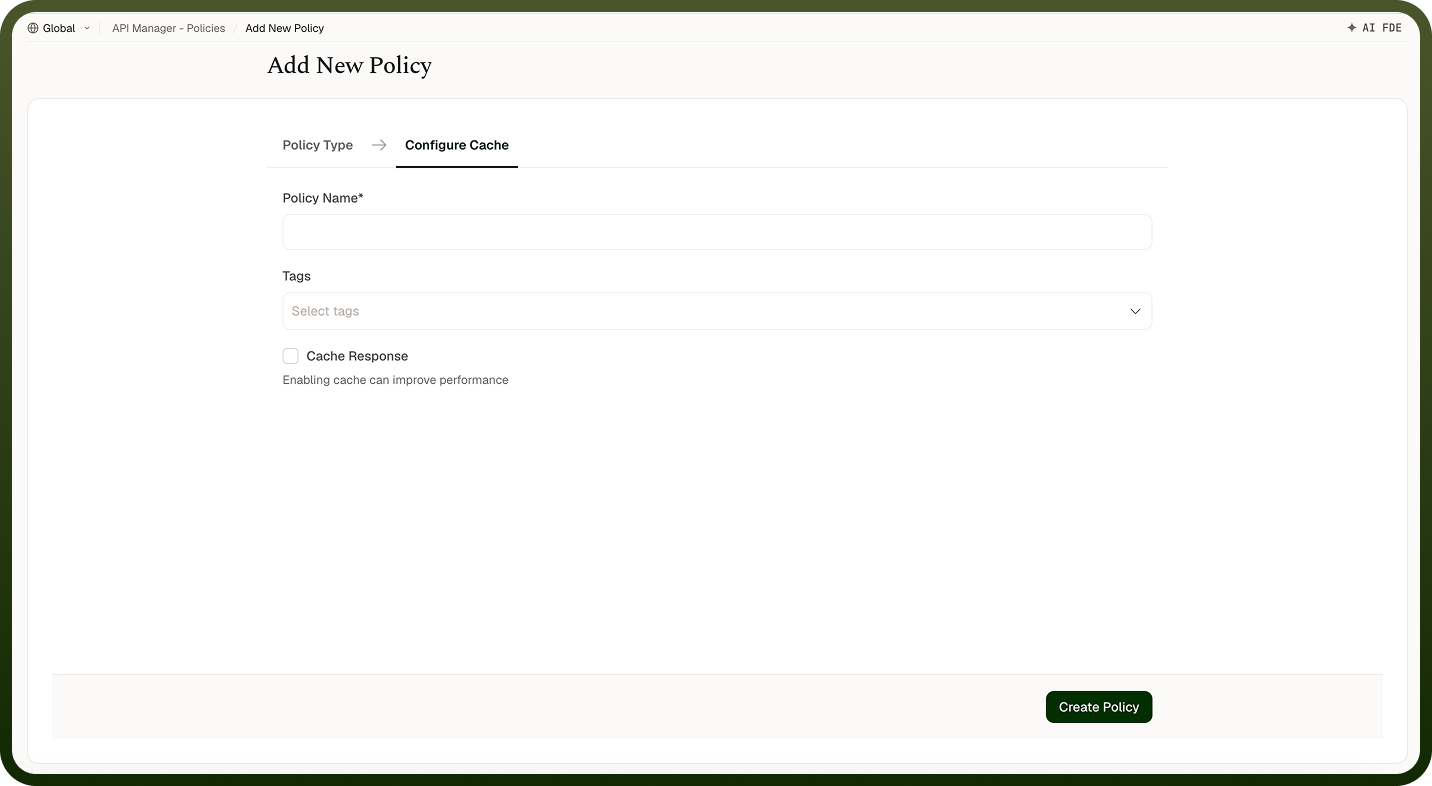
Policy Name * | A unique identifier used across logs, dashboards, and API group configurations. |
Tags | Custom labels to organize and filter the policy by environment, team, or functionality. |
Cache Response * | Enables or disables caching of API responses. Enabled by default when configuring a Cache Policy. |
Time-to-Live (TTL) Period * | How long a cached response is stored before it expires. Defined in the unit specified by the Time Interval field. Maximum allowed value: 3600 seconds. |
Time Interval * | The unit of time for the TTL Period field. Options: Seconds, Minutes, Hours. |
Cache Key * | The unique key used to identify cached responses. Configuring multiple cache keys (e.g., query parameters, headers, request attributes) ensures distinct responses are cached separately. |
How It Works
Request arrives — The gateway receives an API request.
Cache key generation — A cache key is constructed from the configured key parameters.
Cache lookup — The system checks whether a cached response exists for that key.
Cache hit — If a cached response is found, it is returned immediately to the client. The backend is not called.
Cache miss — If no cached response exists, the request is forwarded to the backend. The backend response is stored in the cache before being returned to the client.
Cache expiration — After the TTL expires, the cached entry is removed. The next request will be a cache miss and repopulate the cache.
Attaching to an API Group
Once a Cache Policy is created, attach it to one or more API Groups from the group's policy settings. Multiple policies can be applied to a single group; drag them into the desired execution order.
Notes
Only cache idempotent responses — GET responses with stable, query-dependent data are good candidates; POST or mutation responses should not be cached.
Design cache keys carefully: if two different requests should return different data, their cache keys must differ. Include query parameters or caller-identifying headers in the key as appropriate.
Set TTL based on how frequently the underlying data changes — too long a TTL returns stale data; too short negates the caching benefit.
Monitor cache hit rate from the API Manager Insights dashboard to evaluate policy effectiveness and tune the TTL and cache key configuration.