


Control how many API requests a client profile can make within a defined time window, protecting backend services from traffic overload.
Overview
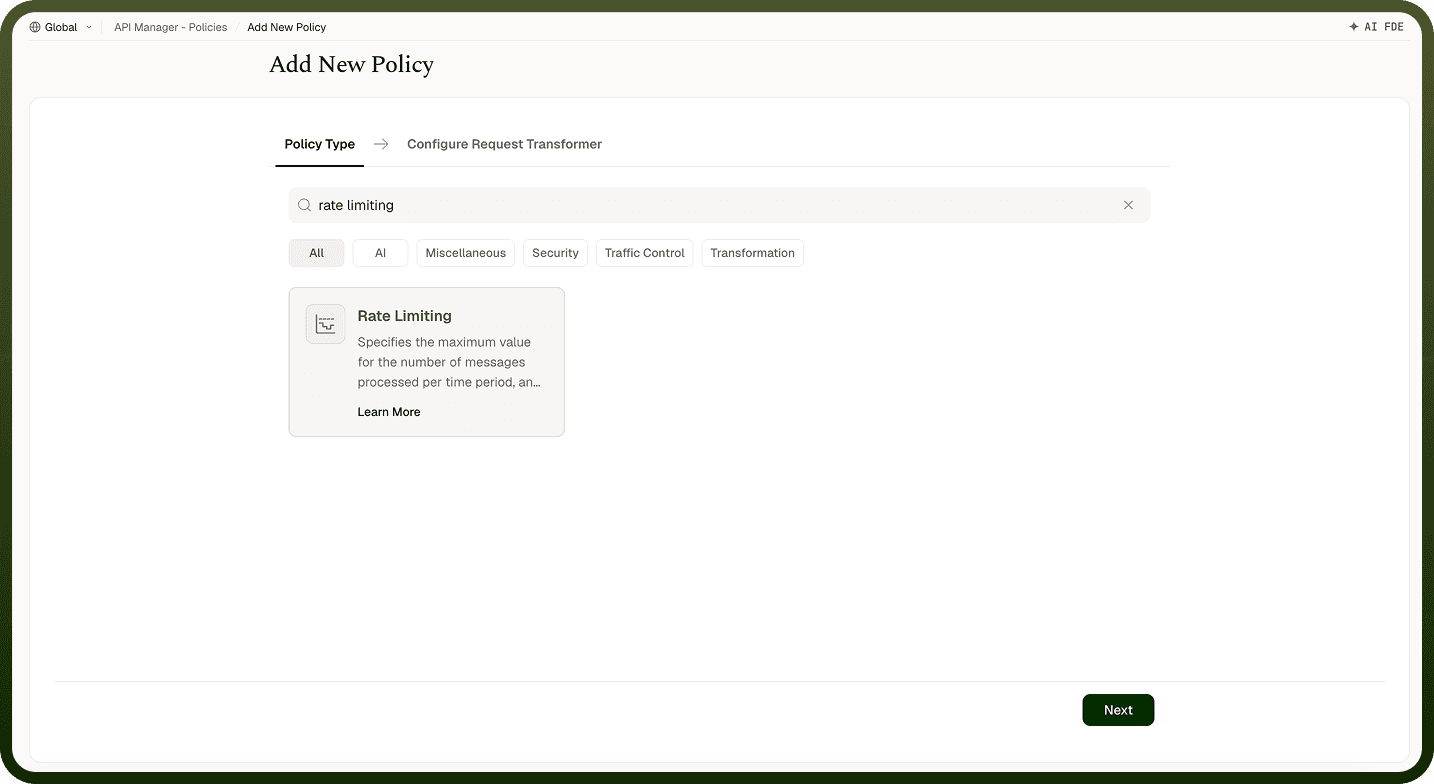
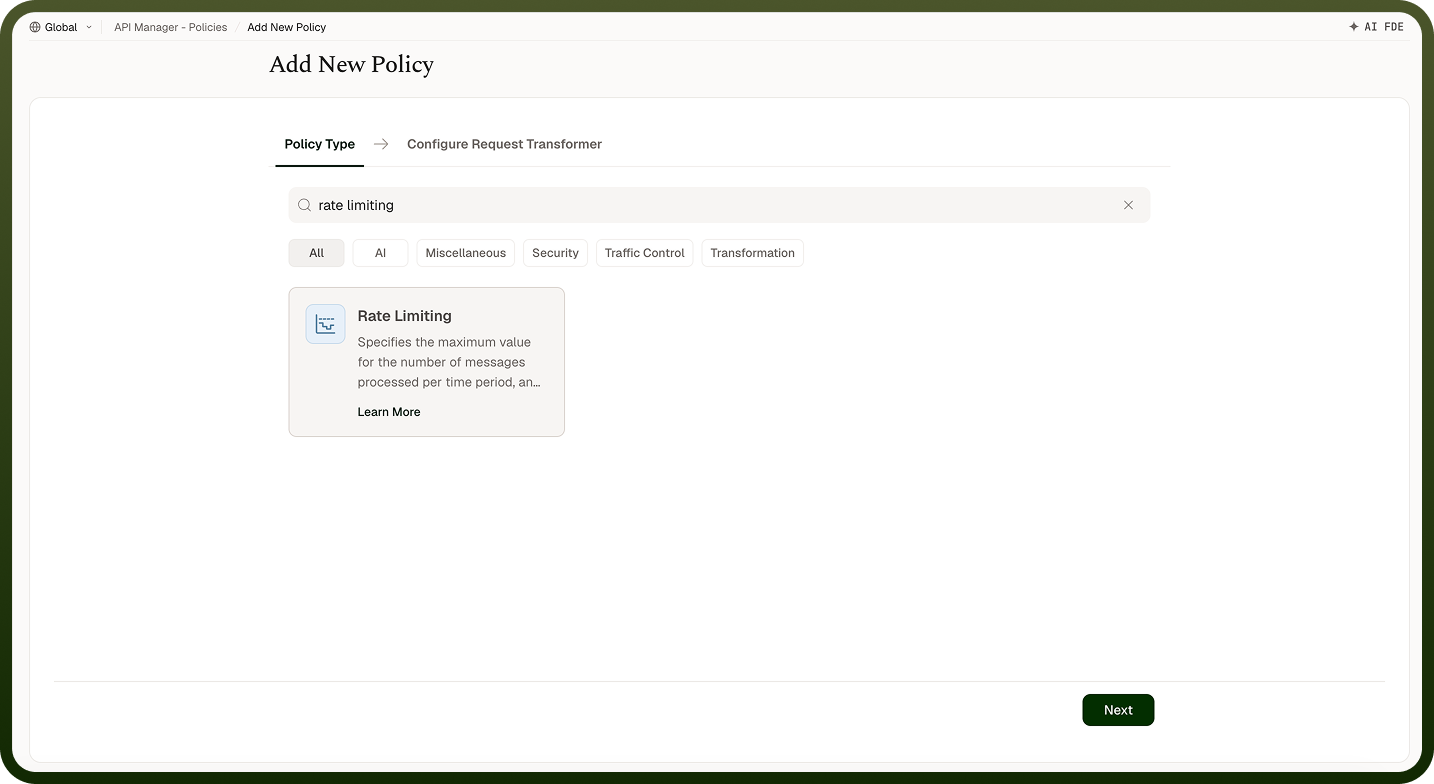
A Rate Limiting Policy controls how many API requests a client profile can make within a defined time window. When the limit is reached, further requests are rejected and the configured error message is returned — protecting backend services from traffic overload, preventing abuse, and ensuring fair usage across all API consumers.
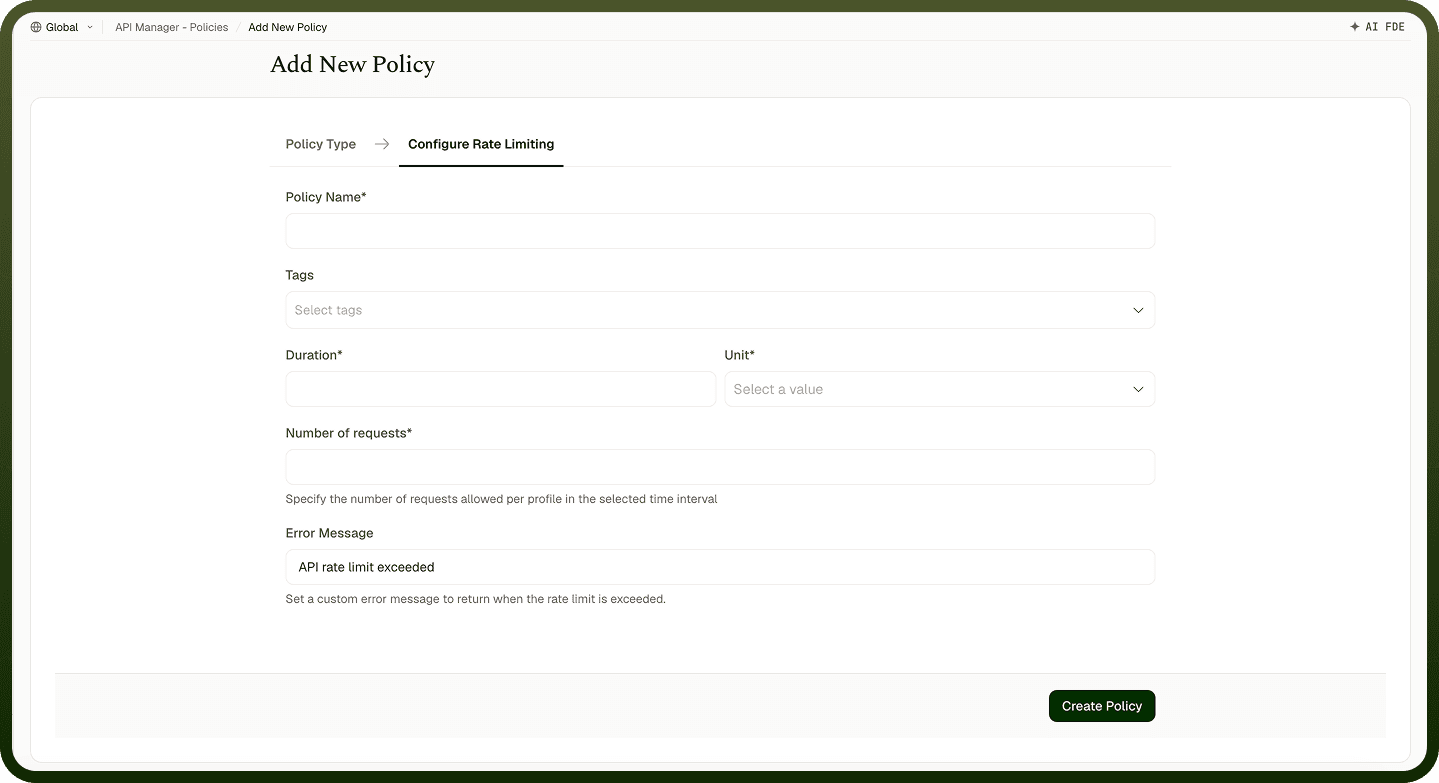
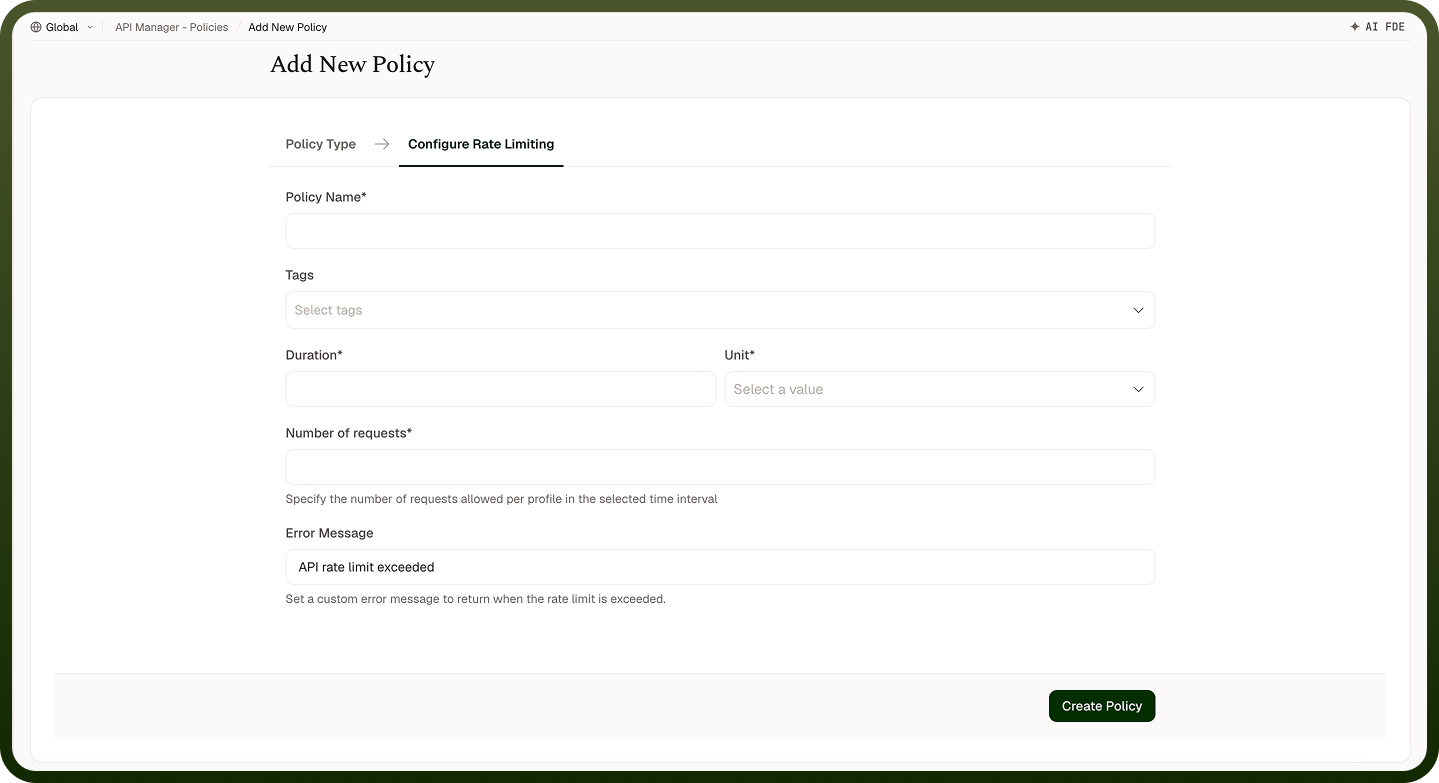
Rate Limiting Policy configuration panel
Field Reference
Field | Description |
|---|---|
Policy Name * | A unique identifier used across logs, dashboards, and API group configurations. |
Tags | Custom labels to organize and filter the policy by environment, team, or functionality. |
Duration * | The length of the time window during which requests are tracked per client profile. |
Unit * | The time unit for the Duration field. Options: Seconds, Minutes, Hours, Days. |
Number of Requests * | The maximum number of requests allowed per client profile within the time window. Once reached, further requests are denied until the window resets. |
Error Message | The message returned to the client when their request is denied. Defaults to "API rate limit exceeded" if not set. |
How It Works
Request received — The gateway identifies the client using an API key, IP address, or user ID.
Counter check — The system retrieves the request count for that client within the current time window.
Limit evaluation — If the count is below the limit, the request is forwarded and the counter increments. If at or above the limit, the request is rejected.
Error response — Rejected requests receive the configured error message indicating the rate limit has been exceeded.
Window reset — After the time window expires, the counter resets and the client can send requests again.
Attaching to an API Group
Once a Rate Limiting Policy is created, attach it to one or more API Groups from the group's policy settings. Drag policies into the desired execution order when multiple policies are applied to the same group.
Notes
Rate limits are tracked per client profile, not globally — one client hitting the limit does not affect other clients.
Start with conservative limits and loosen them based on observed traffic patterns from the Insights dashboard.
Provide a descriptive Error Message so callers understand the limit and when to retry (e.g., "Rate limit exceeded. Maximum 100 requests per minute.").
Pair with a Usage Quota Policy for end-to-end traffic governance: rate limiting handles bursts, quotas handle total consumption.