


Allow or deny API access based on the client's IP address using configurable allow lists and block lists.
Overview
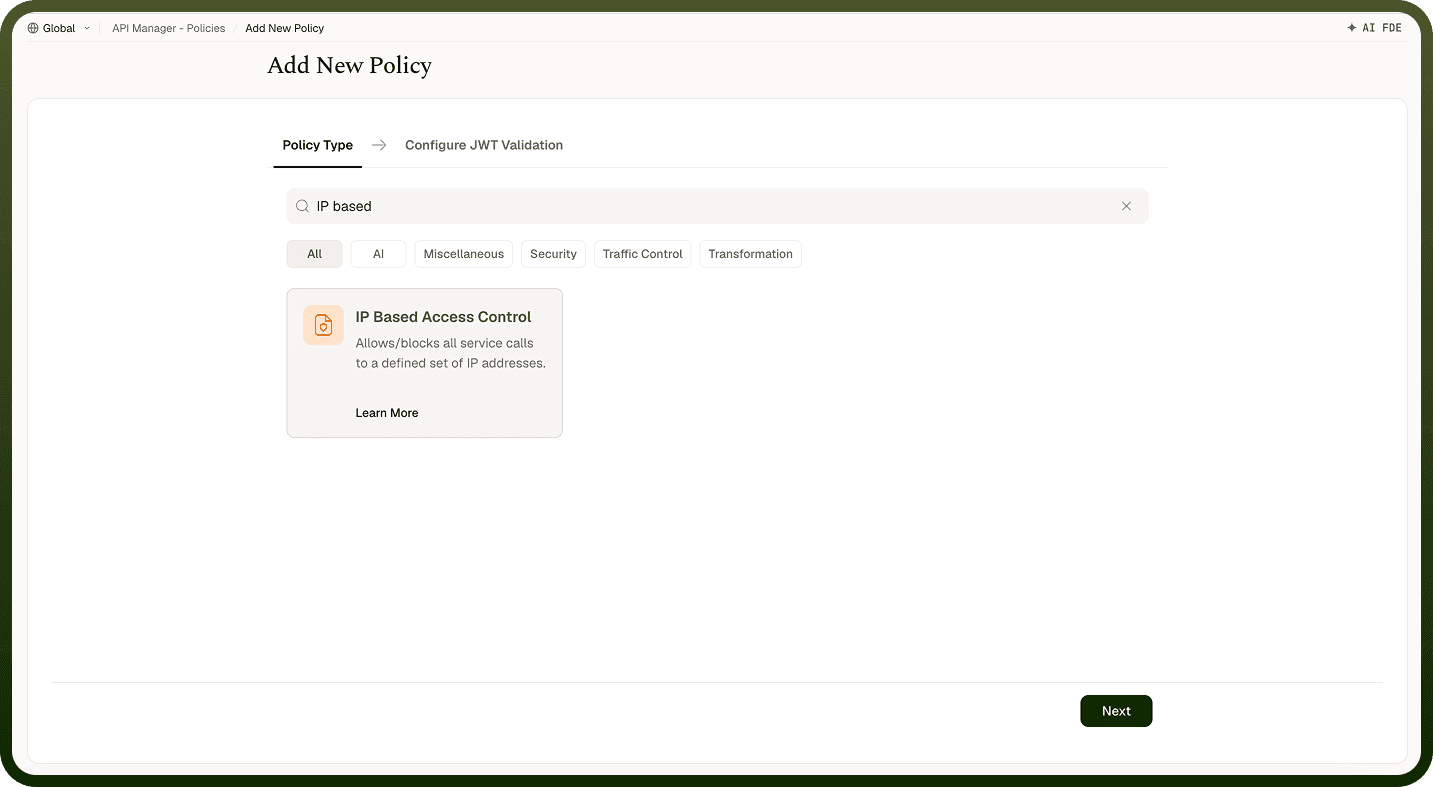
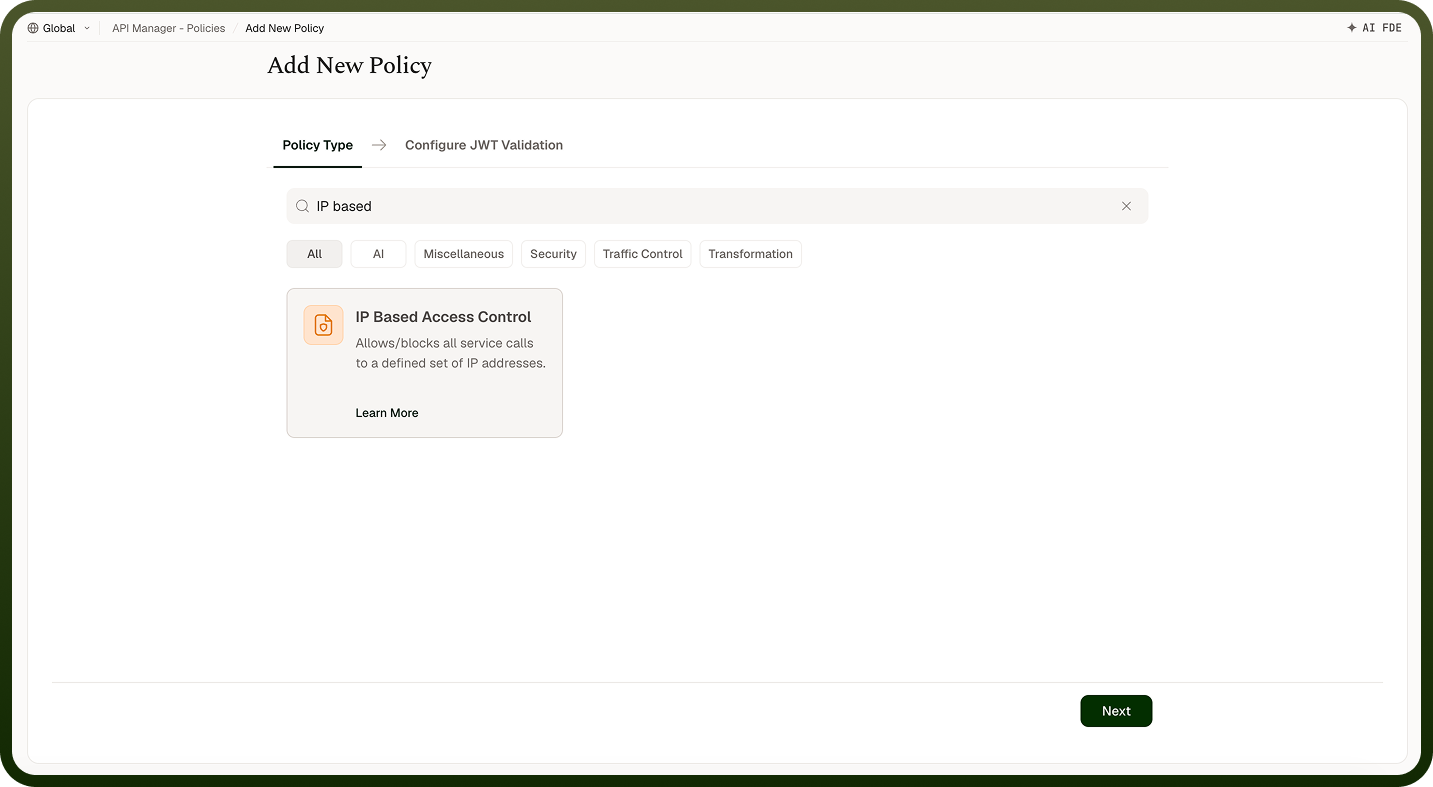
An IP Based Access Control Policy restricts or allows access to APIs based on the client's IP address. Define an allow list of trusted IPs, a block list of denied IPs, or both — requests are evaluated against these lists at the gateway before reaching the backend, blocking unauthorized or suspicious sources without any changes to the backend service.
Field Reference
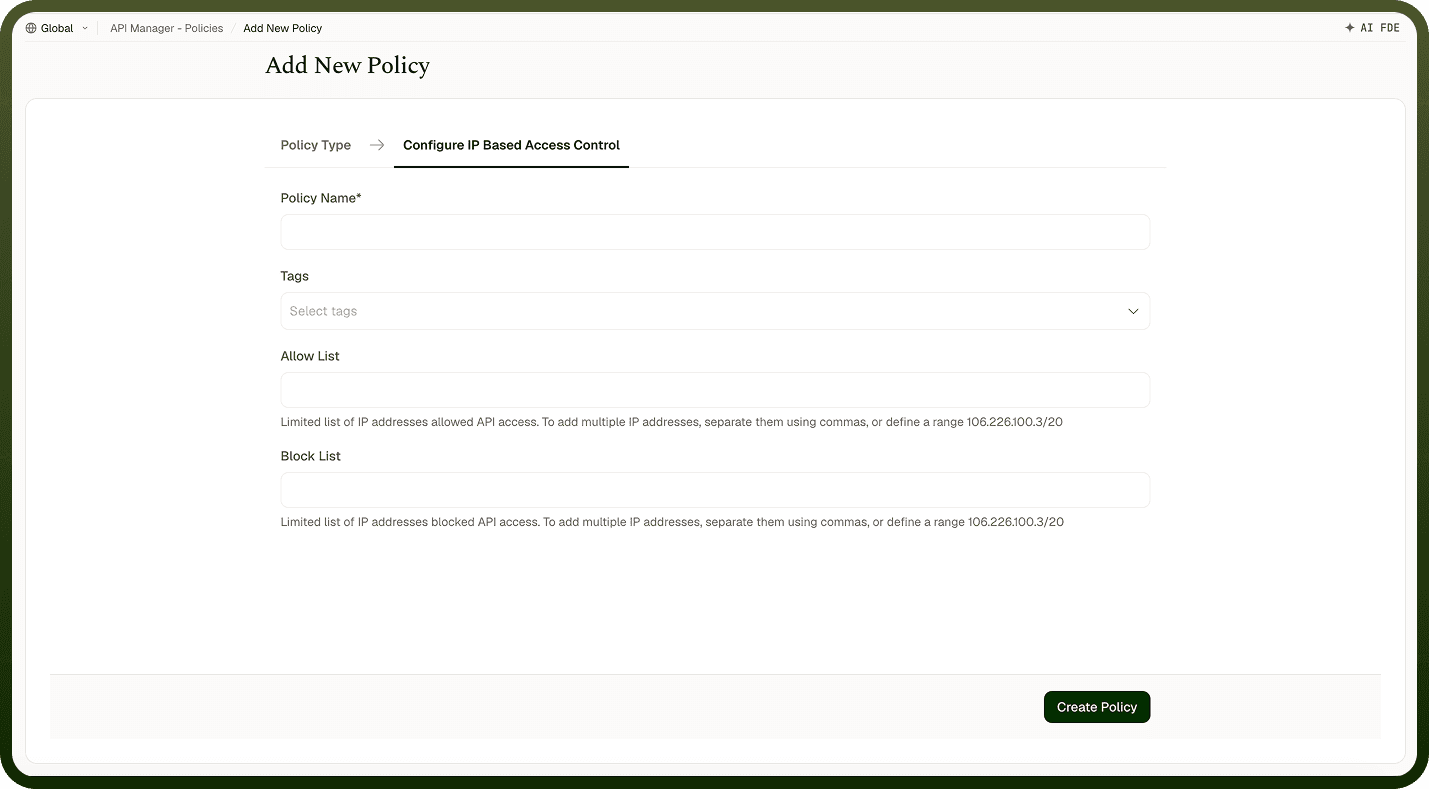
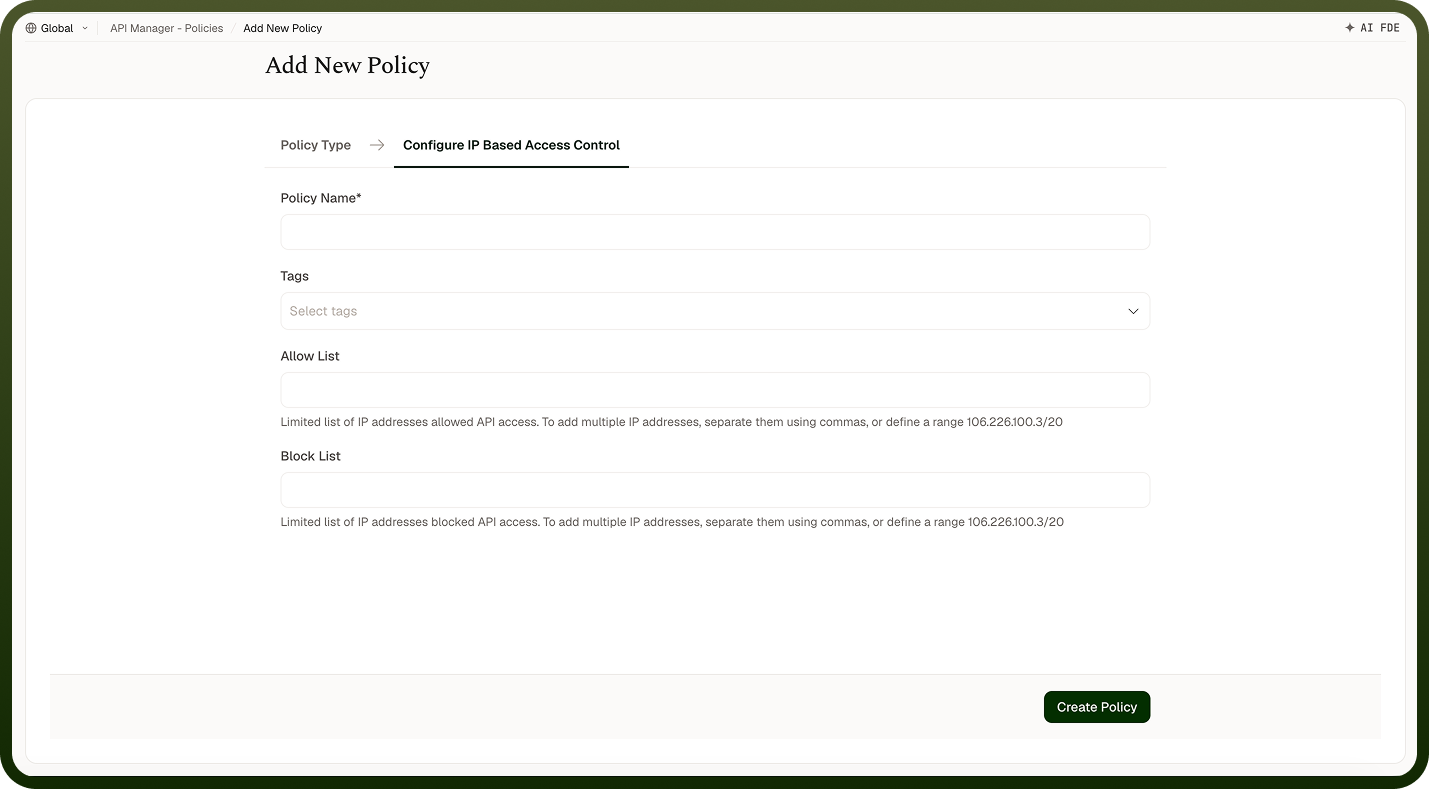
Field | Description |
|---|---|
Policy Name * | A unique identifier used across logs, dashboards, and API group configurations. |
Tags | Custom labels to organize and filter the policy by environment, team, or functionality. |
Allow List | IP addresses or ranges that are permitted to access the API. Separate multiple entries with commas. If configured, any IP not on the list is denied. |
Block List | IP addresses or ranges that are explicitly denied access. Separate multiple entries with commas. Block list is evaluated before the allow list. |
How It Works
Request received — The gateway receives the API request and identifies the client's IP address.
Block list check — The IP is checked against the block list. If it matches, the request is immediately rejected.
Allow list check — If an allow list is configured, the IP is validated against it. If the IP is not on the list, the request is rejected. If no allow list is defined, all non-blocked IPs are allowed.
Request forwarded — If the IP passes all checks, the request proceeds to the backend.
Access enforcement — Rejected requests receive an error response indicating access is denied.
Attaching to an API Group
Once an IP Based Access Control Policy is created, attach it to one or more API Groups from the group's policy settings. Multiple policies can be applied to a single group; drag them into the desired execution order.
Notes
The block list is evaluated before the allow list — if an IP appears in both, it is blocked.
IP ranges can be expressed in CIDR notation (e.g., 192.168.1.0/24) to allow or block entire subnets.
If you configure only an allow list (no block list), any IP not explicitly listed is denied — use this for tightly controlled internal APIs.
Be careful when blocking dynamic or NAT IP ranges — legitimate clients behind shared NAT may be affected. Prefer allow-listing internal IP ranges when possible.