


Control which origins (domains) can access your APIs from a browser, defining allowed methods, headers, and preflight caching behavior.
Overview
A CORS Policy controls how resources on your API can be accessed from different origins (domains). It defines which external clients are allowed to interact with your APIs and what types of requests they can make — enforcing security by restricting unauthorized cross-origin access while enabling trusted domains to communicate with your backend services.
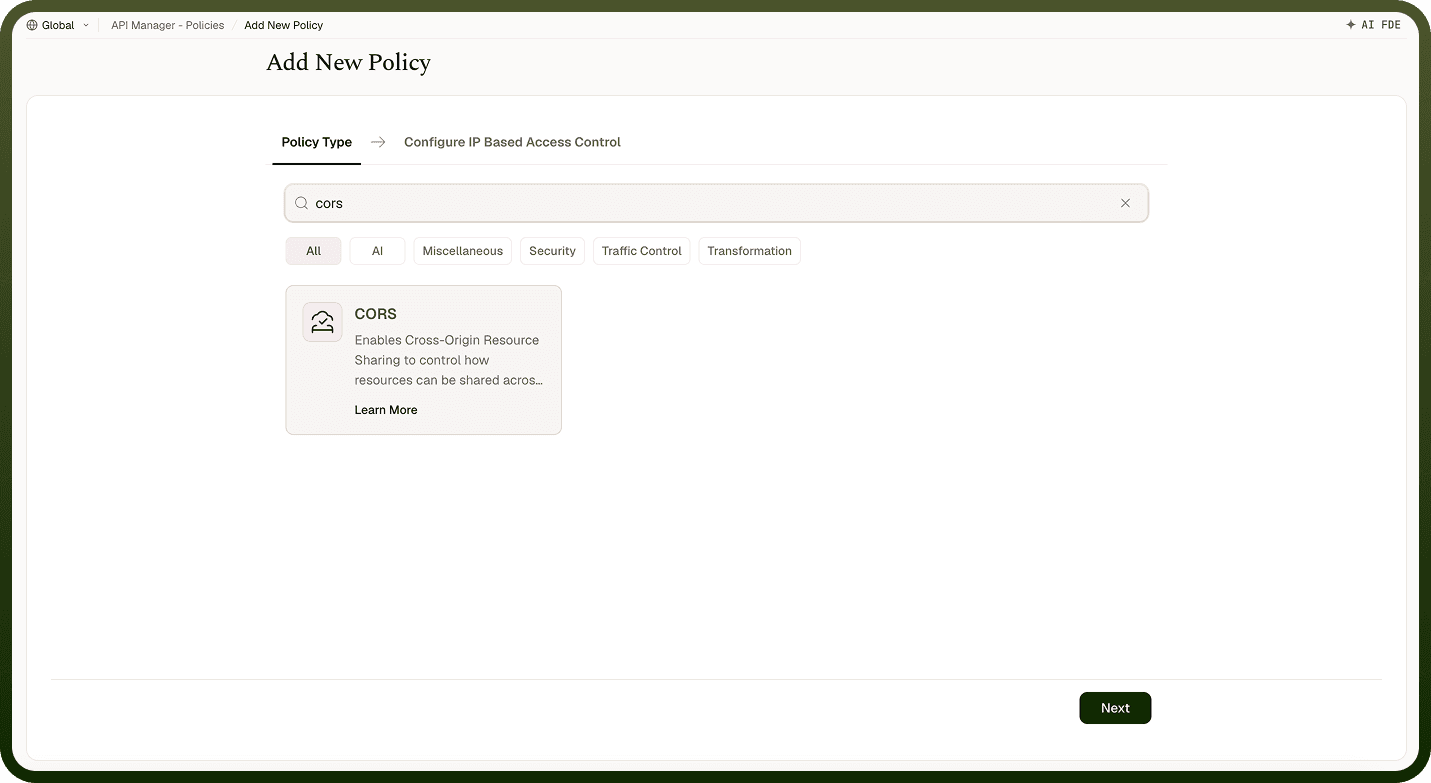
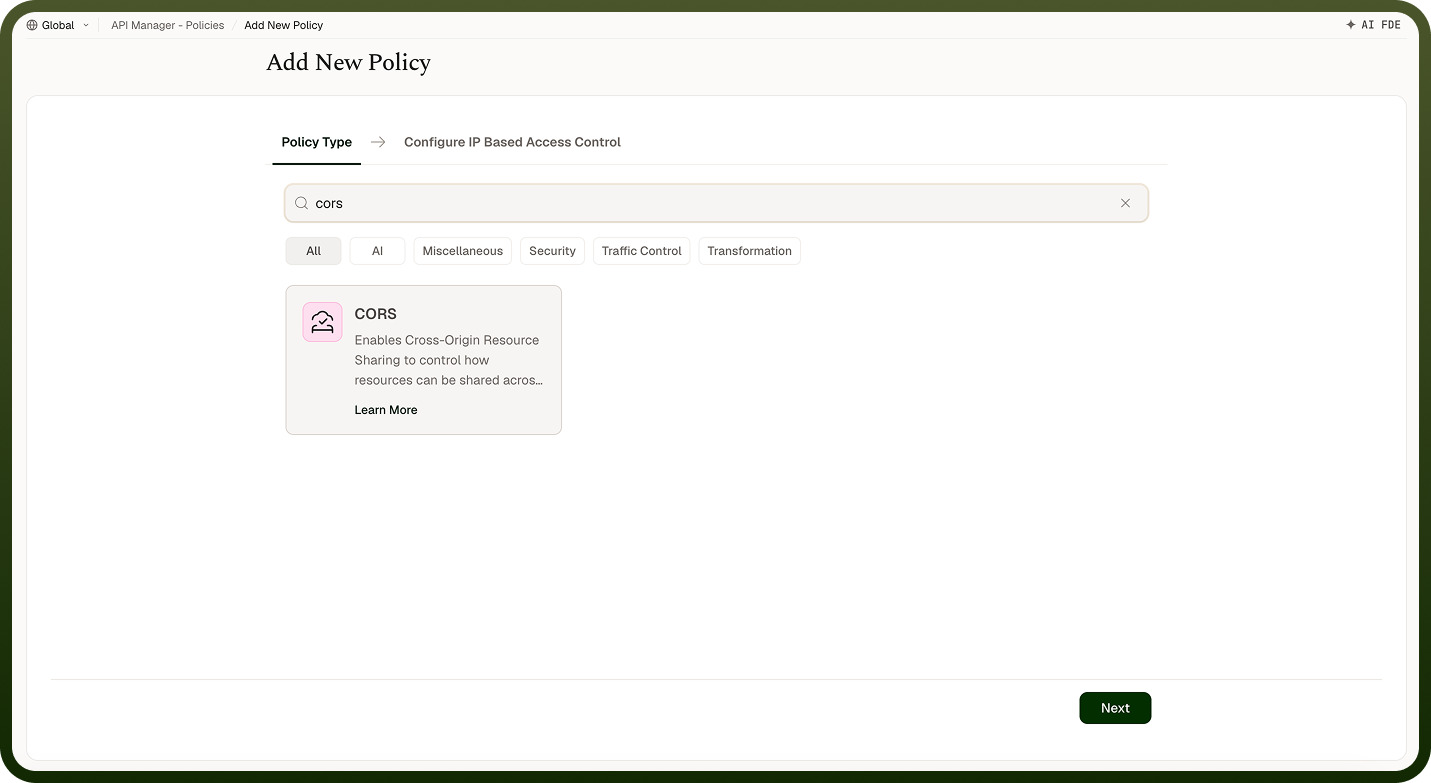
Field Reference
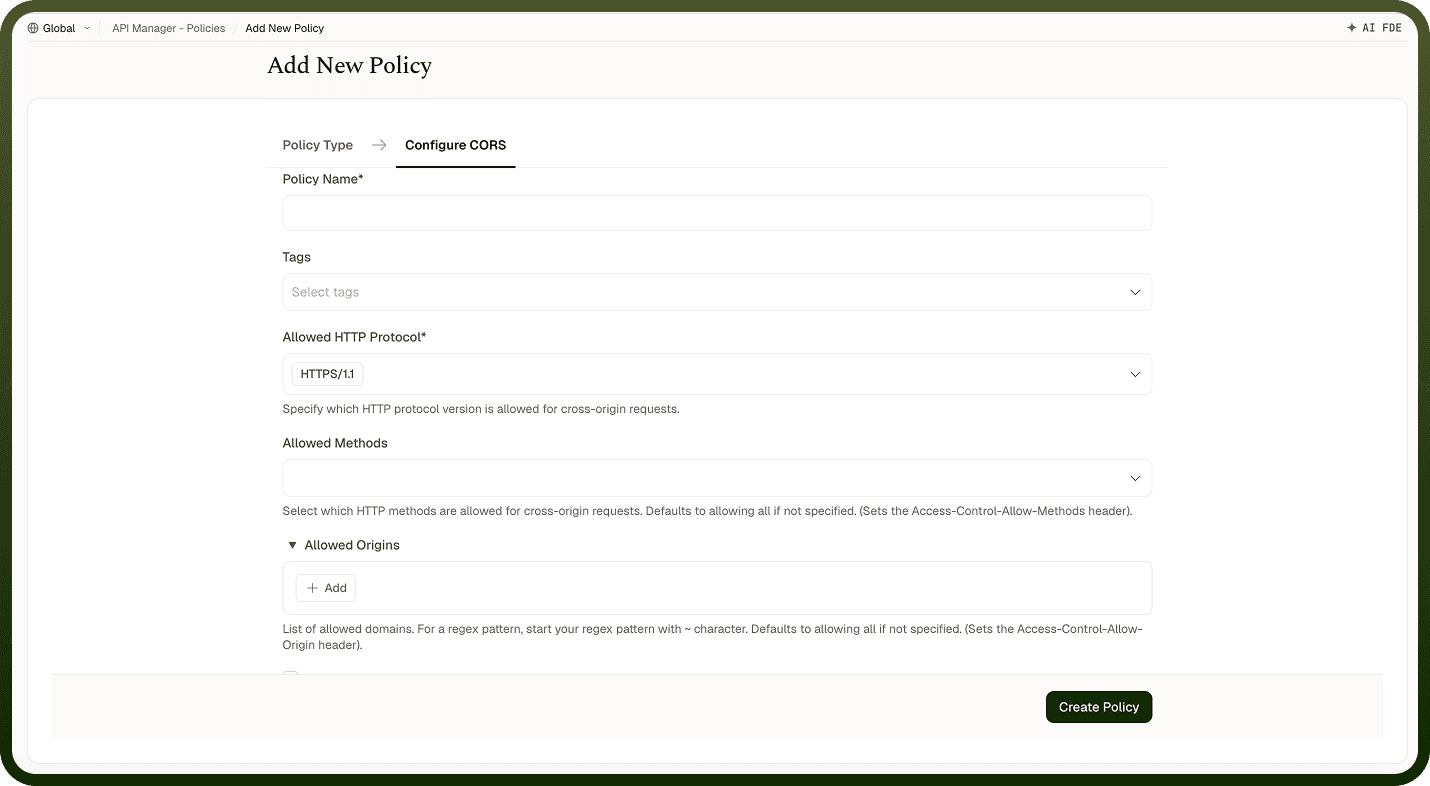
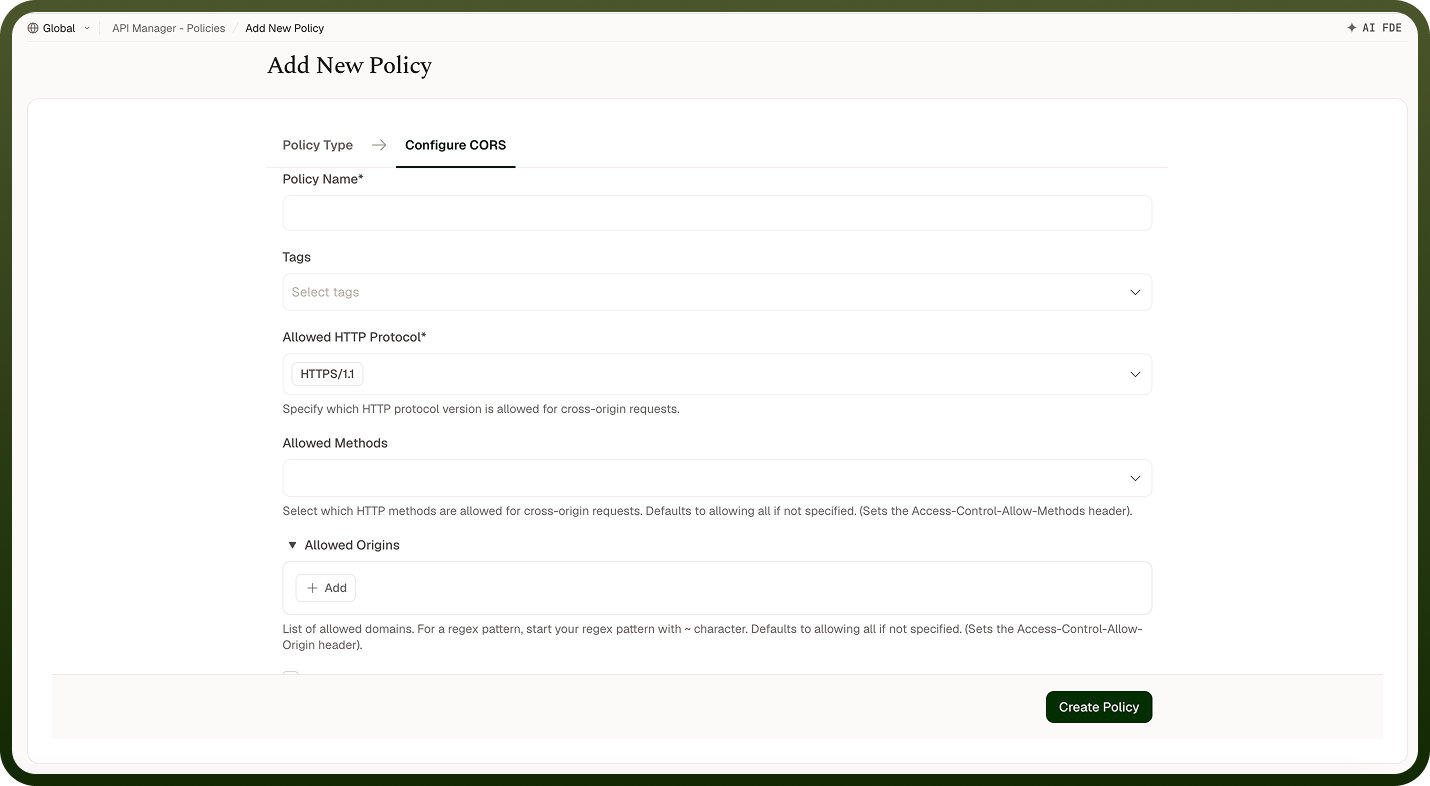
Field | Description |
|---|---|
Policy Name * | A unique identifier used across logs, dashboards, and API group configurations. |
Tags | Custom labels to organize and filter the policy by environment, team, or functionality. |
Allowed HTTP Protocol * | The HTTP protocol version permitted for cross-origin requests (e.g., HTTP/1.1, HTTP/2). |
Allowed Methods | HTTP methods permitted for cross-origin requests (e.g., GET, POST, PUT, DELETE). If not specified, all methods are allowed. |
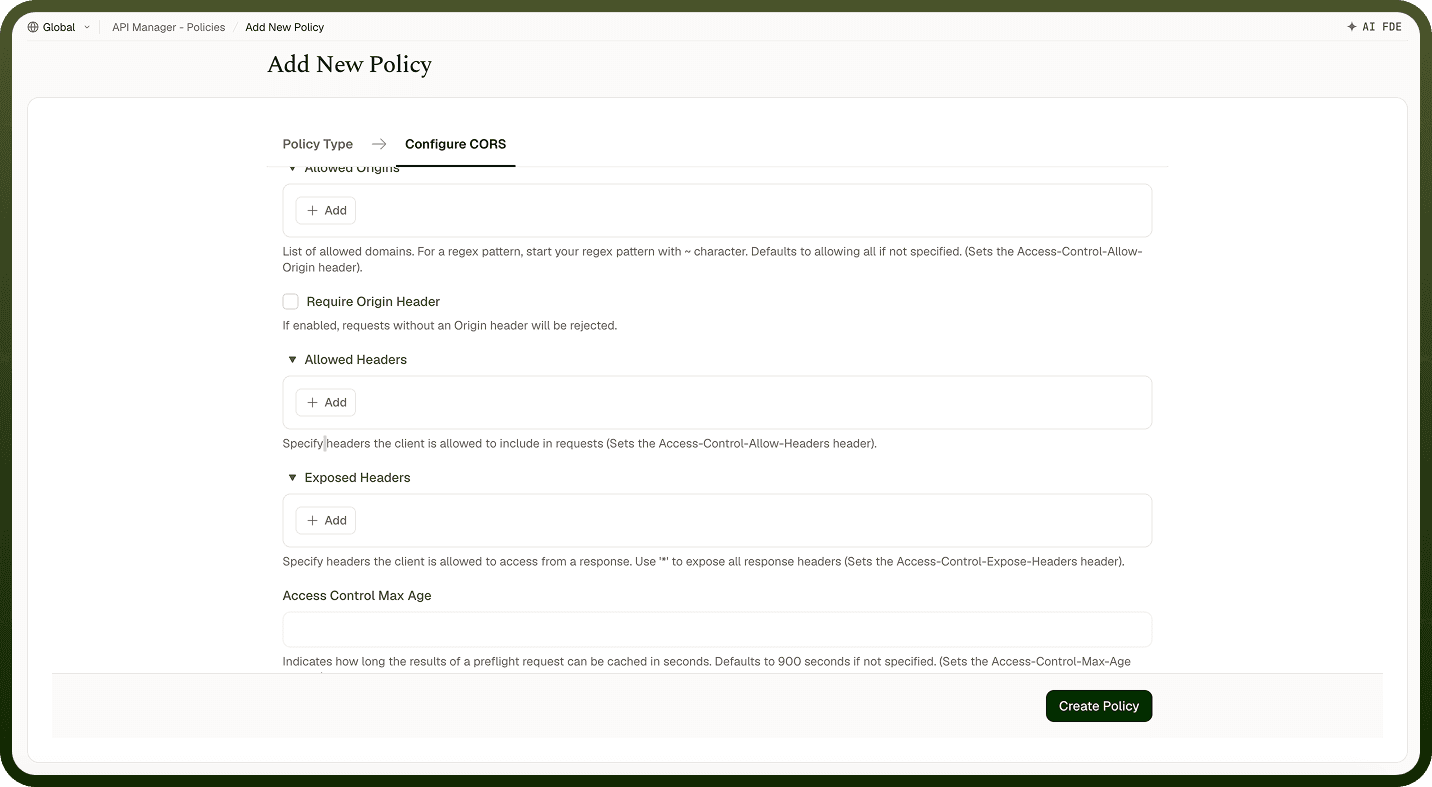
Allowed Origins | Domains permitted to access the API. Accepts explicit domains or regex patterns (prefix with ~). If not specified, all origins are allowed. |
Require Origin Header | When enabled, requests without an Origin header are rejected. |
Allowed Headers | Request headers that clients may include in cross-origin requests. |
Exposed Headers | Response headers exposed to the client. Use * to expose all response headers. |
Access Control Max Age | How long (in seconds) the browser can cache preflight results. Defaults to 900 seconds if not set. |
How It Works
Request initiated — A client (e.g., a browser) sends a cross-origin request to the API.
Origin validation — The gateway checks whether the request's origin matches the configured allowed origins.
Preflight handling — For complex requests, the browser first sends a preflight (OPTIONS) request. The gateway evaluates allowed methods, headers, and origins and responds accordingly.
Policy enforcement — Compliant requests are allowed; non-compliant requests are rejected or blocked.
CORS headers added — The gateway attaches appropriate CORS headers (e.g., Access-Control-Allow-Origin, Access-Control-Allow-Methods) to the response.
Client access control — The browser enforces these headers to allow or deny the client access to the response.
Attaching to an API Group
Once a CORS Policy is created, attach it to one or more API Groups from the group's policy settings. Multiple policies can be applied to a single group; drag them into the desired execution order.
Notes
Avoid using * for Allowed Origins in production — enumerate specific trusted domains to prevent unintended cross-origin access.
Set Access Control Max Age to a value that reduces preflight overhead (e.g., 3600 seconds for non-sensitive APIs), but lower it for APIs where CORS rules change frequently.
Use regex patterns (prefixed with ~) in Allowed Origins to handle dynamic subdomains without maintaining a fixed list.
CORS policies protect browsers, not server-to-server calls — if your API is only called by backend services, a CORS policy is unnecessary.