


Enforce rules on incoming API requests — validating parameters and body structure before requests are forwarded to backend services.
Overview
A Request Validator Policy ensures incoming API requests conform to defined rules before they are forwarded to the backend. It validates request parameters (query, header, path) and optionally the request body against a JSON schema — preventing malformed or invalid requests from reaching backend systems and improving overall API reliability.
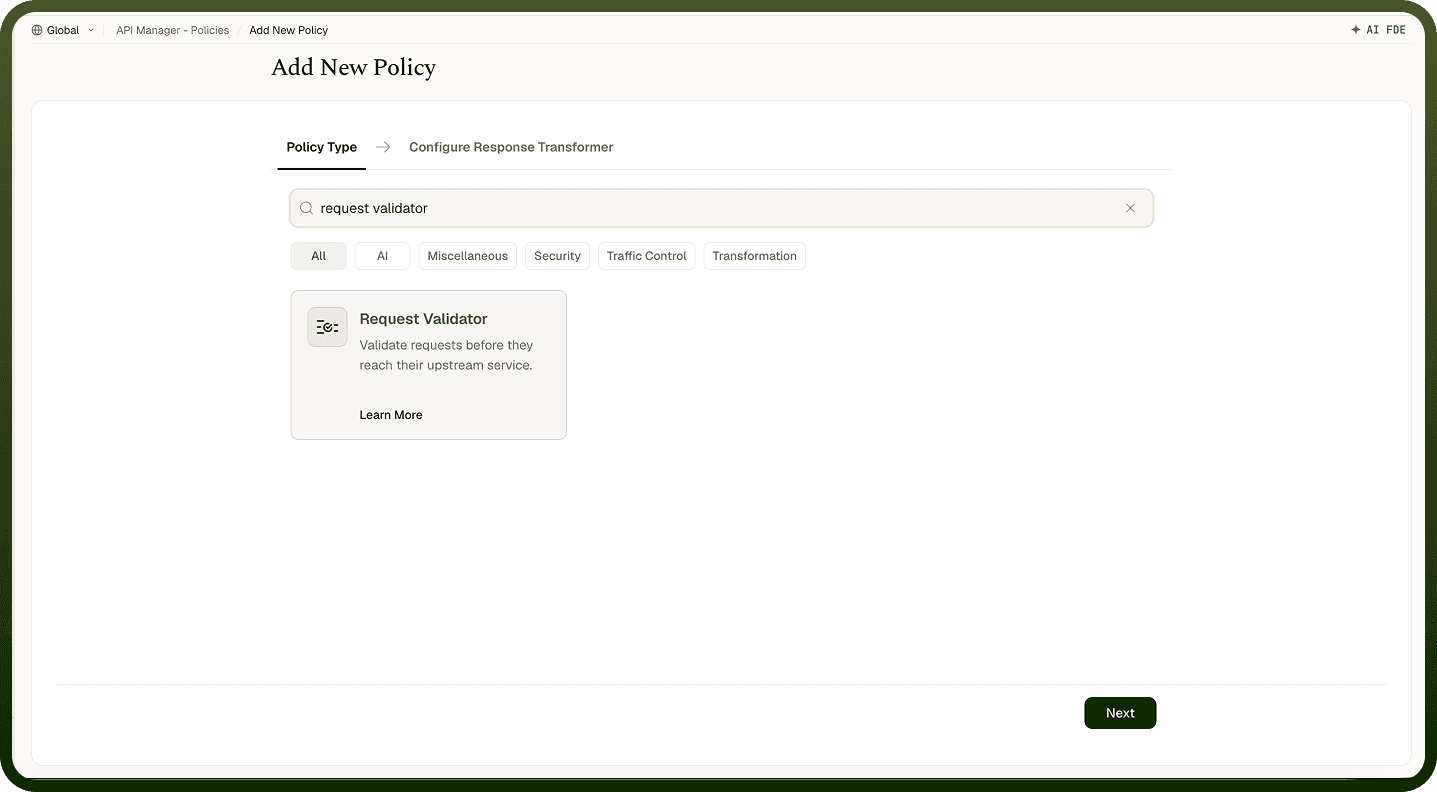
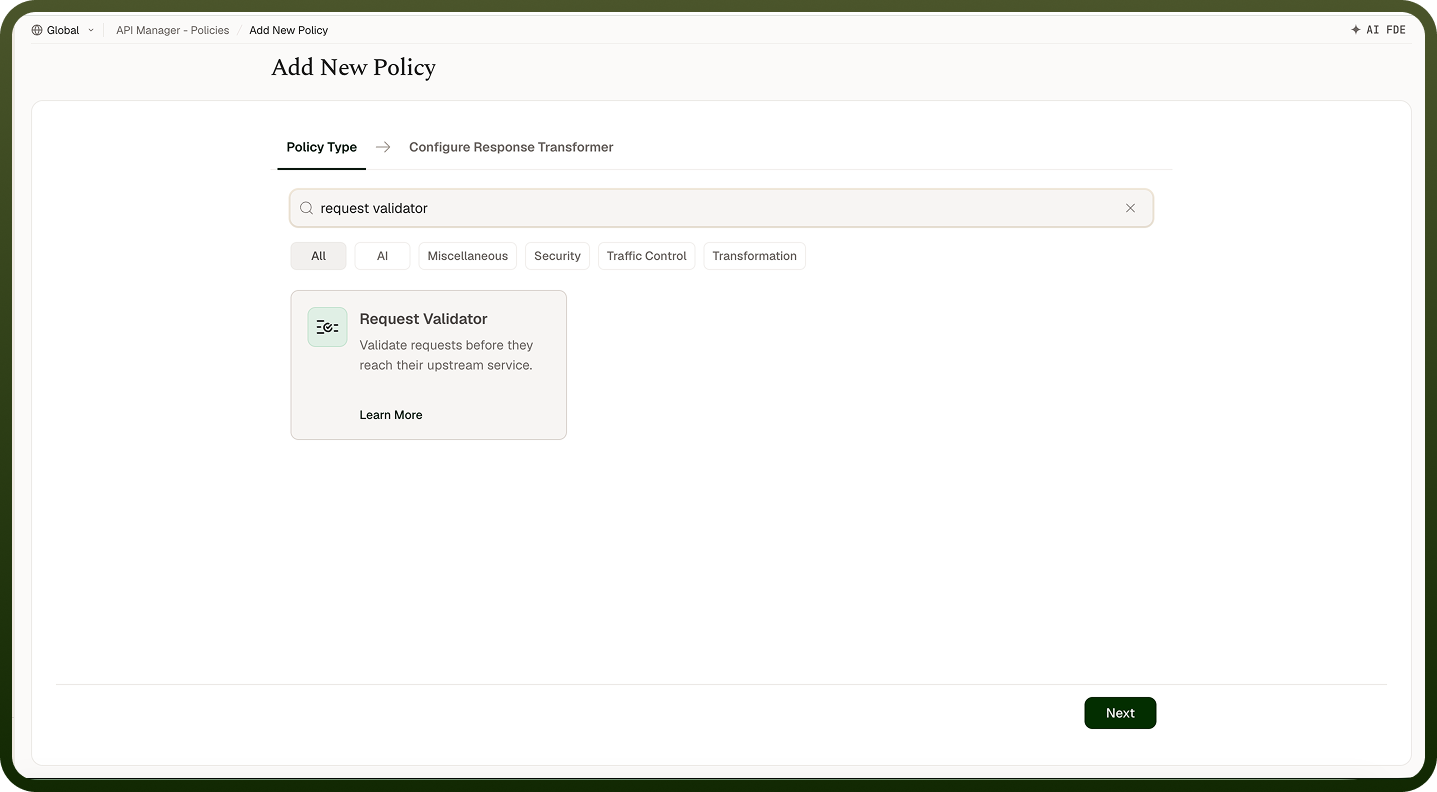
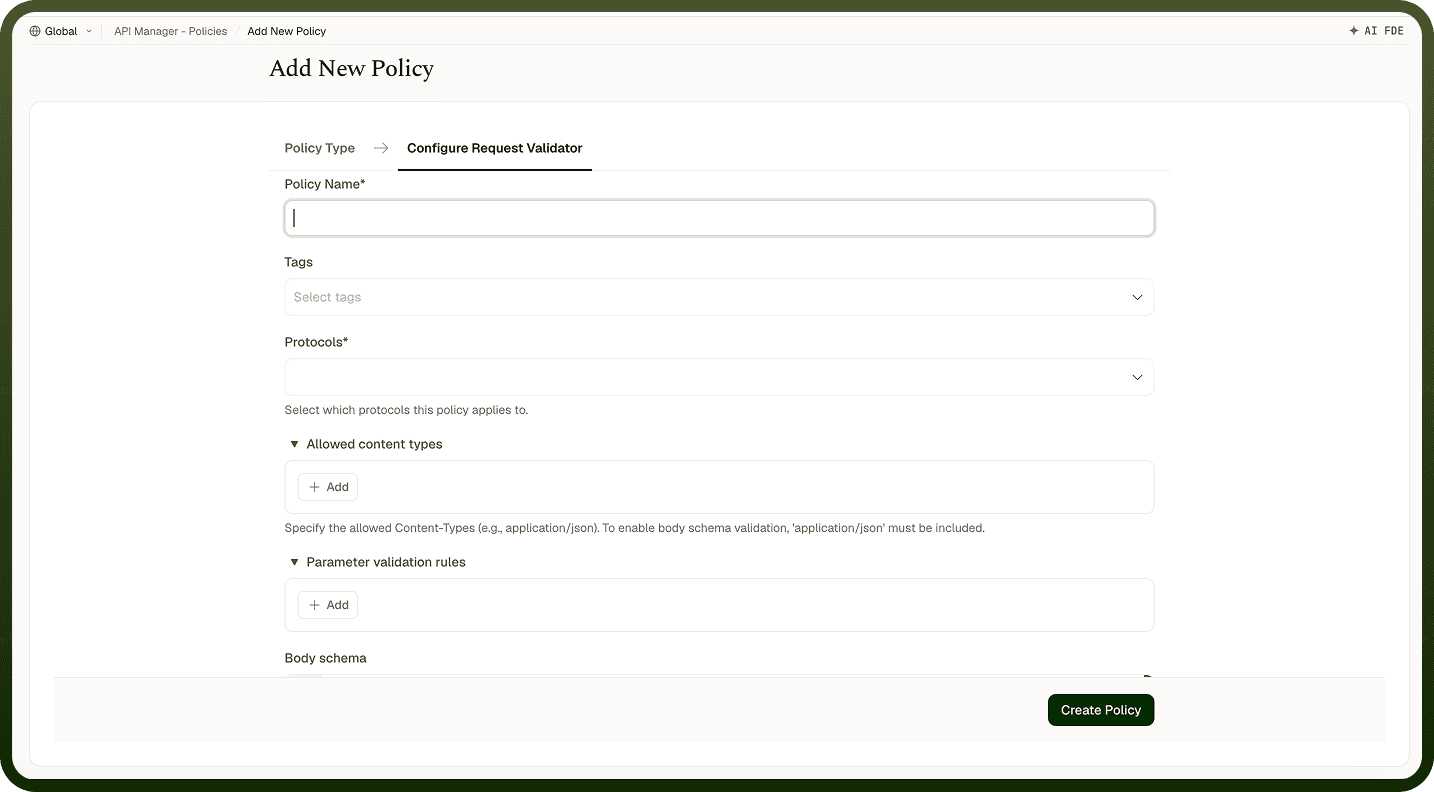
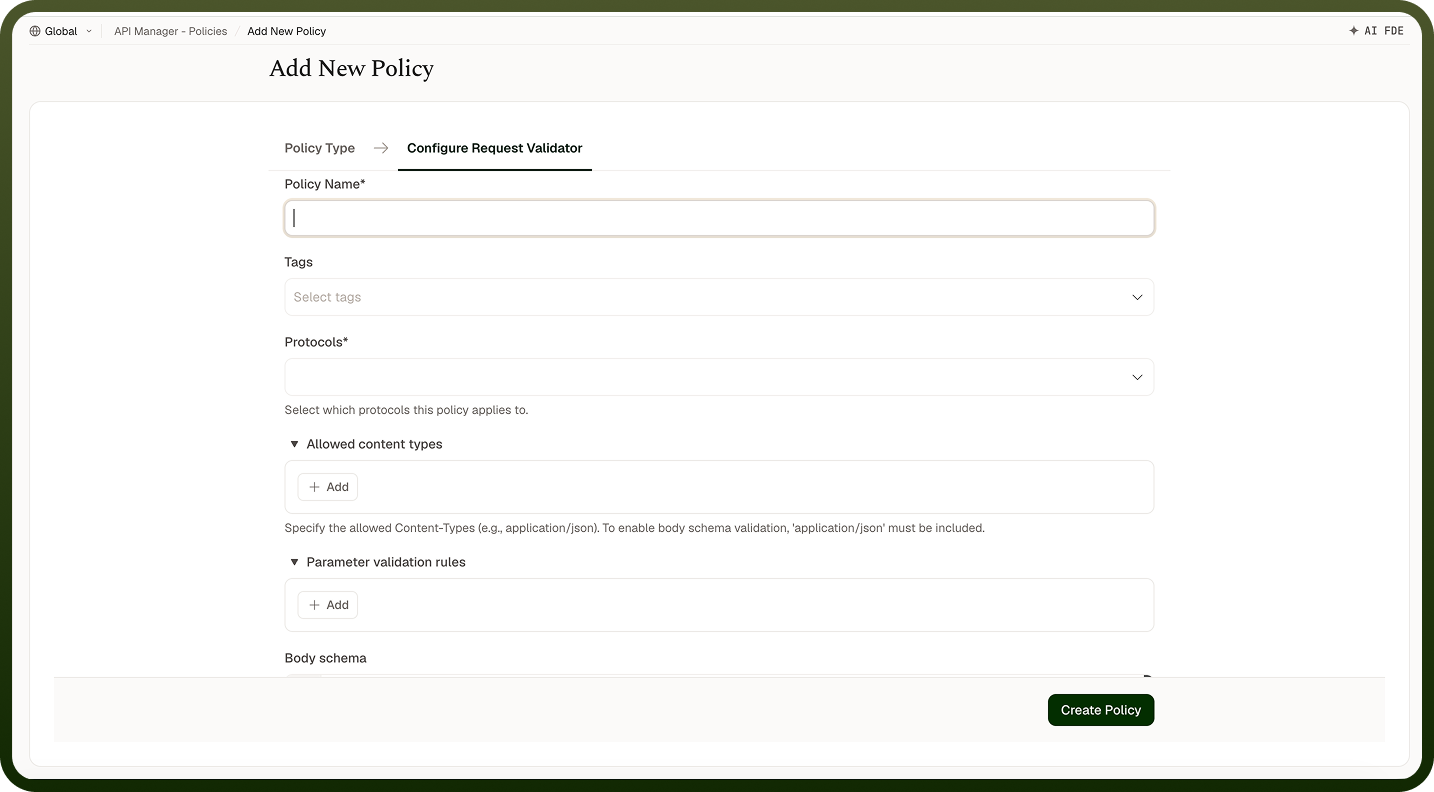
Field Reference
Field | Description |
|---|---|
Policy Name * | A unique identifier used across logs, dashboards, and API group configurations. |
Tags | Custom labels to organize and filter the policy by environment, team, or functionality. |
Protocols * | The request protocols for which this policy applies (e.g., HTTP, HTTPS). Only matching requests trigger the policy. |
Allowed Content Types | Accepted Content-Type headers (e.g., application/json). Requests with unlisted content types are rejected. Include application/json to enable body schema validation. |
Parameter Validation Rules * | One or more rules for validating query, header, or path parameters. Each rule specifies a Parameter Location, Field Name, and Data Type. |
Body Schema | A JSON schema used to validate the request body. Applies only when the request Content-Type is application/json. |
Parameter Validation Rule Fields
Sub-field | Description |
|---|---|
Parameter Location | Where the parameter appears: QUERY (query string), HEADER (HTTP headers), or PATH (URL path parameters). |
Field Name | The name of the parameter to validate. |
Data Type | The expected data type (e.g., string, number, boolean). Requests with mismatched types are rejected. |
How It Works
Request received — The gateway receives the incoming API request.
Protocol check — The request is validated against the configured protocols.
Content type validation — The Content-Type header is checked against the allowed types list.
Parameter validation — Each defined parameter rule is applied: location (query, header, path) and data type are checked.
Body validation — If a JSON schema is configured and the content type is application/json, the request body is validated against the schema.
Outcome — If all checks pass, the request is forwarded to the backend. Any failure returns an error response to the caller.
Attaching to an API Group
Once a Request Validator Policy is created, attach it to one or more API Groups from the group's policy settings. Multiple policies can be applied to a single group; drag them into the desired execution order.
Notes
Attach this policy early in the execution order — catching invalid requests before they reach rate limiters or the backend reduces unnecessary processing.
Add application/json to Allowed Content Types whenever you want to validate the request body against a schema.
Use Path parameter validation for APIs with parameterized URLs (e.g., /users/{id}) to enforce that id is a number before the request reaches the automation.
Return clear error messages from your backend for validation failures so callers can self-correct without needing to contact support.