


Limit the total number of API requests a client profile can make over a defined period — daily, monthly, or any custom duration.
Overview
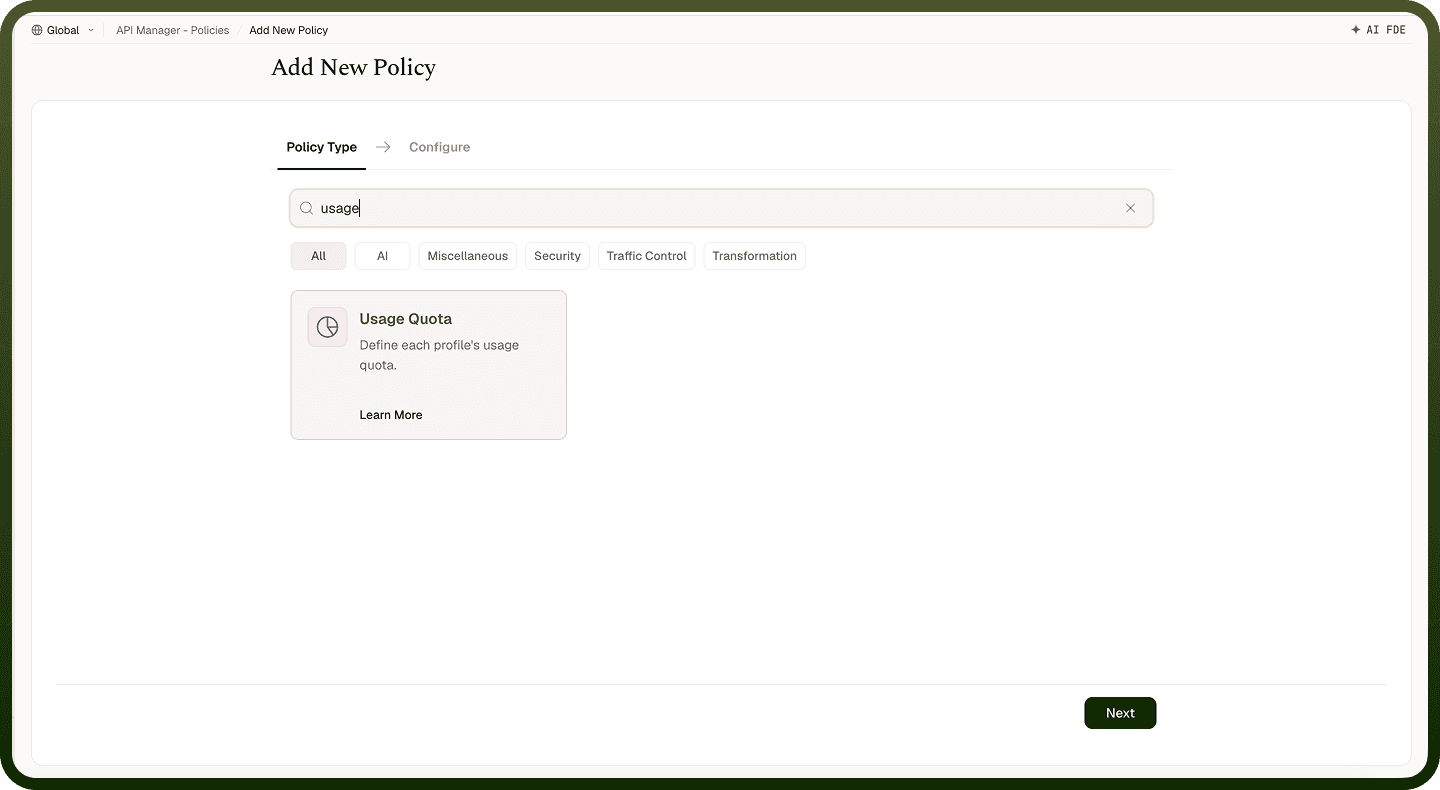
A Usage Quota Policy limits the total number of API requests a client profile can make over a defined time period — for example, 10,000 requests per day or 100,000 per month. Unlike a rate limit (which controls bursts), a usage quota enforces a longer-term consumption cap, making it suitable for enforcing usage tiers and fair-use agreements.
Field Reference
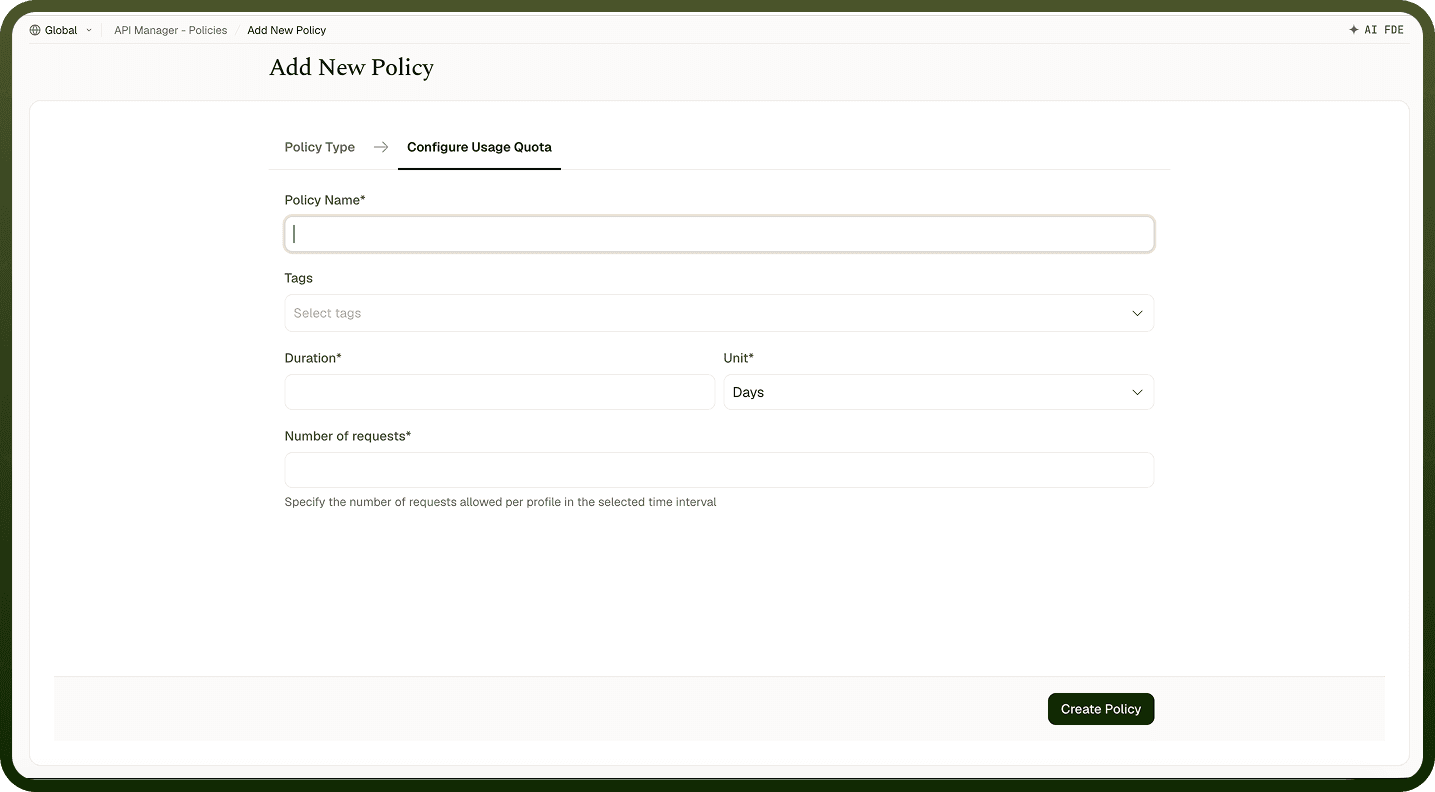
Field | Description |
|---|---|
Policy Name * | A unique identifier used across logs, dashboards, and API group configurations. |
Tags | Custom labels to organize and filter the policy by environment, team, or functionality. |
Duration * | The length of time over which API usage is tracked. For example, 1 with Unit Days defines a daily quota. |
Unit * | The time unit for the Duration field. Options: Minutes, Hours, Days, Months. |
Number of Requests * | The maximum number of requests allowed per client profile within the defined period. Once reached, further requests are denied until the quota resets. |
How It Works
Request arrives — The gateway receives the request and identifies the client profile (API key, user ID, or IP).
Quota check — The system retrieves how many requests the client has already made in the current quota period.
Limit evaluation — If the count is below the quota, the request is allowed and the count increments. If at or above the limit, the request is rejected.
Quota reset — At the end of the configured period, the usage counter resets and the client can make requests again.
Error response — Rejected requests receive an error indicating the usage limit has been reached.
Attaching to an API Group
Once a Usage Quota Policy is created, attach it to one or more API Groups from the group's policy settings. Multiple policies can be applied to a single group; drag them into the desired execution order.
Notes
Usage quotas are tracked per client profile, so one client exhausting their quota does not affect other clients.
Apply both a Rate Limiting Policy (burst control) and a Usage Quota Policy (total cap) when you need to govern both traffic spikes and overall consumption.
The counter resets at the boundary of the configured period — a daily quota resets at the start of the next day, not 24 hours after the client's first request.
Monitor quota usage from the API Manager Insights dashboard to identify clients approaching their limit before they hit it.