


API endpoints
An API is a single REST operation inside an API group — a URL path plus the HTTP methods it answers — backed by an automation, AI model, external API, or event stream.
Overview
Every operation you want to expose becomes an API. An API lives inside an API group (which sets the base path), takes its request and response contract from its backing resource, and can carry its own policies. When a caller hits the API's URL with an allowed method, the platform runs the backing resource and returns its result as the response.
Creating an API
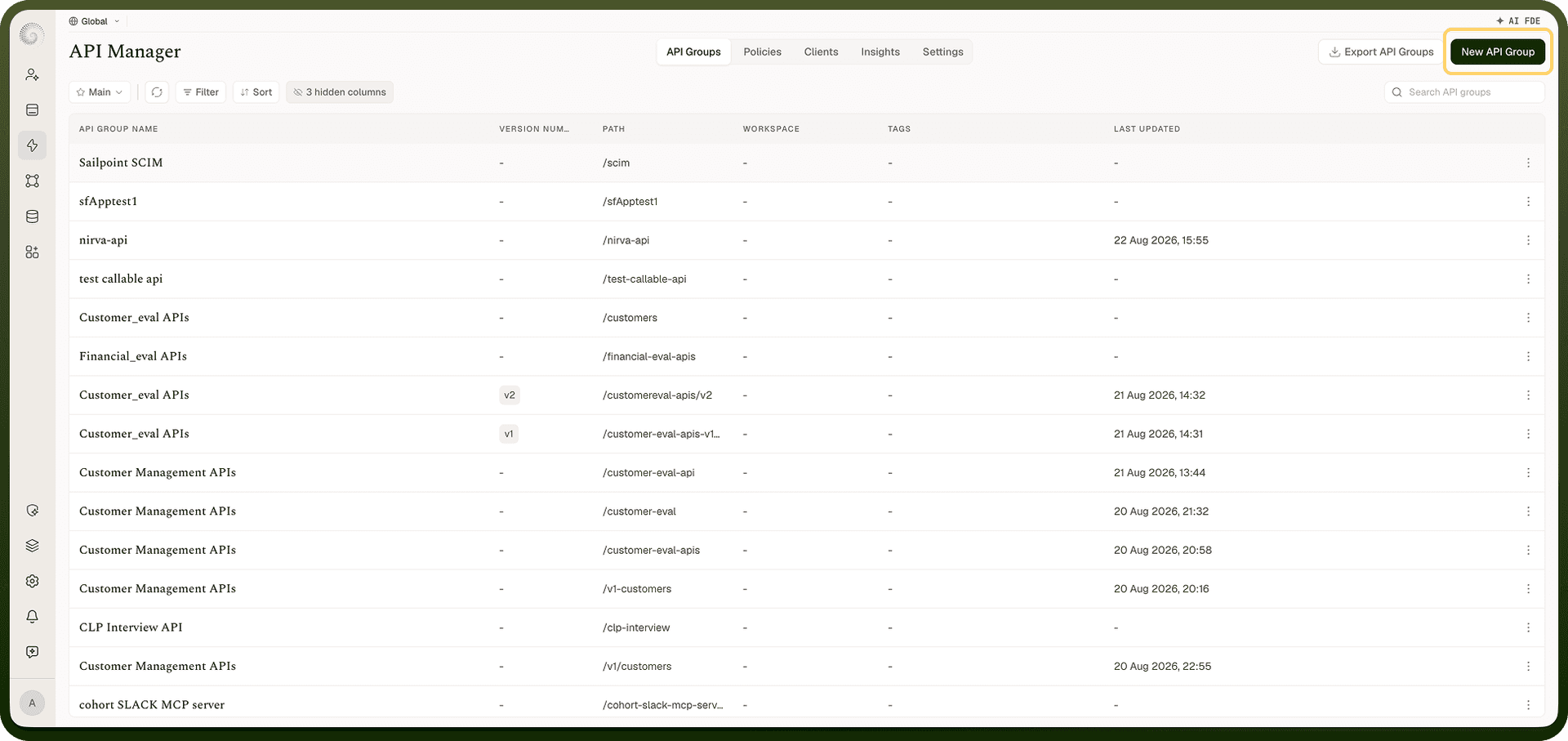
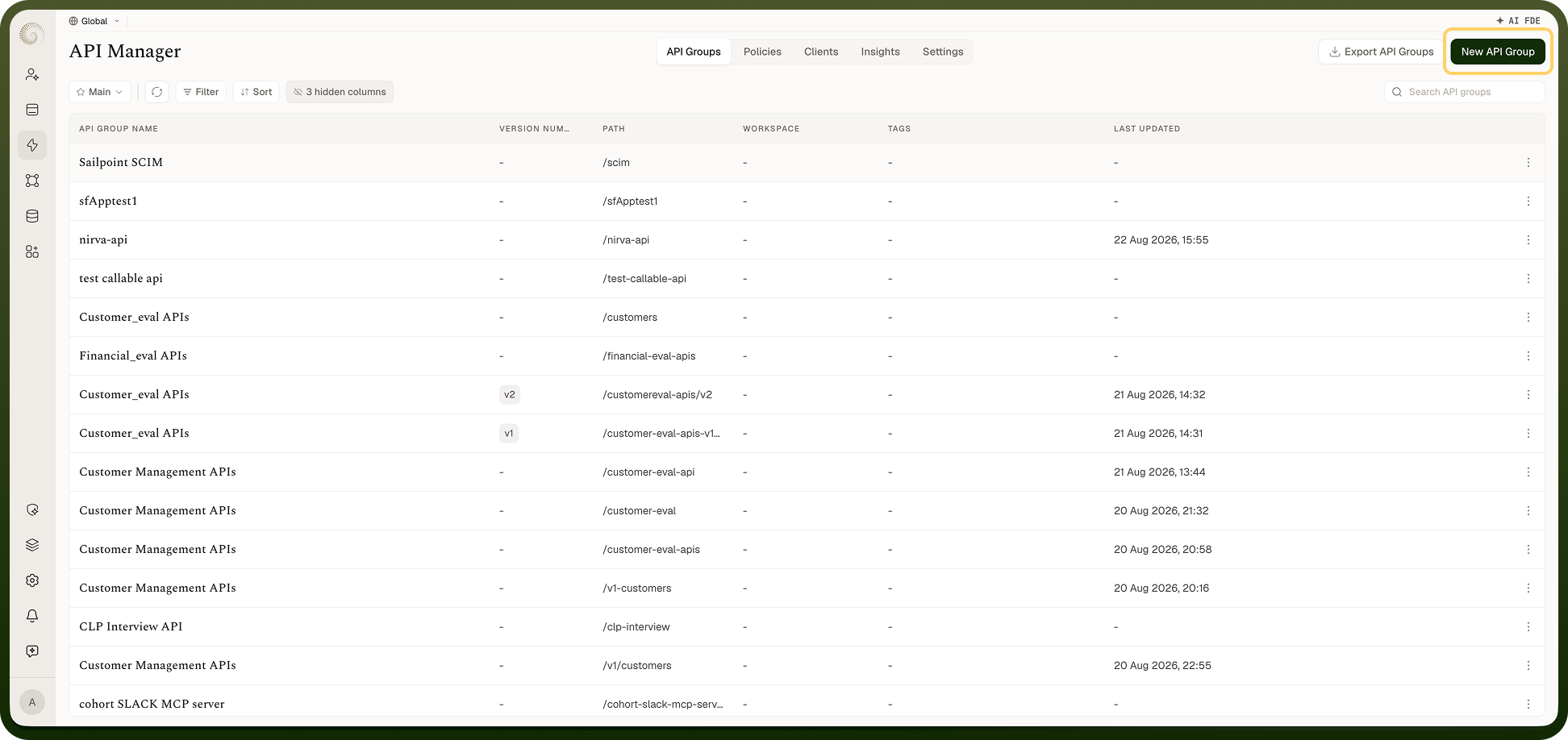
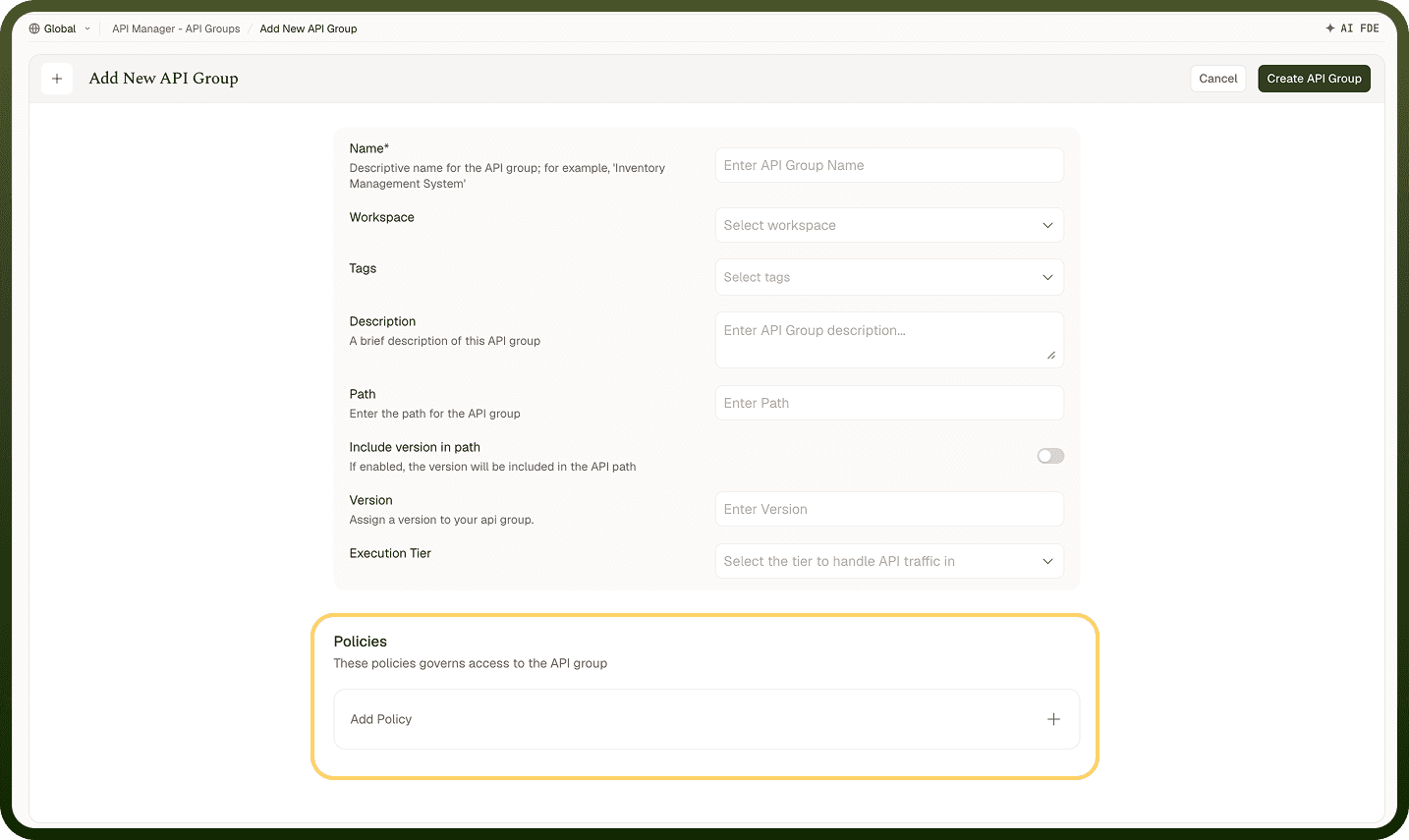
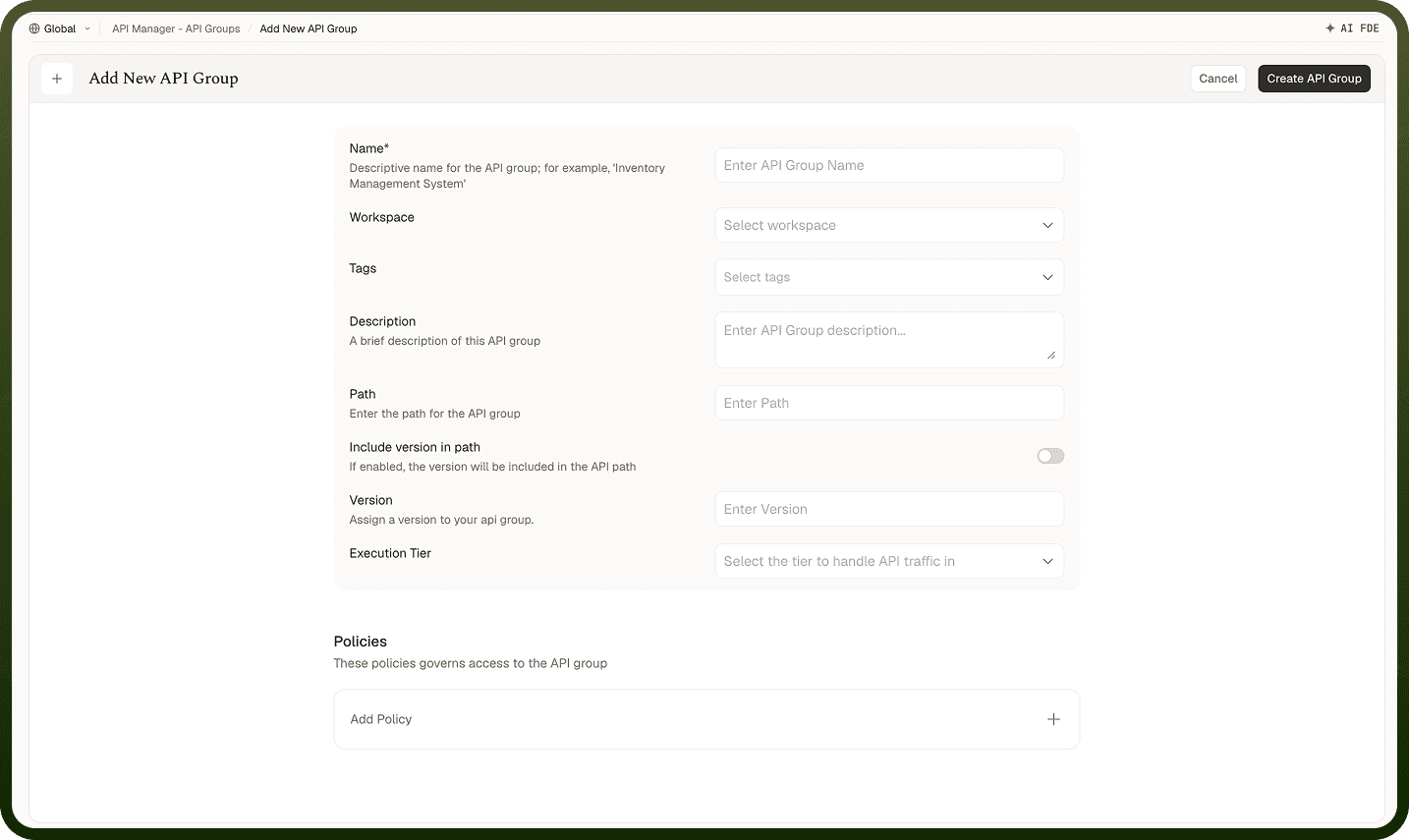
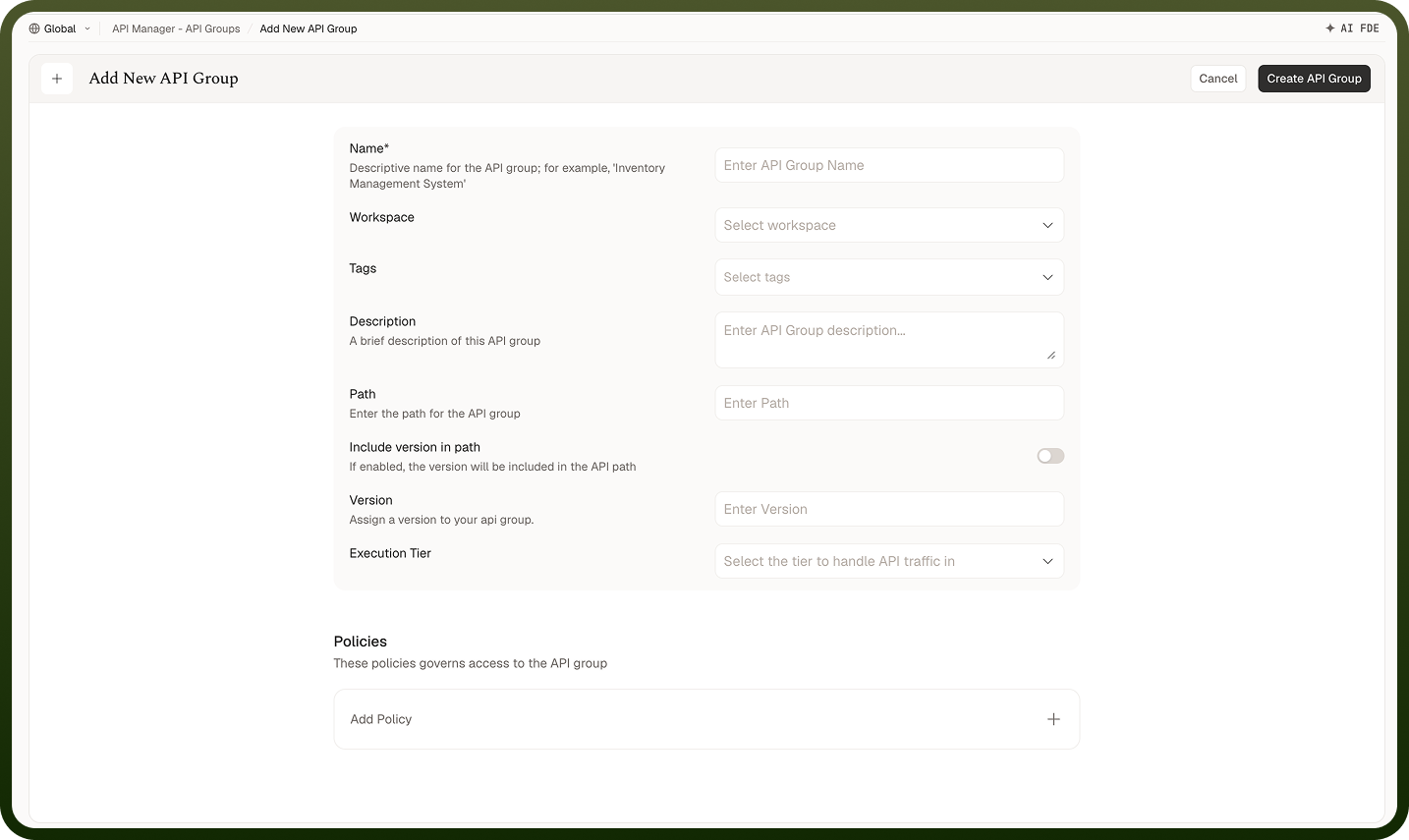
Inside an API group, open the APIs tab, click New API, and configure:
Name — a display label for the operation.
Path — the URL segment under the API group's base path (for example
/{id}or/search). Must be unique within the API group; can contain path variables like{id}.Resource Type and Resource — what backs the API (see Resource Types below) and which specific automation, model, API, or stream it points to. A Callable API can be pinned to a specific automation version.
HTTP methods — the verbs the API answers (one or more of GET, PUT, POST, PATCH, DELETE, or HEAD).
Request Type — for Callable APIs, REST (JSON, default) or SOAP (XML; POST only); for LLM APIs, a model-specific type such as Chat or Completion.
Active — whether the API is live and accepting calls.
Resource Types
An API fronts one of five resource types, each invoked differently:
Resource Type | Invocation Behaviour | When to Use |
|---|---|---|
Callable | Runs a synchronous automation and waits for the result. | Request/response operations where the caller needs the output. |
Webhook | Accepts the request immediately and returns 204 with a trace-ID header while the automation runs in the background. A Webhook API can list several automations, and the caller specifies which automation to run. | Fire-and-forget triggers where the caller does not need an immediate result. |
LLM Model | Passes the payload to a large language model and returns its response. | Exposing AI models as callable APIs. |
External API | Proxies the request to an upstream third-party API. | Adding your own auth, rate limits, and monitoring in front of an API you do not own. |
Event Stream | Publishes the request payload as an event to a topic. | Accepting events from external producers. |
HTTP Methods
An API declares which HTTP methods it answers: GET, PUT, POST, PATCH, DELETE, or HEAD. Only these fixed methods are supported — you must specify at least one. A caller using a method the API does not list receives 405 Method Not Allowed. An API path can be served by one API supporting multiple methods, or by separate APIs where configuration allows. A caller using an unsupported method receives 405 Method Not Allowed.
Request Type
A Callable API asks for a Request Type — REST (the default) or SOAP. REST APIs exchange JSON; SOAP APIs exchange XML, answer POST only, and take their SOAP version and target namespace from the backing automation's trigger. Choose REST unless the consuming application specifically requires SOAP. LLM APIs also provide a model-specific request type, such as Chat or Completion; other resource types are REST.
Activating and Deactivating APIs
The Active flag controls whether an API is live. An active API answers calls; an inactive one rejects all calls with 403 Forbidden, even if auth and routing would otherwise pass. Use the toggle to take an API offline temporarily — for maintenance or before you are ready to publish — without deleting its configuration.
Advanced Settings
Advanced settings give you fine-grained control over an endpoint's performance, resilience, rollout, and logging. Once an API is live, a few settings let you tune its performance and resilience without changing the backing automation: a timeout and response caching, configured through policies — when multiple Timeout policies are attached, the smallest applicable timeout wins, and caching may be set via a Cache policy. Configure the settings that matter for each API individually — production APIs with high traffic or strict SLAs need more attention here than internal or low-traffic ones.
Timeout
Set a timeout — the maximum time the backing resource may take — by attaching a Timeout policy (turn on Customize Timeout and set the request timeout; the default configured timeout is 30 seconds). If several Timeout policies apply, the smallest wins; without one configured, calls are bounded at 5 minutes. If the resource does not finish in time, the platform abandons the call and the caller receives 408 Request Timeout. Set the value generously enough for normal work (especially for automations that do heavy processing) but low enough that a stuck call fails fast rather than tying up the caller indefinitely.
Response Caching
Enable response caching to serve repeated matching calls from a stored response instead of invoking the backing resource every time. Attach a Cache policy, turn on Cache Response, and configure:
TTL (time-to-live) — how long a cached entry is valid before it expires and the next call runs the resource again. The default TTL is 600 seconds.
Cache keys — the request values that identify a cached entry, each looked up in path parameters, query parameters and headers (never the body). A request missing a listed key is not cached, and only 200 responses are stored.
A response served from cache carries an X-Cache: HIT header so callers can tell.
Use caching for APIs whose results do not change on every call — reference data, expensive computations — to cut latency and reduce load. Avoid it where every call must be fresh.
Fallback Response
A fallback response is a fixed response the API returns when the backing resource fails, so callers receive a controlled answer instead of a raw error. On the API's details page, click Add Fallback Response and configure:
The fallback status code, body, and headers.
Locale-based fallbacks — a different message per Accept-Language header, so international callers see an appropriate response.
Retries — the API can retry a failed call (see Retry below) before the fallback is returned.
A well-configured fallback makes a published API dependable even when the underlying automation has a momentary failure.
Retry
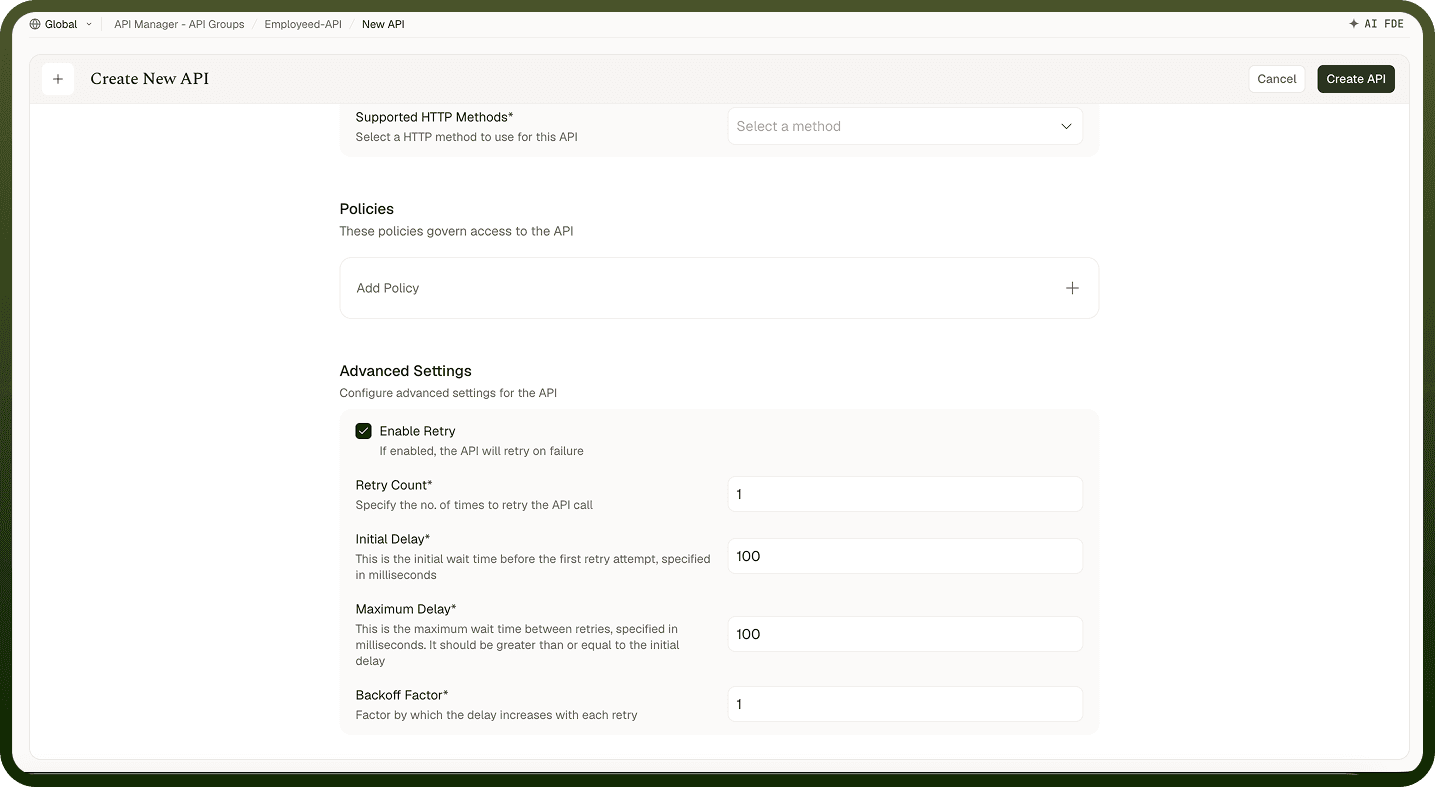
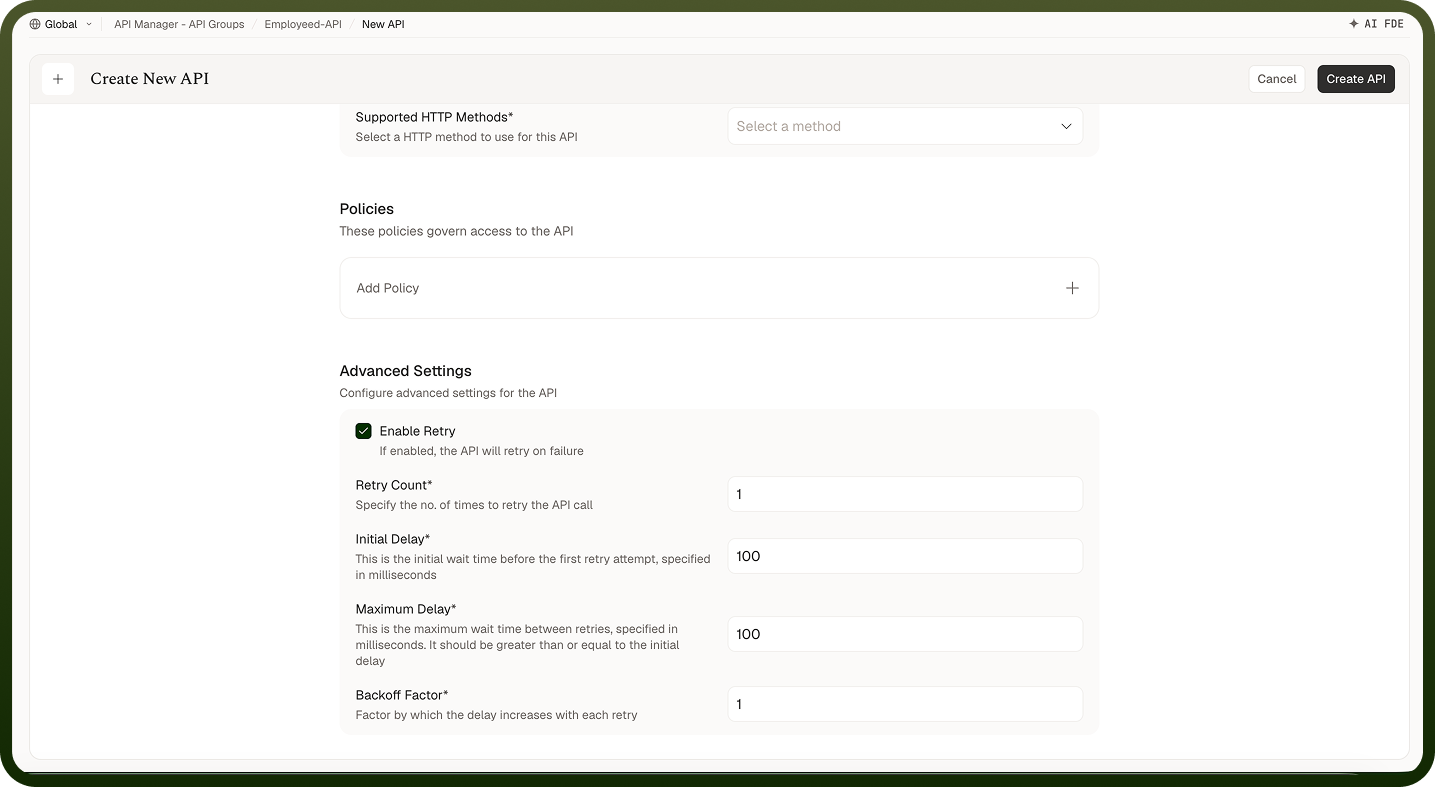
Turn on Retry in the API's advanced settings so a failed call is tried again before the fallback is used. Set the retry count (1–5), the initial delay (100–10,000 ms), the maximum delay (up to 30,000 ms), and a backoff factor (1–5; 1 keeps the delay constant, higher values grow it between attempts). A call is retried when the resource errors or returns a 5xx status. Keep retries low for slow resources — each attempt still counts against the timeout.
Automation Version
Use version pinning to keep a Callable API on a specific version of its automation. Only Callable APIs can be pinned:
Pin to a specific version to keep the API on an automation version you have tested.
As a rule, move the pin only after you have tested the new automation version.
For a breaking change to the API's contract, publish a new version of the API group instead so callers opt in explicitly.
Logging
Run, node (step), and variable logging are enabled at both the API group level and the individual API level. A log type is captured only when it is enabled at both levels — enabling it at just one is not enough.
Notes
Name APIs after the operation they perform, not the resource alone — "Get order by ID" is clearer than "Order".
Use Callable for synchronous operations where the caller needs the result; use Webhook when the caller only needs confirmation the request was accepted.
Pin a Callable API to a specific automation version for stability on production APIs; leave it unpinned only if you want the API to pick up new deployments automatically.
One API covers every HTTP method its path answers — a path can belong to only one API in an API group.
Do not leave APIs inactive for long periods — deactivate before you are ready, then activate; delete APIs you know you will not publish.
Always configure a fallback response on customer-facing APIs — a momentary automation failure should not surface a raw 500.
Set the timeout from the backing automation's typical runtime, with enough headroom for normal variation; a timeout too close to the average causes unnecessary failures.
Enable caching only for APIs whose output is stable between calls, and choose cache keys that separate requests needing different answers.
Publish a new API group version for any change that modifies the automation's output schema, so existing callers are not broken.
When debugging a failed call, check the backing automation's run logs.