


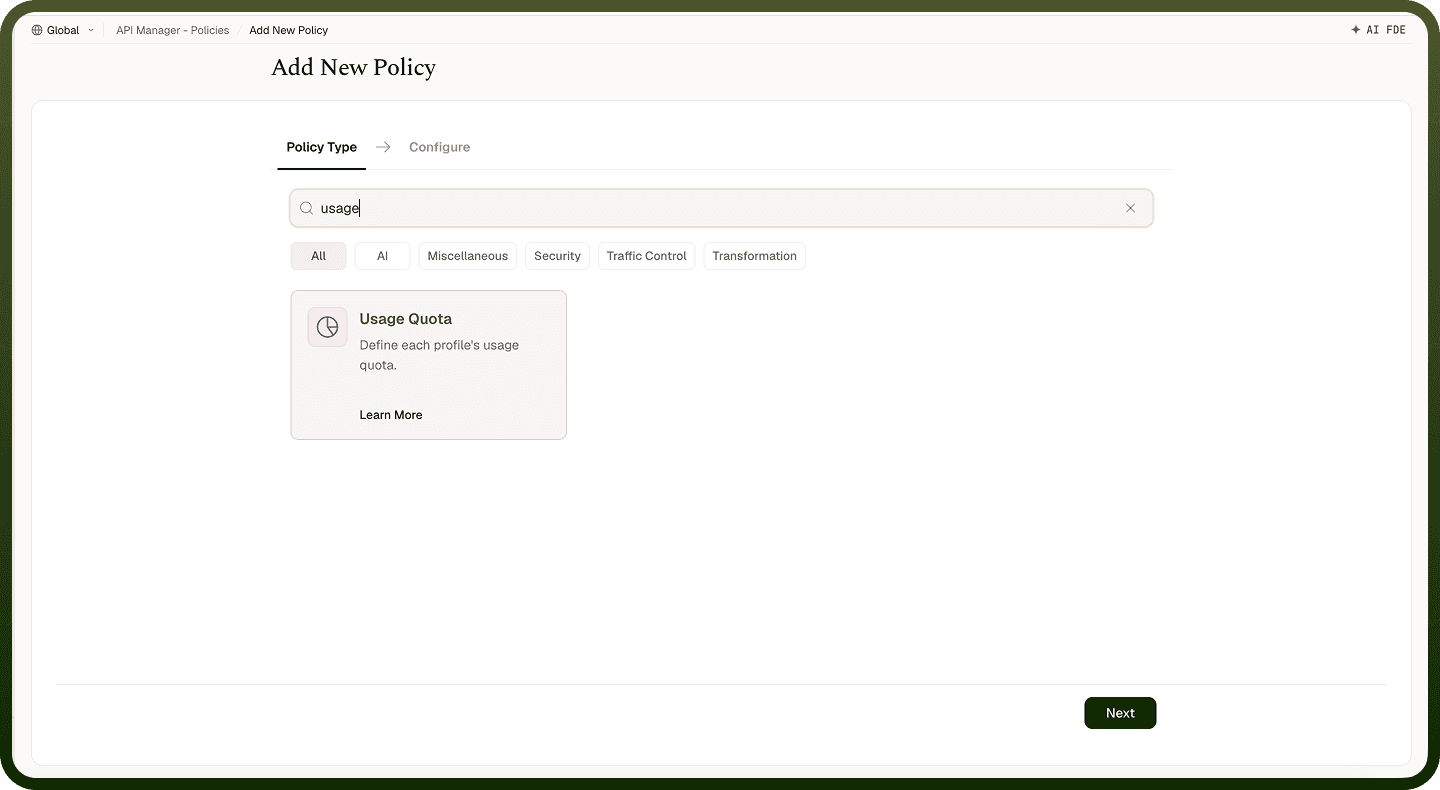
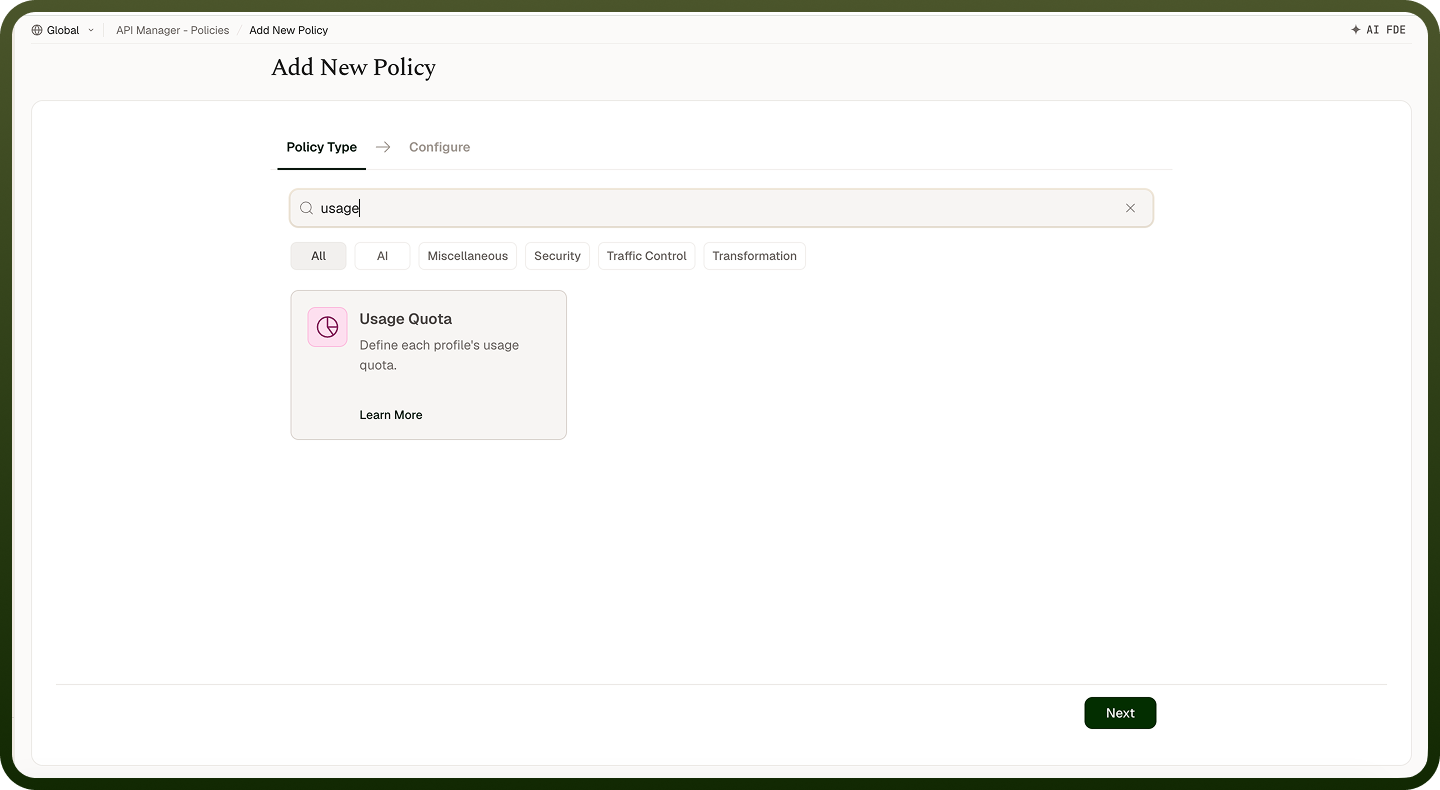
Limit the total number of API requests a client can make over a longer period, measured in days — for example, 10,000 requests per day or a fixed 30-day window.
Overview
A Usage Quota Policy limits the total number of API requests that can be made over a set number of days — for example, 10,000 requests per day or 100,000 per 30 days. Unlike a rate limit (which controls bursts), a usage quota enforces a longer-term consumption cap, making it suitable for enforcing usage tiers and fair-use agreements.
Field Reference
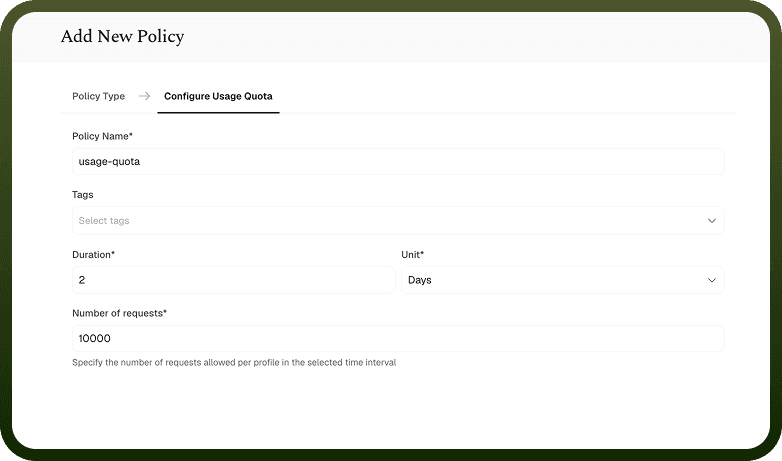
Field | Description |
|---|---|
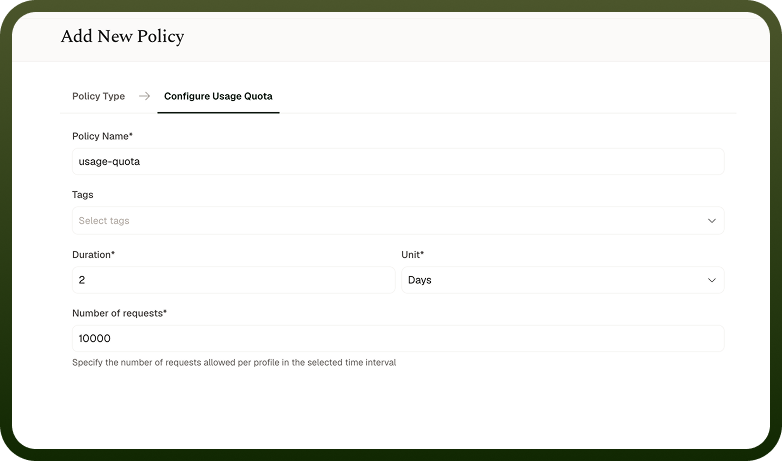
Policy Name * | A unique identifier used across logs, dashboards, and API group configurations. |
Tags | Custom labels to organize and filter the policy by environment, team, or functionality. |
Duration * | The length of the quota period in days. Set 1 for a one-day quota, or 30 for a fixed 30-day window (not aligned to calendar months). |
Unit * | Usage quotas are measured in days. |
Number of Requests * | The maximum number of requests allowed within the defined period. Once reached, further requests are denied until the quota resets. |
How It Works
Request arrives — The gateway authenticates the caller and finds its access profile. The quota counter is kept per access profile when the policy is on the profile, or shared when it is on the API or API Group.
Quota check — The system retrieves how many requests have already been counted in the current quota period.
Limit evaluation — If the count is below the quota, the request is allowed and the count increments. If at or above the limit, the request is rejected.
Quota reset — At the end of the configured period, the usage counter resets and requests are allowed again.
Error response — When the quota is exceeded, the gateway returns 429 Too Many Requests. The backing resource or automation is not invoked. Any quota count recorded for a request rejected later in the inbound policy chain is rolled back.
Attaching the policy
Attach the policy to an access profile, API, or API group. Policies apply in this order: access profile, then API, then API group. A quota attached to an access profile is tracked per access profile; a quota attached to an API or API group uses the attachment scope.
Notes
Where you attach the quota decides who shares it. On a client's access profile, each profile gets its own quota. On an API or API Group, one quota is shared by every caller, so one heavy client can use it up for everyone.
Apply both a Rate Limiting Policy (burst control) and a Usage Quota Policy (total cap) when you need to govern both traffic spikes and overall consumption.
Quotas use fixed windows aligned to the clock, not to the client's first request. A multi-day quota (for example, 30 days) resets every 30 days, not on calendar-month boundaries.
Monitor quota usage from the API Manager Insights dashboard to identify clients approaching their limit before they hit it.
Unlike a Rate Limiting Policy, this policy's Field Reference has no configurable response-message field — a quota rejection returns the default 429 Too Many Requests response.