


Clients & Access Profiles control who can call your APIs and exactly which API groups and APIs they are allowed to reach.
Overview
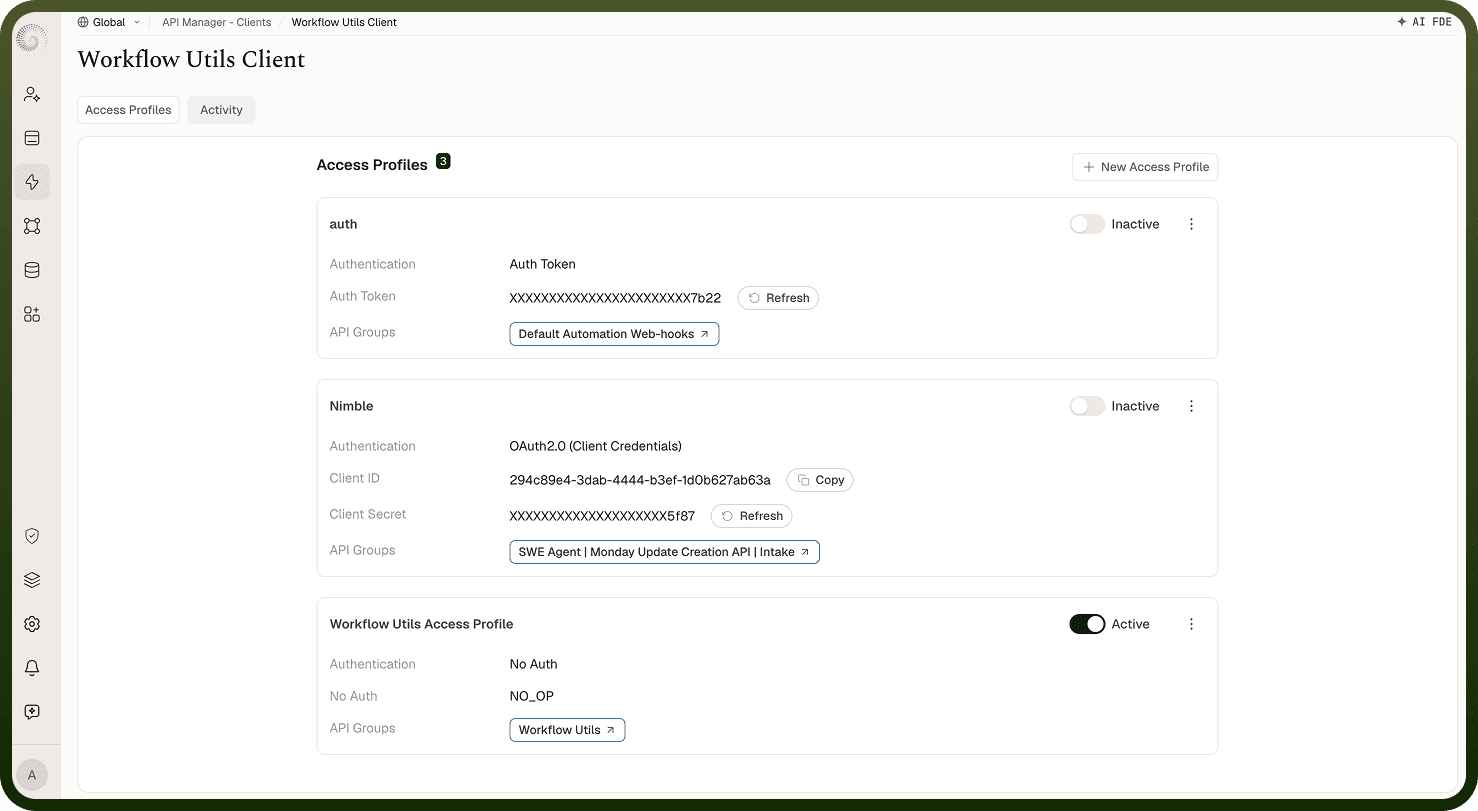
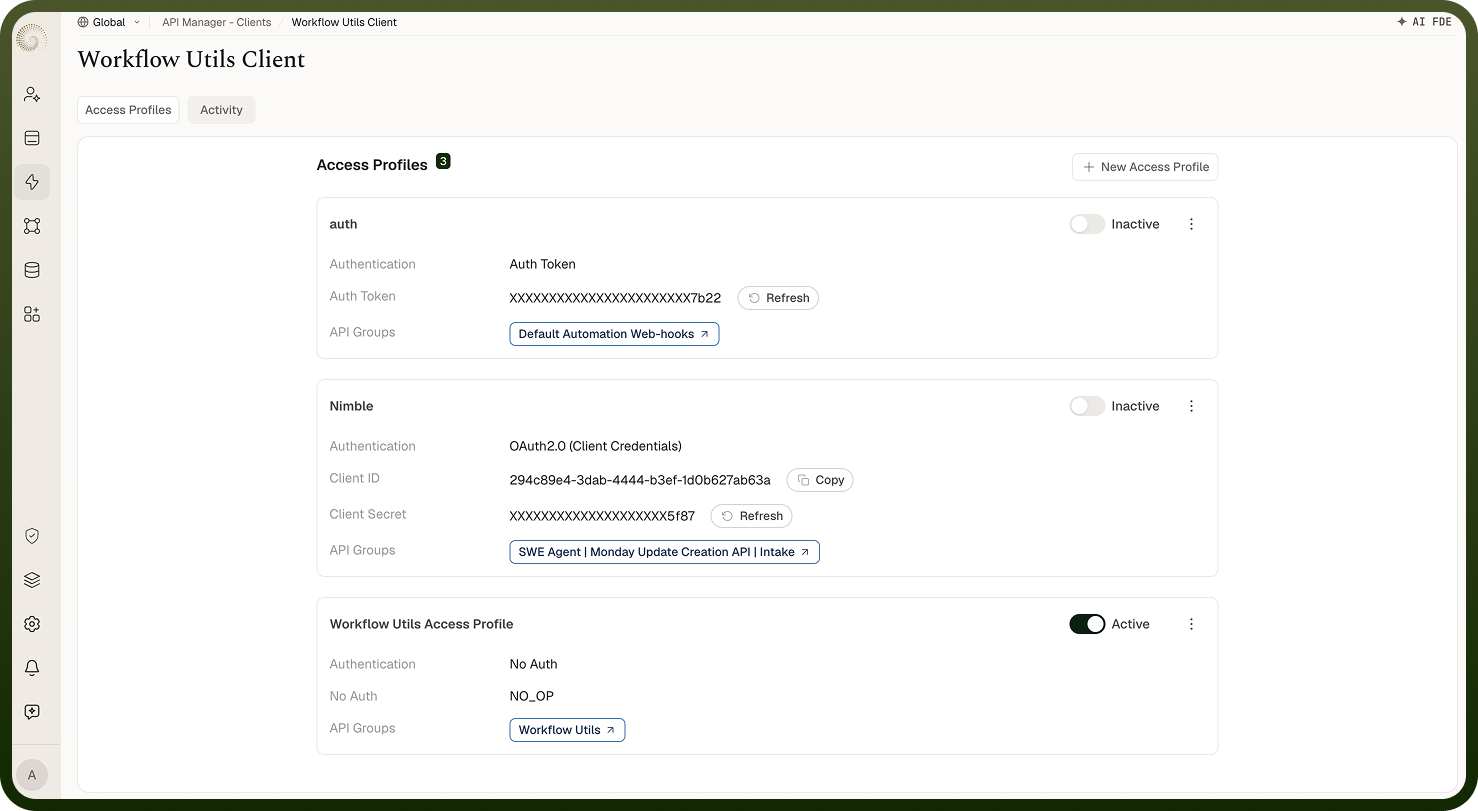
Every consumer of your APIs — a partner, a mobile app, an internal service — is represented as a client. A client on its own is an identity; the actual credentials and fine-grained permissions live in one or more access profiles beneath it. This separation lets you grant a single client multiple profiles (for example, one for production and one for testing) without duplicating the client identity, and revoke or rotate one profile independently.
API Clients
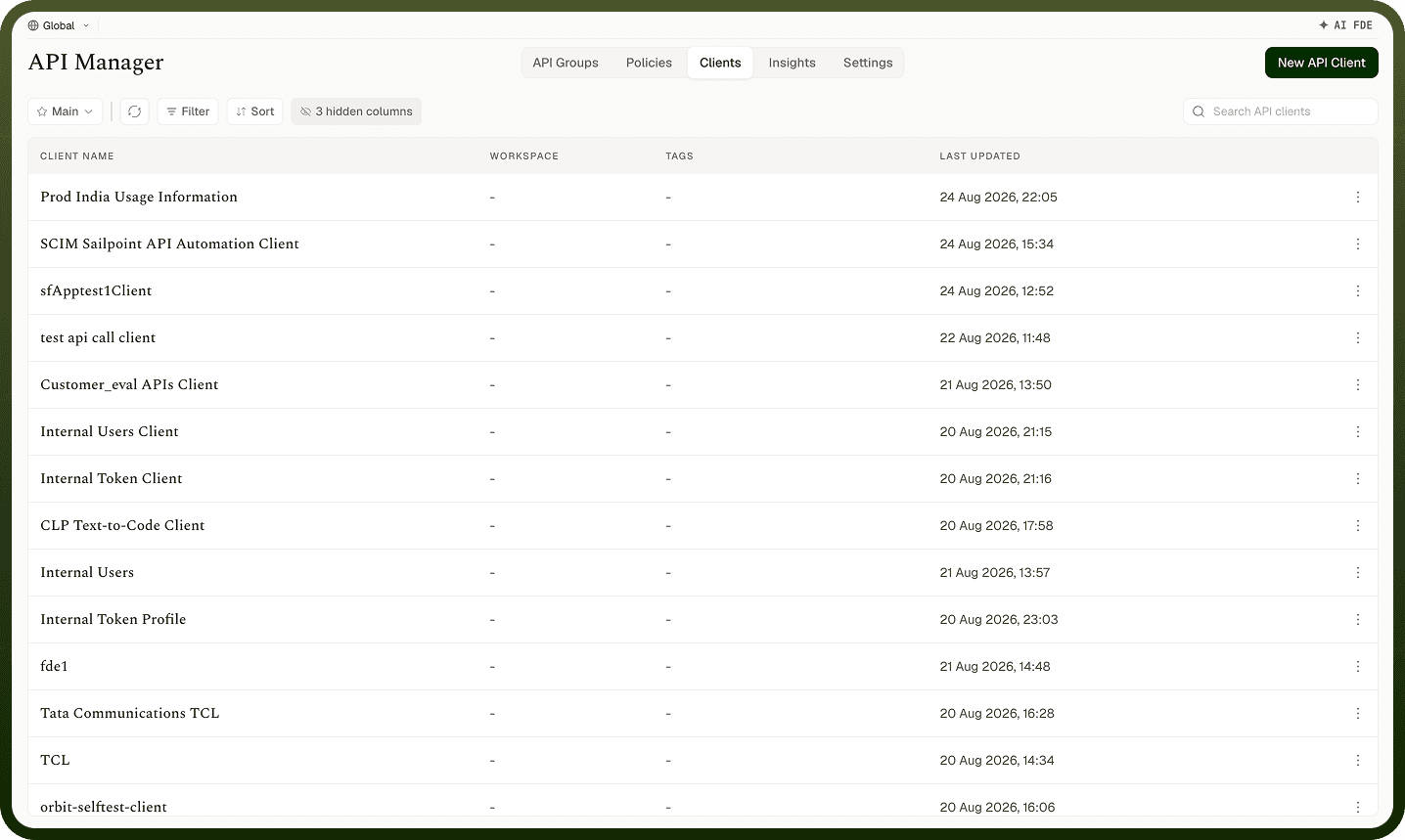
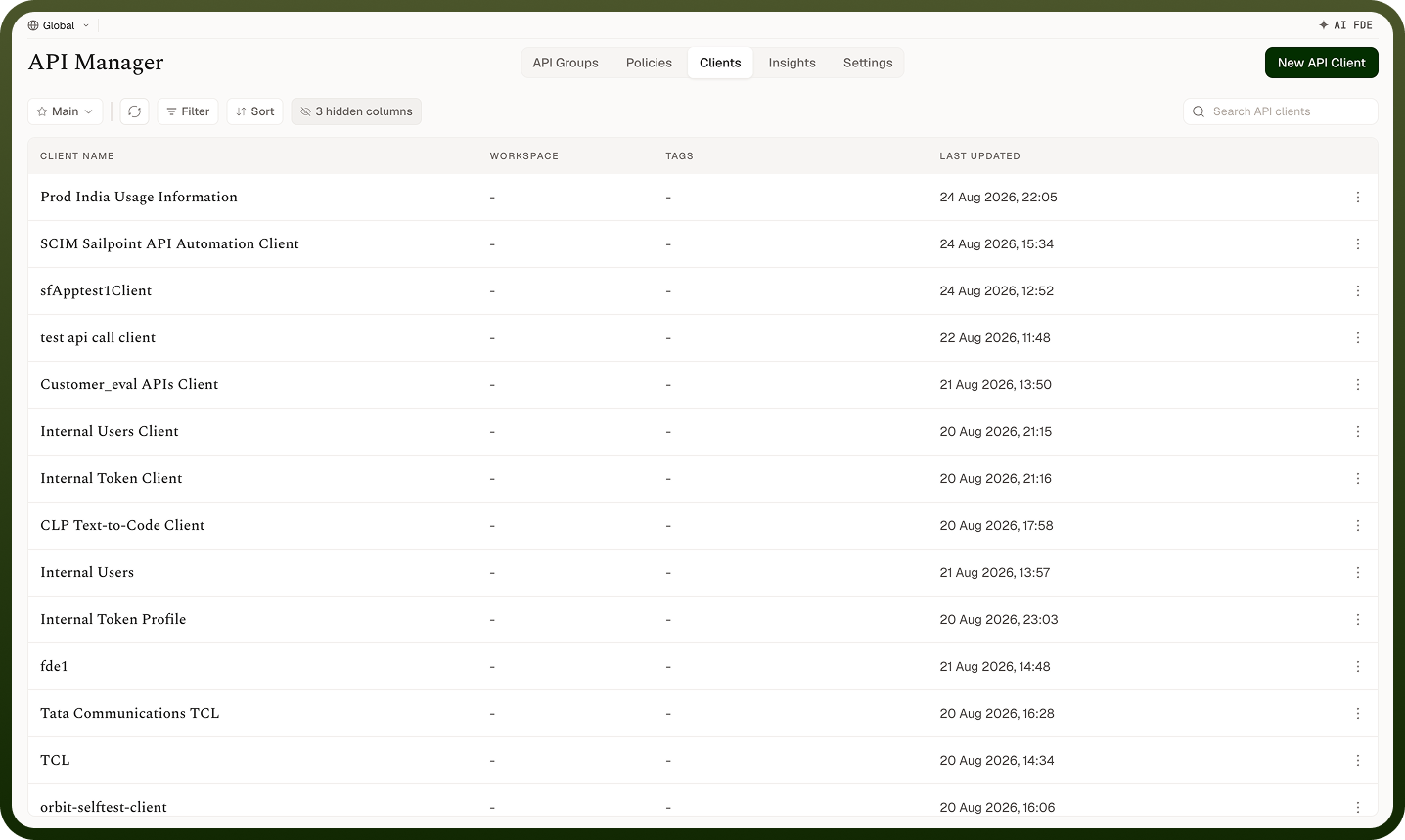
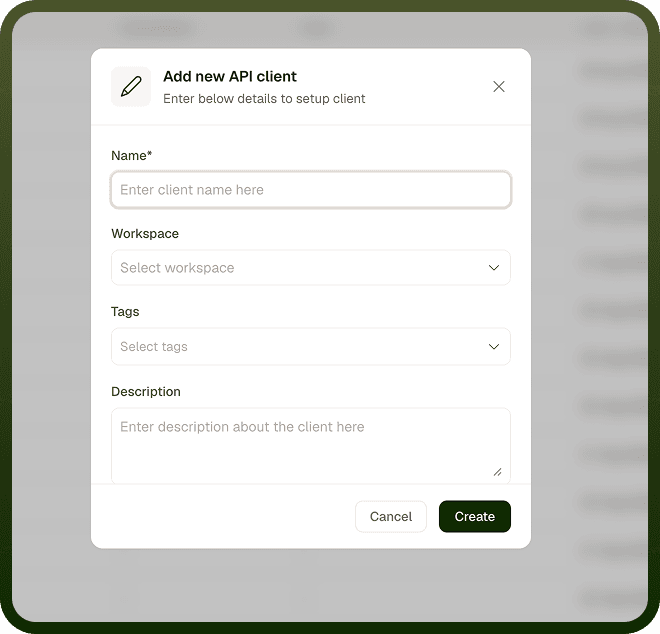
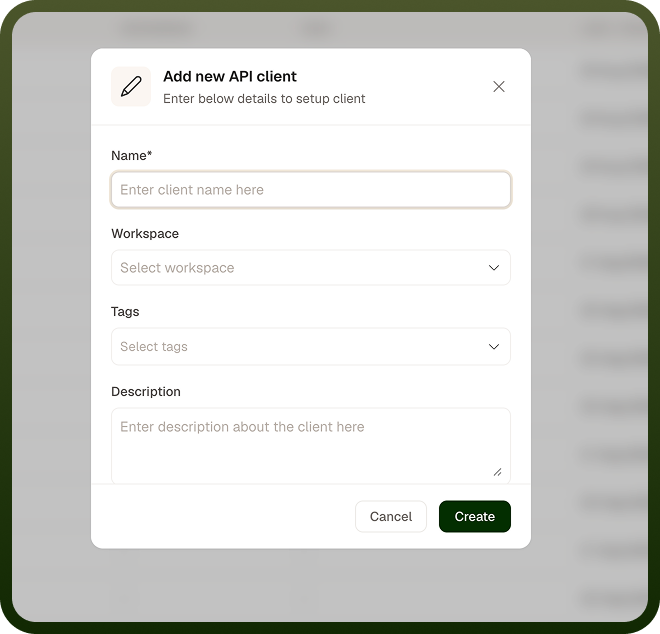
Create a client with New API Client. A client holds a name, workspace, tags and description. The API groups it can call are chosen on each of its access profiles (API Groups to Include).
Some clients are created by the platform itself (global clients). You can't create one from New API Client, and they can't be deleted by hand.
You can create multiple clients for the same API — each representing a different consumer (a partner, a mobile app, an internal service). Create one client per consumer so you can grant, monitor, and revoke their access independently without affecting other consumers.
Access Profiles
An access profile bundles three things for a client:
Credentials — the authentication method and the credential the client presents. UnifyApps supports JWT, Auth Token, OAuth2.0, Basic Auth, Custom Token, External Authentication, No Auth, User Session, and Custom Workflow.
Scope — which API groups the profile may call (API Groups to Include), and optionally which specific APIs within those groups. A profile can't be saved without at least one API group.
Policies — reusable rules applied to the profile, such as a per-client rate limit, in addition to any policies on the API group or API.
When a request arrives, its credential resolves to exactly one access profile, and that profile determines what the caller is authorised to do.
Limiting Scope to API Groups and APIs
An access profile lists the API groups it may call — a request to any API group not on the list receives 401 Unauthorized . For finer control, a profile can also restrict to specific APIs within an allowed API group; calls to other APIs in that group also receive 401 Unauthorized. Grant the narrowest scope that meets the consumer's needs — it is easier to widen access later than to recover from over-sharing.
Issuing and Rotating Credentials
When you create an access profile you choose an authentication method. For methods such as JWT, Auth Token, and OAuth2.0, the platform generates the initial credential to share with the consumer. For Basic Auth you set the username and password; for Custom Token, the token value is supplied and managed by you rather than generated. No Auth, User Session, External Authentication, and Custom Workflow profiles don't follow this generated-credential model. Refresh is available for JSON Web Token, Auth Token and OAuth2.0 profiles; it issues a new key and the old one stops working at once. For Basic Auth, change the username and password; for Custom Token, change the valid tokens. Auth Tokens and OAuth2.0 client secrets are shown only once — save them when they appear. Because credentials live on the profile rather than the client, rotating one profile does not affect the client's other profiles.
Disabling Access
Each access profile has an Active flag. Turning it off immediately stops requests made with its credentials — callers receive 401 Unauthorized — while preserving the profile's configuration. This is the quick, reversible way to cut off a consumer (a compromised credential, a partner offboarding, maintenance). Re-enable the flag to restore access. Deleting the profile or the client is the permanent option.
Notes
Create one client per external consumer — do not share a client identity between unrelated consumers.
Use multiple access profiles on a single client for environment separation (production, staging, testing) rather than creating a separate client per environment.
Rotate credentials on a schedule and immediately when a leak is suspected — refreshing a JSON Web Token, Auth Token or OAuth2.0 profile key is instant and does not affect other profiles.