


Run your own automation as part of the API request pipeline to enforce governance rules that built-in policy types cannot cover.
Overview
A Custom Policy (the API Filter policy type) connects an automation you have built to the inbound request pipeline. When the API Manager receives a call, it runs your automation before the request reaches the backing resource. Your automation decides whether to proceed or reject the call and can modify the request in any way your business logic requires. You don't create this policy by hand: the platform creates an API Filter policy for you when you deploy an automation built on the API Filter trigger interface. To modify an outbound response instead, use the built-in Response Transformer policy type, which is configured declaratively rather than through a custom automation.
Use custom policies when standard governance needs — rate limiting, CORS, JWT validation, IP control — are not enough on the inbound side. Common scenarios include bespoke authorization against an internal system or dynamic request enrichment from a database.
Policies section of the API Group form
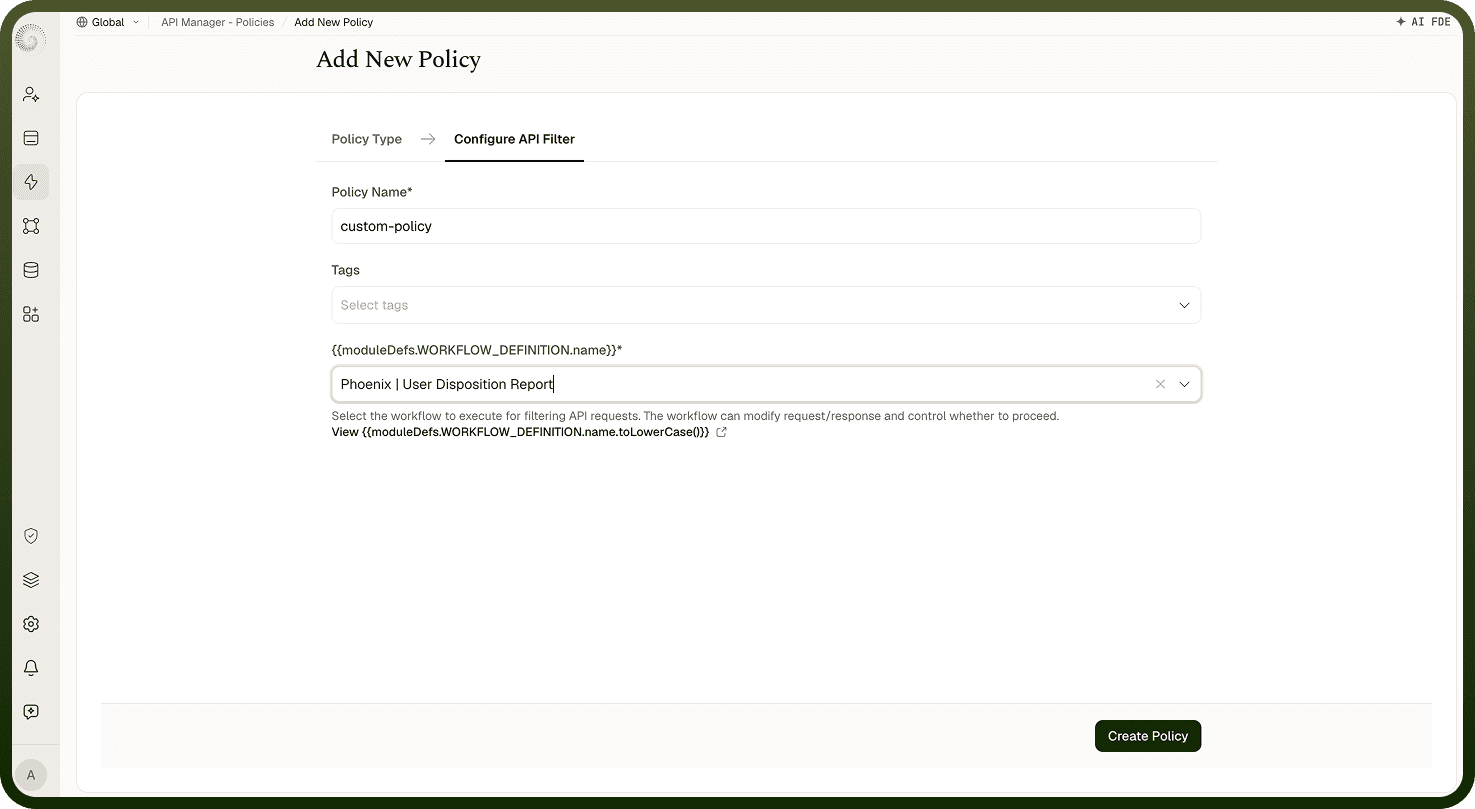
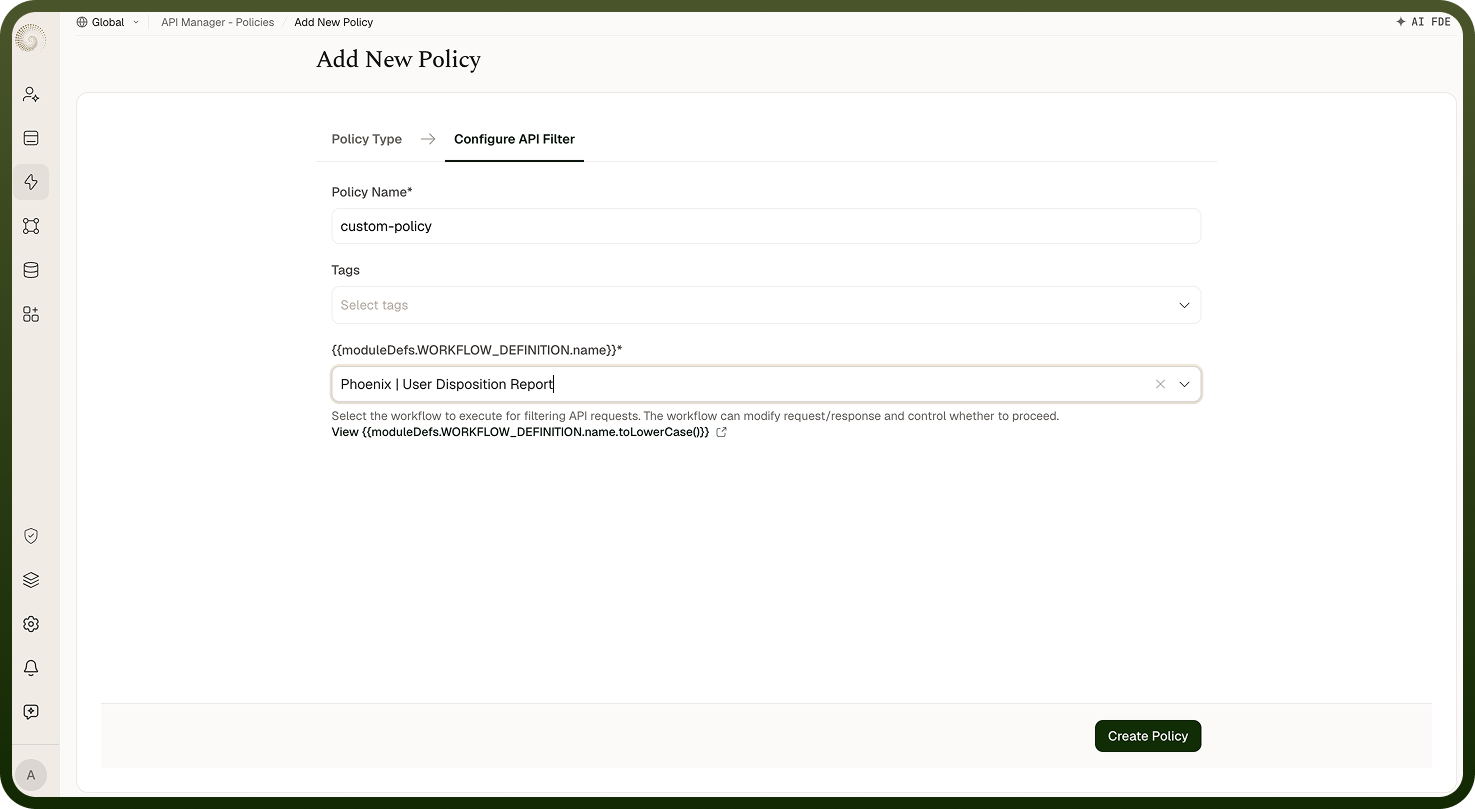
API Filter
An API Filter is an inbound policy — it runs before the backing resource is invoked. Your automation receives the incoming request including headers, body, query parameters, and caller metadata. It returns whether to proceed or reject:
If it returns proceed, the request (with any modifications the automation applied) continues to the next policy in the chain or to the backing resource.
If it returns reject, the chain stops immediately. The backing resource is never invoked, and the caller receives the error response your automation specifies.
Use API Filters for custom authorization checks, dynamic header enrichment before the backing automation runs, or any pre-processing logic specific to your organization.
Setting Up a Custom Policy
Build a callable automation whose trigger uses the API Filter interface.
Deploy the automation. The platform creates an API Filter policy with the automation's name. Renaming the automation renames the policy.
Attach the policy to an API Group, an API, or an access profile.
The policy has one field, Automation — the callable automation it runs. The automation receives the full request context and must return a proceed or reject decision along with any request modifications.
How It Works
Policy chain reached — the platform reaches the Custom Policy's position in the policy execution order.
Automation invoked — the selected automation runs, receiving the full request context.
Decision returned — the automation returns a proceed or reject signal, along with any modifications to the request it wants to apply.
Chain continues or stops — a proceed signal passes the modified request to the next policy or to the backing resource. A reject signal stops the chain and returns the error to the caller.
Attaching the Policy
Once the platform has created the policy, attach it to one or more API Groups, APIs, or Access Profiles from their respective policy settings. Execution order across levels is fixed — access profile, then API, then API Group — so you can only drag policies into a new order within the same level when multiple policies are applied there. An API Filter policy runs before the backing resource on every matched call.
Notes
Use built-in policy types (rate limiting, CORS, JWT validation, IP control) for standard API gateway concerns — they are optimized for those cases. Reserve custom policies for business-specific logic that the built-in types cannot express.
Keep automation logic fast — a Custom Policy runs synchronously on every matched API call, and its latency is added to the caller's response time.
If the automation fails, the call is rejected with 400 ("Failure in API policy enforcement"). If it returns proceed = false without setting a status, the caller also gets 400. Test the automation thoroughly before attaching it to a production API Group.
If the automation is undeployed or deleted, the API Filter policy is skipped — every call is let through without running the check. Treat this as a security gap: keep the automation deployed while the policy is attached, especially for authorization logic. Deleting the automation also deletes the policy.
An API Filter automation has access to the full incoming request — headers, body, query parameters, path, method, and caller metadata.