


Authentication Methods determine how a client proves its identity on every request to your managed APIs. Each access profile uses exactly one method, chosen from the Authentication Method dropdown on the Authentication Details step of the Create Access Profile wizard.
Overview
Before any routing, authorisation, or policy enforcement runs, the platform validates the caller's credentials. The method chosen on the access profile controls what the client must send and how the platform verifies it. A missing, wrong, or expired credential always results in 401 Unauthorized. Pick the method that matches how the consuming application is built and how strong a security guarantee you need.
Nine methods are available. Some need no configuration at all; others expose their own set of inputs once selected — the dropdown's helper text notes that "some authentication methods require additional inputs to complete setup".
Method | Credential the client sends | Configuration required |
|---|---|---|
JSON Web Token | Signed JWT | Signing algorithm + key, claims to enforce |
Auth Token | Platform-issued token | Token keys, delivery location, prefix |
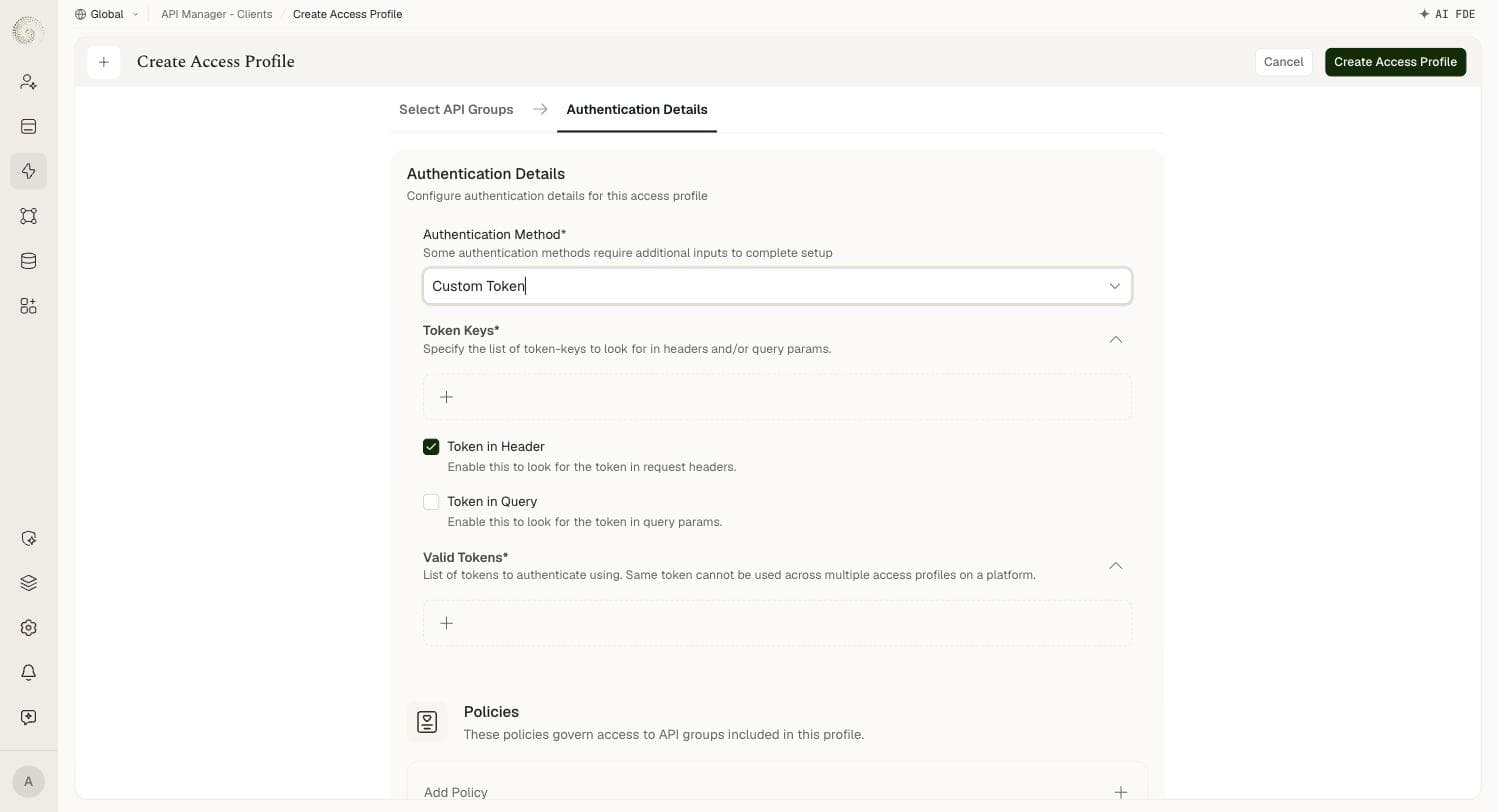
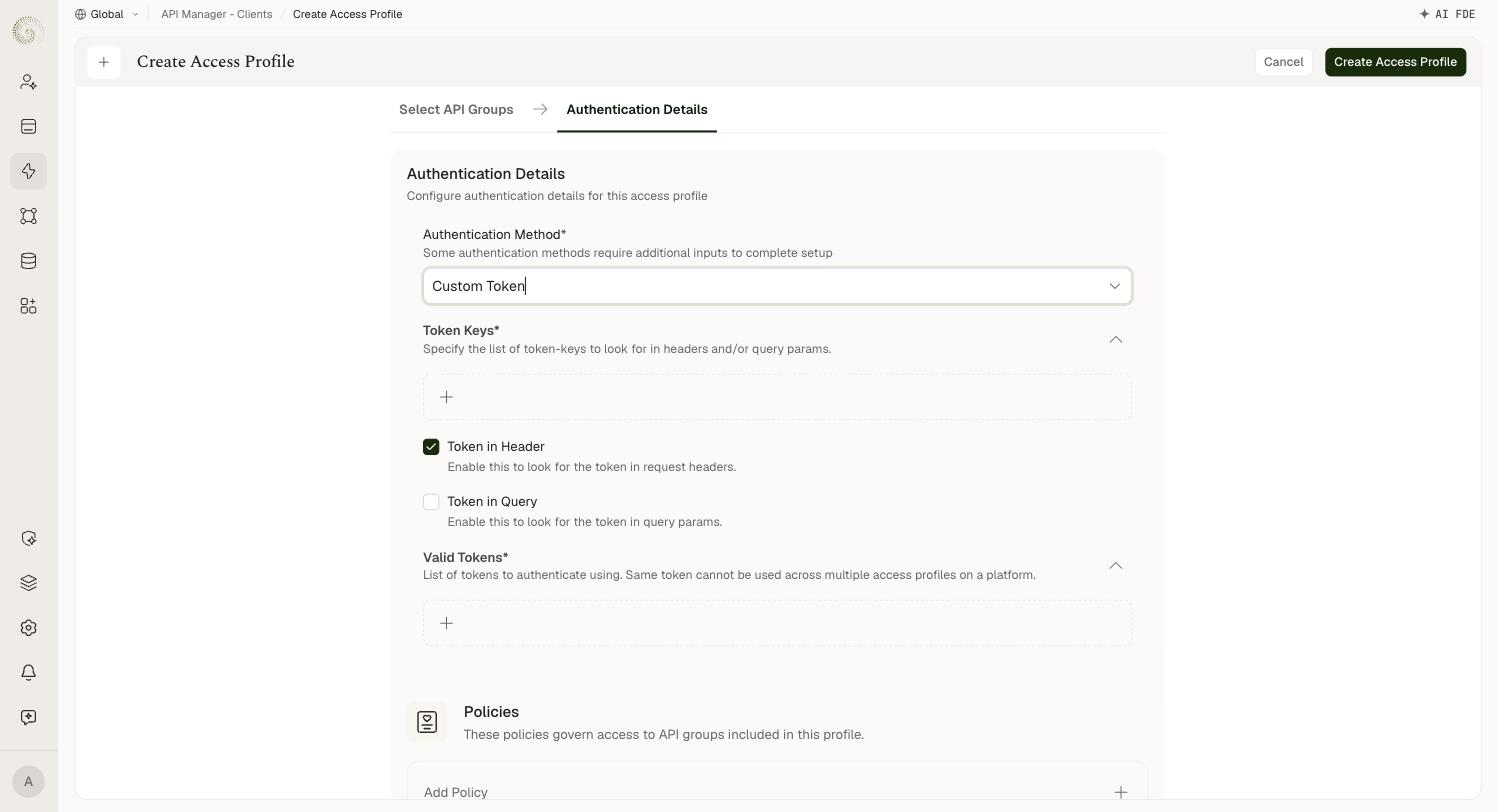
Custom Token | Token you supply | Token keys, delivery location, valid token values |
OAuth 2.0 | Client ID and secret, exchanged for a Bearer token | Grant type, refresh interval, response key |
Basic Auth | Username + password | Username, password |
External Authentication | Token in the x-external-token header, validated by an external provider | Provider type and its endpoints/credentials |
No Auth | Nothing | None |
User Session | An end user's session token in the x-ua-cat header | None |
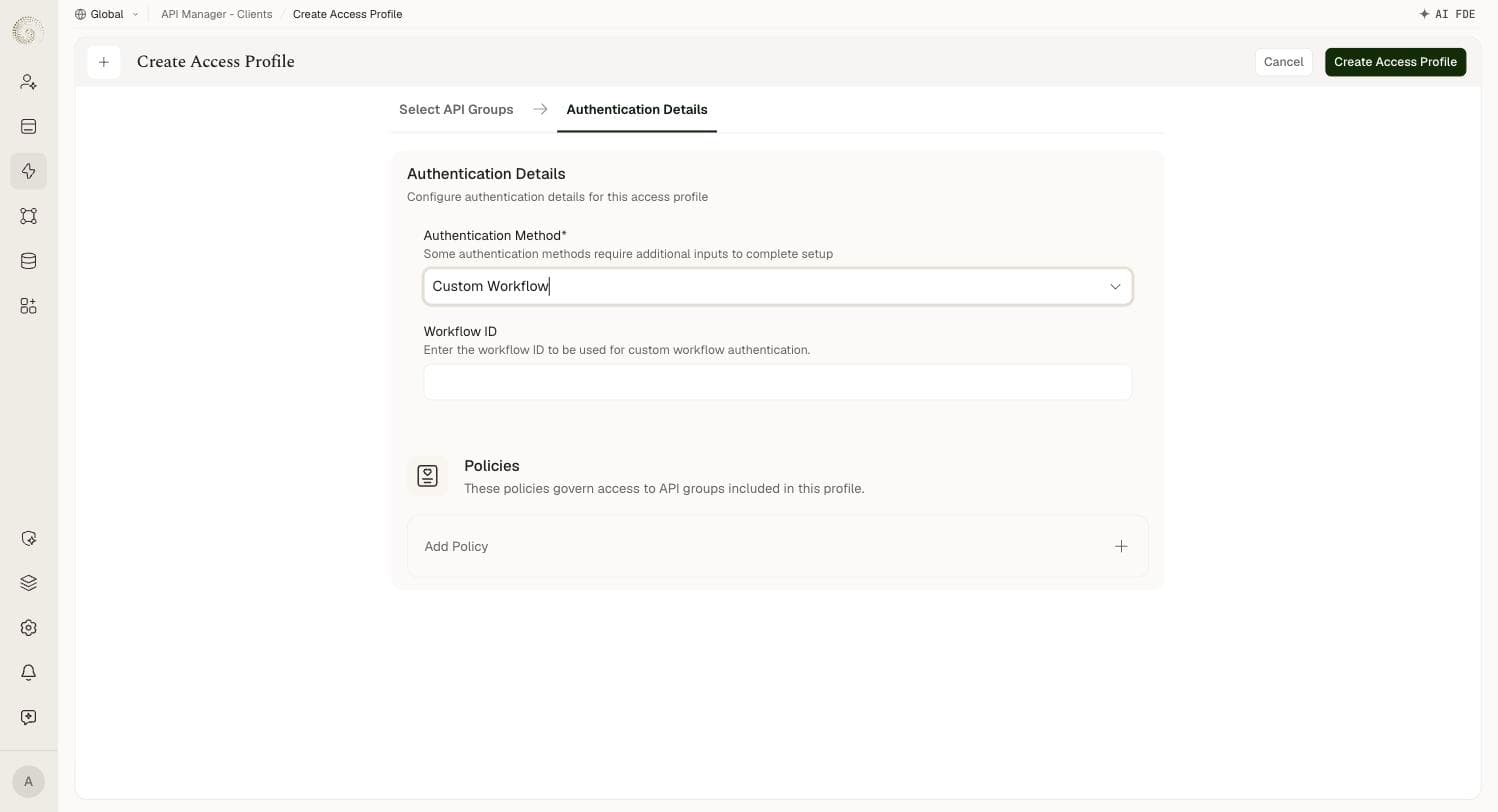
Custom Workflow | The profile's key in the x-custom-auth header | Workflow ID |
Policies apply to every method. Below the authentication fields, each access profile has a Policies section — these policies govern access to the API groups included in the profile, and are configured independently of which authentication method you pick.
JSON Web Token
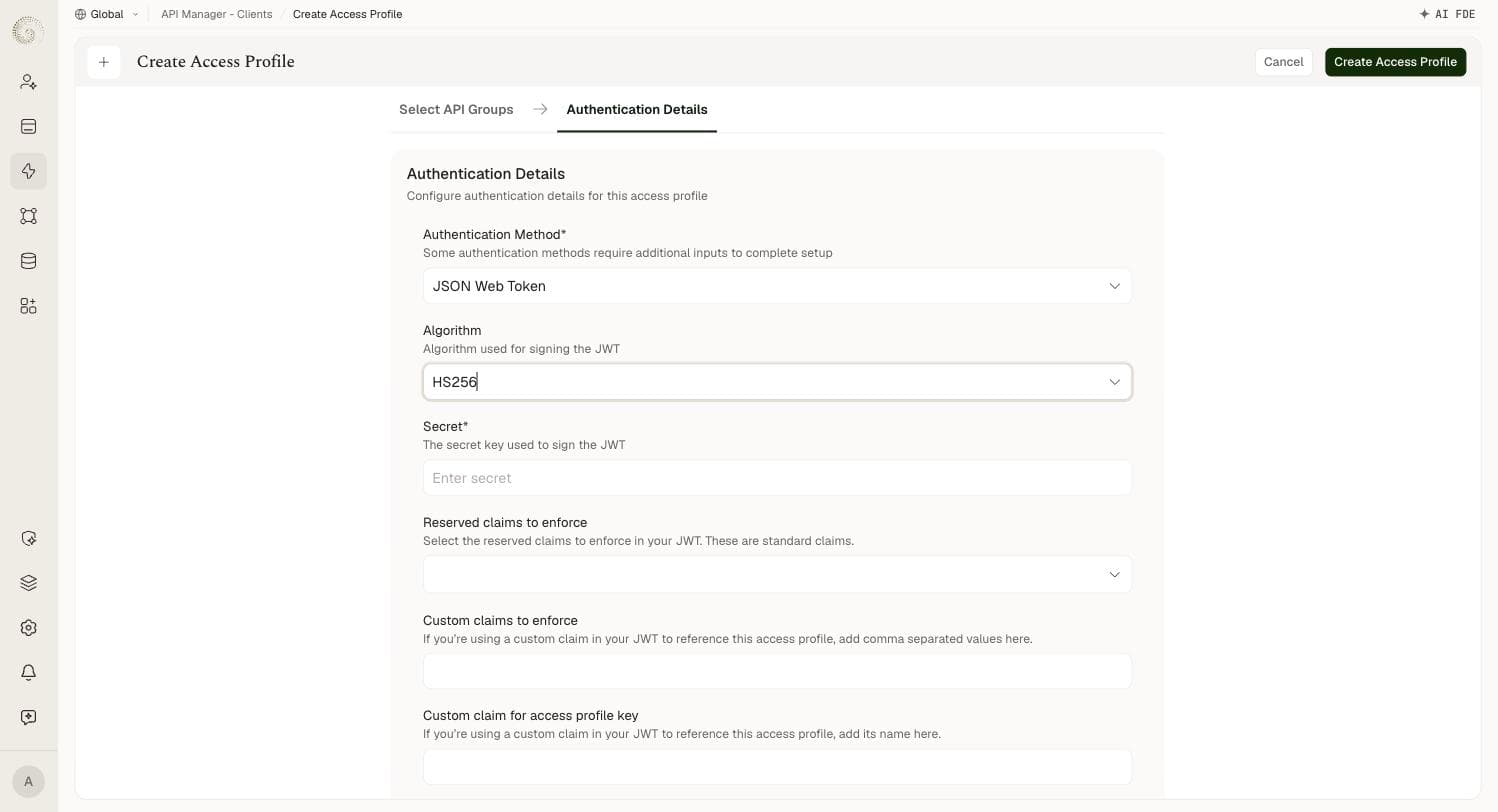
The default method. The client sends a signed JWT in the Authorization: Bearer … header, and the platform verifies the token's signature and the claims you configure.
Field | Required | Details |
|---|---|---|
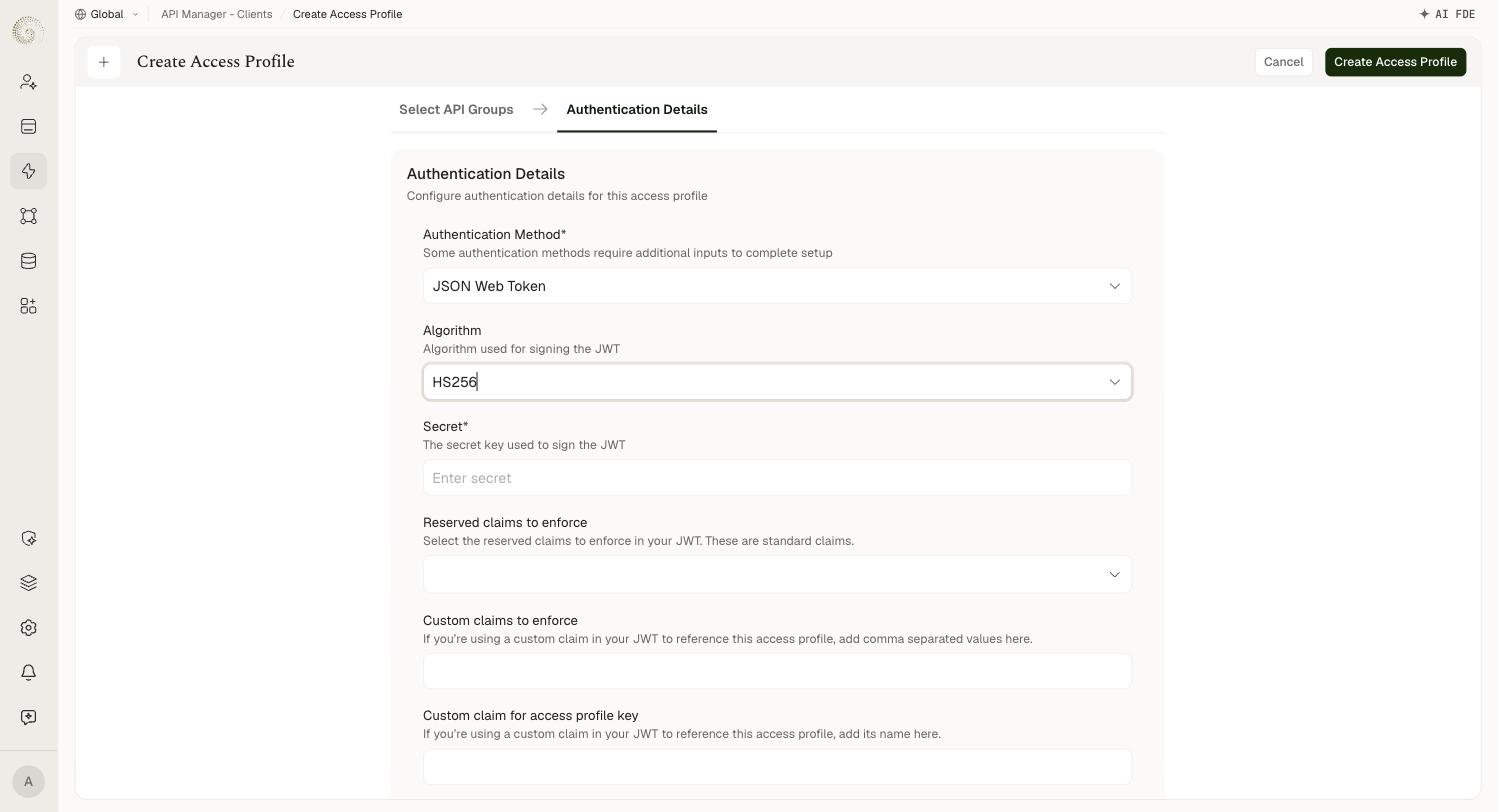
Algorithm | — | Algorithm used for signing the JWT. One of HS256, HS384, HS512, RS256, RS384, RS512. Defaults to RS256. |
Secret | Yes (HS only) | Shown when an HS* algorithm is selected. The secret key used to sign the JWT. |
RSA Public Key | Yes (RS only) | Shown when an RS* algorithm is selected. Must be a Privacy Enhanced Mail (PEM) file encoded using PKCS1 or PKCS8. |
Reserved claims to enforce | No | Multi-select of standard claims to enforce: aud, exp, nbf, iat, jti, sub, iss. |
Custom claims to enforce | No | Comma-separated list of additional claims that must be present in the JWT. |
Custom claim for access profile key | No | The name of the custom claim used in your JWT to reference this access profile. |
Which key field appears depends entirely on the algorithm family: HS* is symmetric and asks for a shared Secret; RS* is asymmetric and asks for an RSA Public Key, so the platform can verify tokens without ever holding the signing key. A token with a bad signature or an invalid time claim (expired, or used before its not-before time) is rejected with 401. To require specific issuer, subject or audience values, attach a JWT Validation policy.
After you create the profile, copy its Access Profile Key. Every JWT the client sends must carry that value as its kid header — or, if you set Custom claim for access profile key, in that claim. Send the token as Authorization: Bearer <token>.
Auth Token
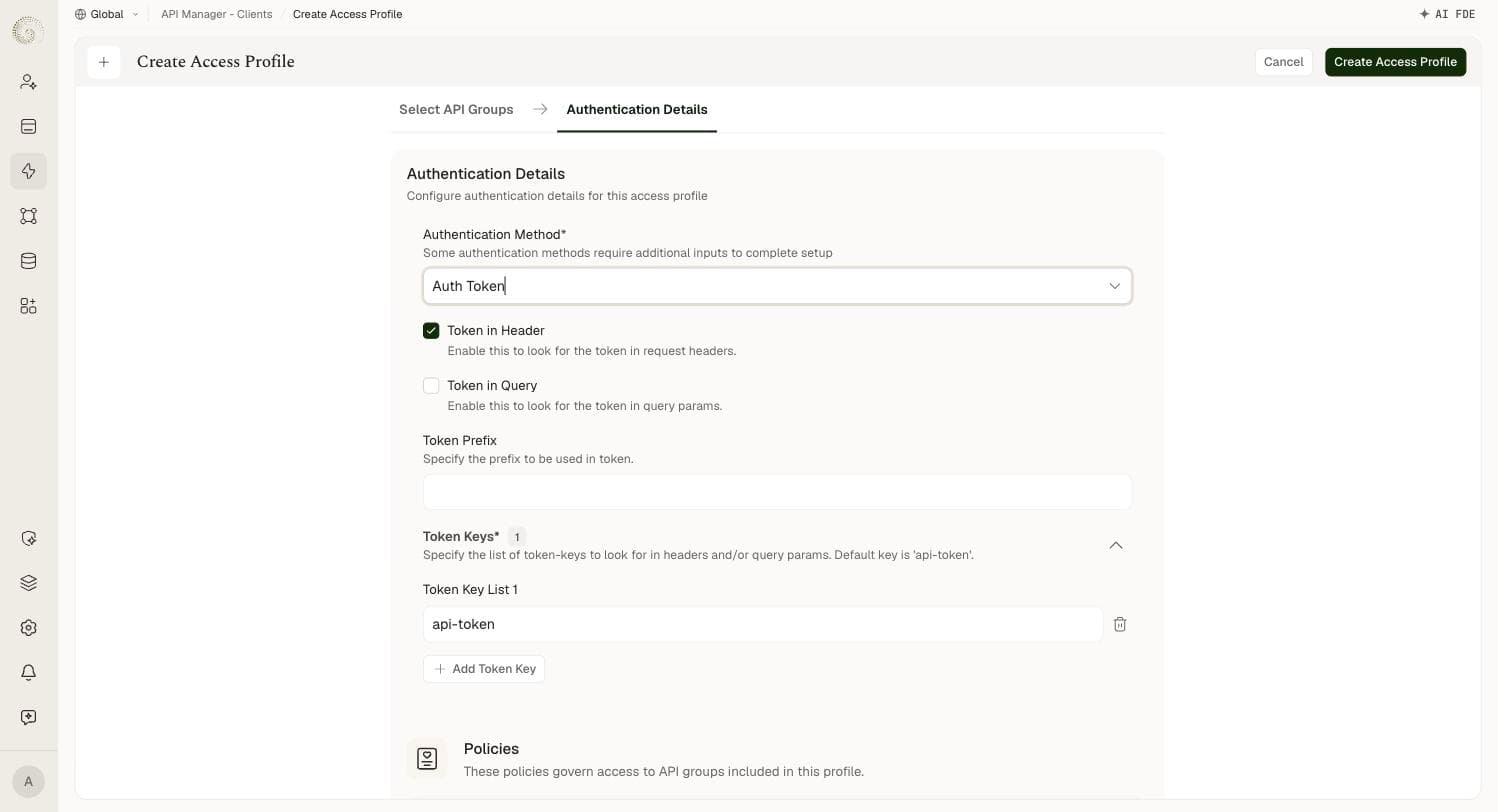
The access profile is issued a token (an API key) that the client sends with every request. The platform looks up the access profile by the token value; if it matches an active profile, the request is authenticated.
Field | Required | Details |
|---|---|---|
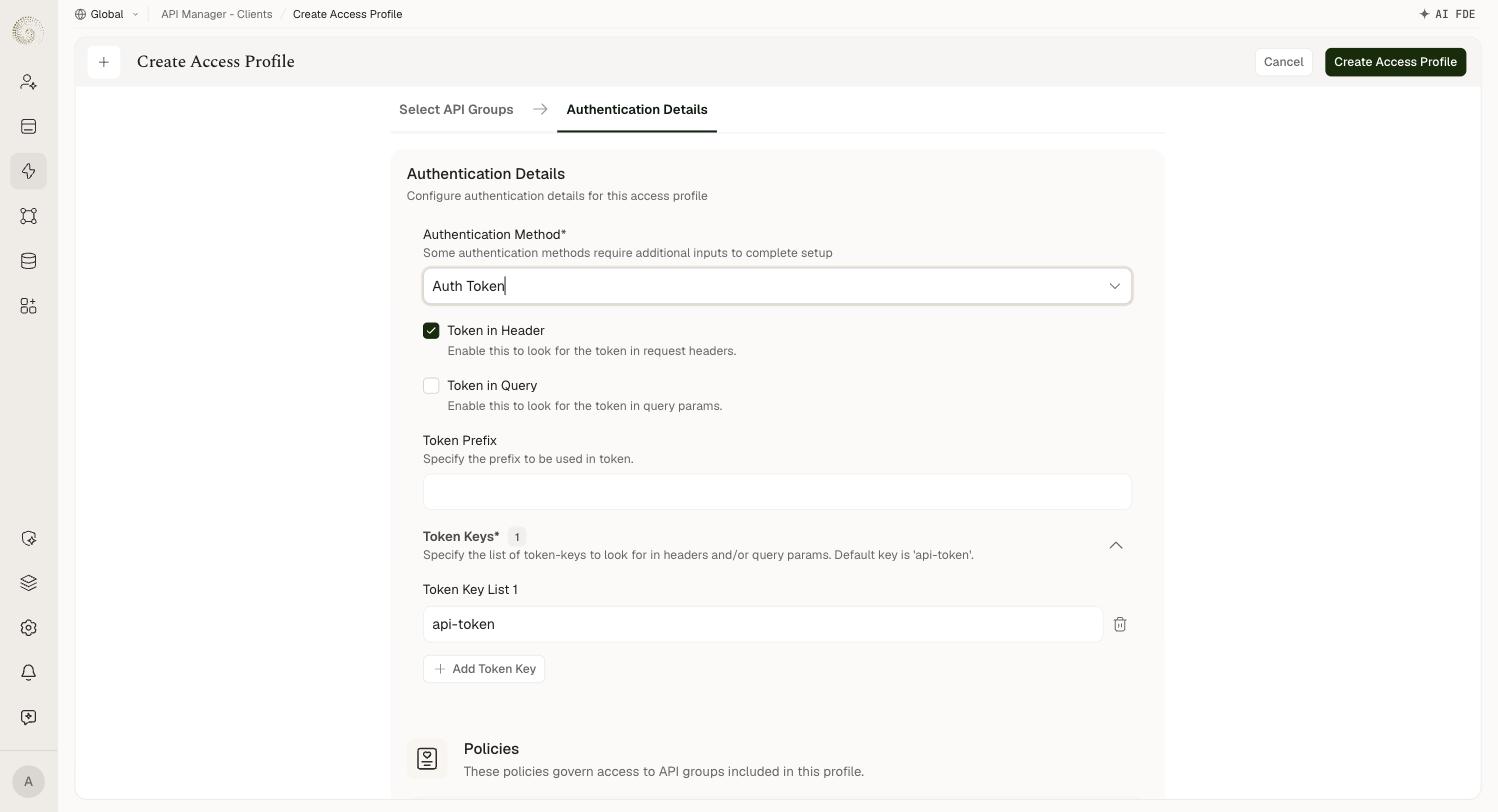
Token in Header | — | Look for the token in request headers. Enabled by default. |
Token in Query | — | Look for the token in query params. Disabled by default. Both can be enabled at once. |
Token Prefix | No | A fixed prefix to be used in the token. |
Token Keys | Yes | The list of token-keys to look for in headers and/or query params. Defaults to a single key, api-token. Use Add Token Key to accept more than one key name. |
Auth Token is the simplest method and a good fit for server-to-server integrations. Because the token is a long-lived secret, keep it secure and rotate it if it is ever exposed.
Custom Token
Like Auth Token, but you supply the token values yourself instead of having the platform issue one. Useful when consumers already hold a credential you want to keep using.
Field | Required | Details |
|---|---|---|
Token Keys | Yes | The list of token-keys to look for in headers and/or query params. No default key — you add every key name yourself. |
Token in Header | — | Look for the token in request headers. Enabled by default. |
Token in Query | — | Look for the token in query params. Disabled by default. |
Valid Tokens | Yes | The list of token values to authenticate against. |
Tokens are unique per platform. The same token value cannot be used across multiple access profiles on a platform — each value must belong to exactly one profile.
OAuth2.0
The platform issues and refreshes OAuth 2.0 access tokens for the profile. The caller exchanges the profile's client ID and client secret (the secret is shown only once — save it when it appears) for an access token: it sends them as Basic auth, with the grant type, to /api-endpoint/oauth2/token on your API domain, then sends the token as Authorization: Bearer <token>.
Field | Required | Details |
|---|---|---|
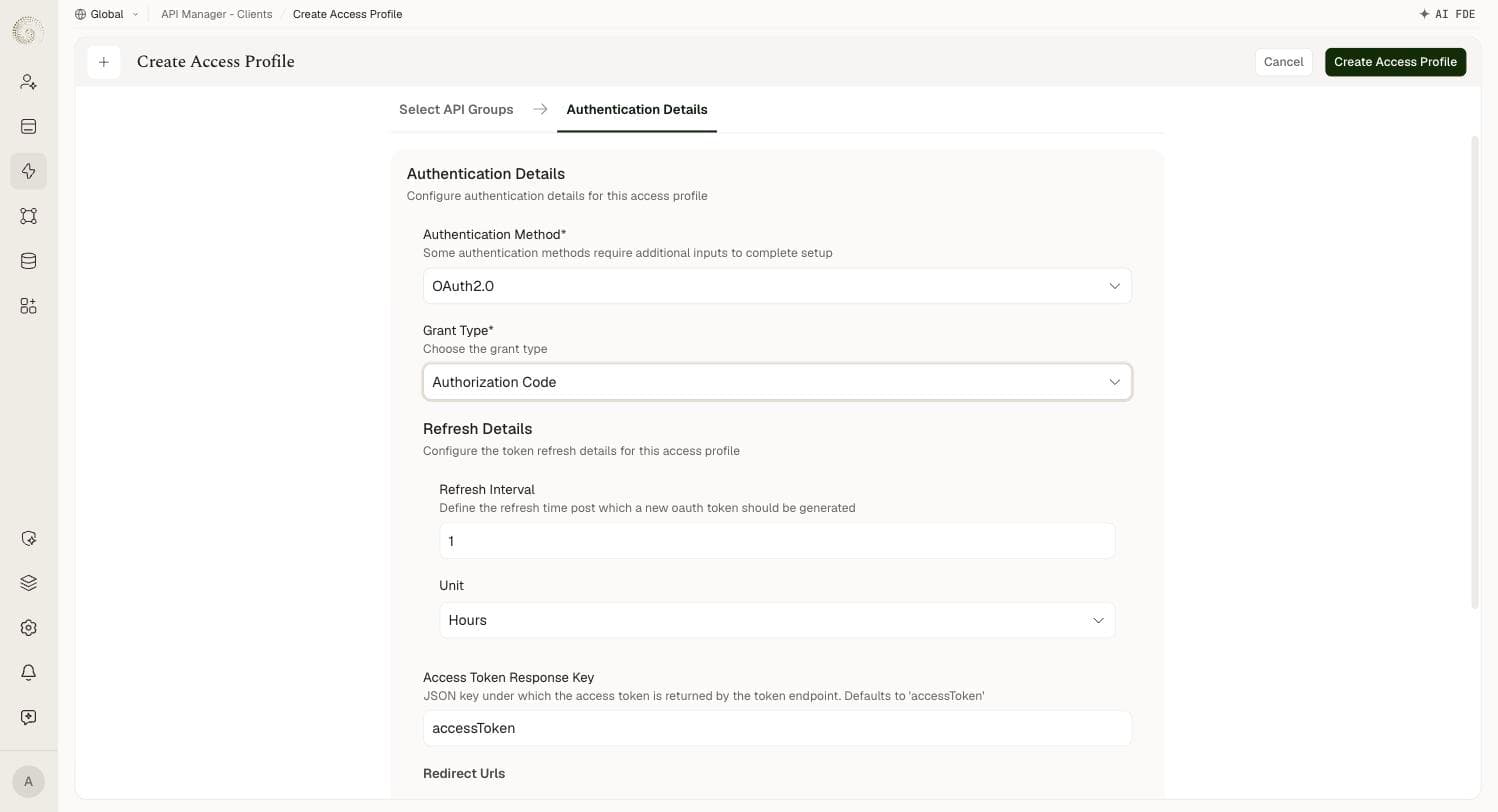
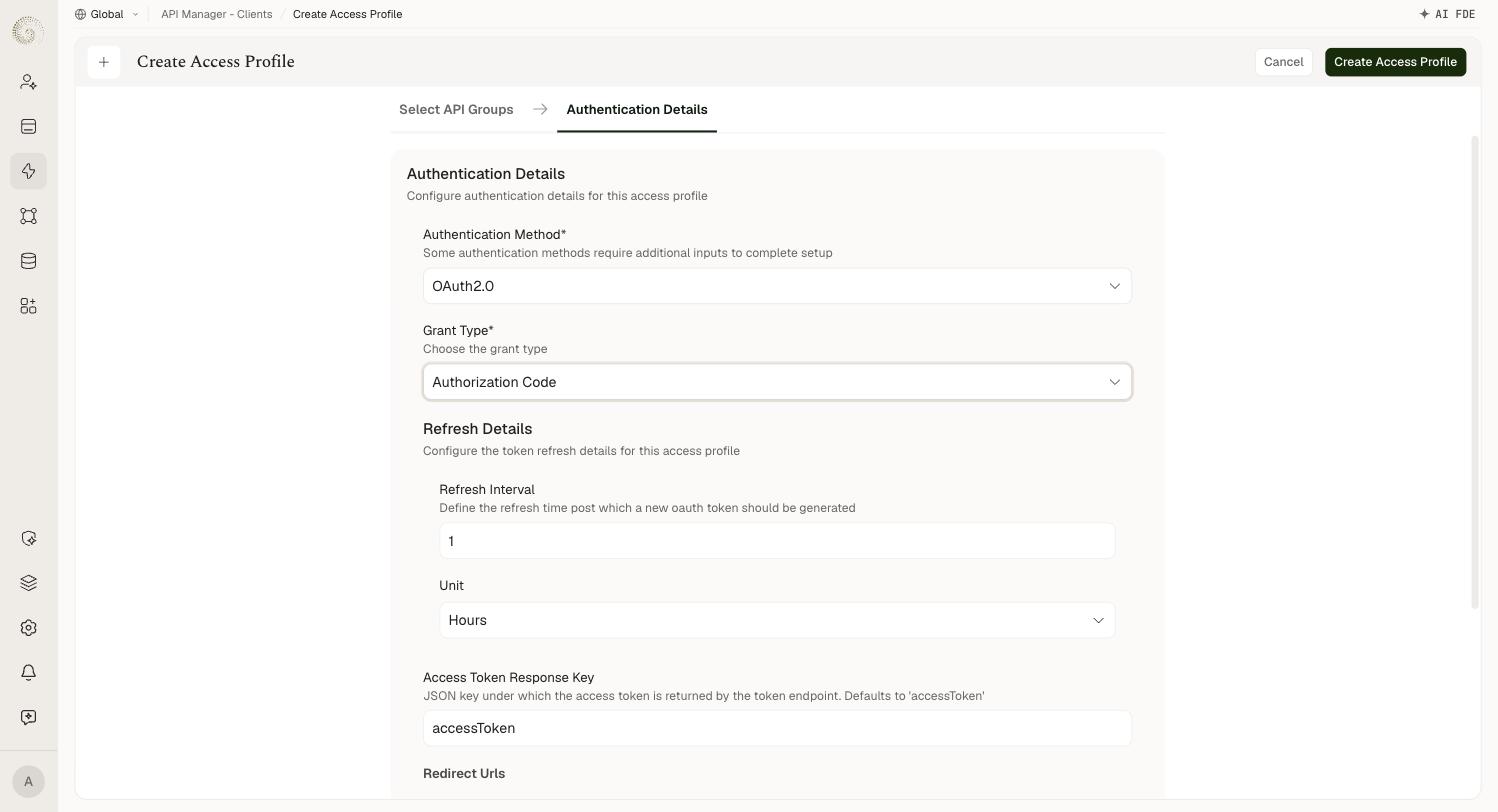
Grant Type | Yes | One of Client Credentials (default), Authorization Code, or Resource Owner Password Credentials. |
Refresh Interval | No | The refresh time after which a new OAuth token is generated. Defaults to 1. |
Unit | No | Unit for the refresh interval — Minutes or Hours. Defaults to Hours. |
Access Token Response Key | No | The JSON key under which the access token is returned by the token endpoint. Defaults to accessToken. |
Redirect Urls | No | Only shown for the Authorization Code grant type. The list of permitted redirect URLs. |
Choosing Authorization Code is the only grant type that changes the form — it adds the Redirect Urls list. Client Credentials and Resource Owner Password Credentials share the same field set.
Basic Auth
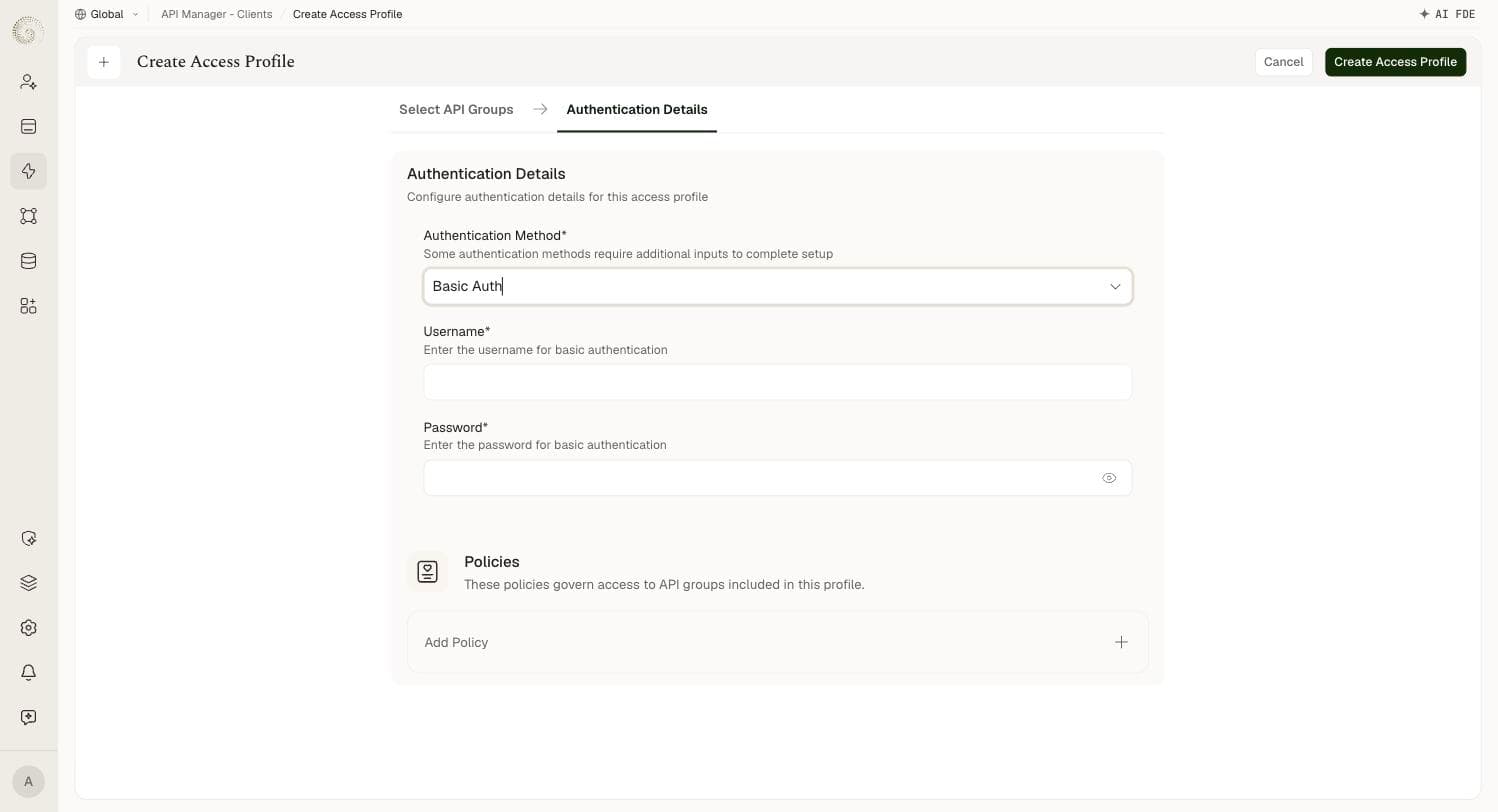
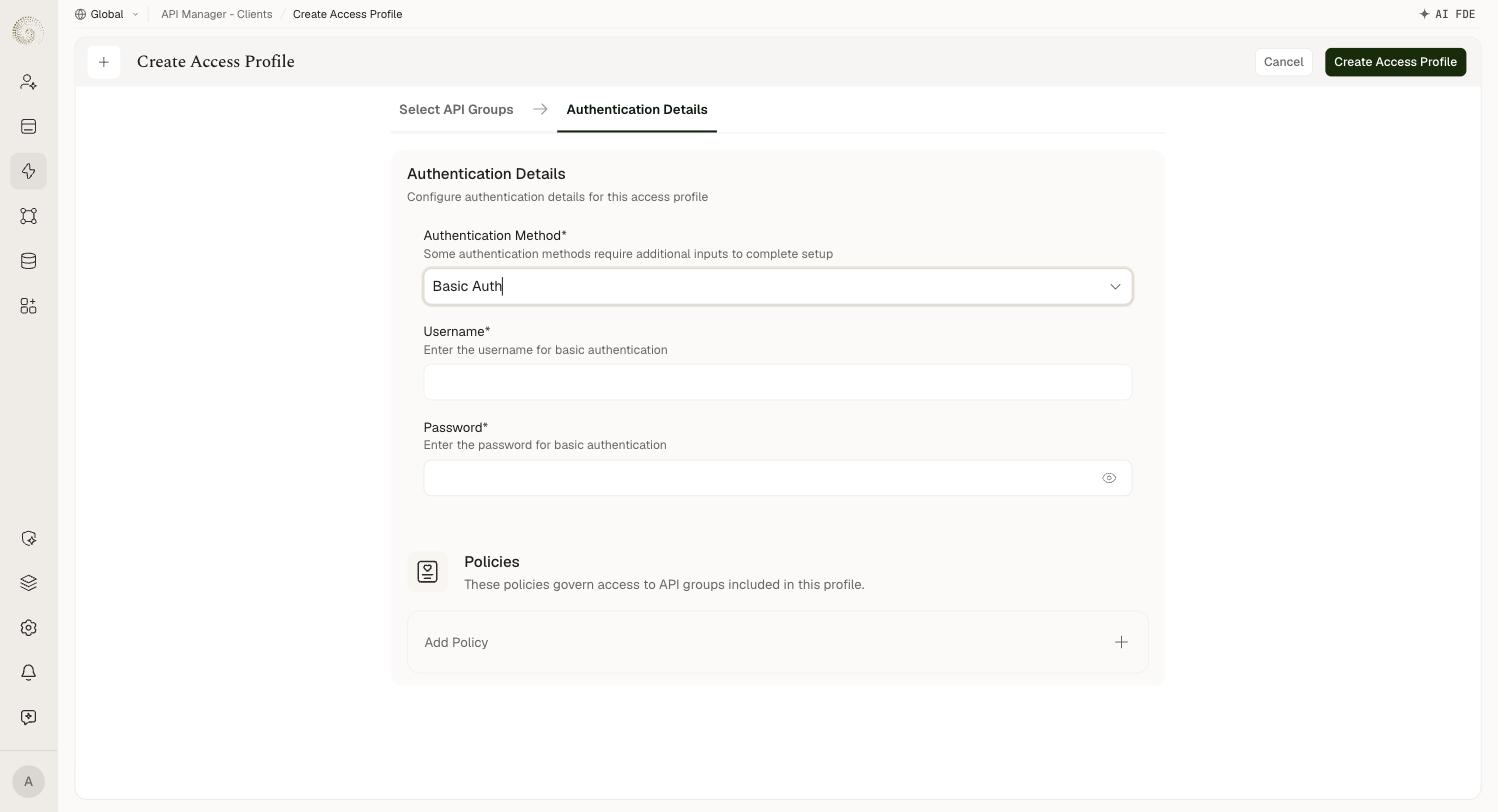
The access profile carries a username and password, and the client sends them in the standard Authorization: Basic … header (username and password joined with a colon, then base64-encoded). The platform compares the supplied credentials against the profile's stored values.
Field | Required | Details |
|---|---|---|
Username | Yes | The username for basic authentication. |
Password | Yes | The password for basic authentication. Masked in the UI, with a reveal toggle. |
Basic Auth is widely supported by HTTP clients and easy to set up, but credentials are sent on every request, so it must only be used over HTTPS. Choose it when the consuming application expects classic username/password authentication.
External Authentication
The platform delegates credential validation to an external identity provider instead of managing the credential itself. The caller sends its token in the x-external-token header. Pick an Authentication Type — the rest of the form changes to match.
Okta
Field | Required | Details |
|---|---|---|
Domain | Yes | The domain of Okta authorization. |
Grant Type | Yes | The grant type. Defaults to Authorization Code. |
Client ID | Yes | The client ID. |
Client Secret | Yes | The client secret. Masked, with a reveal toggle. |
Scopes | No | The scopes to request. |
Open ID & Custom OAuth2.0
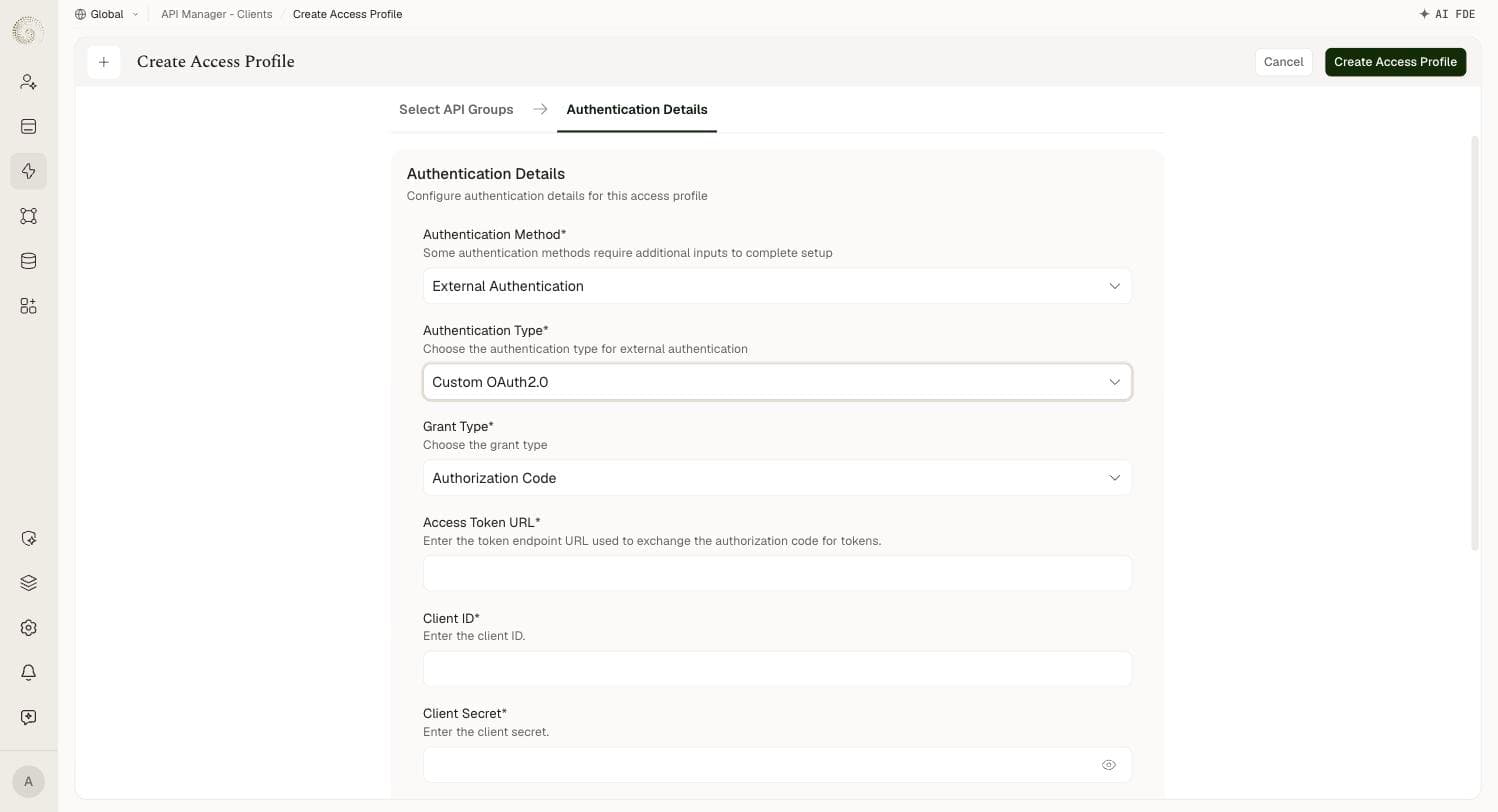
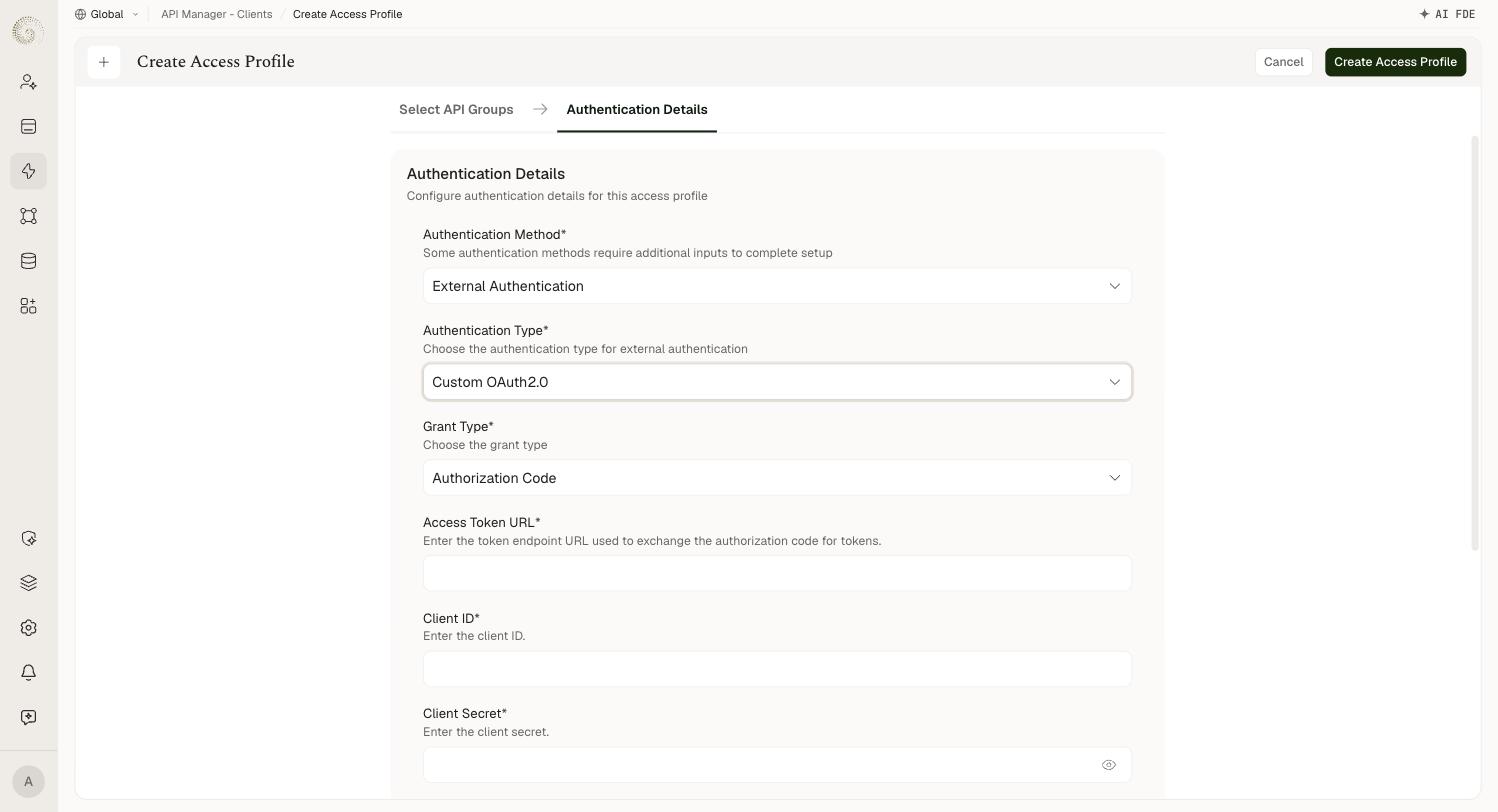
These two types share an identical field set. Use Open ID for an OpenID Connect-compatible provider, and Custom OAuth2.0 for any other OAuth 2.0-compatible provider.
Field | Required | Details |
|---|---|---|
Grant Type | Yes | The grant type. Defaults to Authorization Code. |
Access Token URL | Yes | The token endpoint URL used to exchange the authorization code for tokens. |
Client ID | Yes | The client ID. |
Client Secret | Yes | The client secret. Masked, with a reveal toggle. |
Scopes | No | The scopes to request. |
Authorization URL | Yes | The authorization URL used to initiate the user login. |
Custom Auth
The most flexible type, and the default selection. The platform calls an arbitrary HTTP endpoint of yours to validate the caller, then reads the result out of the response.
Field | Required | Details |
|---|---|---|
Authentication URL | Yes | The URL for external authentication. |
Authentication HTTP Method | Yes | GET (default) or POST. |
Duration | No | Timeout for the external call. Defaults to 5000. |
Unit | No | Unit for the duration. Defaults to Milliseconds. |
Headers | No | Key/value pairs — the headers required to authorize the external URL. |
Upstream Headers | No | The header keys required from upstream, i.e. taken off the incoming request and forwarded to your endpoint. |
Query Params | No | Key/value pairs — the query params required to authorize the external URL. |
Upstream Query Params | No | The query param keys required from upstream. |
Response Parameter | Yes | The path to the value to fetch from the external authorization response — for example body.token or header.token. |
The distinction between Headers and Upstream Headers matters: the former are static values you configure once and the platform always sends; the latter are keys lifted from the caller's own request and passed through. The same split applies to query params.
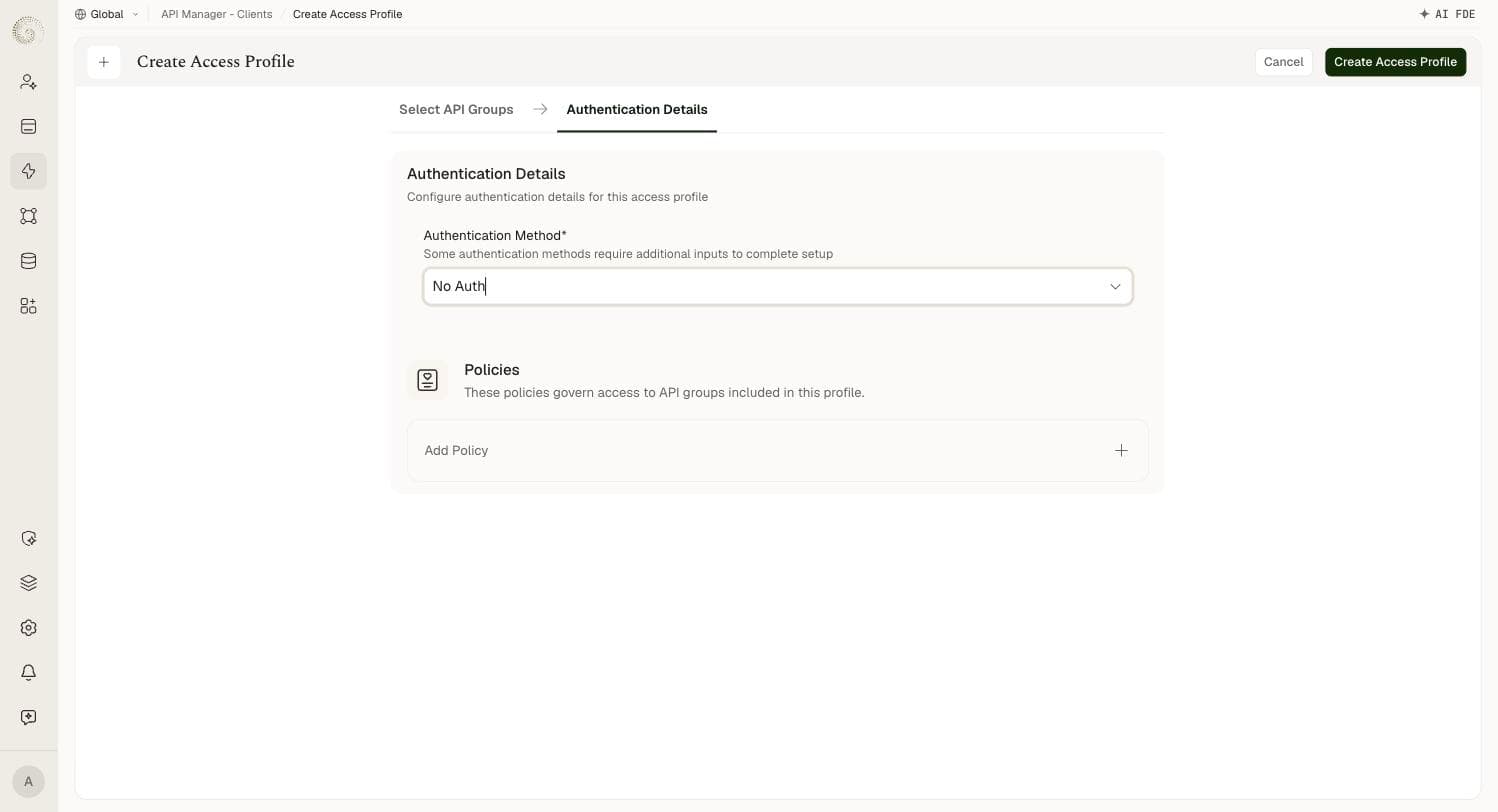
No Auth
The access profile requires no credentials — all requests reaching the API are accepted without any authentication check. Selecting it clears the form entirely; there is nothing to configure.
Use this only for APIs that are intentionally public, such as health checks or public data feeds where caller identity does not matter. Apply API group policies such as IP-based access control to restrict traffic even when no credential is required.
User Session
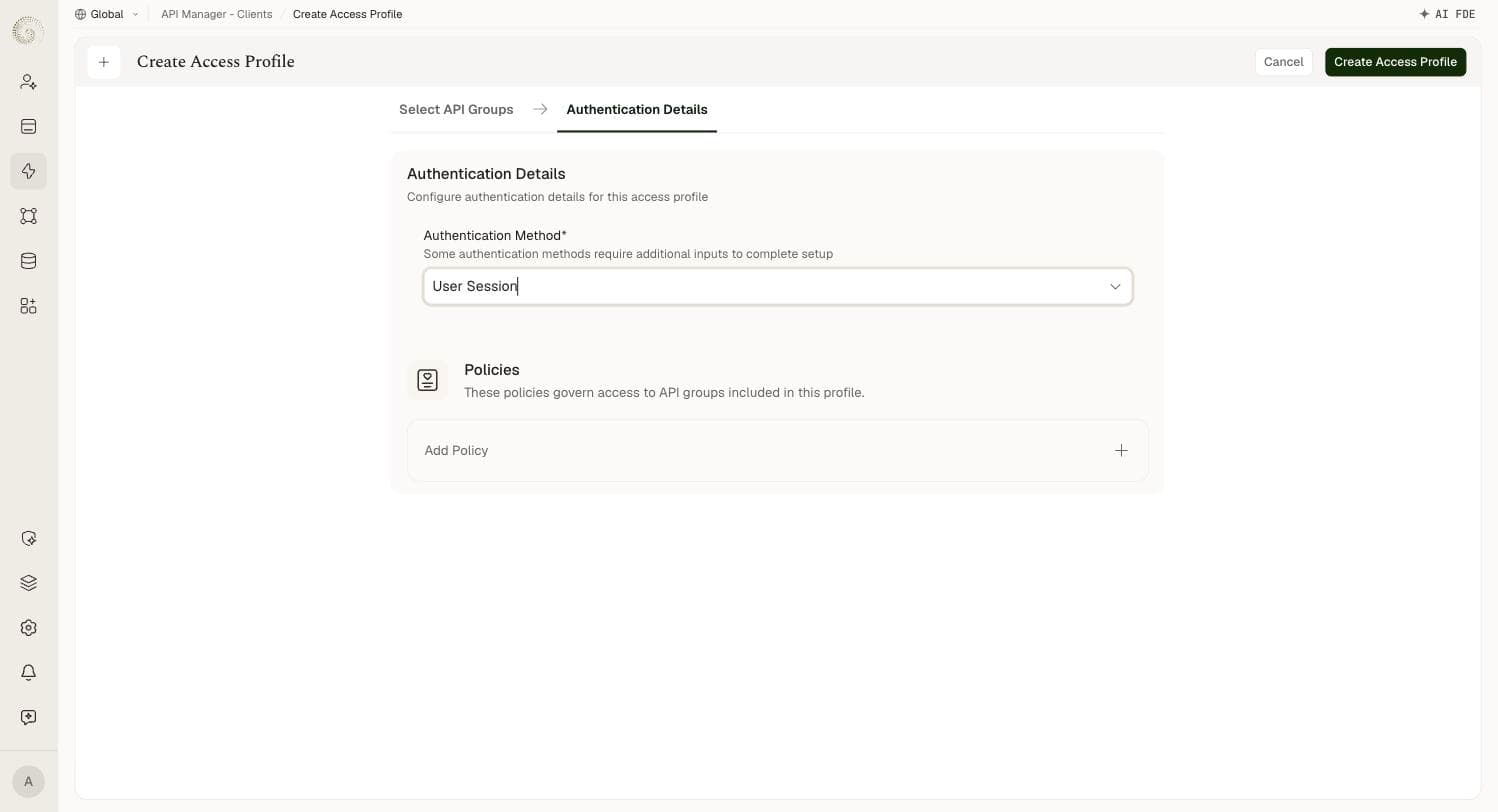
Authentication uses an end user's platform session rather than a separate API credential. The caller sends the end user's session token in the x-ua-cat header — your own builder session doesn't work. Like No Auth, it has no configuration fields of its own.
Use it for APIs called from within the platform's own UI, where the user is already signed in and you want the API to run as that user.
Custom Workflow
Delegates the authentication decision to a workflow you have built on the platform, letting you express arbitrary validation logic. The caller sends the profile's key in the x-custom-auth header; the key never changes.
Field | Required | Details |
|---|---|---|
Workflow ID | No | The ID of the workflow to be used for custom workflow authentication. |
Choosing the Right Method
Method | Best For | Key Consideration |
|---|---|---|
JSON Web Token | Partners and distributed systems where an identity provider already issues tokens; scenarios requiring short-lived credentials. | Requires the consumer to obtain and refresh tokens; strongest security guarantee. Prefer RS* so you never hold the signing key. |
Auth Token | Server-to-server integrations and quick internal integrations. | Long-lived secret — must be kept secure and rotated if exposed. |
Custom Token | Consumers that already hold a token you want to keep honouring. | You manage the token values; each value is unique to one access profile platform-wide. |
OAuth2.0 | Standard OAuth consumers where the platform should mint and refresh tokens. | Pick the grant type that matches the consumer; only Authorization Code needs redirect URLs. |
Basic Auth | Consumers that specifically expect username/password auth. | Credentials travel on every request — only use over HTTPS. |
External Authentication | Consumers already authenticated by Okta, OpenID Connect, a custom OAuth2.0 provider, or your own auth service. | Delegates trust to an external provider; adds a network hop on every request, so mind the timeout. |
No Auth | Intentionally public APIs where caller identity is not required. | No credential check — use only when the API is meant to be open; apply other controls such as IP filtering. |
User Session | APIs called from the platform UI by a signed-in user. | Only works where a platform session exists — not for external server-to-server callers. |
Custom Workflow | Bespoke validation logic that none of the built-in methods express. | You own the correctness of the workflow; test it before pointing production traffic at it. |
Whichever you choose, scope the access profile to the minimum API groups and APIs the consumer needs. Authentication proves identity; the profile's scope limits the blast radius if a credential leaks.
Notes
JWT is the default method and the preferred one for external partners — short-lived tokens reduce the window for a stolen credential to be exploited.
When configuring JWT, enforce the exp claim to prevent tokens from being valid indefinitely.
Prefer an RS* algorithm over HS* where you can: the platform then only stores a public key, so a leak of the platform's configuration does not let an attacker mint tokens.
Auth Token and Custom Token can look in headers, query params, or both. Prefer headers — query params end up in server logs, proxy logs, and browser history.
Basic Auth must only be used over HTTPS — credentials are base64-encoded, not encrypted, so they are readable in plain text on an unencrypted connection.
For External Authentication with Custom Auth, the Duration is a hard timeout on your auth endpoint. Set it low enough that a slow provider does not stall API traffic, and high enough to avoid false 401s.
No Auth and User Session take no configuration — if you select them expecting to fill something in, that is the intended behaviour, not a loading bug.
Scope access profiles tightly regardless of the method chosen — a leaked credential with a broad scope is far more damaging than one with a narrow scope.