


Control how many API requests an access profile can make within a defined time window, protecting backend services from traffic overload.
Overview
A Rate Limiting Policy controls how many API requests an access profile can make within a defined time window. When the limit is reached, further requests are rejected and the configured error message is returned — protecting backend services from traffic overload, preventing abuse, and ensuring fair usage across all API consumers.
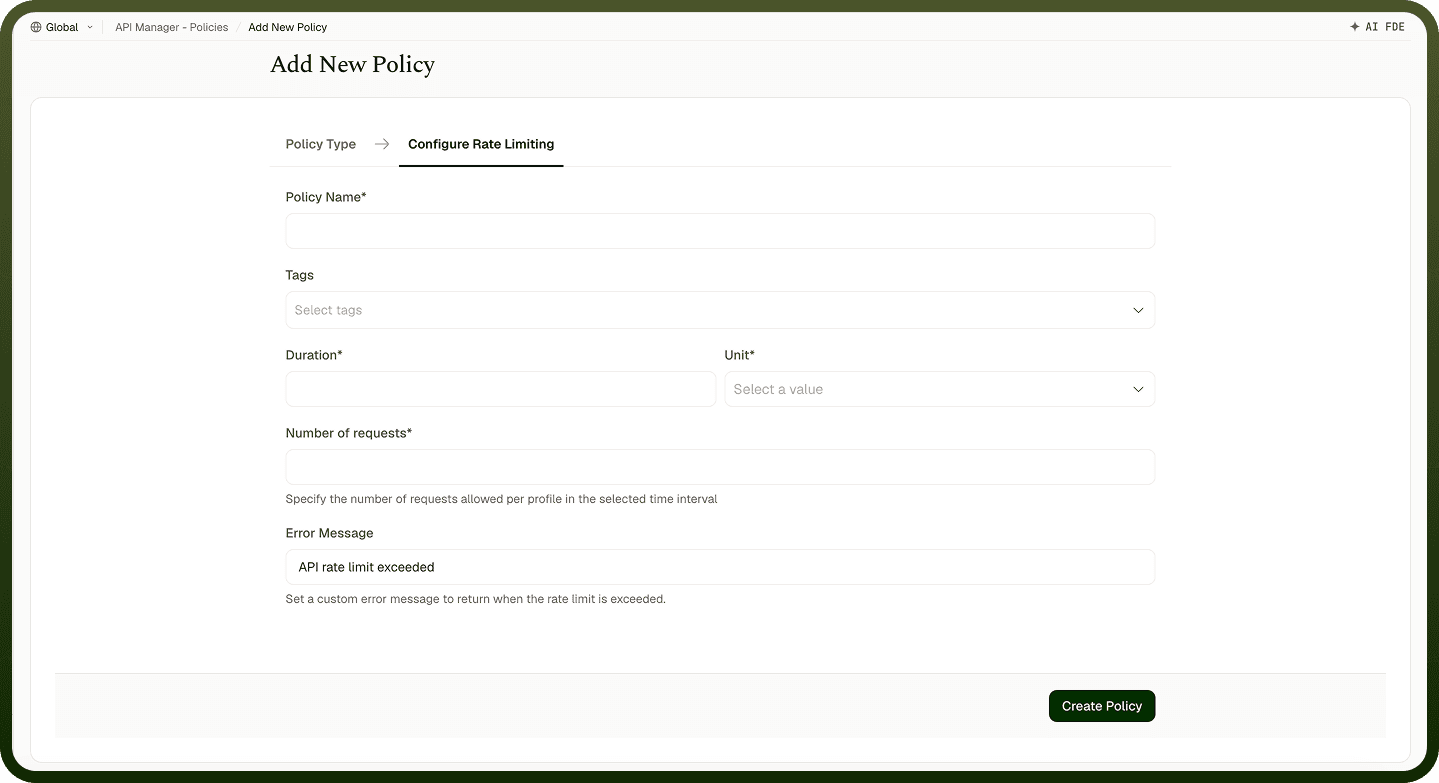
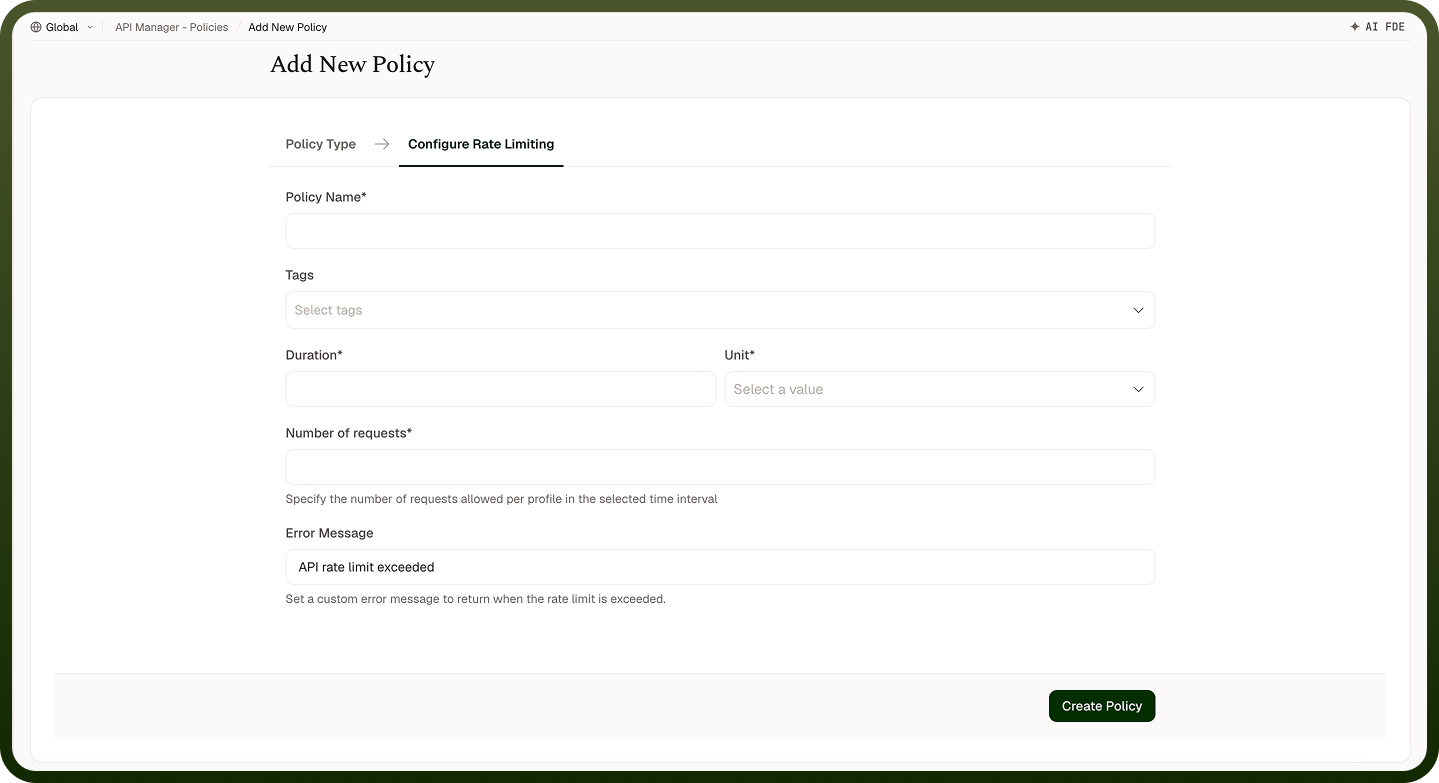
Rate Limiting Policy configuration panel
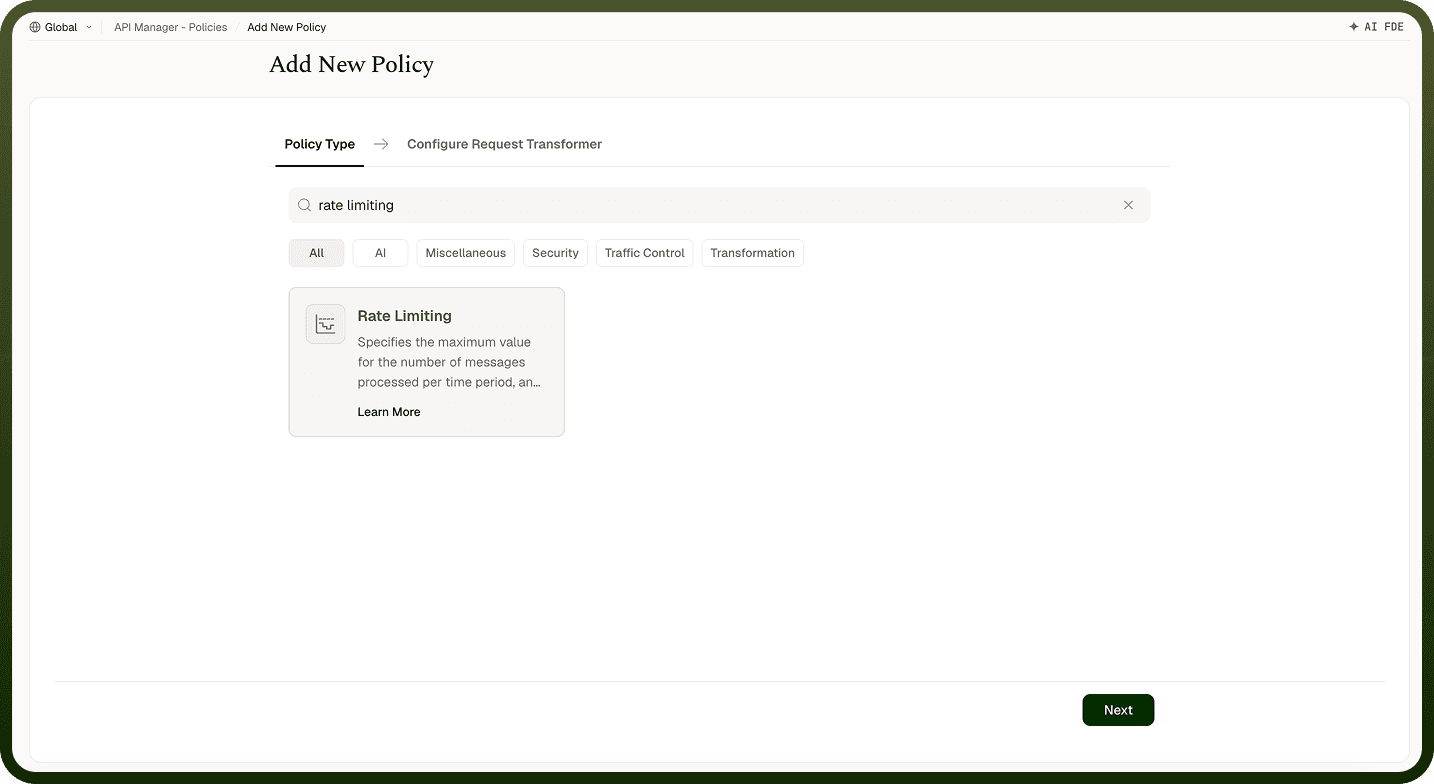
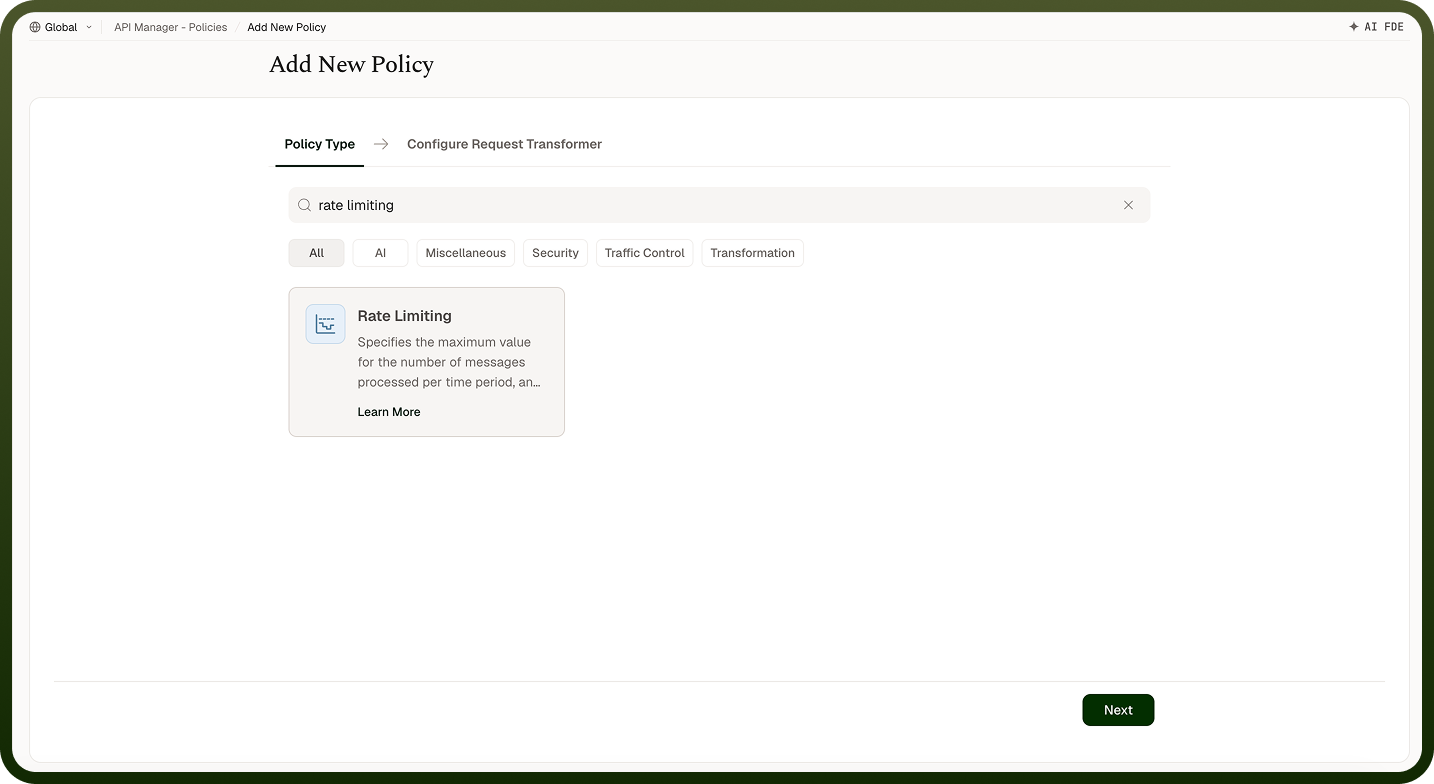
Field Reference
Field | Description |
|---|---|
Policy Name * | A unique identifier used across logs, dashboards, and API group configurations. |
Tags | Custom labels to organize and filter the policy by environment, team, or functionality. |
Duration * | The length of the time window during which requests are counted. |
Unit * | The time unit for the Duration field. Options: Minutes, Hours, Days. |
Number of Requests * | The maximum number of requests allowed within the time window. Attached to an access profile, this is each profile's allowance; attached to an API or API Group, it is shared by all callers. Once reached, further requests are denied until the window resets. |
Error Message | The message returned to the client when their request is denied. Defaults to "API rate limit exceeded" if not set. |
How It Works
Request received — The gateway authenticates the caller to an access profile and picks the counter for this policy at the level it is attached to (the access profile, the API, or the API Group).
Counter check — The system retrieves the request count for that counter within the current time window.
Limit evaluation — If the count is below the limit, the request is forwarded and the counter increments. If at or above the limit, the request is rejected.
Error response — Rejected requests receive the configured error message indicating the rate limit has been exceeded. If a later inbound policy in the chain goes on to reject the request, the count already recorded against this rate limit is rolled back so it does not count against the caller's allowance.
Window reset — Windows are fixed and aligned to the clock. When the window ends, the counter resets and requests are allowed again.
Attaching the Policy
Once a Rate Limiting Policy is created, attach it to an access profile, an API, or an API Group from its policy settings. Where you attach it decides what is counted: on an access profile, each profile gets its own counter; on an API or API Group, one counter is shared by every caller, so one heavy client can use up the allowance for everyone. For per-client limits, attach the policy to access profiles. When multiple attachment levels apply to the same request, policies run in a fixed order: access profile first, then API, then API Group — this order is not configurable.
Notes
Rate limits are tracked per client only when the policy is attached to an access profile. On an API or API Group, the limit is shared by all callers — one client hitting it blocks the others.
Start with conservative limits and loosen them based on observed traffic patterns from the Insights dashboard.
Provide a descriptive Error Message so callers understand the limit and when to retry (e.g., "Rate limit exceeded. Maximum 100 requests per minute.").
Pair with a Usage Quota Policy for end-to-end traffic governance: rate limiting handles bursts, quotas handle total consumption.