


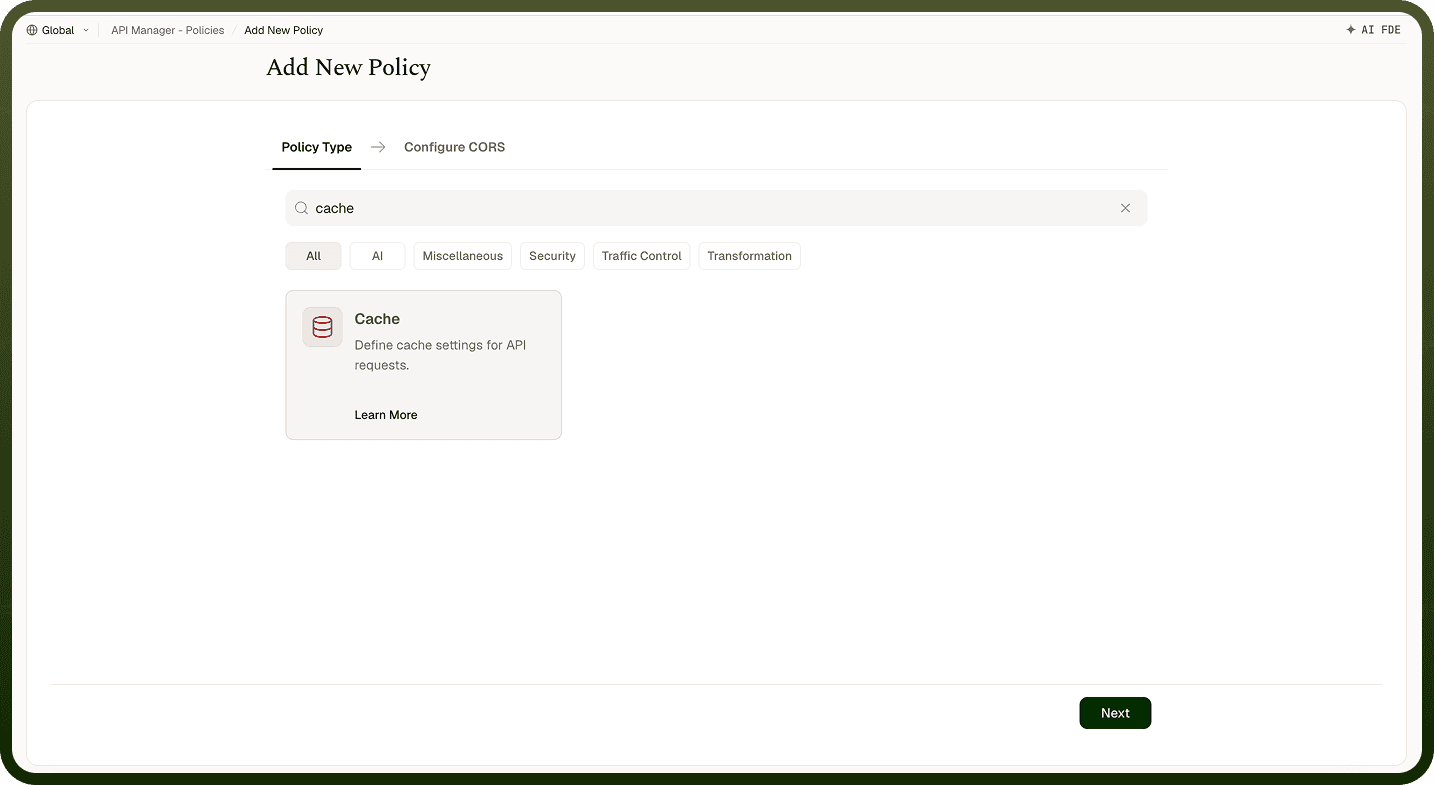
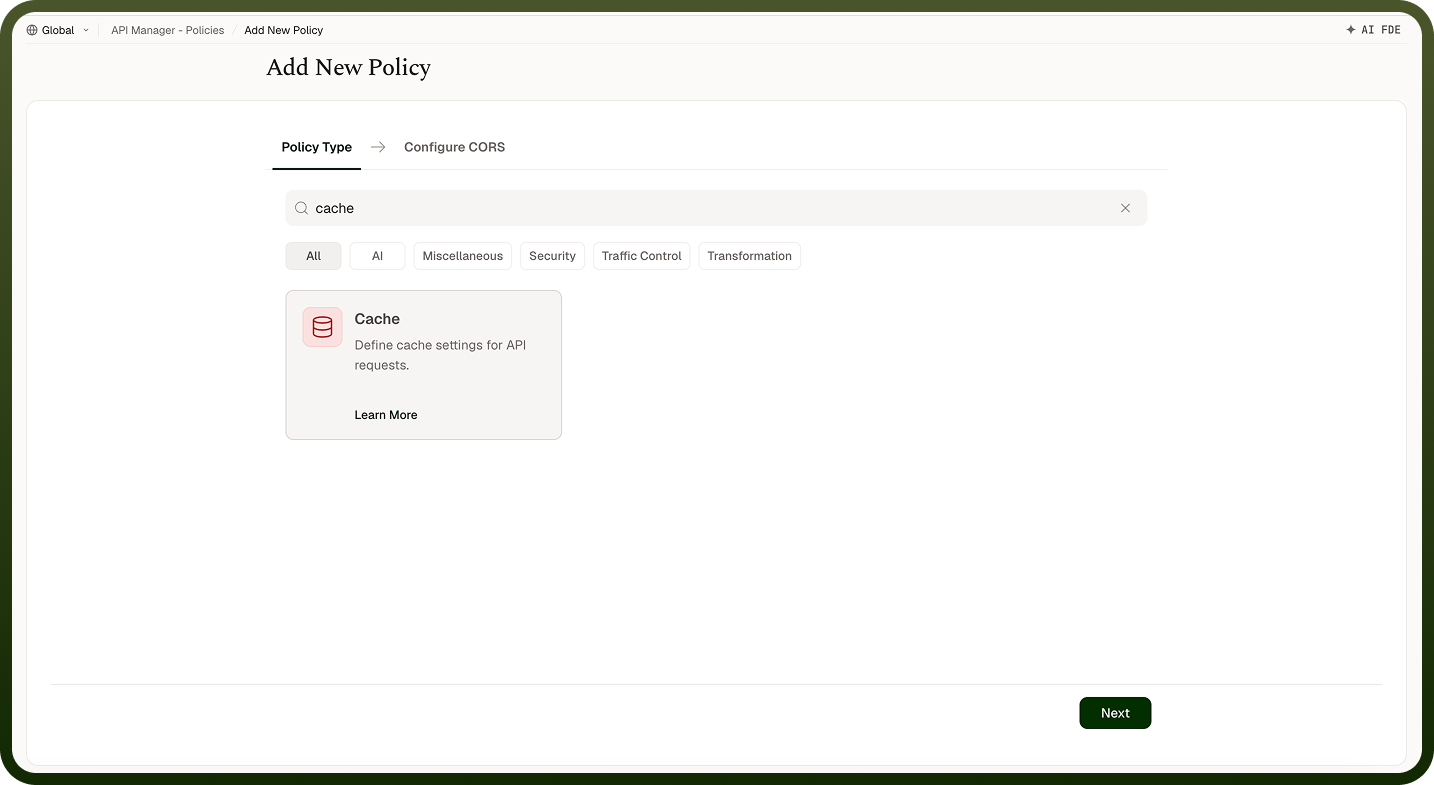
Store API responses temporarily so repeated requests are served from cache, reducing backend load and improving response times.
Overview
A Cache Policy stores API responses temporarily so that repeated requests can be served from cache rather than invoking the backend — improving response times, reducing backend load, and lowering infrastructure costs. Each cached response is stored for a fixed Time-to-Live (TTL); after the TTL expires, the next request fetches a fresh response and repopulates the cache.
Field Reference
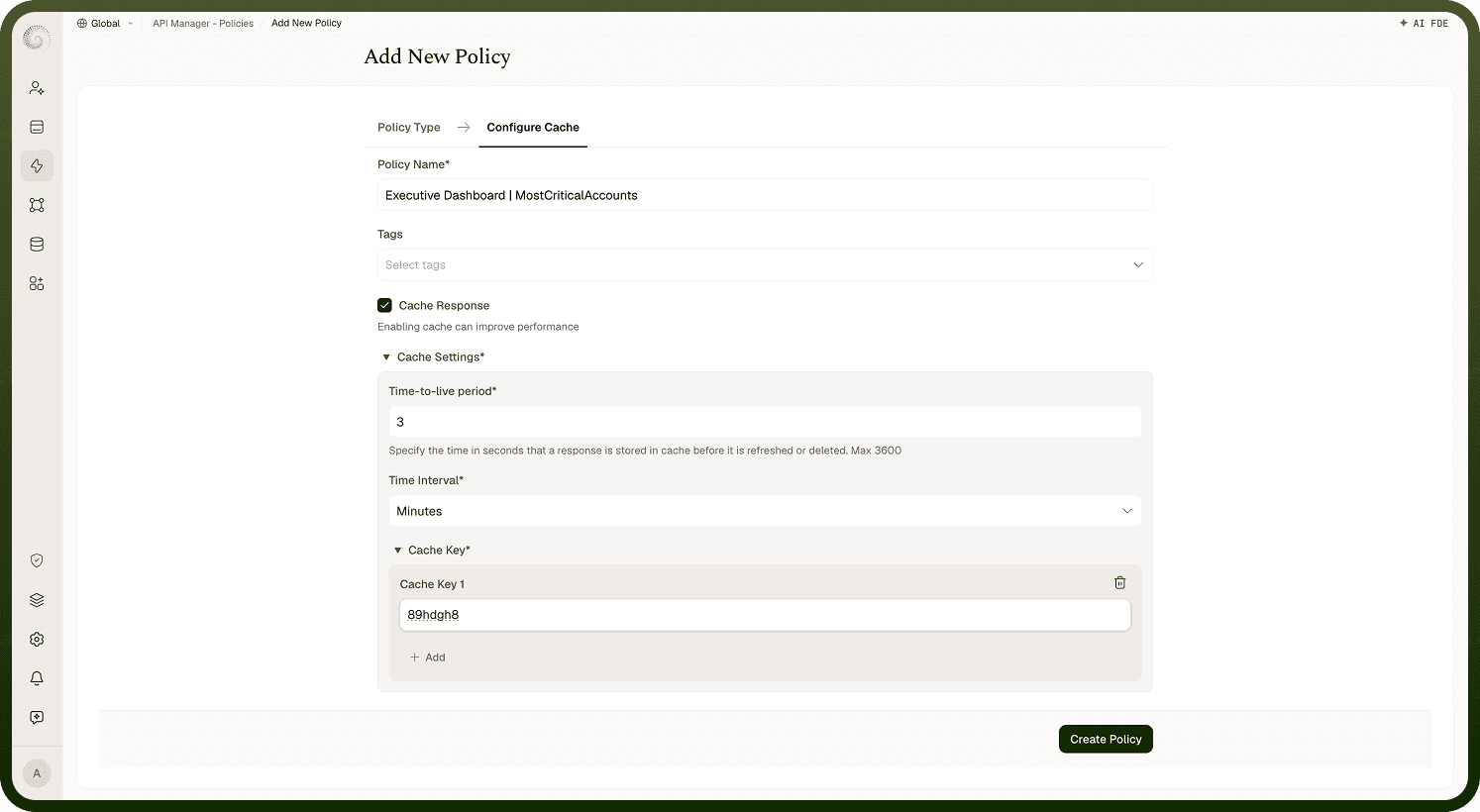
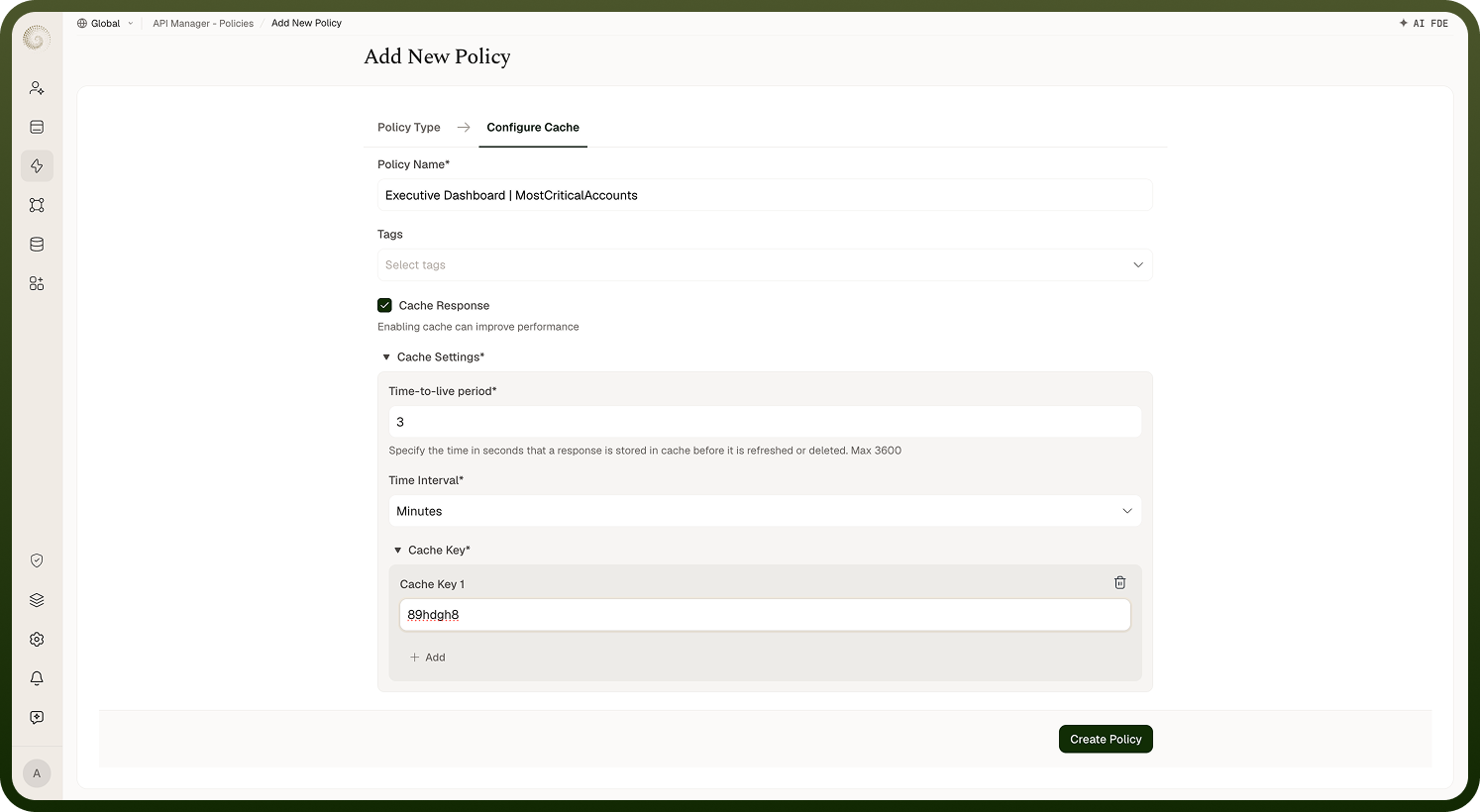
Field | Description |
|---|---|
Policy Name * | A unique identifier used across logs, dashboards, and API group configurations. |
Tags | Custom labels to organize and filter the policy by environment, team, or functionality. |
Cache Response * | Turn on to cache responses; the TTL and Cache Key fields appear once it is on. |
Time-to-Live (TTL) Period * | How long a cached response is stored before it expires, defined in the unit specified by the Time Interval field. Available TTL limits depend on the current Cache Policy configuration — use the values shown in the policy editor. |
Time Interval * | The unit of time for the TTL Period field. Available time-unit options depend on the current Cache Policy configuration — use the values shown in the policy editor. |
Cache Key * | The unique key used to identify cached responses. Each cache key must be the name of a path parameter, query parameter, or header. Configuring multiple cache keys ensures distinct responses are cached separately. |
How It Works
Request arrives — The gateway receives an API request.
Cache key generation — A cache key is constructed from the configured key parameters. If the request lacks any of them, it is not cached: it is neither served from nor stored in the cache.
Cache lookup — The system checks whether a cached response exists for that key.
Cache hit — If a cached response is found, it is returned immediately to the client. The backend is not called.
Cache miss — If no cached response exists, the request is forwarded to the backend. If the backend returns a successful (200) response, it is stored in the cache before being returned to the client. Other responses are not cached.
Cache expiration — After the TTL expires, the cached entry is removed. The next request will be a cache miss and repopulate the cache.
Attaching the Policy
Once a Cache Policy is created, attach it to an API Group, an API, or an access profile from its policy settings. When policies are attached at multiple levels, they run in the fixed order: access profile, then API, then API Group. Multiple policies attached at the same level can be reordered within that level’s policy settings.
Notes
Only cache idempotent responses — GET responses with stable, query-dependent data are good candidates; POST or mutation responses should not be cached.
Design cache keys carefully: if two different requests should return different data, their cache keys must differ. Include query parameters or caller-identifying headers in the key as appropriate.
Set TTL based on how frequently the underlying data changes — too long a TTL returns stale data; too short negates the caching benefit.
Monitor cache hit rate from the API Manager Insights dashboard to evaluate policy effectiveness and tune the TTL and cache key configuration.