


Configure how long the API gateway waits for a backing resource's response before terminating the request and returning an error to the caller.
Overview
A Timeout Policy defines the maximum amount of time the gateway will wait for a backing resource to respond to an API request. If the backing resource does not respond within the configured duration, the request is terminated and an error is returned to the client — preventing long-running or unresponsive requests from consuming system resources.
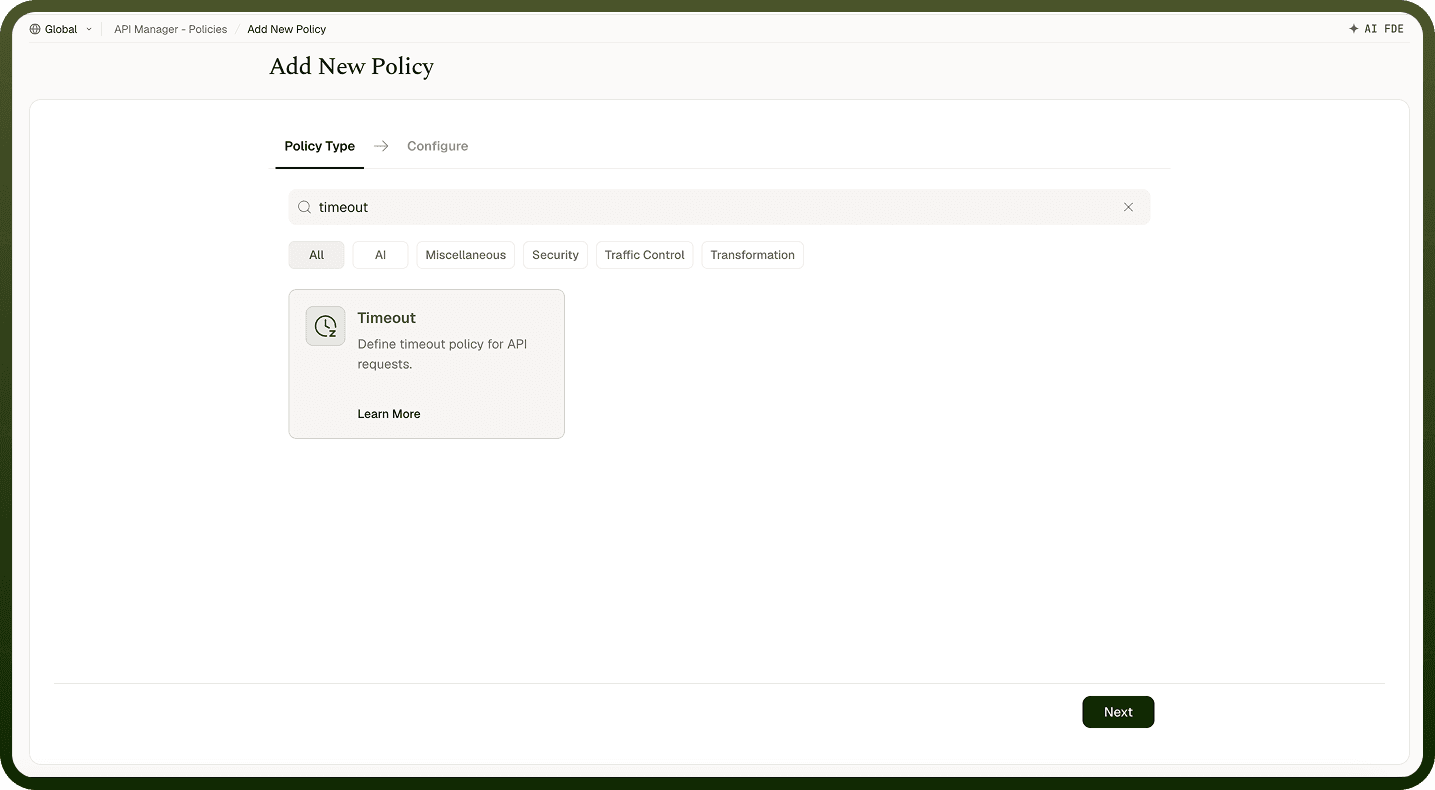
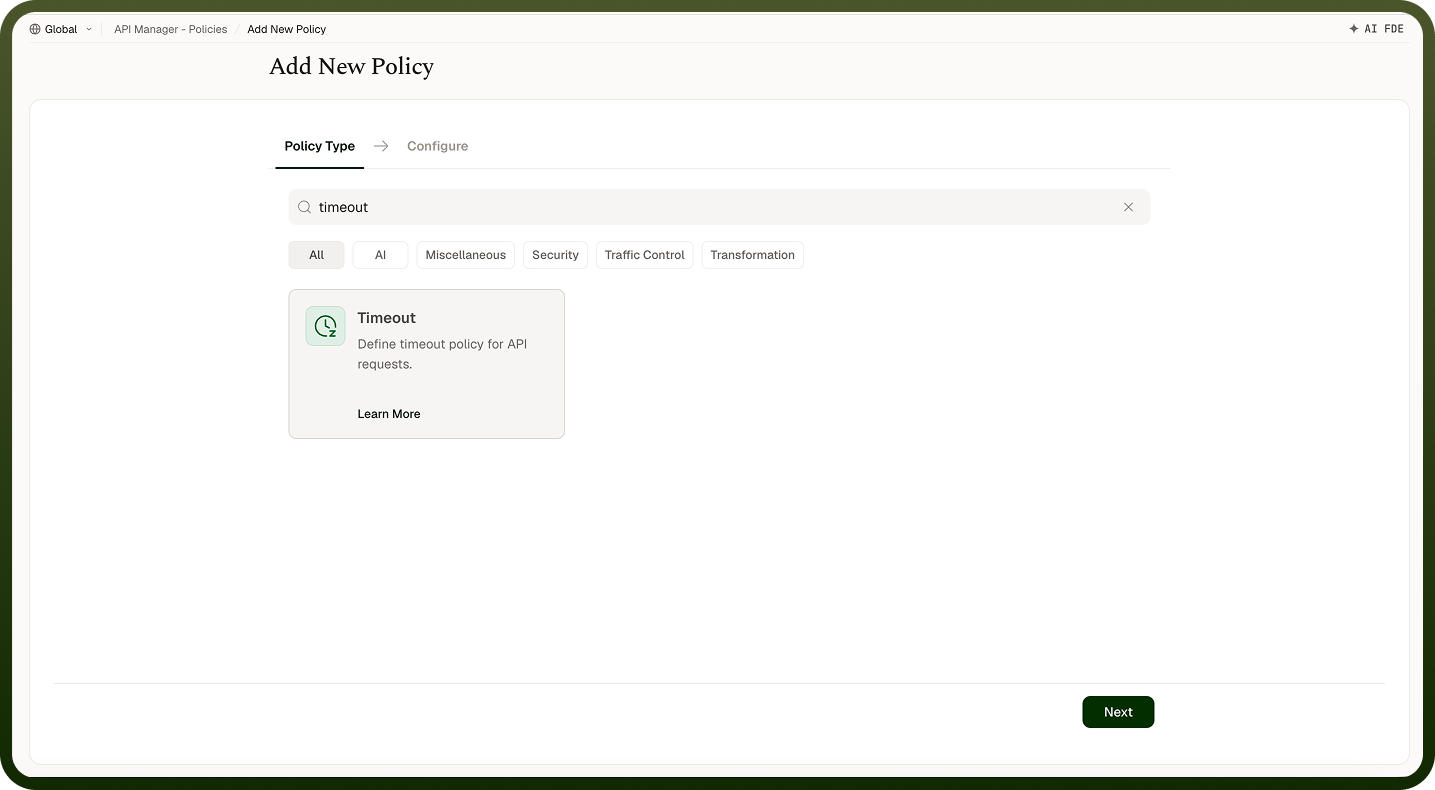
Field Reference
Field | Description |
|---|---|
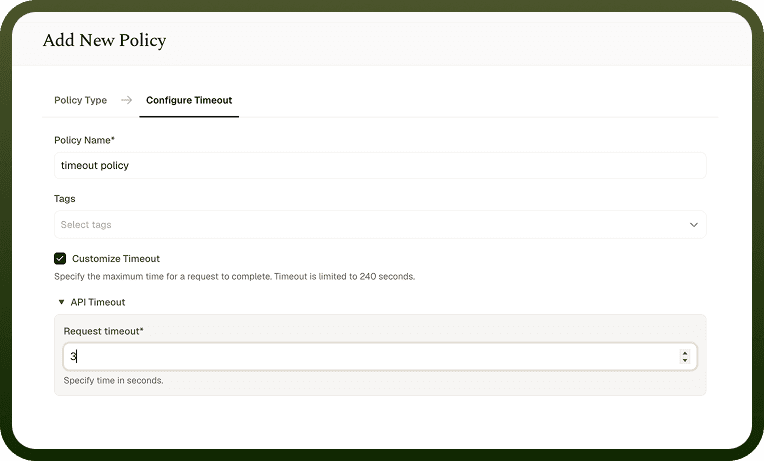
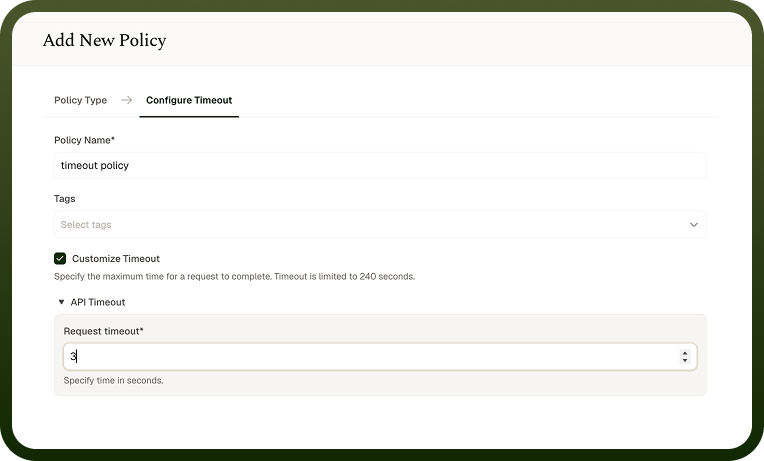
Policy Name * | A unique identifier used across logs, dashboards, and API group configurations. |
Tags | Custom labels to organize and filter the policy by environment, team, or functionality. |
Customize Timeout | Turns on a custom timeout for API requests. Off by default. The policy has no effect until it is turned on. |
Request Timeout * | Maximum time (in seconds) the gateway waits for a backing resource's response before terminating the request. Default: 30 seconds when customization is enabled. Confirm the current maximum allowed value in the product UI before relying on it. If no Timeout Policy is configured, calls are bounded by a default five-minute limit, and the gateway returns 408 Request Timeout when that is exceeded. |
How It Works
Request initiated — The gateway forwards the incoming API request to the backing resource.
Timer starts — A countdown begins based on the configured Request Timeout value.
Response received in time — If the backing resource responds before the timeout expires, the response is returned to the client successfully.
Timeout exceeded — If the backing resource does not respond in time, the request is terminated.
Error returned — A timeout error response is sent to the client indicating the request took too long.
Attaching the policy
Once a Timeout Policy is created, attach it from the policy settings of an API Group, an API, or a client's access profile. Order doesn't matter for Timeout policies: the shortest one that applies wins.
Notes
Set the timeout to slightly longer than your slowest legitimate backing-resource call takes, plus a small buffer — a value that's too tight causes spurious timeouts for valid requests.
Confirm the current maximum configurable value in the product UI before relying on a specific number; requests requiring longer processing should consider an async pattern (webhook-triggered automation).
Timeouts apply per request, not per session — each request gets its own timeout window, independent of any previous attempts.