


Verify the authenticity and integrity of JSON Web Tokens on incoming API requests before forwarding them to the backend.
Overview
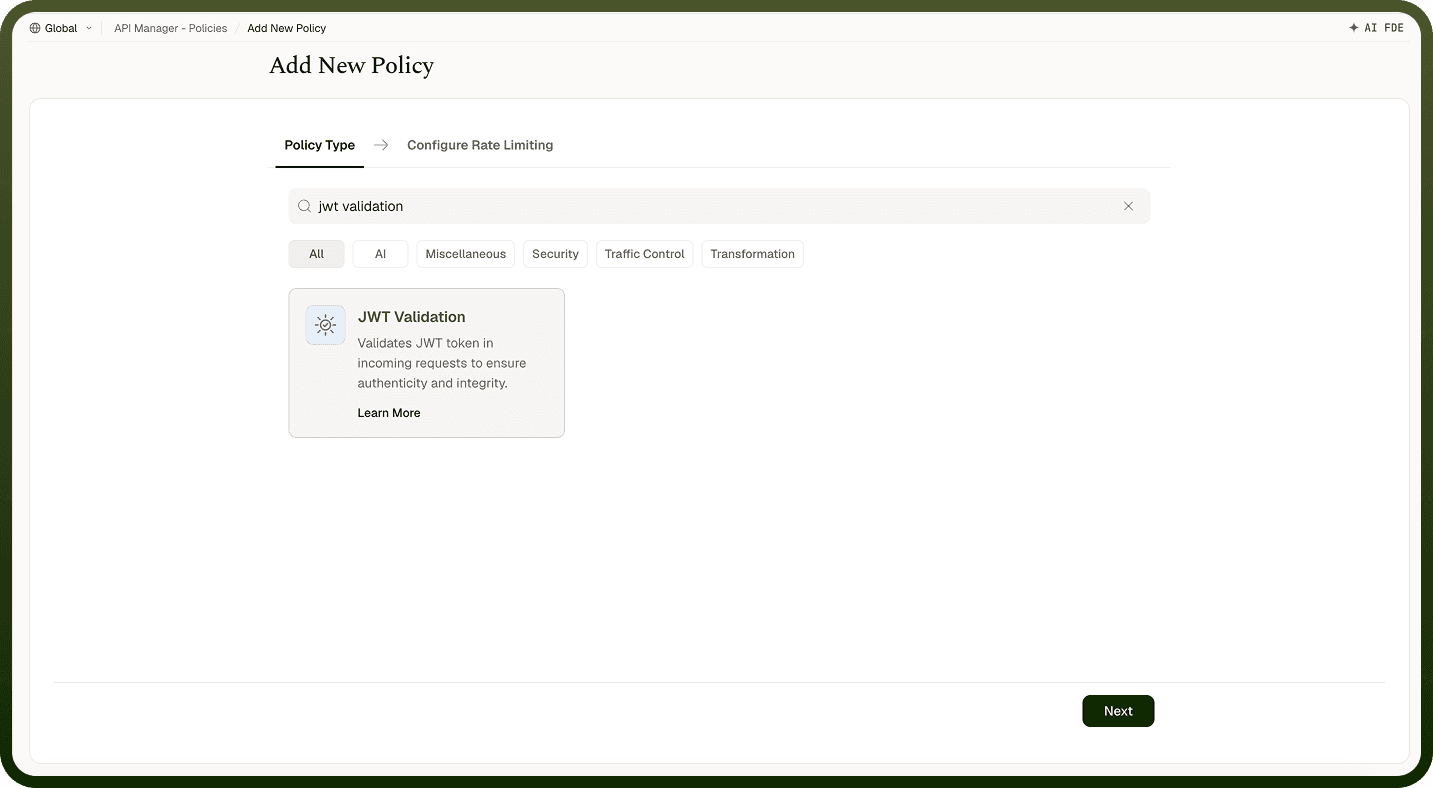
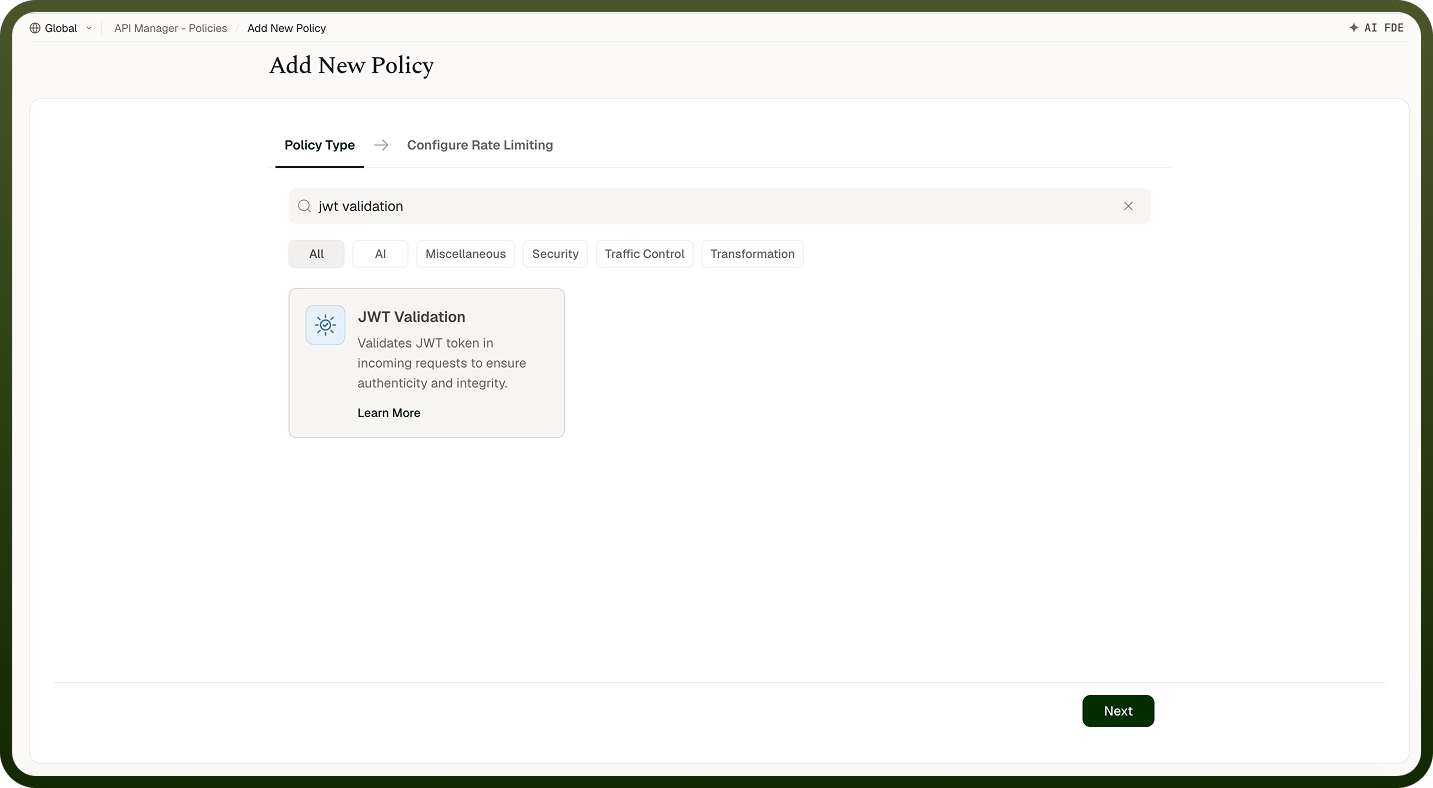
A JWT Validation Policy verifies the authenticity and integrity of JSON Web Tokens (JWTs) included in API requests. Only requests carrying a valid, trusted token are forwarded to backend services. The policy validates the token's signature, algorithm, and claims — enforcing authentication and authorization requirements at the gateway level.
Field Reference
Field | Description |
|---|---|
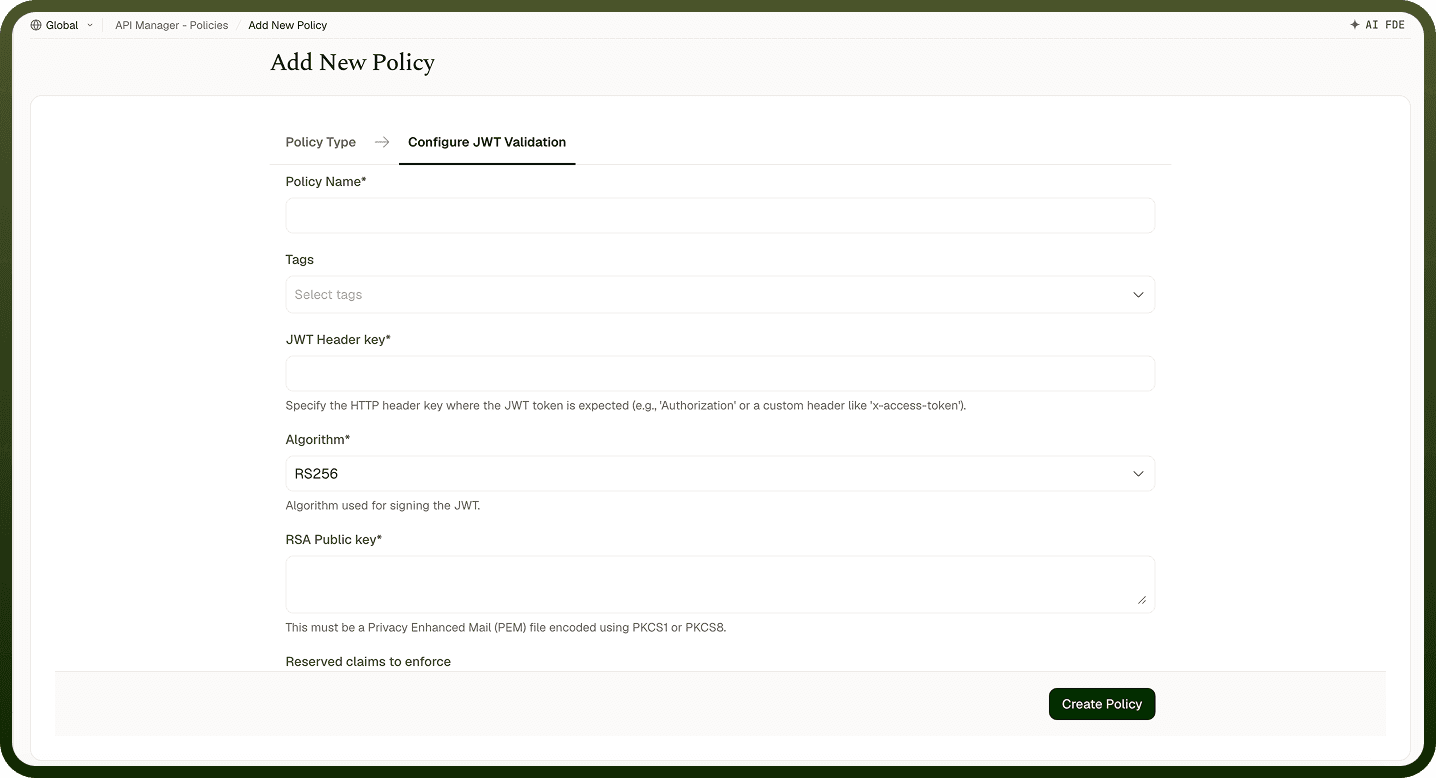
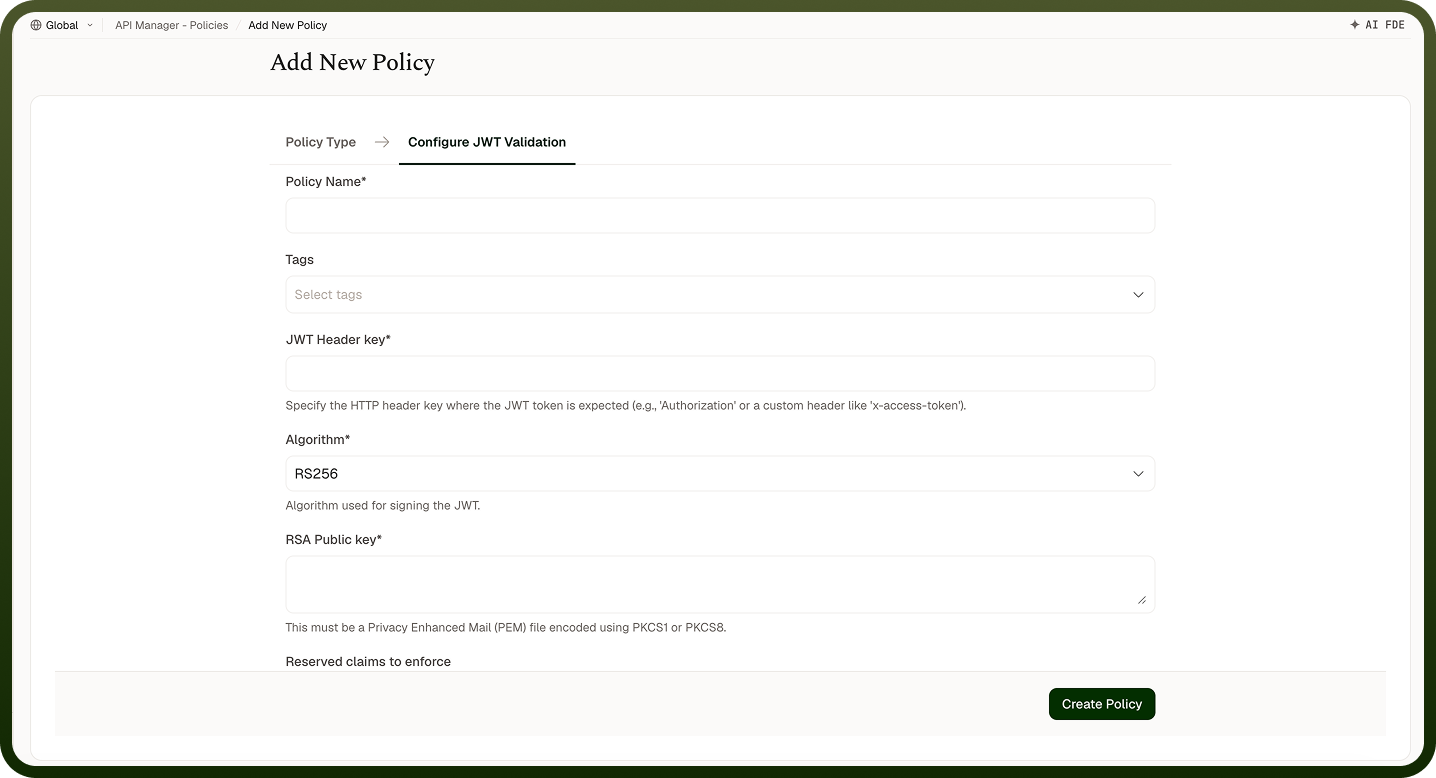
Policy Name * | A unique identifier used across logs, dashboards, and API group configurations. |
Tags | Custom labels to organize and filter the policy by environment, team, or functionality. |
JWT Header Key * | The HTTP header where the JWT token is expected (e.g., Authorization, x-access-token). |
Algorithm * | The cryptographic algorithm used to verify the JWT signature. Supported: RS256, RS384, RS512 (RSA-based); HS256, HS384, HS512 (HMAC-based). |
RSA Public Key * | Shown for RS256, RS384 and RS512. The public key used to verify JWT signatures. Must be in PEM format (PKCS1 or PKCS8). |
Secret * | Shown for HS256, HS384 and HS512. The base64-encoded secret key used to sign the JWT. |
Reserved Claims to Enforce | Standard JWT claims that must be validated (iss, aud, sub). Note: exp, nbf, and iat are validated automatically. |
Expected Issuer (iss) / Expected Subject (sub) / Expected Audience (aud) | Shown when you select the matching reserved claim. The accepted values for that claim: iss and sub must match one of the values; aud must include all listed values. Enter values here, or the selected claim isn't checked. |
Custom Claims to Enforce | Additional custom claims that must be present and match expected values. Each custom claim requires a Claim Name and Expected Value. |
How It Works
Request received — The gateway receives the API request containing a JWT.
Token extraction — The JWT is extracted from the configured HTTP header.
Signature validation — The token's signature is verified using the configured algorithm and key.
Claims validation — Default claims (exp, nbf, iat) are validated automatically. Configured reserved and custom claims are then checked.
Validation outcome — Valid tokens allow the request through to the backend. Invalid or missing tokens result in an error response to the caller.
Attaching the Policy
Policies can attach at three levels: access profile, API, and API group. They are applied in that order: access profile first, then API, then API group.
Notes
JWT Validation runs as part of the normal inbound policy chain (access profile, then API, then API group) — authenticating requests early in that fixed chain avoids unnecessary downstream processing for unauthenticated callers.
RSA-based algorithms (RS256, RS384, RS512) are preferred for production: the private key used to sign tokens stays on the issuer, and only the public key is shared with the gateway.
Use Custom Claims to enforce tenant or role membership (e.g., tenant_id must equal acme-corp) to prevent cross-tenant access at the gateway level.
Rotate RSA key pairs periodically and update the RSA Public Key in the policy before the old private key is retired to avoid downtime.