


Monday.com is a work operating system that facilitates project management by organizing tasks and tracking progress.
Integrating it with your application streamlines task assignment, progress tracking, and team collaboration, improving overall project efficiency.
Authentication
Ensure you have the following information ready for a seamless integration process:
Connection Name: Select a descriptive name for your connection, like "MyAppMondayIntegration". This helps easily identify the connection within your application or integration settings.Authentication Type: Monday.com supports API tokens for authentication. This method ensures secure access to Monday.com's functionalities and data.Access Token: You can create an access token using two methods-Via Admin tab
Via Developer tab
Access Token Creation
Admin tab :
Click on your profile icon in the top right corner of your Monday.com account to access the main menu.
Select "
Admin" to go to the administration section.
Note
Only users with admin access can act in the administration section.
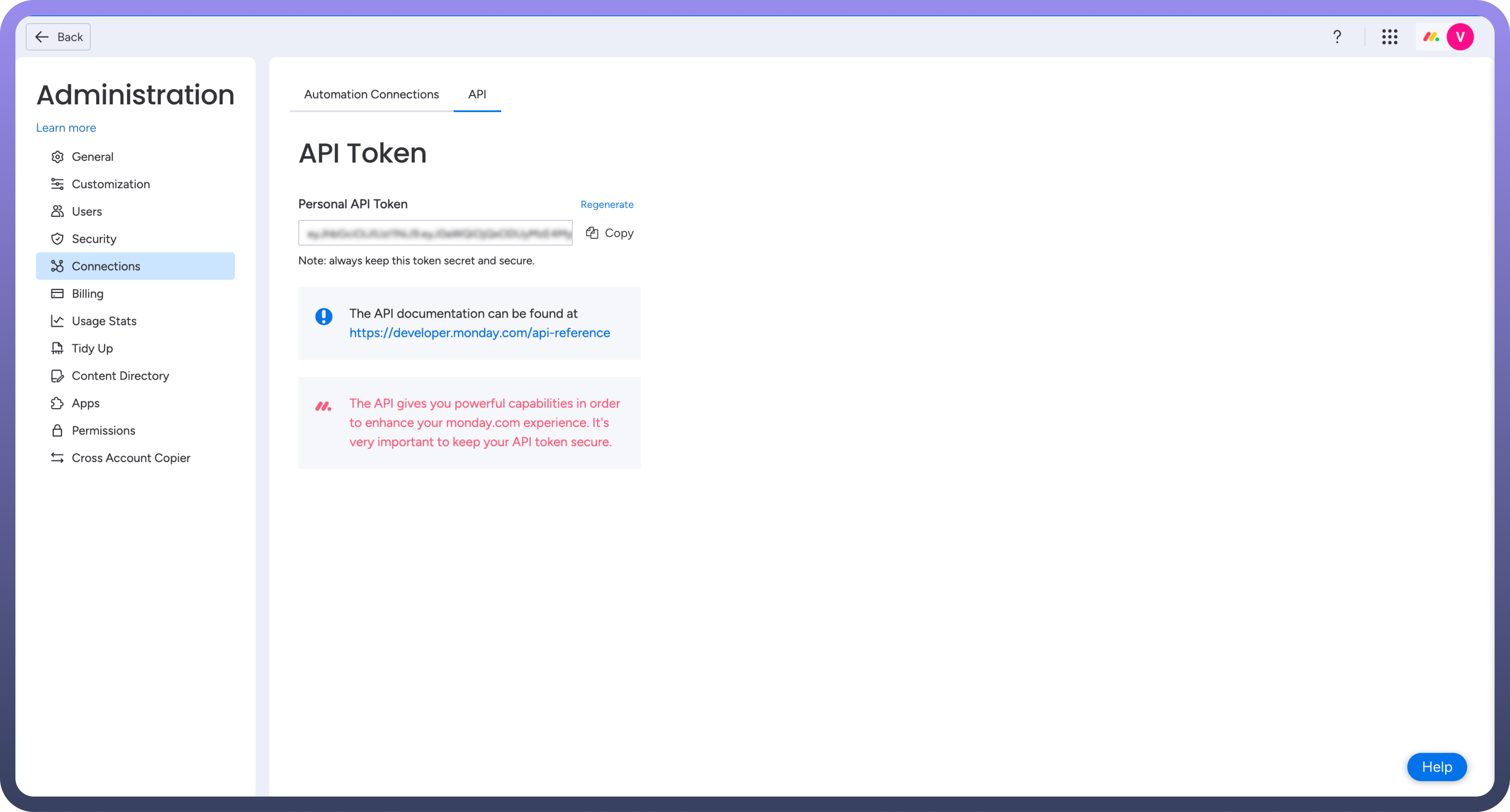
Navigate to the "
API" section under "Connections".Generate or copy your existing API token in the "
API Token" section. Treat this token with high confidentiality, as it allows access to your Monday.com account.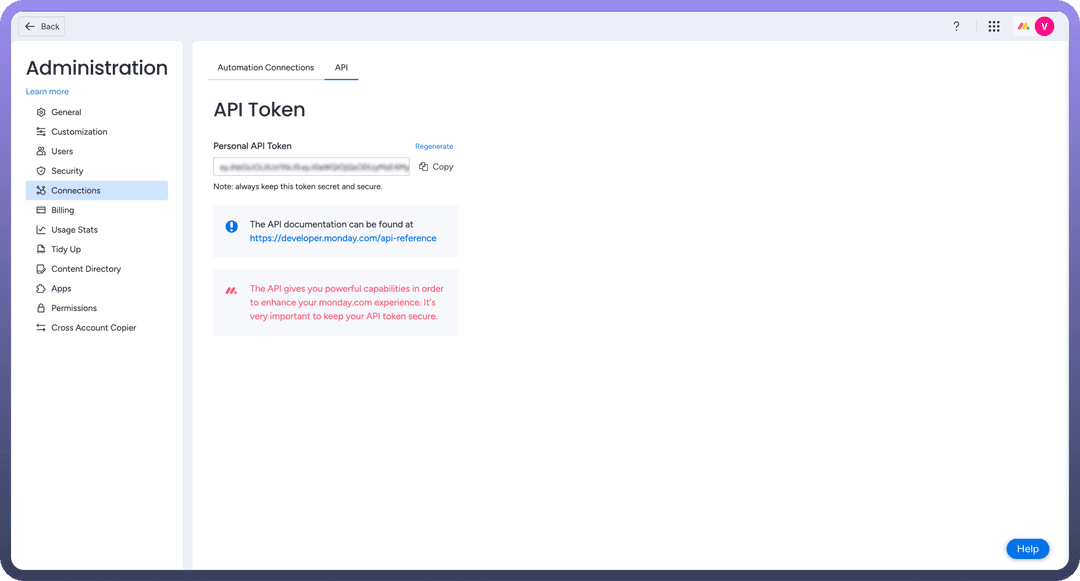
Developer tab :
Click on your profile icon in the top right corner of your Monday.com account to access the main menu.
Select “
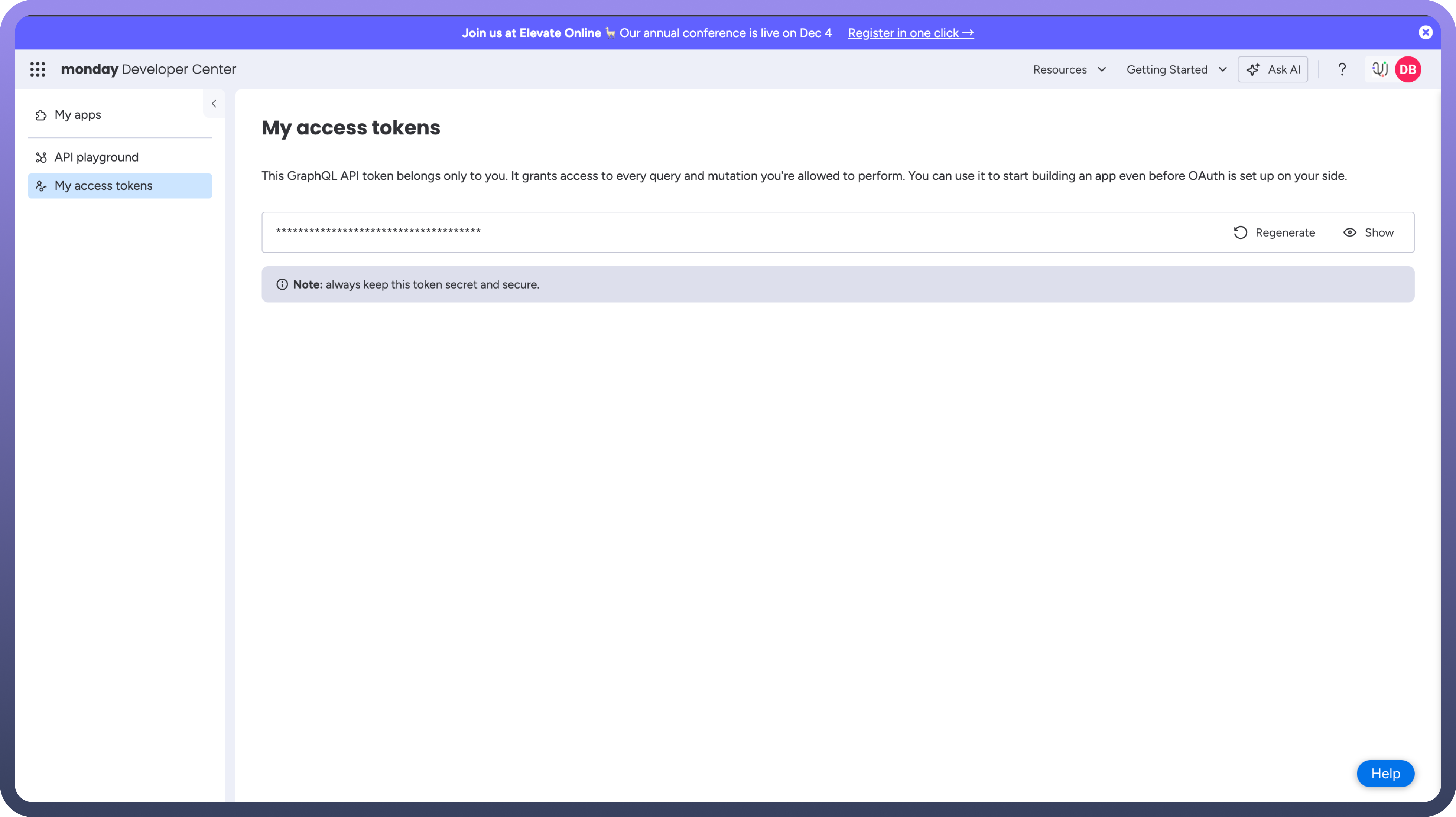
Developer”. This will open the Developer Center in another tab.In the Developer Center, on the left navigation menu, click on “
My Access Tokens”.Generate or copy your existing API token in the "
API Token" section. Treat this token with high confidentiality, as it allows access to your Monday.com account.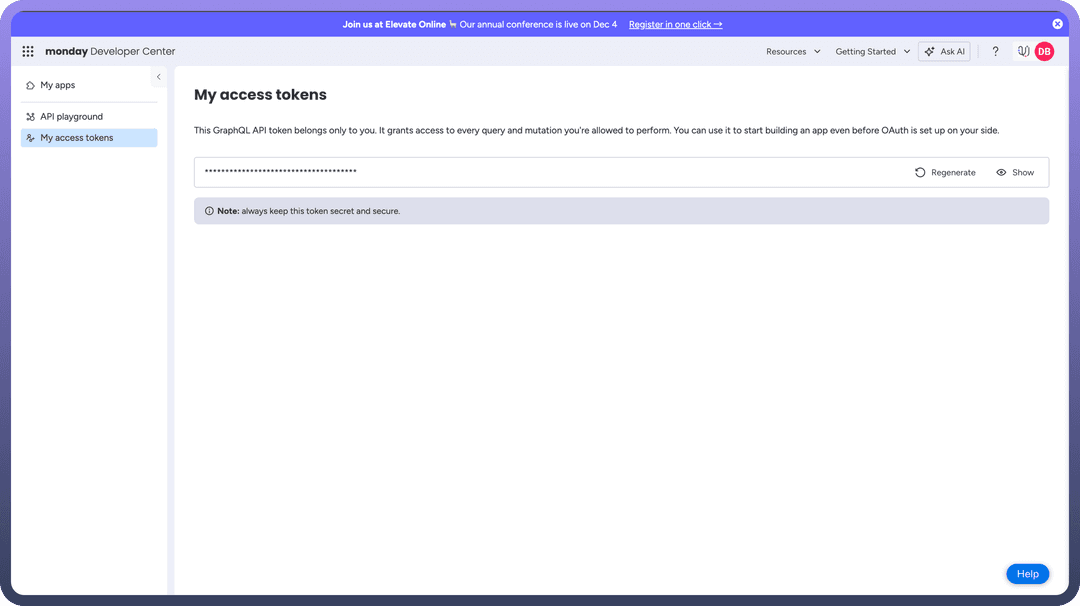
Actions
| Actions | Description |
Archive record | Archives a record, e.g. item, in Monday.com |
Clear column | Clears a column value in Monday.com |
Create record | Creates a record, e.g. item, in Monday.com |
Delete record | Deletes a record, e.g. item, in Monday.com |
Get record | Gets a record, e.g. item, in Monday.com |
Update record | Updates a record, e.g. item, in Monday.com |
Get user details | Gets a user details from Monday.com |
Search records | Search records, e.g. users, in Monday.com |
Upload file | Uploads a file in Monday.com |
Move record | Moves a record, e.g. item, in Monday.com |
Custom action | Provide and run custom GraphQL query in Monday.com |
Triggers
| Actions | Description |
New item | Triggers when a new item is created in Monday.com |
New moved item to group | Triggers when a new item moved to group in Monday.com |
New user | Triggers when a new user joins in Monday.com |
Updated any column value | Triggers when any column value is updated in Monday.com |
Updated specific column value | Triggers when a specific column value is updated in Monday.com |