


This section covers taking an agent from a working draft to something live — trying it out, publishing a version, and putting that version somewhere people can reach it.
Overview
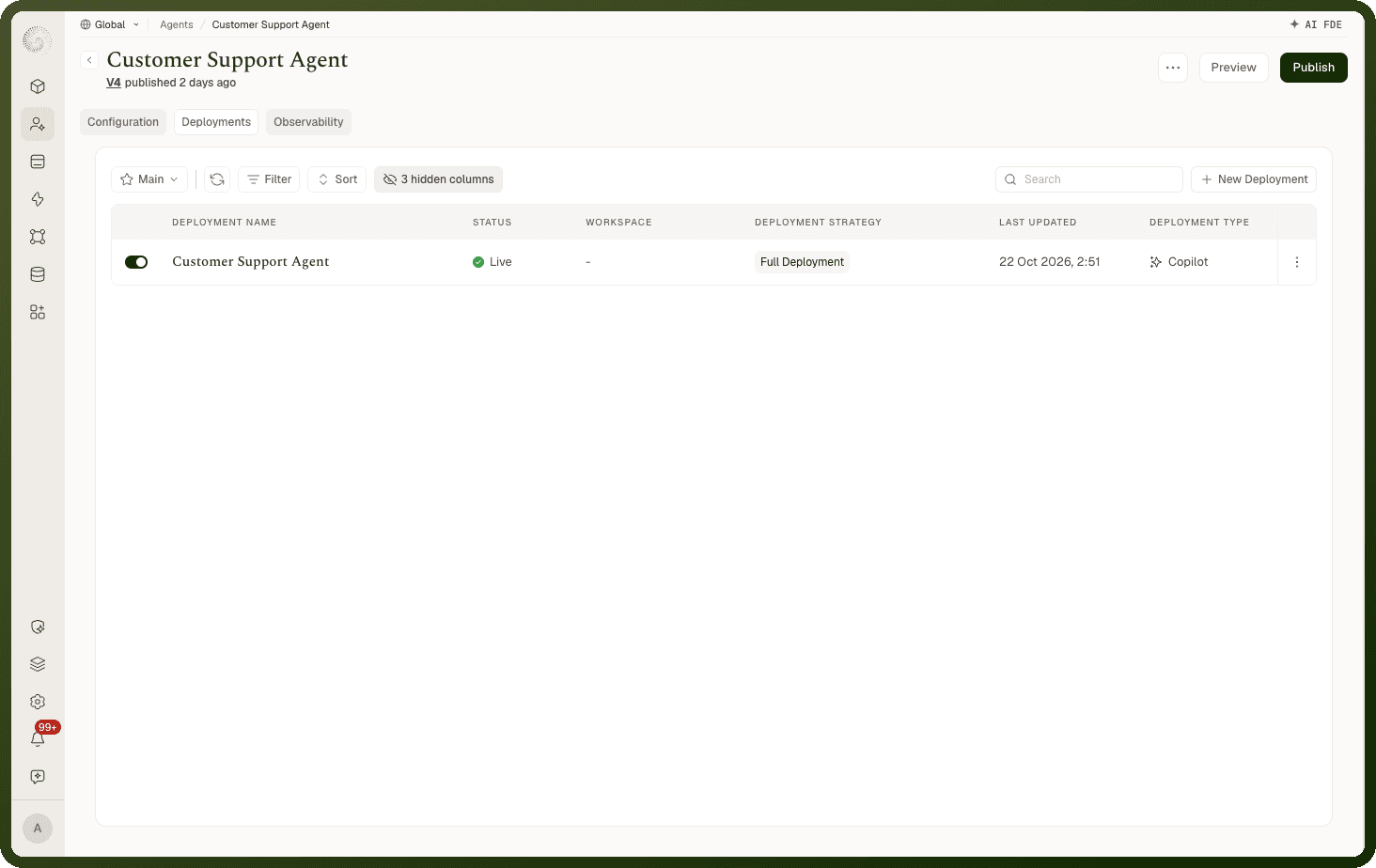
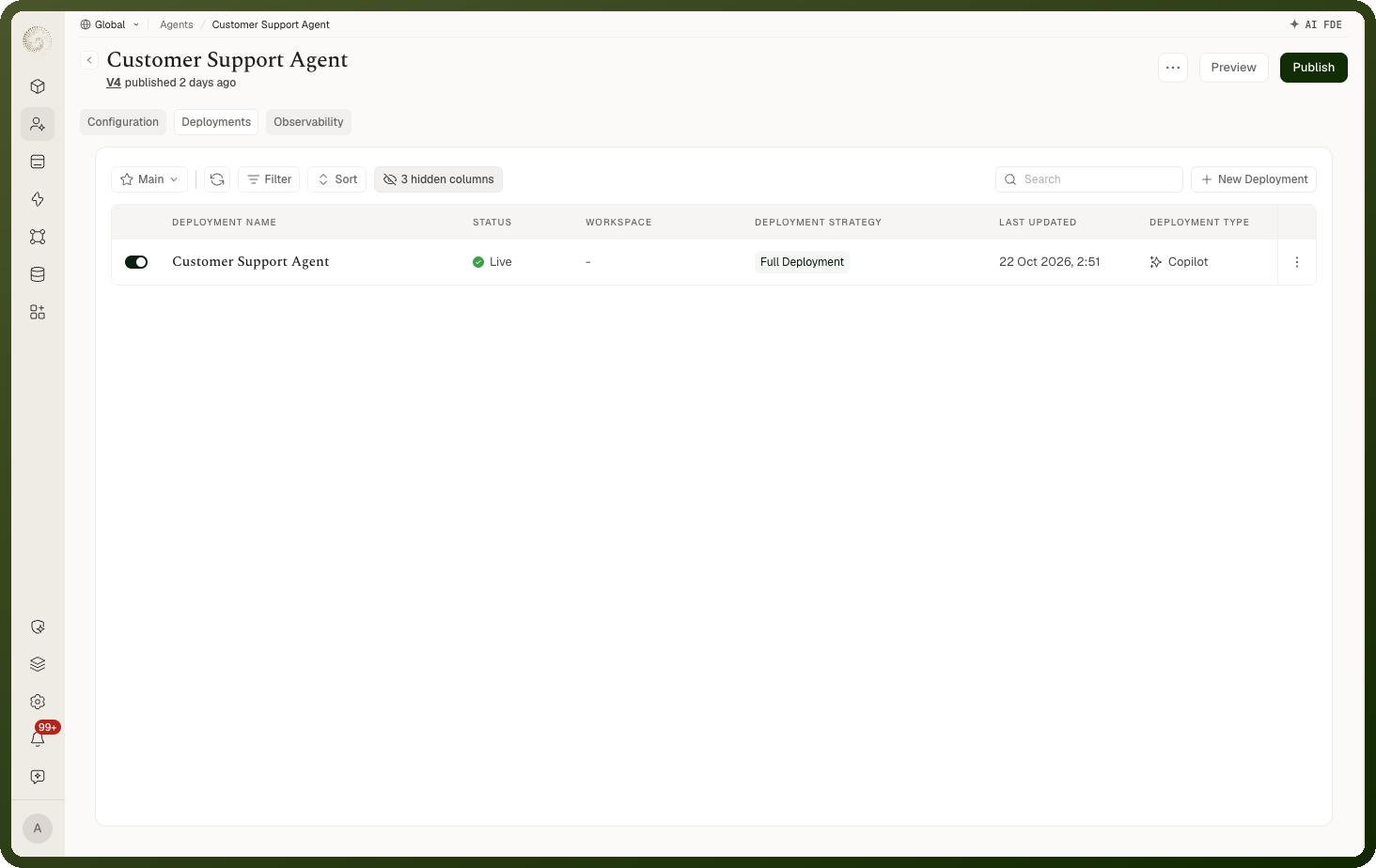
Before anything goes live, use Test and Playground to chat with the agent directly and inspect its trace. When you're ready, Versions lets you publish a frozen, numbered snapshot of the whole agent — every publish is permanent and restorable. Deployments and Channels then pairs a published version with somewhere real: a channel like Slack or Teams, a schedule, or Copilot. You can also call an agent directly over the API, as covered in Deployments and Channels.
What's in This Section
Topic | Covers |
|---|---|
Trying an agent live, plus the separate Playground surfaces for tools and models. | |
Deploying an agent to Slack, Teams, WhatsApp, email, voice, a schedule or Copilot, and calling it over the API. | |
Publishing, viewing, and restoring version snapshots of an agent's configuration. |
The Typical Flow
Configure the agent, Test it to check behavior, Publish a version when you're satisfied, then create a Deployment pointing at that version. Each step builds on the last — you can't deploy a version that hasn't been published, and testing a specific version confirms exactly what users will get.