


Automation Interfaces define a shared contract — a named input and output schema — that multiple automations can implement.
Overview
Automation Interfaces define a shared contract — a named input and output schema — that multiple automations can implement. An interface specifies what inputs are expected and what outputs will be returned, without dictating which automation fulfills the request. This enables callers to invoke an interface and have the system route the call to whichever automation is registered for that interface, allowing different automations to be swapped in based on conditions, tenant, or context.
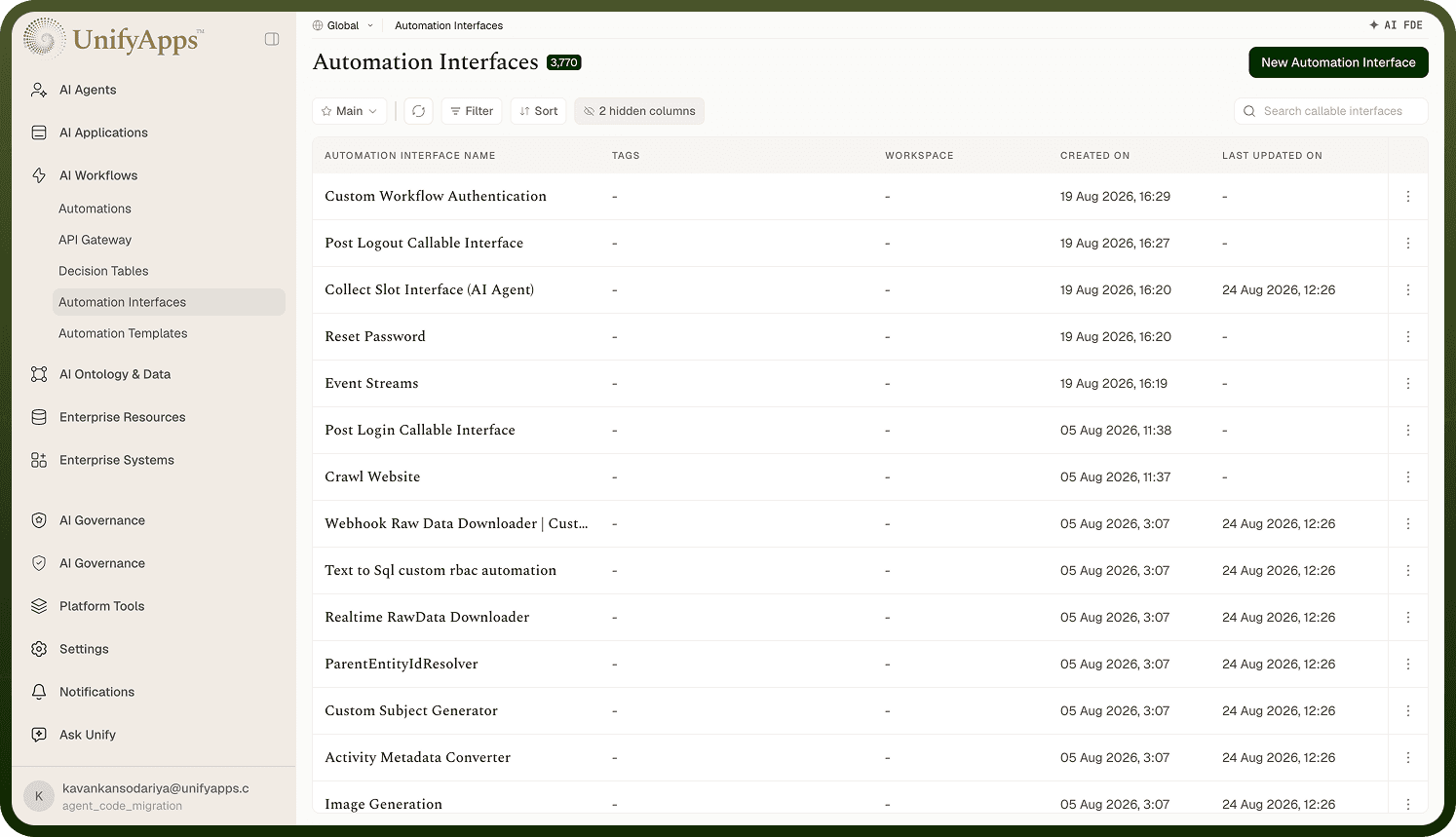
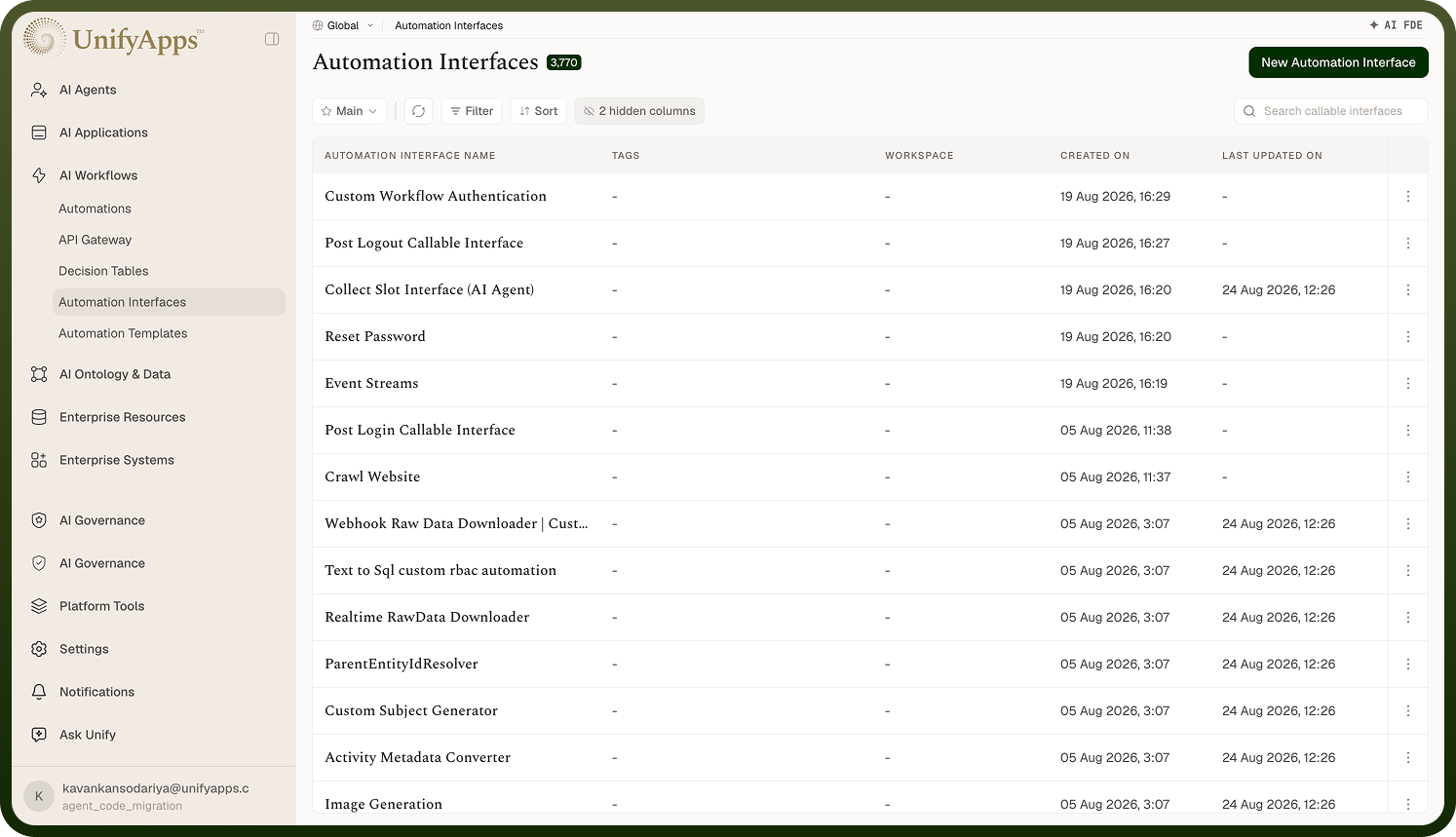
Create an Automation Interface
An Automation Interface is defined independently of any specific automation. It acts as a blueprint that participating automations must conform to.
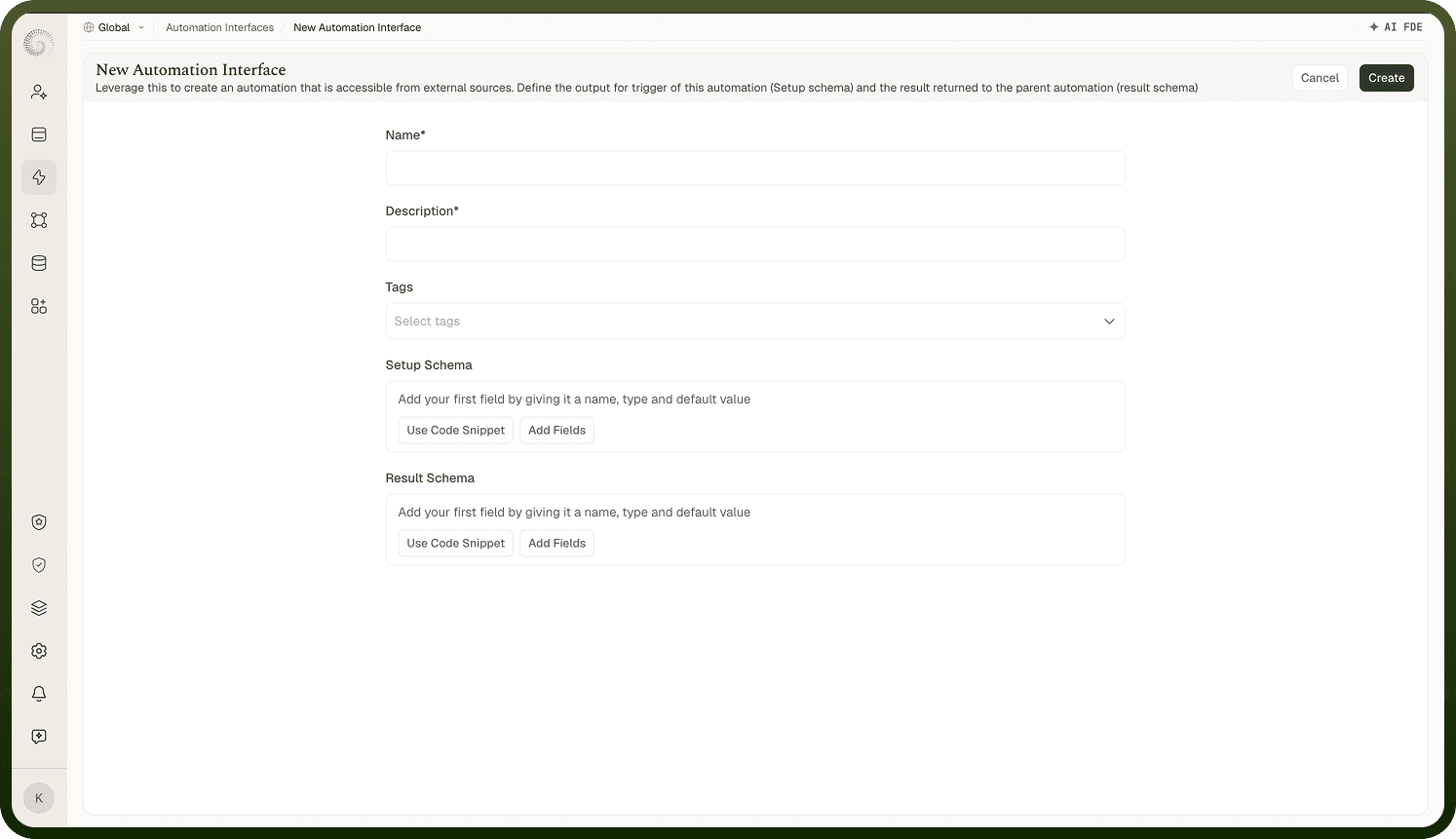
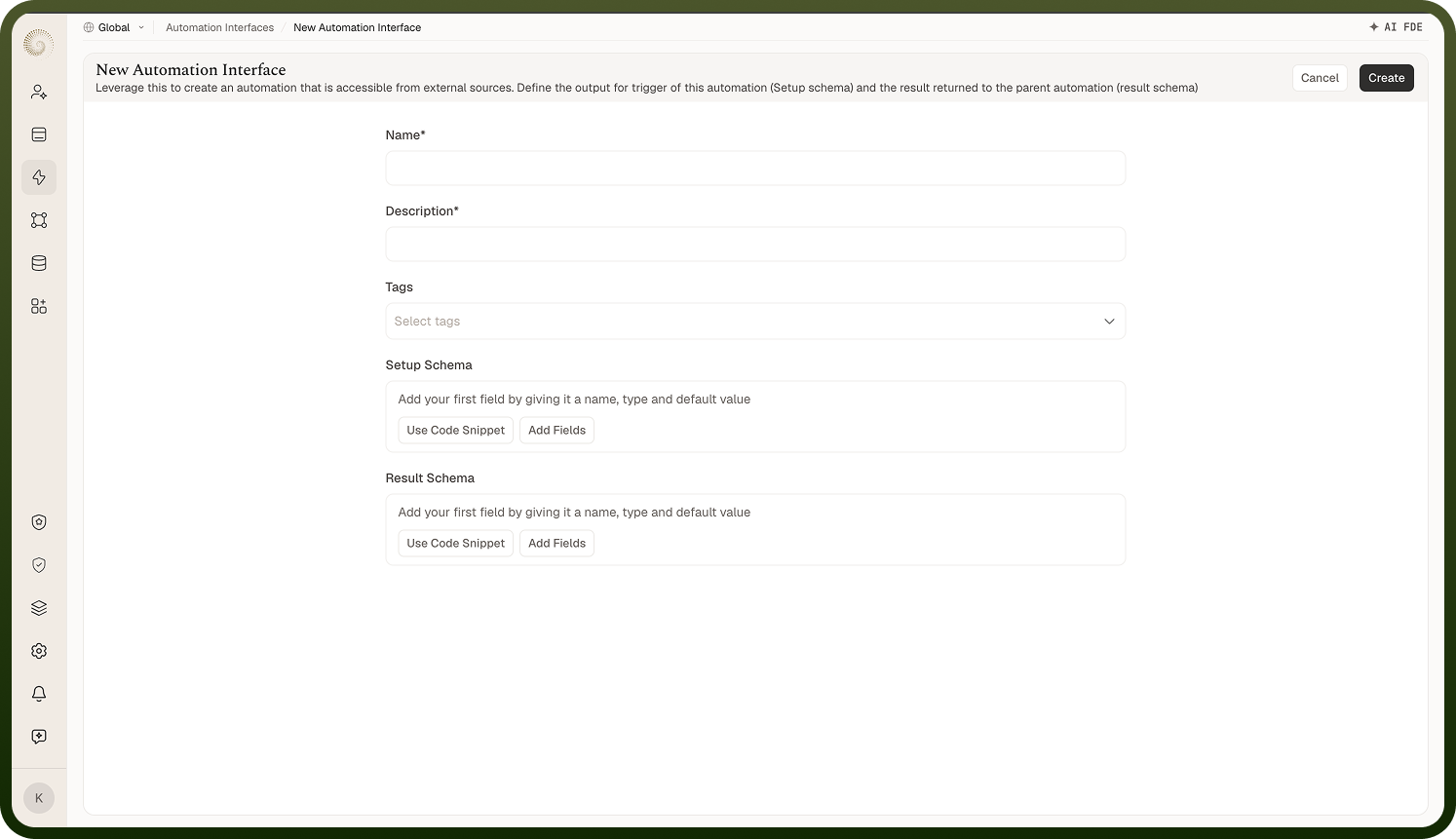
Fields when creating an interface:
Name — A unique identifier for the interface (e.g., "SendNotification", "ProcessPayment")
Description — A human-readable explanation of what the interface does and when to use it
Setup schema (inputs) — The schema defining the input parameters that callers must provide when invoking the interface. Each field includes a name, data type, and whether it is required.
Result schema (outputs) — The schema defining the output parameters that implementing automations must return. Callers can rely on this schema regardless of which automation handled the request.
Use an Interface as a Trigger
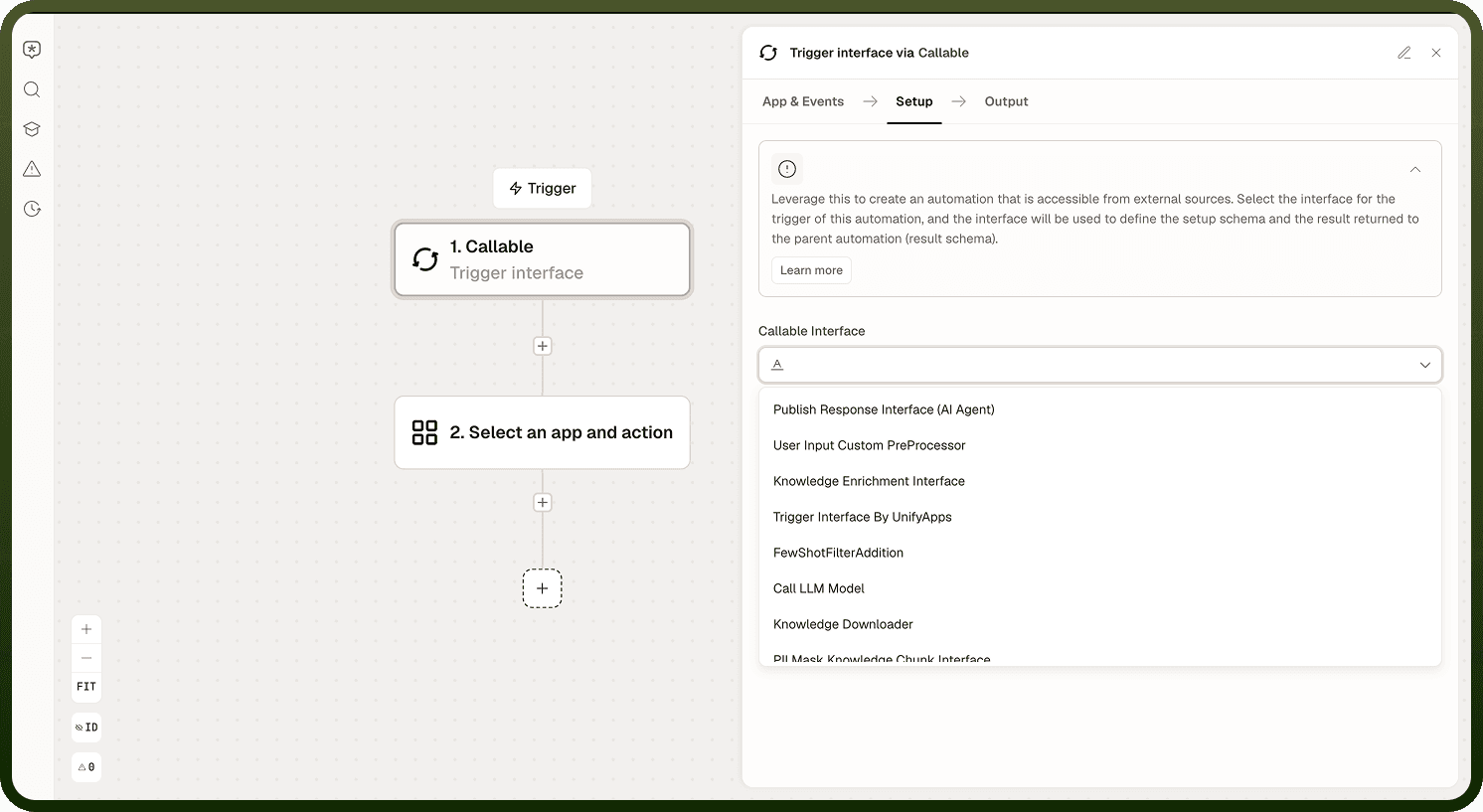
An automation can register itself as an implementation of an interface by selecting that interface as its trigger type. When the interface is invoked, the automation fires and processes the request.
Steps:
Open the automation's trigger configuration.
Select the interface from the trigger type dropdown.
The setup schema (inputs) and result schema (outputs) from the interface auto-populate in the automation's trigger configuration — no manual schema entry required.
Build the automation logic using the interface's input fields as data pills, and ensure the final output conforms to the interface's result schema.
Note: An interface's schema is enforced at the trigger level. If an automation's output does not match the interface's result schema, the caller will receive a schema mismatch error.
Call an Automation Interface
The Conversation node's Call Interface action (and the dedicated interface-calling mechanism in automation workflows) allows a caller to invoke an interface without referencing a specific automation. The platform resolves which automation handles the call at runtime.
Configuration:
Select Interface — Choose the interface to invoke from the dropdown of defined interfaces
Conditions — Define rules that determine which registered automation handles each call. For example: if the customer type is "enterprise", route to the EnterpriseNotification automation; if "standard", route to the StandardNotification automation.
Default fallback — Specify the automation to invoke when no condition matches. This ensures every call is handled even if no condition rule applies.
This pattern enables a single point of invocation to fan out to different implementations without the caller needing to know which automation will run — useful for A/B testing, tenant-specific logic, and phased rollouts.
Call Interface configuration showing condition-based routing and default fallback
Notes
Keep the following in mind when using Automation Interfaces:
An interface defines the contract (input and output schema); the implementing automation must honor that contract exactly or the call will fail at runtime.
Use interfaces when multiple automations share the same input/output structure; changes to the interface propagate to all implementing automations without requiring individual edits.
Test the interface with a simple implementing automation before wiring it into complex parent automations.
Interface names must be unique within the workspace; establish a naming convention (such as prefixing with the domain) before creating multiple interfaces.
When updating an interface schema, verify that all implementing automations still satisfy the updated contract before deploying.