

Once your mobile app is published in UnifyApps, you can get it onto Android and iOS phones without leaving the platform. Open the Releases tab on the app page, or click the Release button in the builder. A release always uses the last published version of the app, so publish your changes first.
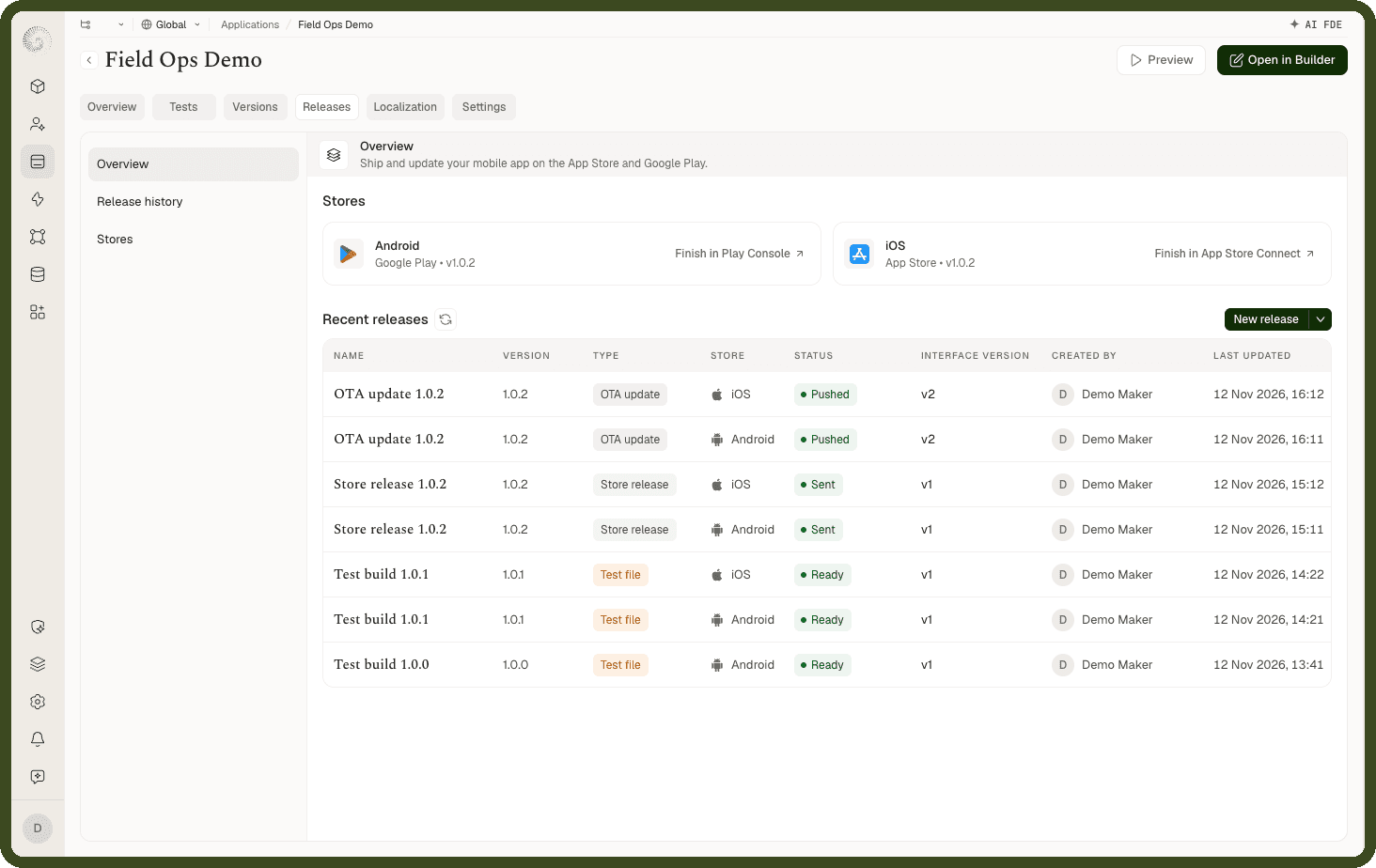
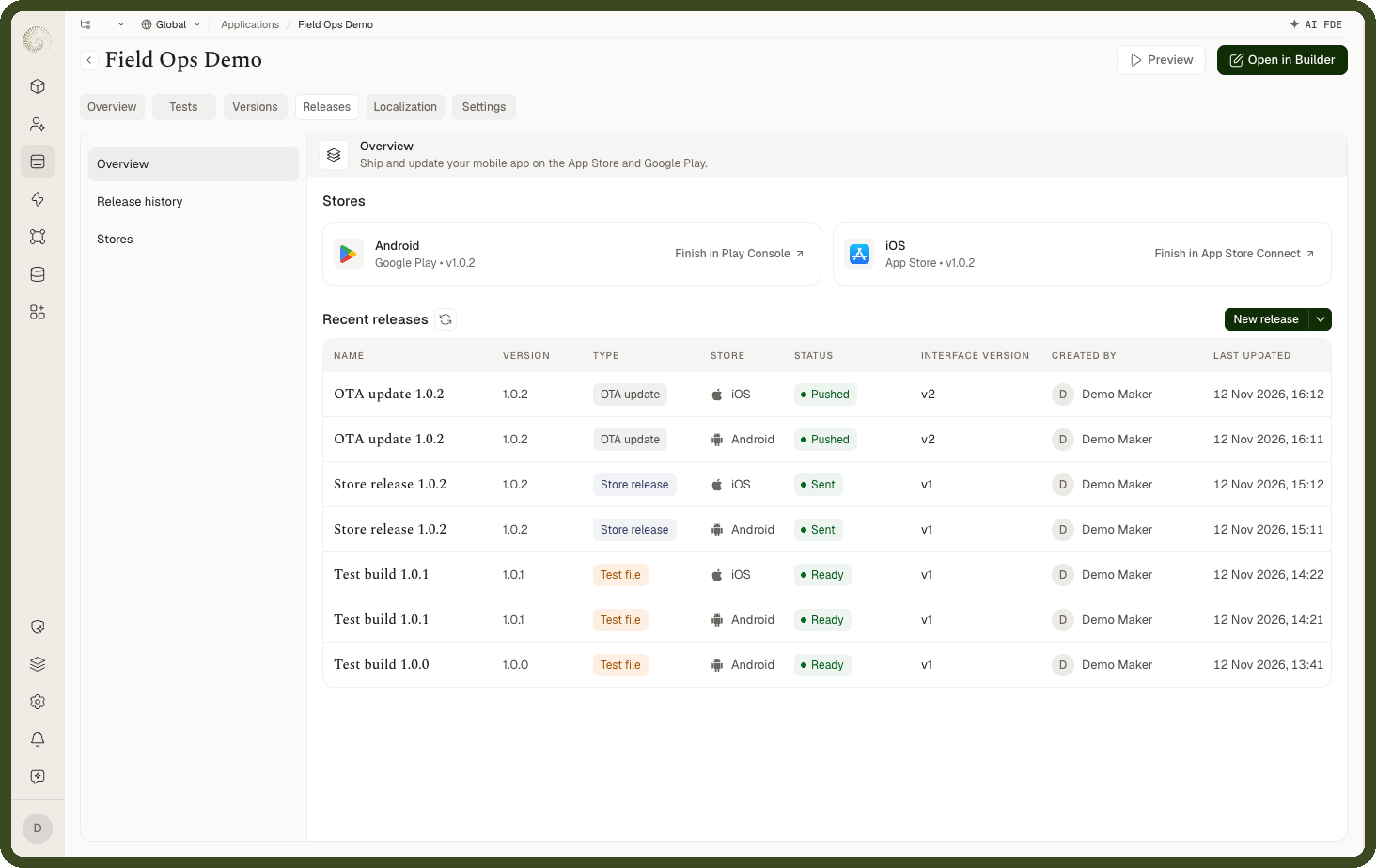
Three Ways to Get Your App onto Phones
Build a file: Download an APK or AAB for Android, or an IPA for iOS. Use it to test the app, or to upload it to the store yourself.
Release to the store: UnifyApps builds the app and sends it to Google Play internal testing and Apple TestFlight. From there you add testers or make the app public.
Update without a store release (OTA): Send screen and logic changes to apps already installed from the store. People get the update the next time they open the app, with no store review.
What You Need
| To do this | You need |
|---|---|
| Build an APK | The app name and package ID |
| Build an AAB or IPA | Signing keys as well |
| Release to the store | A connection to your Google Play or App Store account as well |
| Send an OTA update | At least one store release on that platform |
To release to the stores, the app's owner needs a Google Play Console account and an Apple Developer account.
Good to Know
A build takes about 15 to 30 minutes.
Setup is done separately in each environment, so after moving the app from UAT to production, set it up again there.
Every build, store release and update is listed in Release history.