


Search Query performs a text search against records in a UnifyApps Storage object, returning matching records with support for additional structured filters, field selection, sorting, and pagination.
Overview
The Search Query action combines text search with structured filter conditions to find records in a Storage object. You supply a search term for text-based discovery, optionally layer on structured filters to narrow results further, choose which fields to return, sort the results, and page through them using a limit and offset or cursor. Like Fetch Records, selecting only the fields you need keeps responses small and automations fast on large objects. Use Search Query when you are finding records by content — for example, locating a customer record by a name fragment — rather than by a known field value or ID.
Input
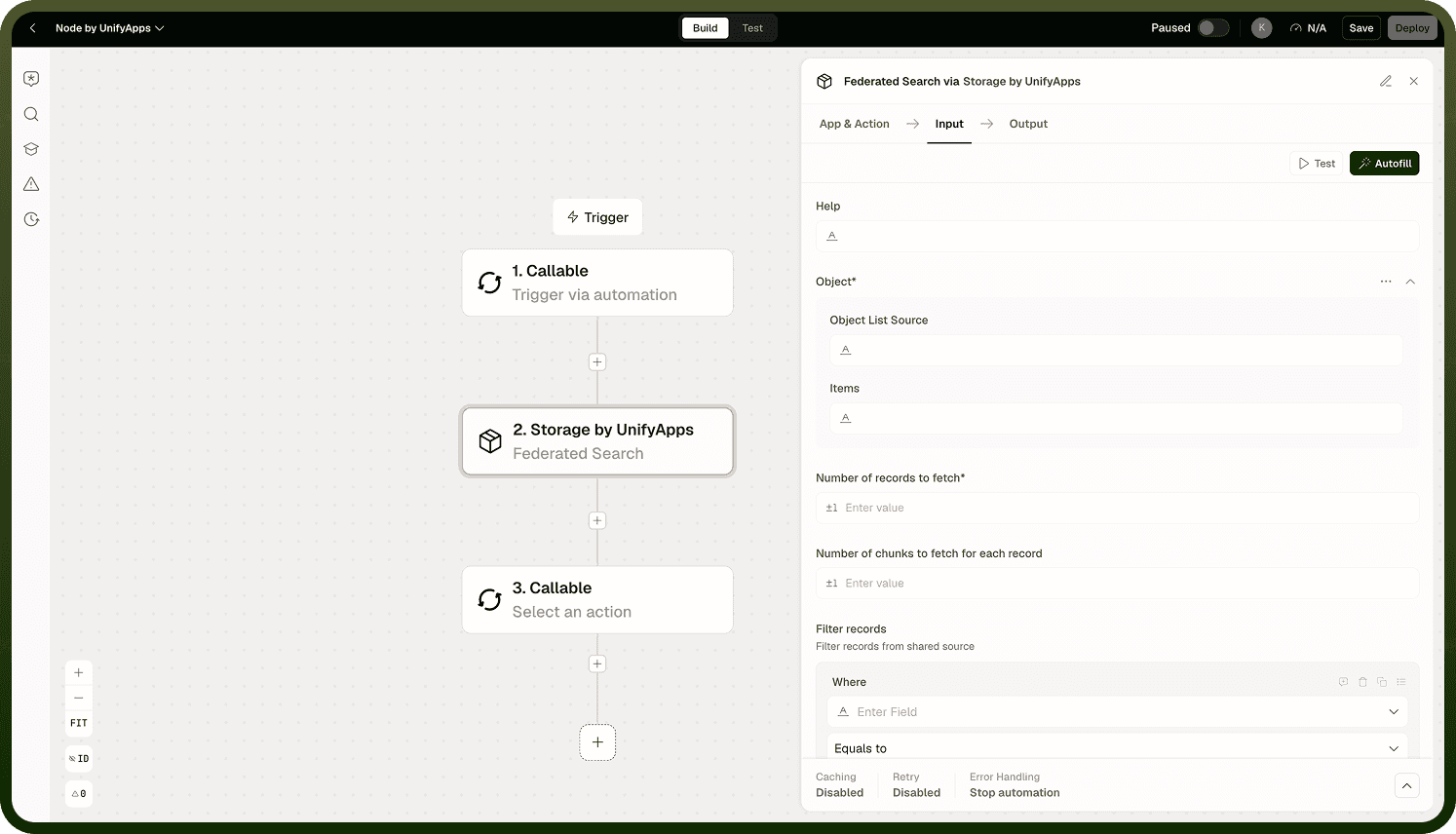
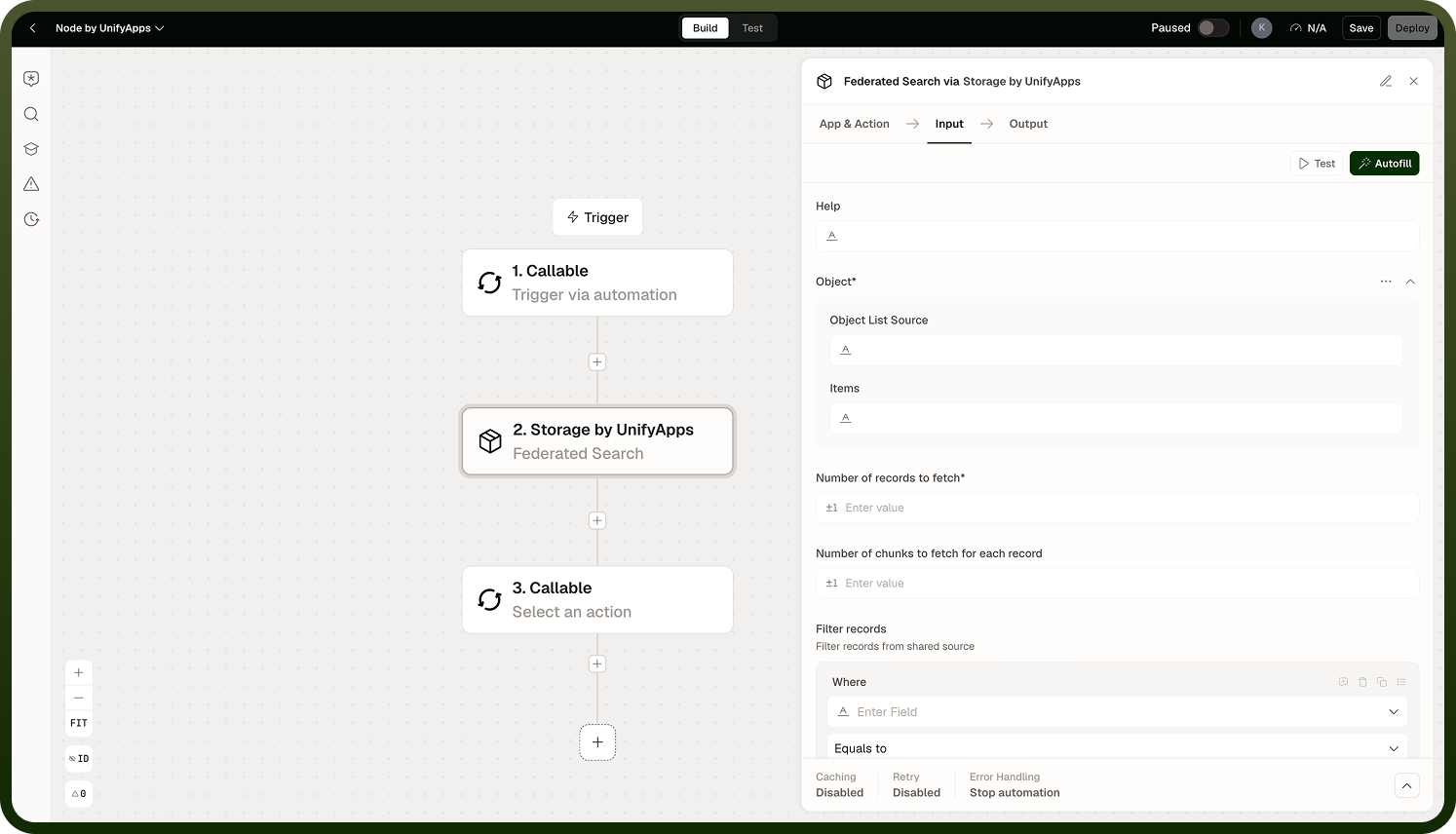
Field | Description | Required |
|---|---|---|
Object | The Storage object (table) to search. | * |
Search term | The text to search for across the object's searchable fields. | * |
Filters | Additional structured filter conditions to combine with the text search, narrowing results further. | |
Fields | Specific column names to include in each returned record. Leave empty to return all fields. | |
Sorting | Sort order applied to matching records before paging. | |
Limit | Maximum number of records to return per page. | |
Offset / Cursor | Starting position for pagination through the search results. |
Output
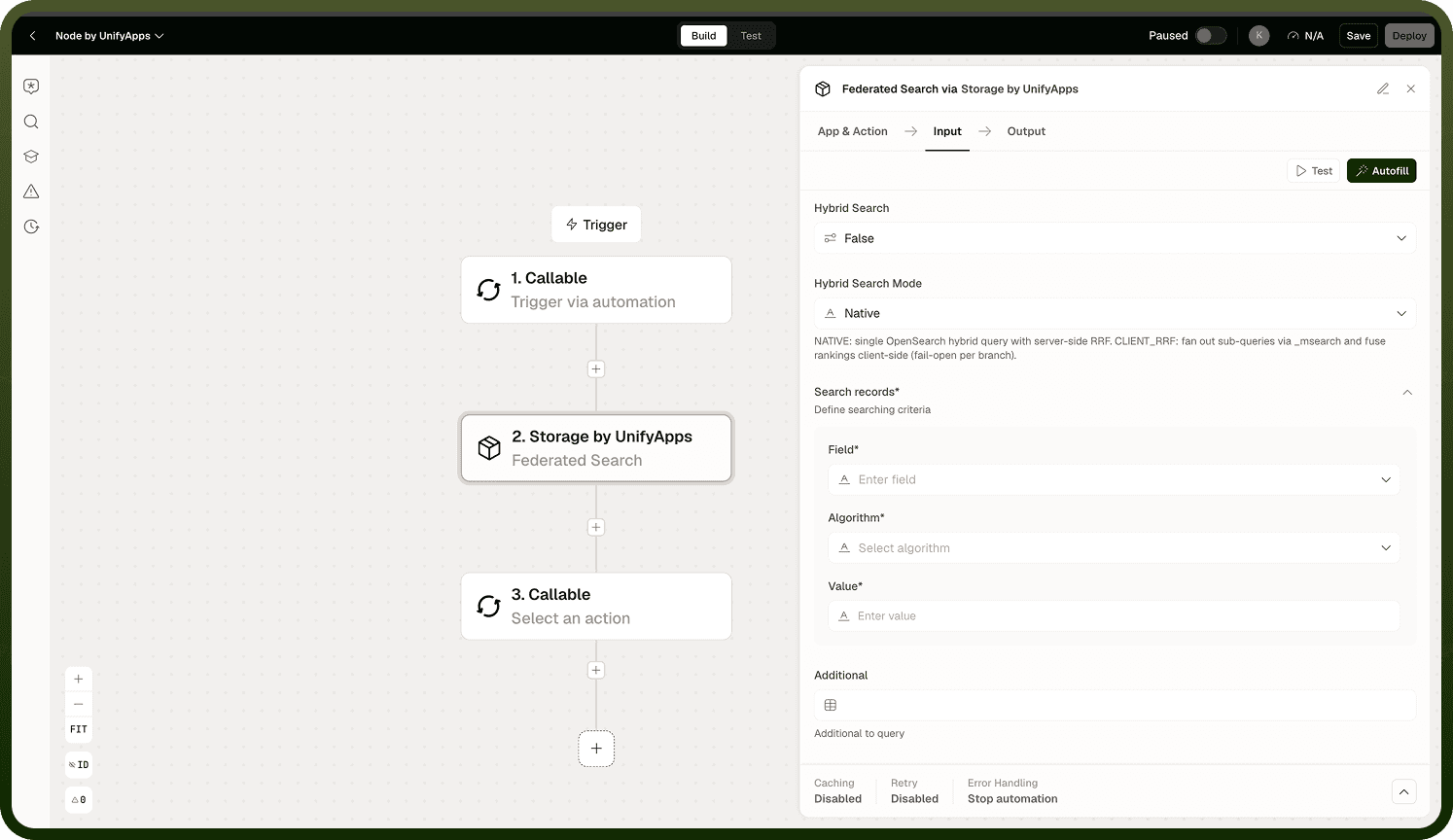
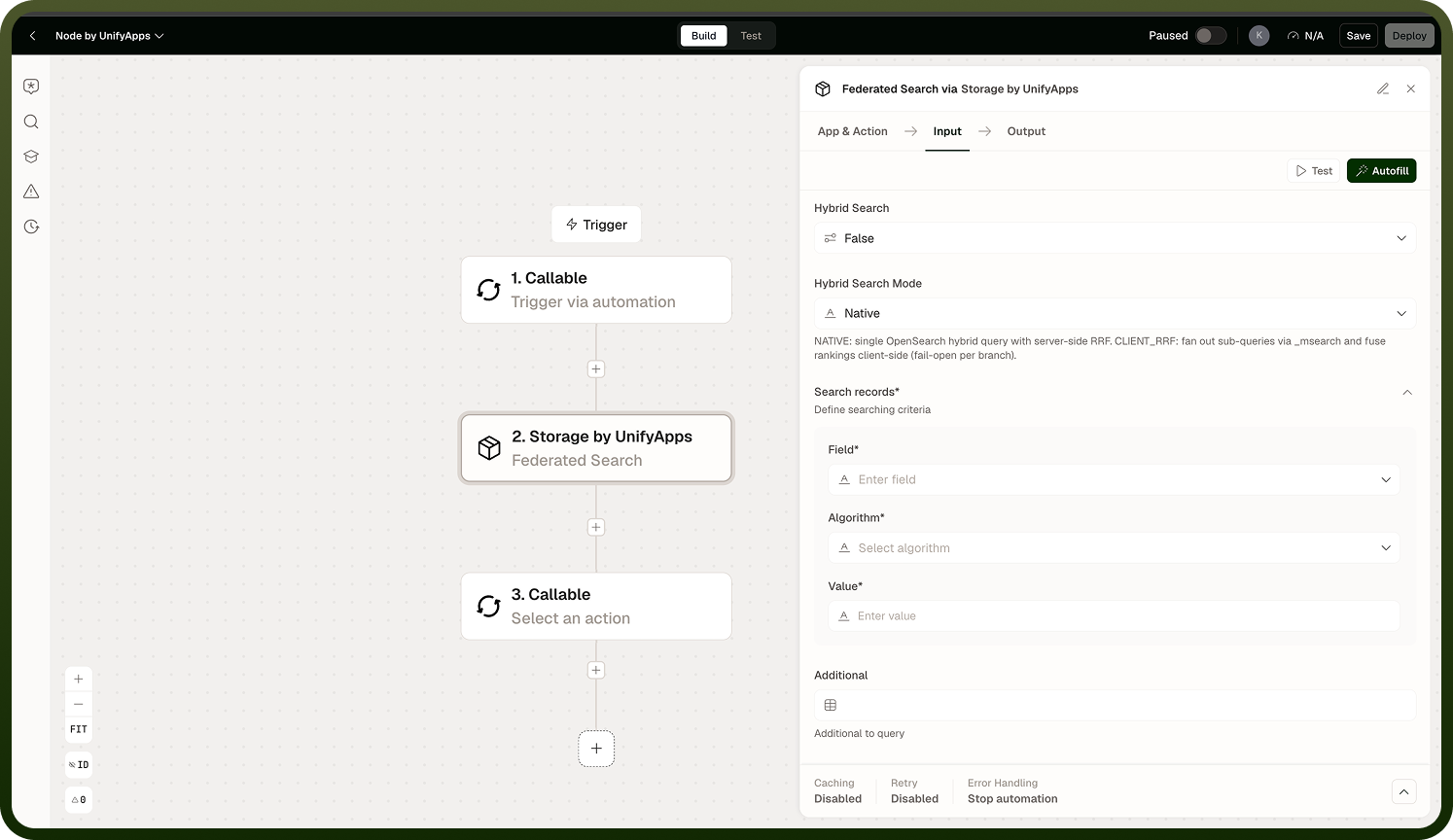
A list of records matching the search term and any applied filters, containing only the fields you selected. The list is ordered by the sorting you specified and paged according to the limit and offset or cursor you configured.
Storage Search Query Output tab showing matched records with selected fields, in sorted and paginated order
Notes
Keep the following in mind when using Search Query.
Search Query is designed for text-based discovery; use Fetch Records with structured filter conditions when you are matching on known field values rather than free text.
Text search can be combined with structured filter conditions in a single query to refine results further — for example, search for a term within records that also match a status filter.
Selecting specific fields instead of returning all columns keeps responses small and automations faster, especially on large objects with many columns.
Sorting and pagination work the same way as in Fetch Records: a configurable limit, an offset or cursor, and the same sort options.
Narrowing the field list and page size is especially important for large Storage objects where returning all columns on every matching record would be costly.
When text search is the primary goal, use Search Query. When structured conditions are the primary filter and text search is supplementary, Fetch Records with a text search filter is equally capable and may be clearer to read in the automation builder.