


The Variable node supports five types: string, number, boolean, object, and list. You declare what a variable holds, then set, read, update, or clear it throughout the run. Variables can also be nested under a parent to group related values together.
Overview
A typed variable is any session variable given a specific value. The available types — string, number, boolean, object, and list — let the automation builder surface the right options for each variable in downstream steps. The core operations are the same for all types: Set, Get, Update, and Clear. You can also nest a variable under a parent name to keep related values organized. All typed variables are session-scoped: they live for the duration of a single run and are not persisted across runs.
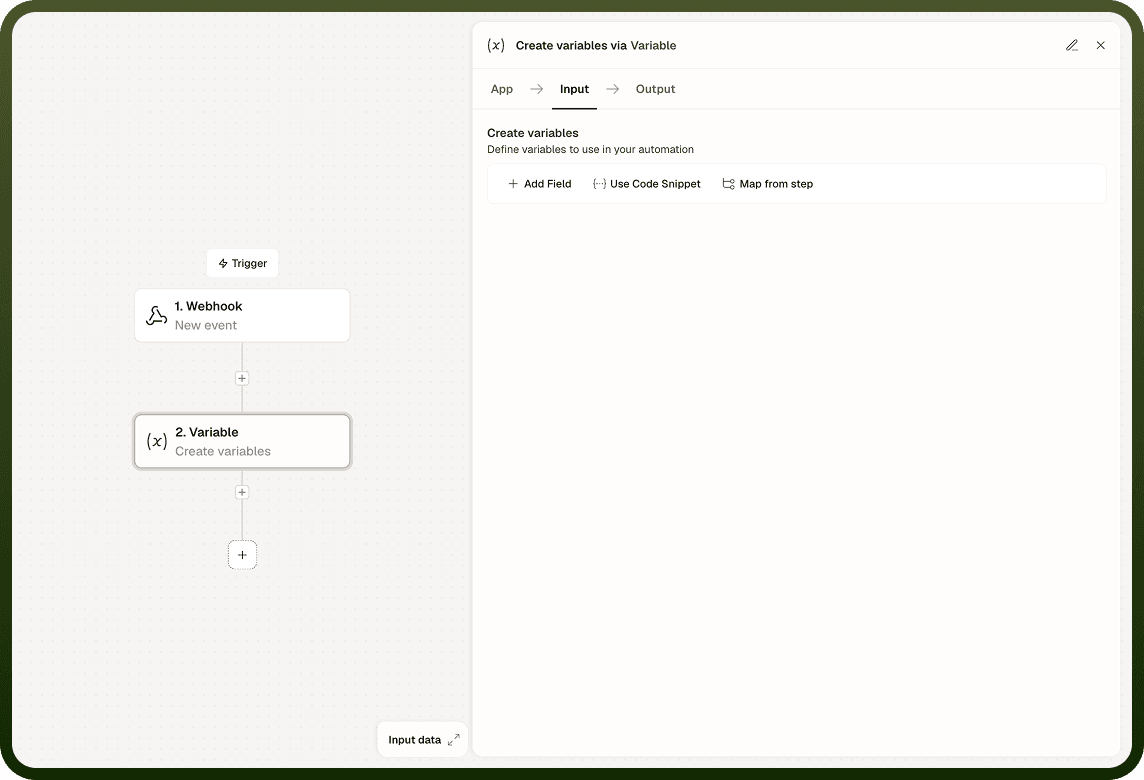
Operations
Set Variable
Writes a value to a named variable. If the variable does not exist yet, this operation creates it. Provide the variable name, the type, and the value to store. Use Set to initialize a variable before a loop or branch.
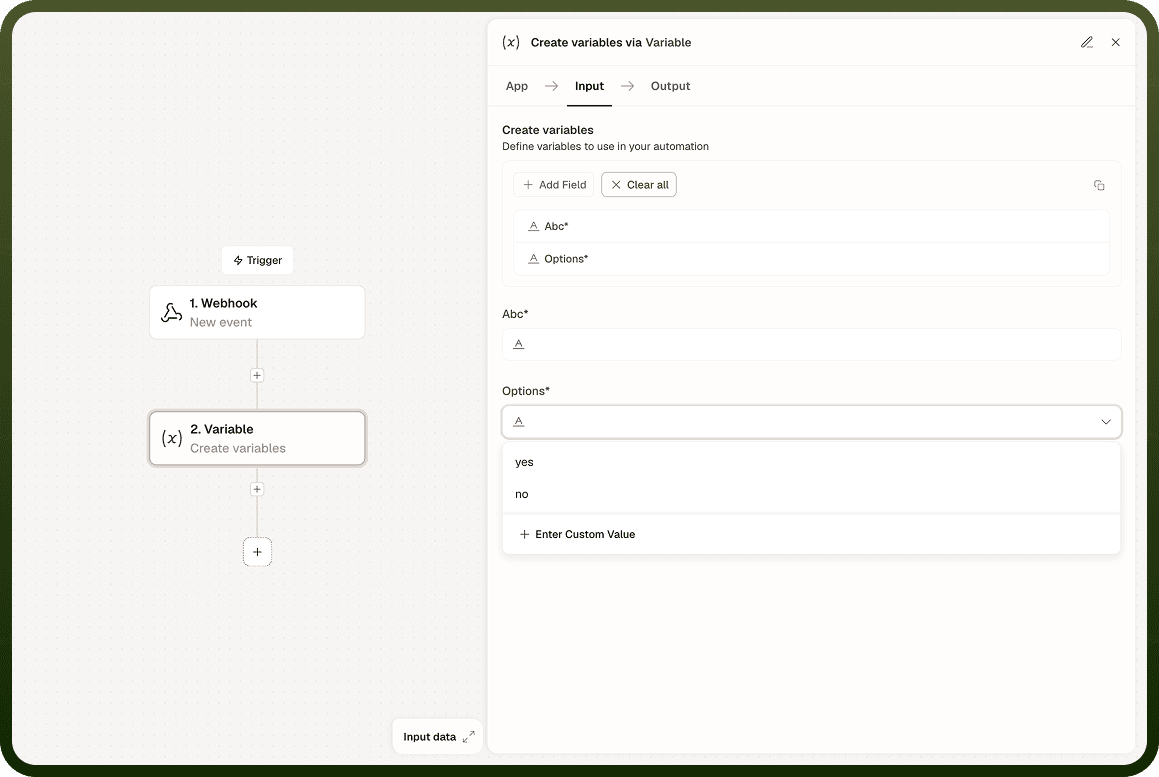
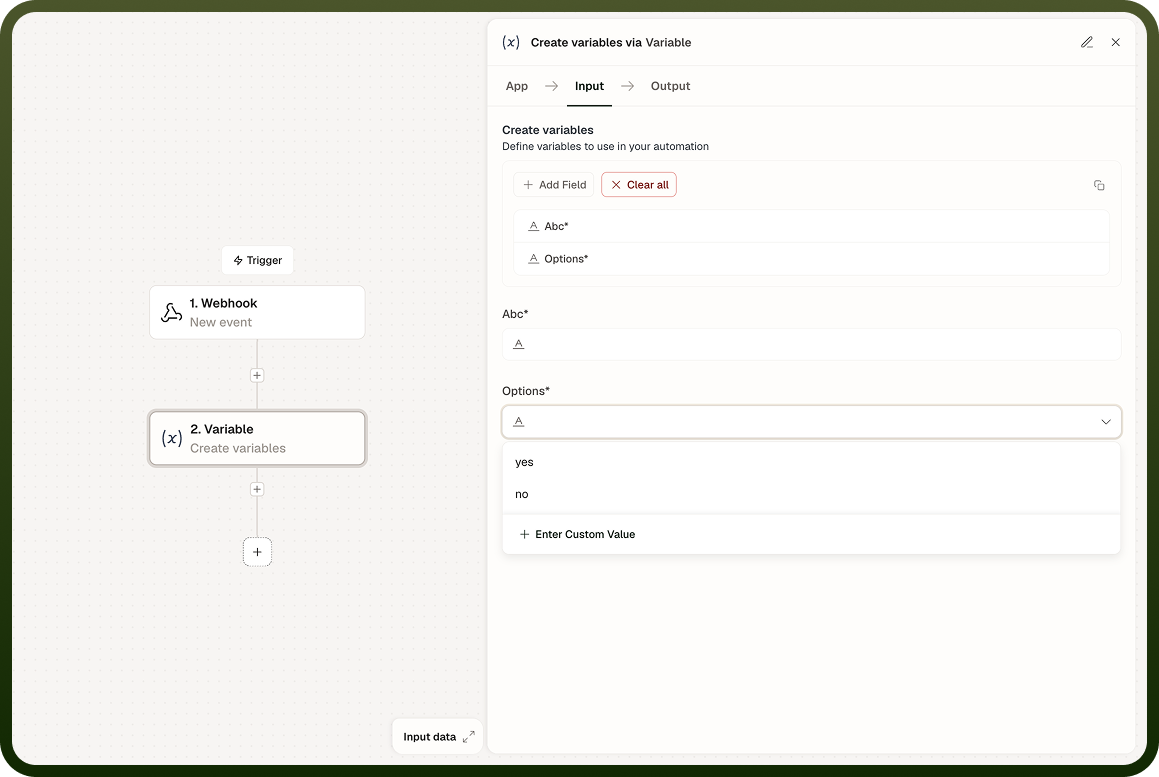
Get Variable
Reads the current value of a named variable. The returned value is available as a data pill in subsequent steps. If the variable has not been set, the result is empty.
Update Variable
Overwrites an existing variable's value with a new one. Functionally similar to Set, but signals the intent to modify an already-established variable rather than create one. Use Update inside a loop to replace a value with the result of each iteration's computation.
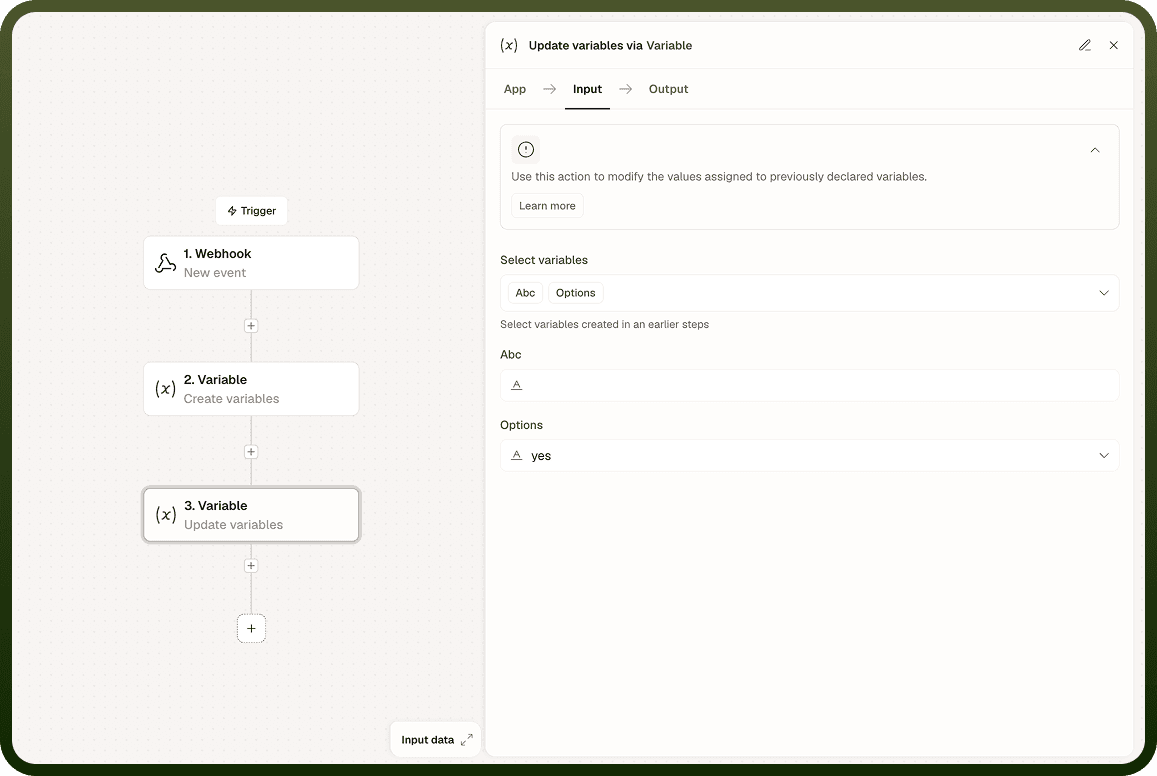
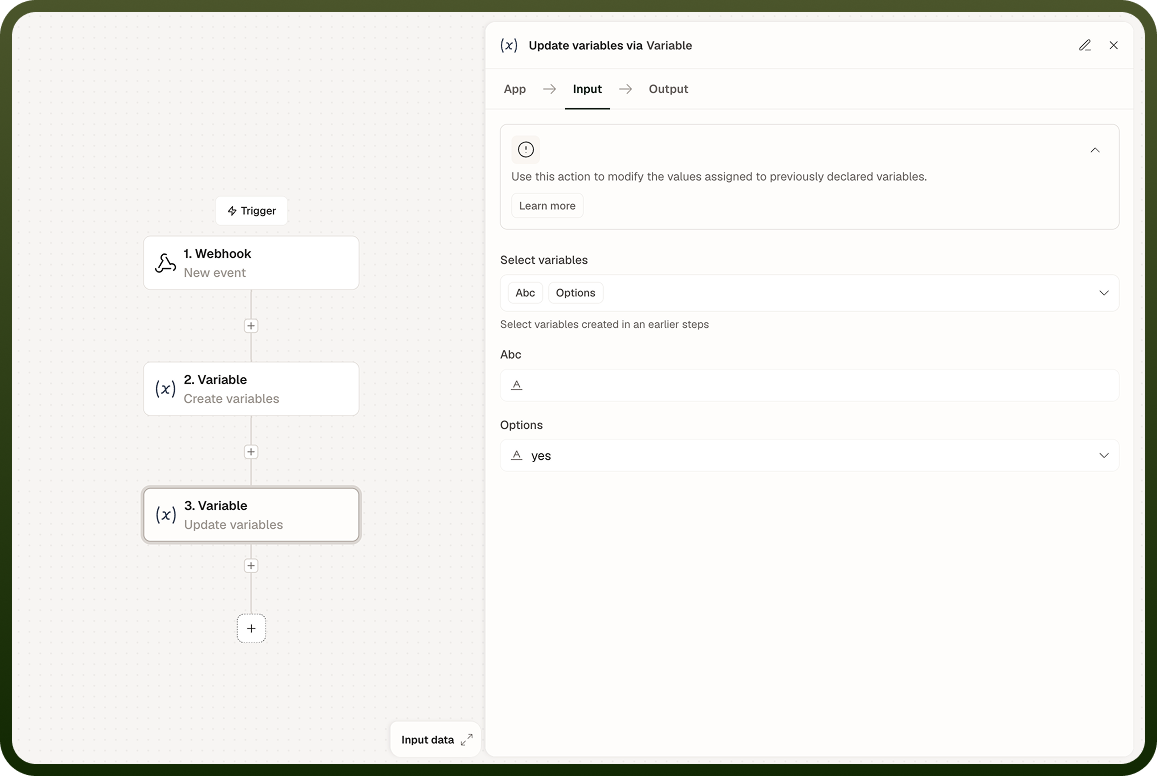
Clear Variable
Removes the variable's value or the variable itself. Use Clear before a conditional branch that should not carry forward a stale value. Clearing a list variable leaves it as an empty list.
Nesting
You can nest a variable under a parent name to group related values. Access the nested variable by its qualified name in downstream steps. Nesting is a naming and organization convention — the parent and child are still independently managed session variables.
Notes
Keep the following in mind when working with typed variables.
All session variables, regardless of type, live only for the duration of a single run — they are not persisted across runs.
Variables persist across loop iterations within the same run, making them reliable for counters and accumulators.
There is no built-in increment. To increment a number variable: Get the current value, add to it, and Set or Update it back.
For concurrent atomic increments across parallel branches, use a Storage field's Increment operation rather than a session variable.
Sub-automations have isolated variable scope — parent and child variables are not shared unless passed explicitly.
Use Clear on stale variables before conditional branches to avoid unexpected carry-forward from a previous path.
Prefer descriptive variable names that convey both the type and the purpose — for example, countApproved rather than n — to keep automations readable as they grow.