


The URL Shortener node turns long URLs into short links and manages those links over time. You can shorten a URL, resolve a short code back to its target, update where a code redirects, remove codes, and search your saved mappings. Use it to produce clean links for notifications, messages, or campaigns — and to repoint an existing short link later without changing the URL already in circulation.
Short links are served on a platform domain in the form .../short/<code>, or on your own custom domain if one is configured.
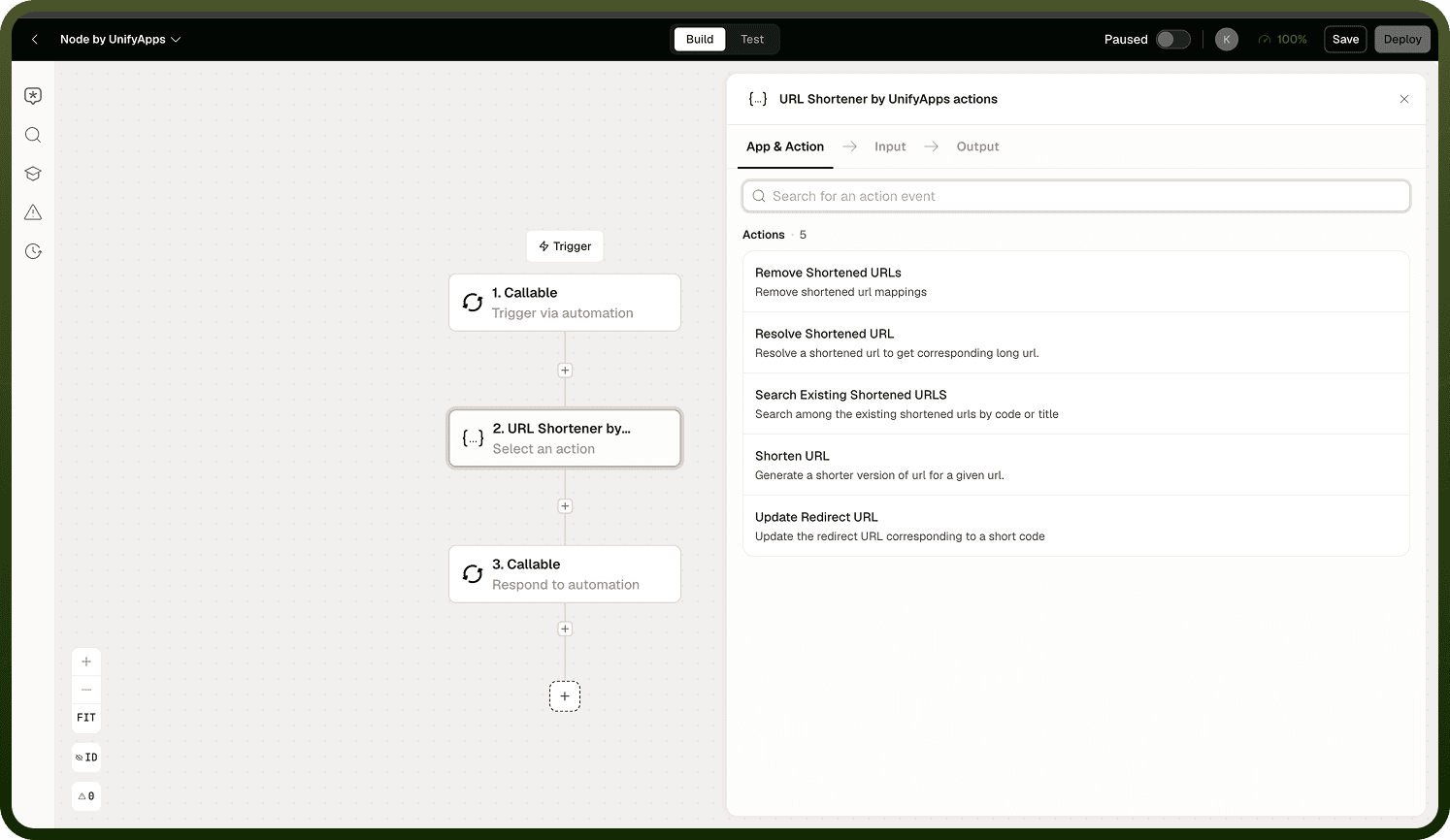
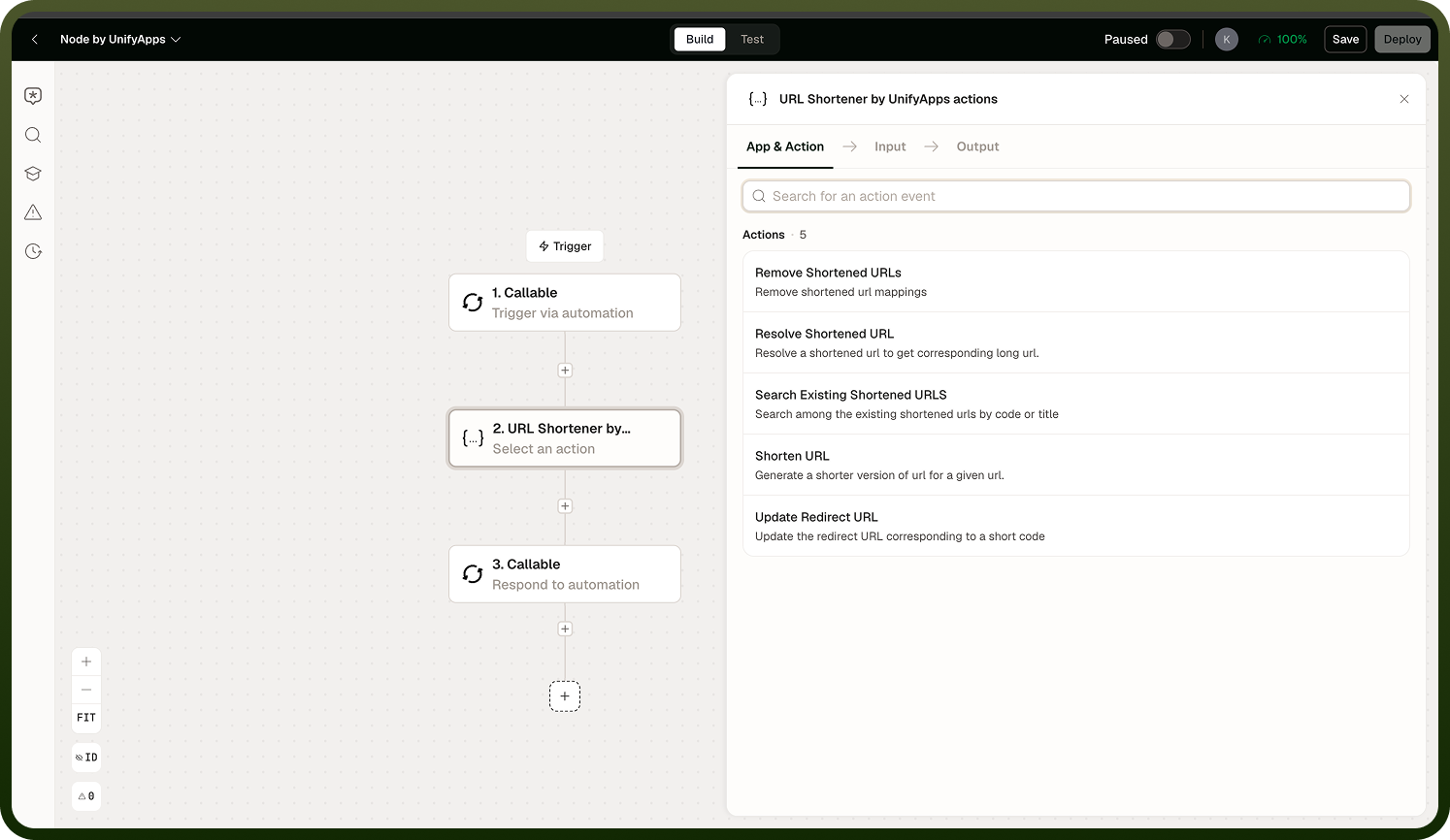
Operations
Shorten URL
Generates a new short code for a long URL and stores the mapping. The short code is derived from the URL using a hash with a random salt, producing a code of configurable length (defaulting to approximately seven characters).
Input
Input Field | Description |
|---|---|
URL | The long URL to shorten. |
Code Length | Optional. The number of characters in the generated short code. Defaults to approximately seven. |
Output
Returns the generated short code and the full short URL. Store the short code if you need to update or resolve the link later.
Note: Short-code generation is non-deterministic — shortening the same URL twice produces two different codes and two independent mappings. If you need a stable short link for a given URL, shorten it once and reuse the code you receive. Do not assume that the same URL always maps to the same code.
Resolve Short Code
Looks up the target URL for a given short code. Use this when an automation needs to know where a code currently points — to validate it, branch on it, or display it — not to redirect an end user.
Input
Input Field | Description |
|---|---|
Short Code | The code portion of the short link to look up. |
Output
Returns the target URL and title associated with the short code.
Note: Resolve Short Code is a lookup, not a redirect. It returns the destination URL so your automation can act on it; it does not issue an HTTP 301 or 302 to send a user to that destination. The browser redirect happens when a user visits the short link through the platform's link-serving layer.
Update Redirect URL
Changes the destination a short code points to without altering the short link itself. Use this to repoint a link that is already in circulation — in an email, a campaign, or a notification — without requiring recipients to use a new URL.
Input
Input Field | Description |
|---|---|
Short Code | The code whose redirect target should be changed. |
New URL | The new destination URL to associate with the code. |
Remove Short Code
Deletes a short code and its mapping. After removal, the short link no longer resolves.
Input
Input Field | Description |
|---|---|
Short Code | The code to remove. |
Search Mappings
Searches your stored short code mappings. Use this to find codes associated with a URL, verify what codes exist, or retrieve a code you did not store from a prior run.
Input
Input Field | Description |
|---|---|
Query | Search terms to filter the stored mappings by URL or code. |
Output
Returns a list of matching short code mappings, each with its code and target URL.
Notes
To make the most of it:
Shorten a URL once and persist the returned code; calling Shorten URL multiple times on the same URL creates multiple independent codes, not a single canonical one.
Use Update Redirect URL when you need to change a destination after a link is already distributed — it keeps the short URL stable while changing where it points.
Links have no built-in expiry and persist until you explicitly remove them. If short-lived links are required, schedule a Remove Short Code step or automate cleanup.
This node does not provide click tracking. If you need analytics on link usage, route traffic through a dedicated link-tracking service before shortening with this node.
When a custom domain is configured for your workspace, short links are served on that domain rather than the default platform domain — verify the domain setting before sharing links externally.