


The AgentKit by UnifyApps node enables intelligent dialogue management and AI-powered conversation handling within automation workflows.
Overview
The AgentKit by UnifyApps node enables intelligent dialogue management and AI-powered conversation handling within automation workflows. It supports a range of actions for calling large language models, collecting structured user inputs, crawling web content, executing prompts, fetching embeddings, extracting document details with OCR, and publishing responses and interfaces — making it a core building block for agentic and conversational automation patterns.
Call LLM model with options
Calls a large language model, letting you select which model to use (for example Claude, GPT or Gemini) and pass call settings. The inputs shown depend on the model you select. The model is chosen when you build the automation, not switched per run — to use different models for different cases, branch and use separate steps.
To invoke another automation through an interface, use the Callables node. To use Model Context Protocol tools, use the MCP node.
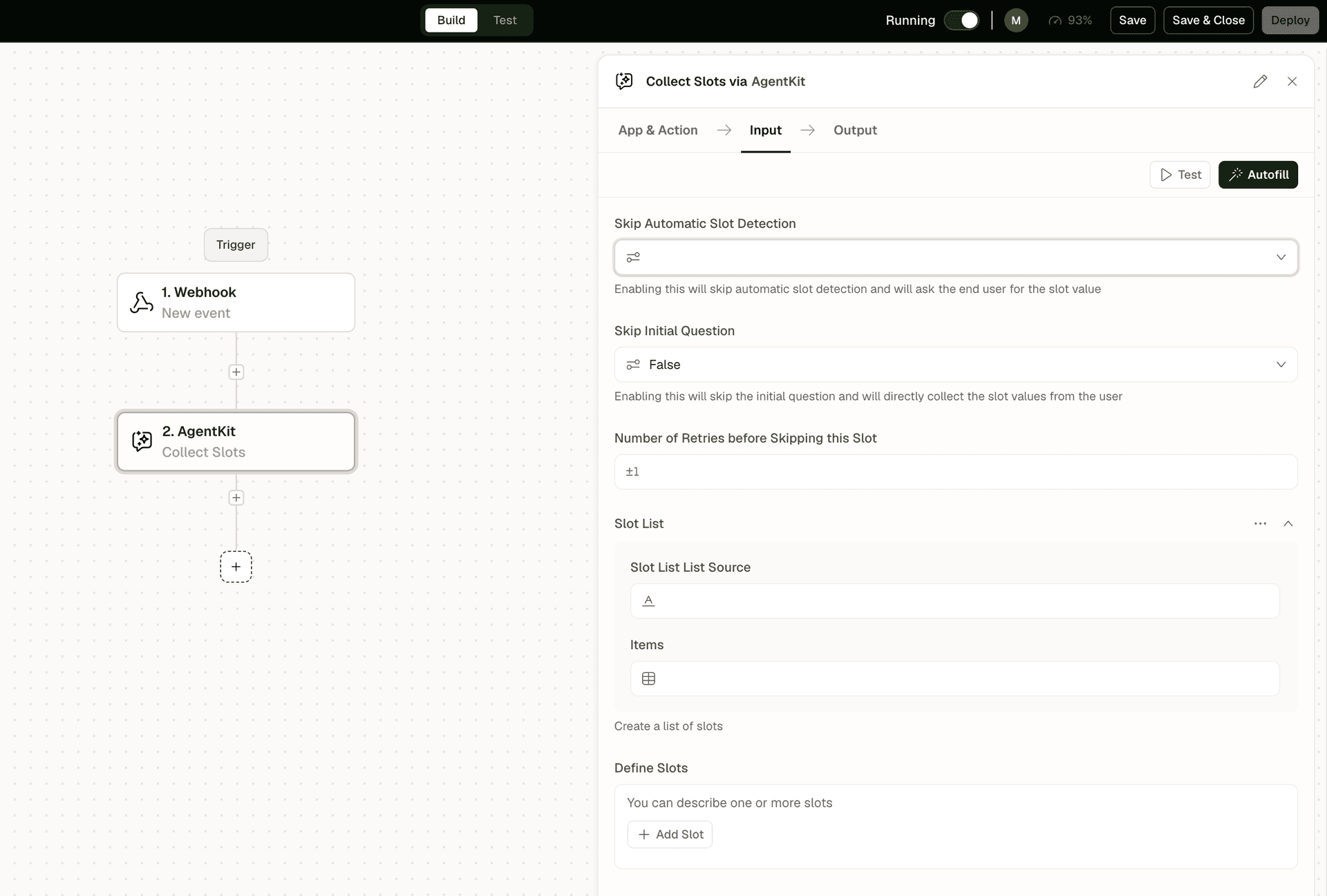
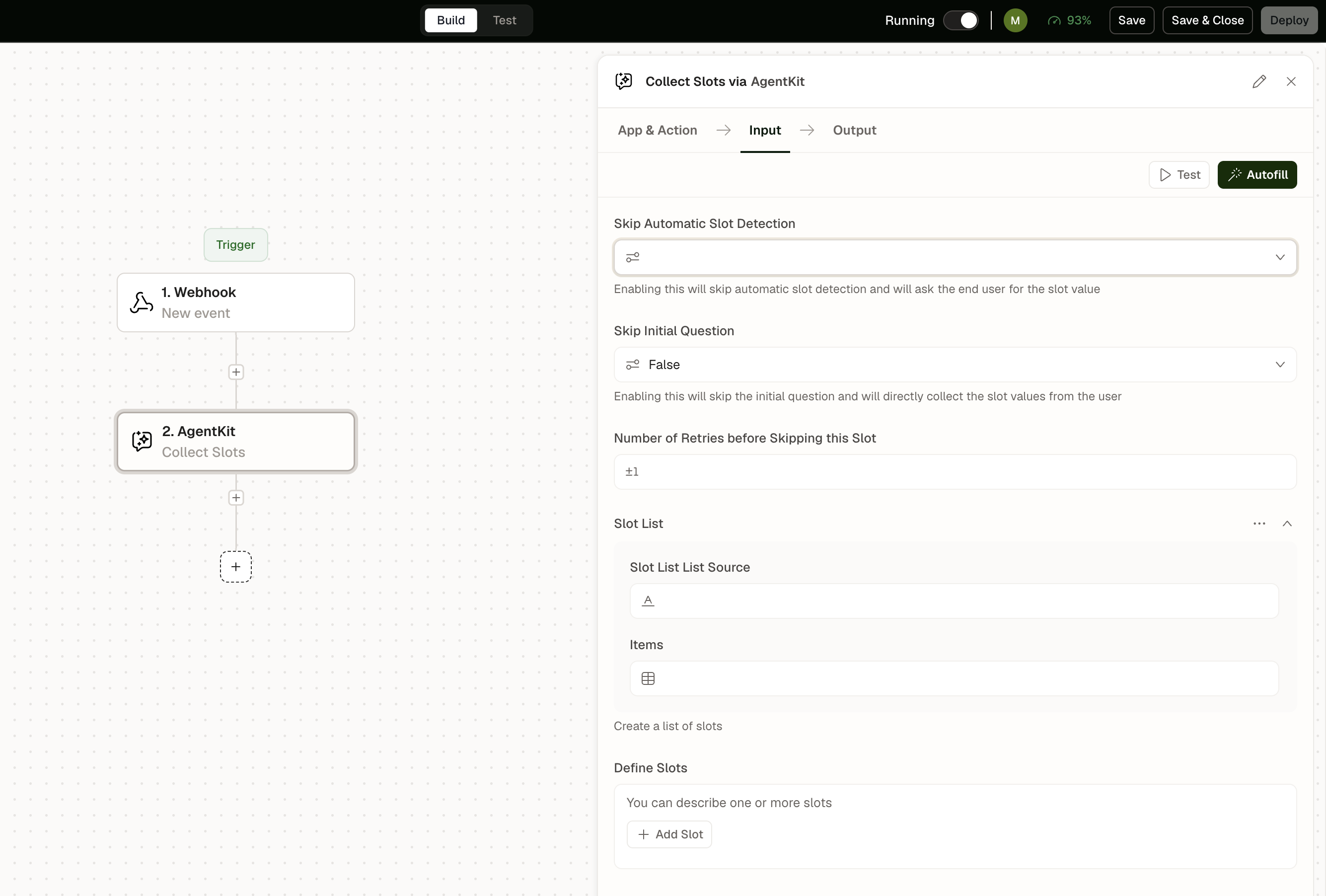
Collect Slots
Gathers structured data from users through a slot-filling dialogue pattern, with configurable retry behavior and auto-detection options.
Key Input Fields:
Skip Automatic Slot Detection (Boolean) — When enabled, skips automatic slot detection and asks the end user for each slot value
Skip Initial Question (Boolean) — When enabled, skips the initial question and directly collects the slot values from the user. Default is off.
Number of Retries before Skipping this Slot — Number of times to re-prompt the user for a missing slot value
Define Slots — Schema of slots to collect: name, type, prompt, validation rules
If the user still hasn't given a valid value after the retries, the slot is left empty and the automation continues.
Output: Filled slot values as structured data, ready for downstream steps.
Crawl Website
Fetches and extracts textual content from a website URL for use as context in conversational or AI-processing workflows.
Key Input Fields:
Website URL — The URL of the page or site to crawl
Output: Extracted page text, page title, metadata, and crawl status.
Execute Prompt
Runs a pre-configured prompt template against a specified model, with support for dynamic inputs and versioned prompts.
Key Input Fields:
Prompt — The prompt template to execute
Inputs — Dynamic variables to inject into the prompt template
Model — The LLM model to use for execution
Prompt Version — Specific version of the prompt to run, enabling A/B testing or rollback
Output: Model-generated text, token usage, model metadata.
Fetch Embeddings
Fetches embeddings by selecting which model to use. Converts text into vector embeddings for semantic search and similarity. The vector size depends on the embedding model you select.
OCR Document Details Extraction
Extracts document details using OCR with the given model. Reads scanned documents or images and pulls out the structured fields you define, such as an invoice number, total or date.
Publish Interface
Renders a form or interface to the user during the run, to collect structured input or a confirmation rather than free-text conversation.
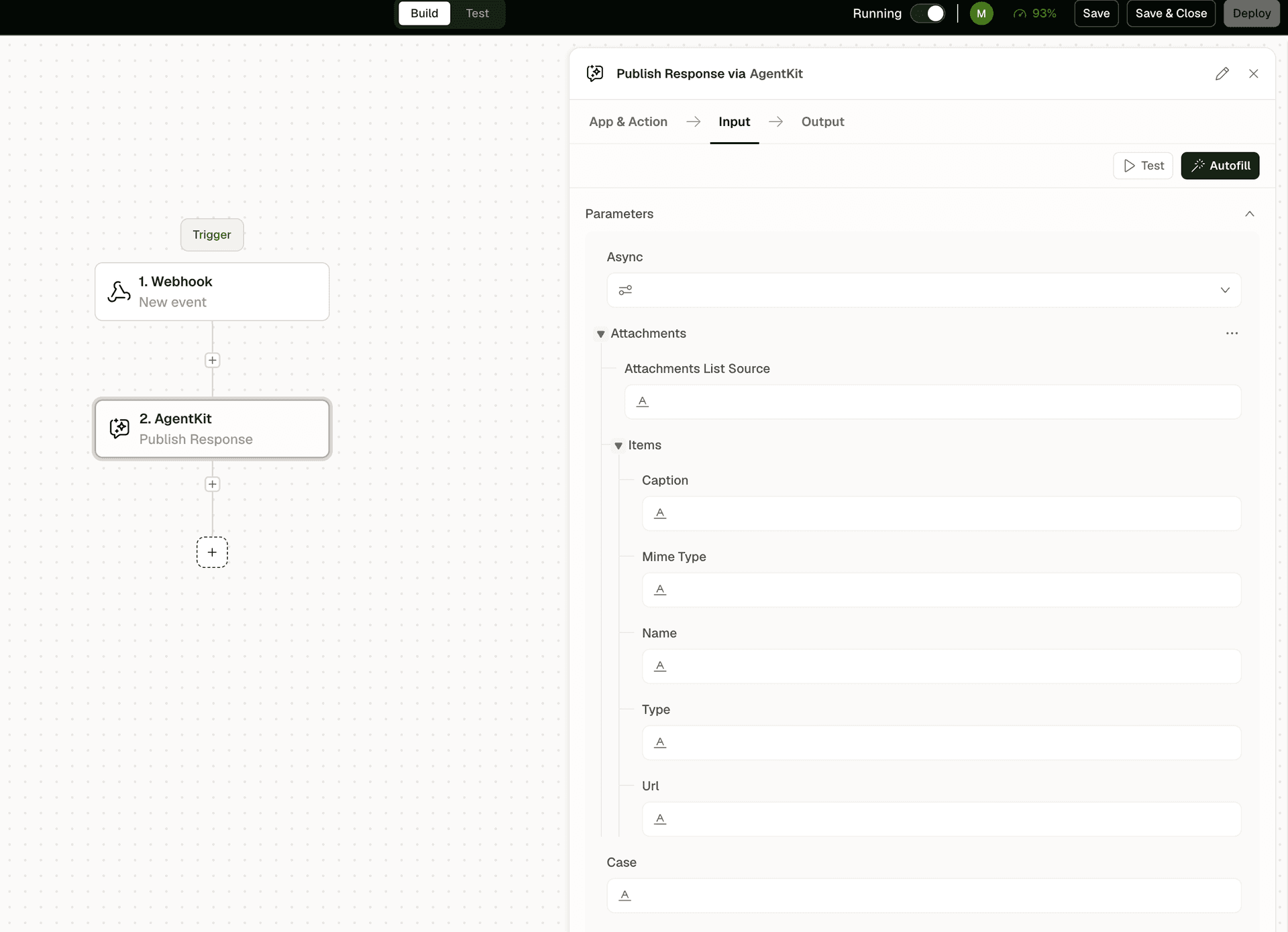
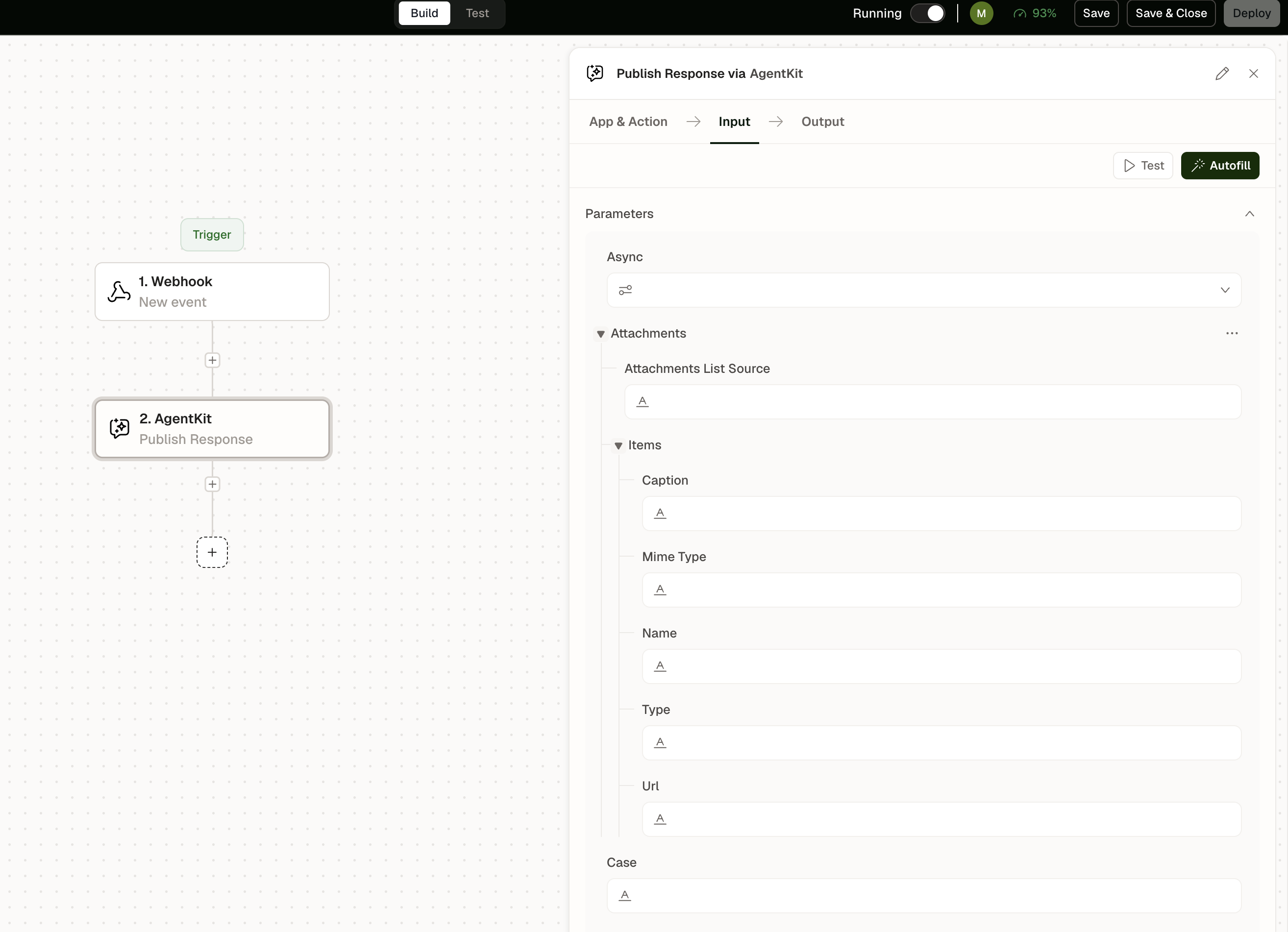
Publish Response
Finalizes and sends a structured response to the end user, with support for ending the conversation, attaching files, and including call-to-action elements.
Key Input Fields:
End Conversation (Boolean) — When true, closes the conversation session after sending the response.
Attachments — Files or media to include with the response.
Output: Delivery confirmation, response metadata, session closure status.
Tip: Use Collect Slots before Call LLM model with options to ensure all required parameters are gathered before invoking the model, reducing unnecessary LLM calls for missing information.
Notes
Keep the following in mind when using AgentKit by UnifyApps:
Use Execute Prompt for single-step AI tasks; reserve the full agent flow (Collect Slots → Publish Response) for multi-turn conversations that need structured input gathering.
Crawl Website respects robots.txt by default; verify the target site permits automated access before using this action in production.
When using Call LLM model with options, pass only the context needed for the model to respond accurately; large context windows increase both latency and cost.
Pair Publish Response with a Callable trigger when the automation needs to return a formatted AI reply to the caller.